Xirus
Members
-
Joined
-
Last visited
-
fair play thanks for the great advice guys. off to the workshop now to see what i can do. i've also ordered 1 last pair of skullcandy the Hesh 2.0s but if they break then skullcandy will no longer be part of my life lol
-
thanks rudewolf that's more helpful than first rely lol they look pretty awesome too!
-
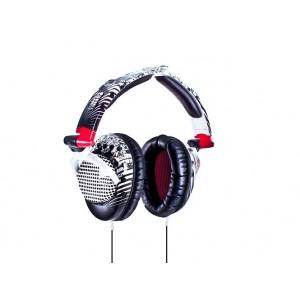
Now this is my first time on this forum so hi everyone! Right so the main business is that I've always stuck with Skullcandy for comfort and style, but i always get the same problem over and over again(no matter what skullcandies they are!) and that is the cable goes dodgy up in the speaker can. this happened with 2 pairs of skullcrushers i bought and because i live in the UK their warranty doesn't extend to over here. bottom line is , I've soldered the cables back down in the can but the sound still cuts off regularly, is there a smarter way to reconnect the cables inside? or is it worth completely replacing the cables? only problem being is that the subwoofer is connected between the headphones themselves and the jack. any advice would be greatly appreciated! ps. if this is the wrong place to post this could someone kindly redirect me?