darkhawk22
Members
-
Joined
-
Last visited
-
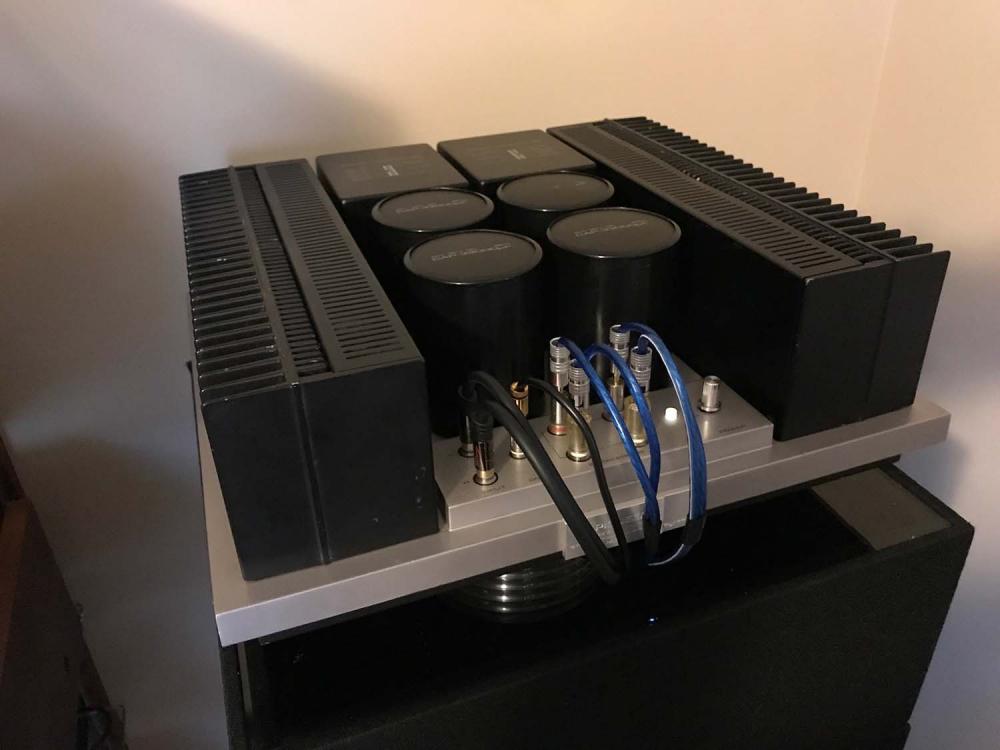
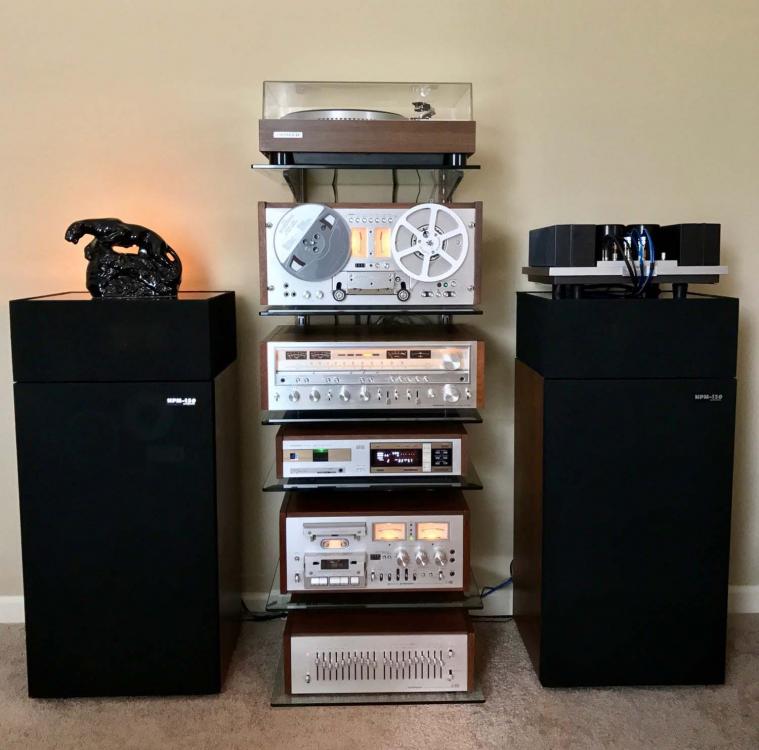
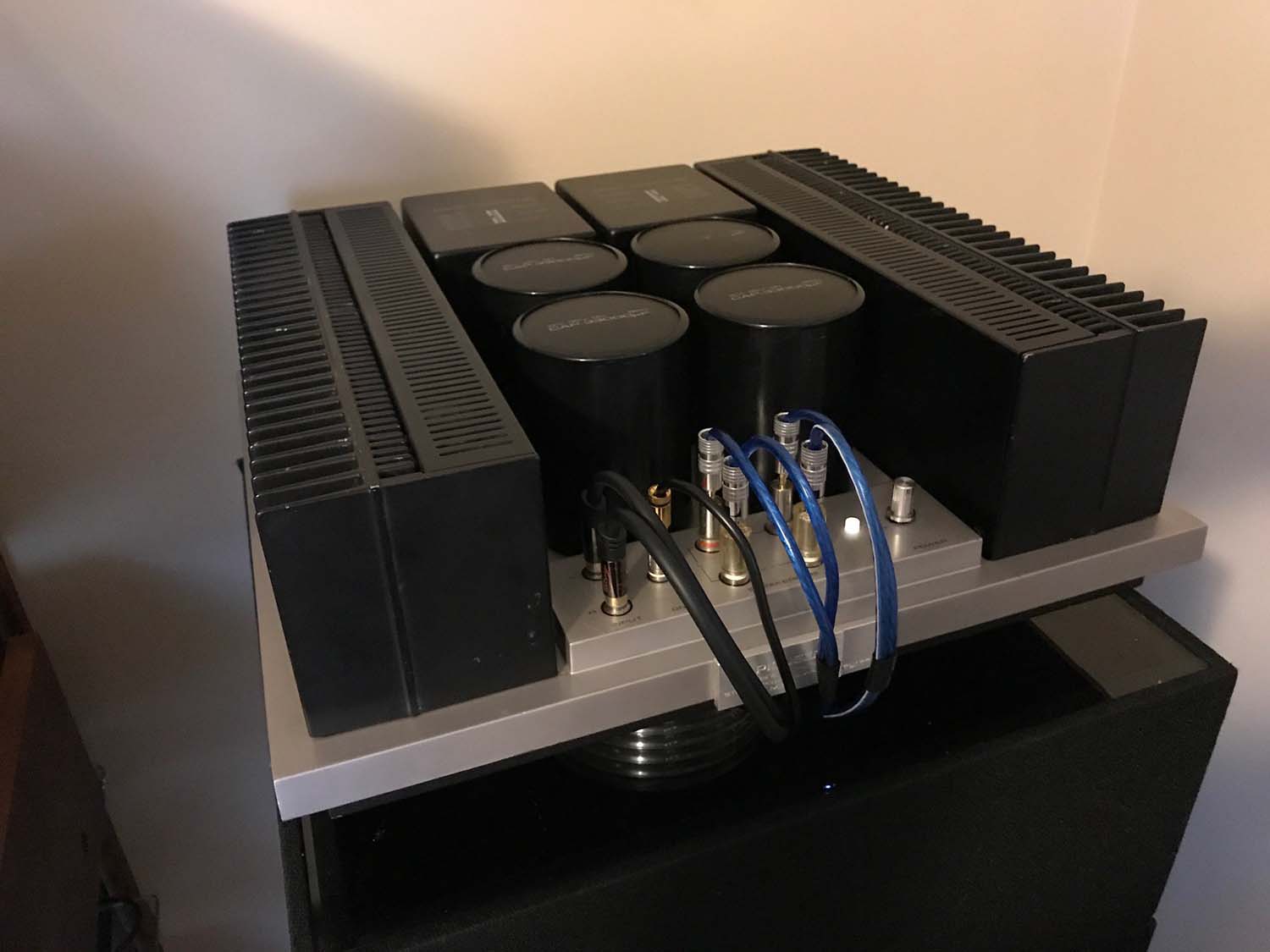
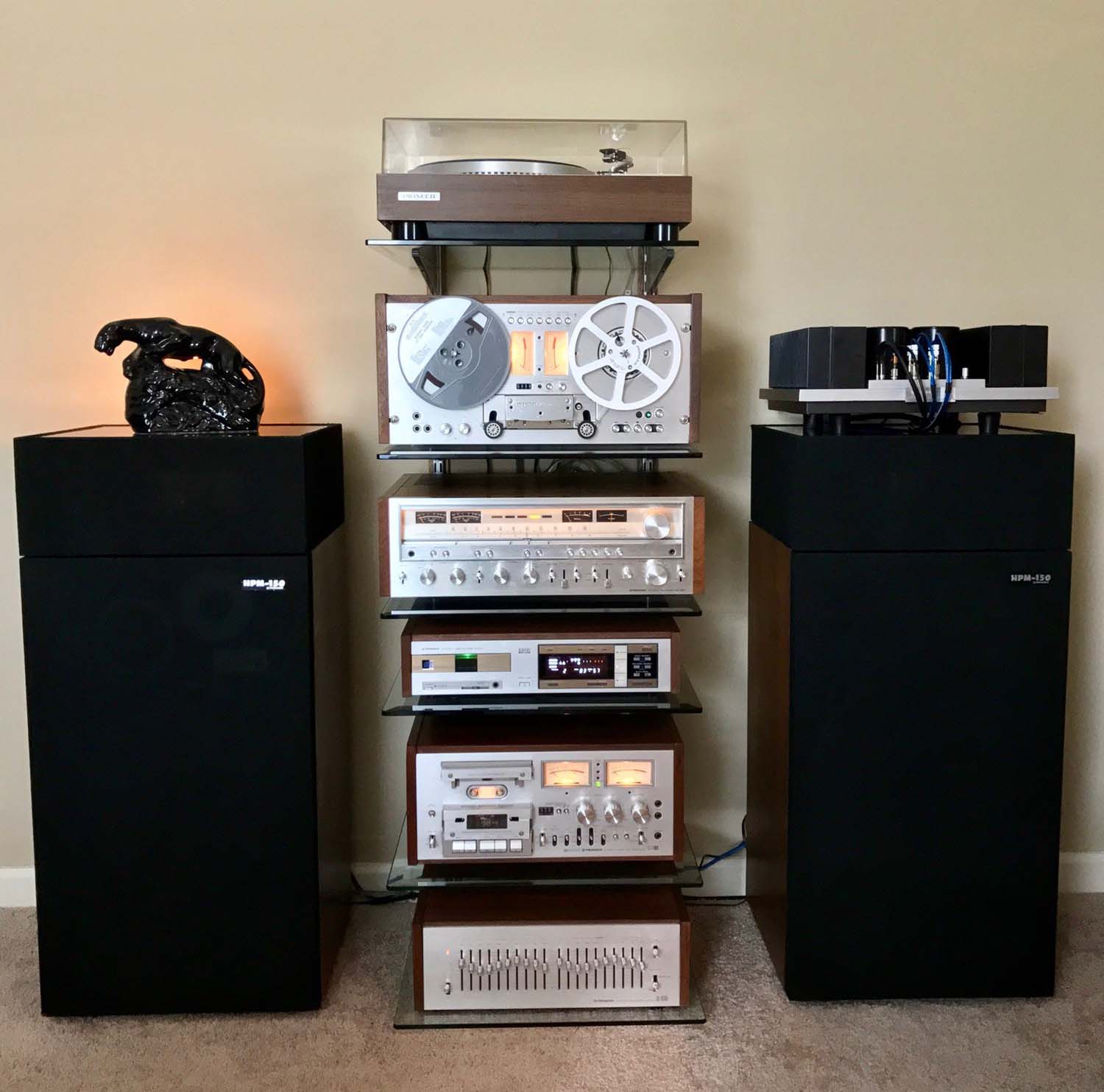
The M22 is doing great and sounds excellent! I actually just acquired an M-25 as well, it's really nice with the Gold plated input/outputs. Also, it's Class AB so with higher power demand it switches to Class B for 120W output and cooler operation. Love them both! Also, no issues with the amp sitting on the speaker, these HPM"s are very stable with little to no vibration, previously I ran a Dynaco Tube amp up there with no issues. Also, I've tried moving the speakers around a bit but i'm in a fairly small area so the sound changes were minimal.
-
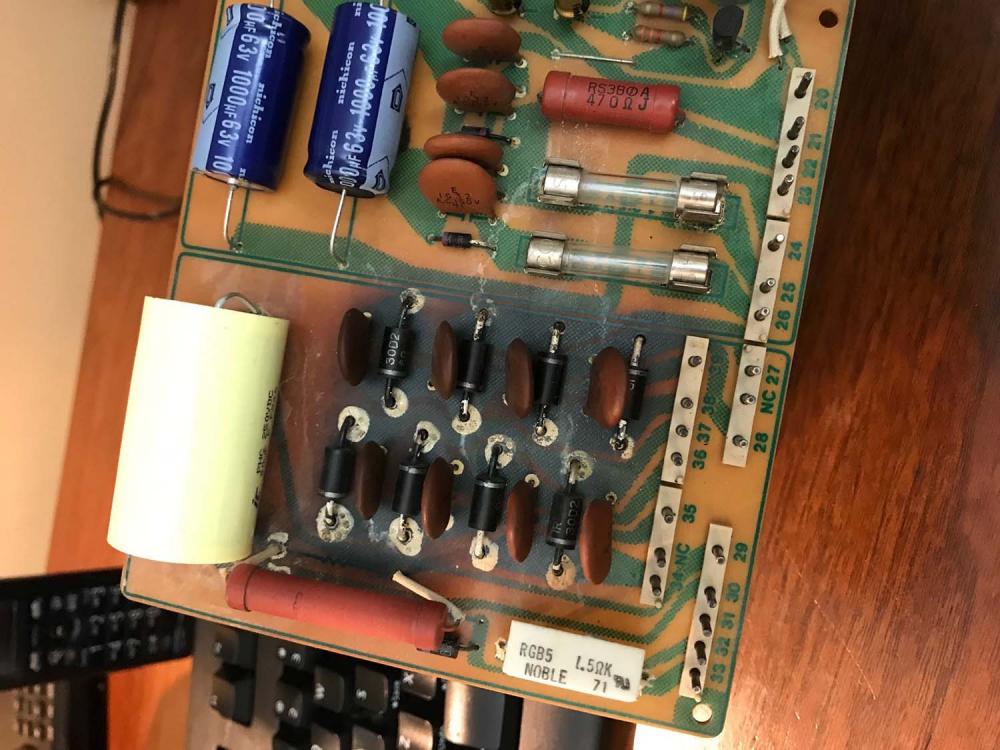
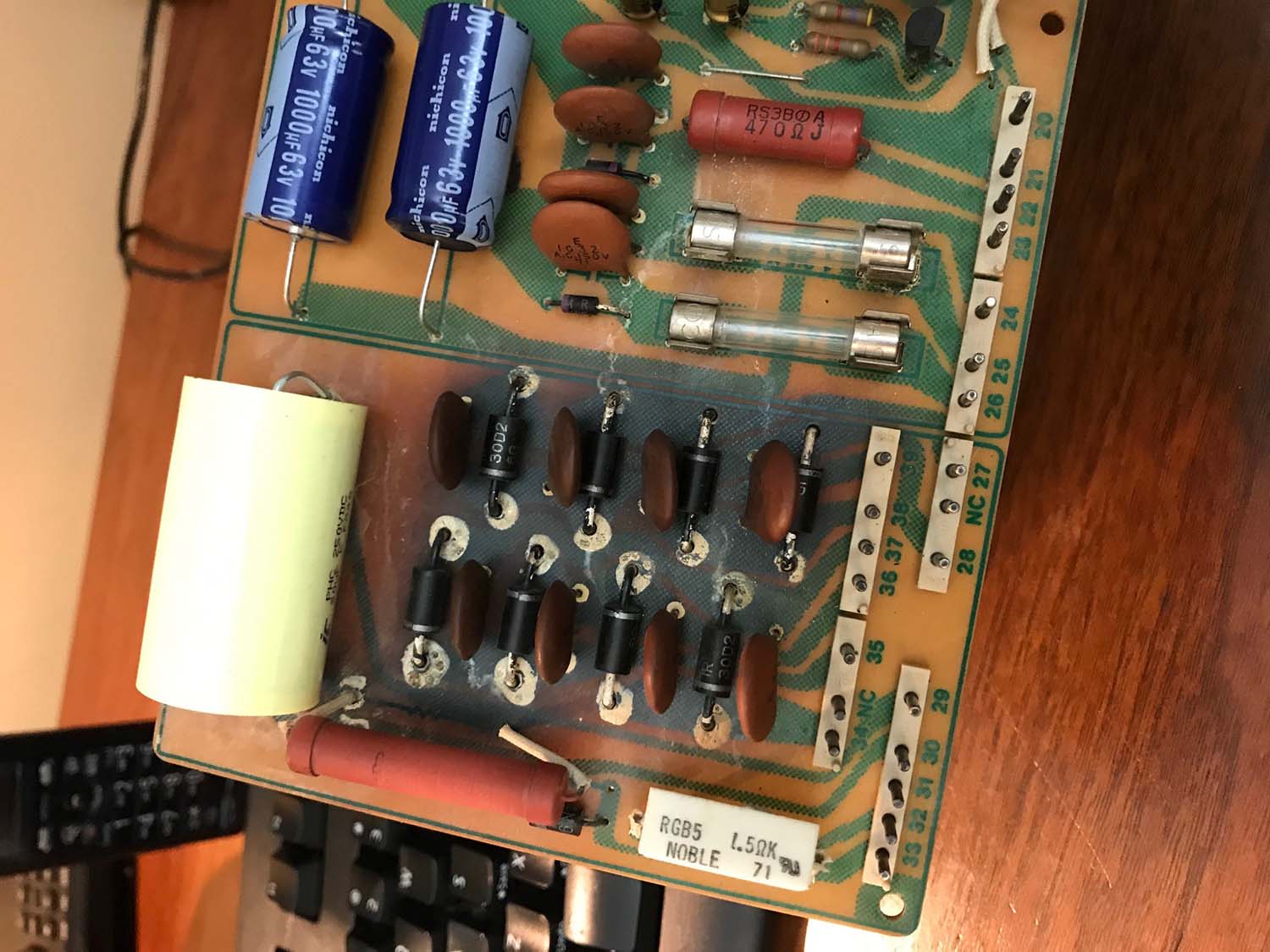
Thanks for all the great info. in the previous comments. I just purchased an M-22 a short while ago and did a fairly extensive rebuild myself. I replaced all the Electrolytic Caps and burnished the contacts on all the relays. During the process I accidentally popped/shorted one of the output transistors and had to source a replacement. Once I got the replacement, I re-seated all the main transistors and added new thermal compound and adjusted the idle current and output. The power section of one of the boards gets quite hot so I replaced the Diodes and Ceramic caps there leaving additional space for air flow. Lastly, I added larger rubber mounting feet for air flow and cable routing.