Skip to content
View in the app

A better way to browse. Learn more.

www.Head-Case.org

A full-screen app on your home screen with push notifications, badges and more.

To install this app on iOS and iPadOS
  1. Tap the Share icon in Safari
  2. Scroll the menu and tap Add to Home Screen.
  3. Tap Add in the top-right corner.
To install this app on Android
  1. Tap the 3-dot menu (⋮) in the top-right corner of the browser.
  2. Tap Add to Home screen or Install app.
  3. Confirm by tapping Install.

Wes

Members
  • Joined

  • Last visited

Everything posted by Wes

  1. Thank you. I had suspected as much but my confidence repairing this piece is almost nil. It has tremendous sentimental value. A question on the earspeakers. As I rarely used them, and they weren't energized much, how would effect the condition of the diaphragm? They've spent the majority of their life in a bag in a drawer. I'd never had cause to use headphones, until recently.
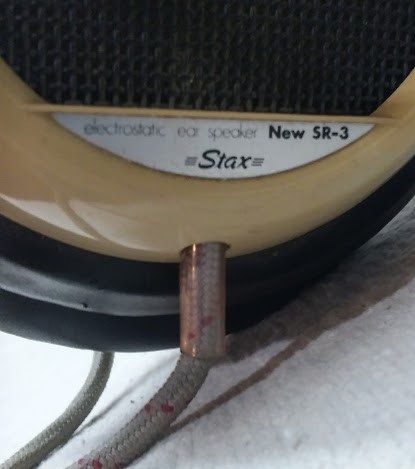
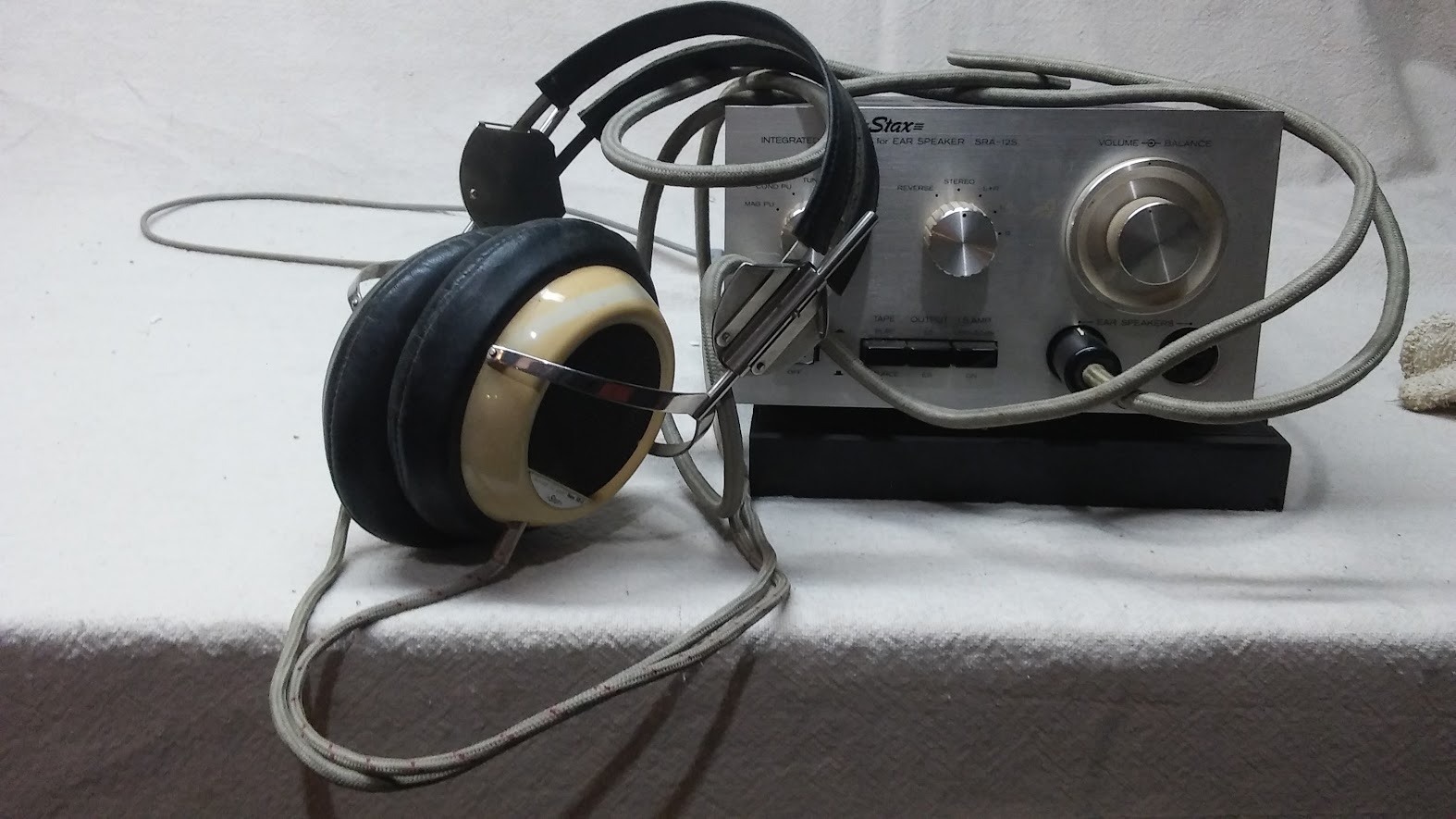
  2. I have a SRA-12S. I used it for years and one day, the dreaded 60hz hum. I have an electronics background and as a hobby I work on tube equipment, but I am reluctant to work on this myself. It's a pretty special piece to me. Is this something that any competent professional tech can fix, or should I send it to a particular repair place? Not sure on the condition of the headphones. They look great but I haven't listened to them in 20 years.
Important Information

By using this site, you agree to our Terms of Use.

Account

Navigation

Search

Search

Configure browser push notifications

Chrome (Android)
  1. Tap the lock icon next to the address bar.
  2. Tap Permissions → Notifications.
  3. Adjust your preference.
Chrome (Desktop)
  1. Click the padlock icon in the address bar.
  2. Select Site settings.
  3. Find Notifications and adjust your preference.