Skip to content
View in the app

A better way to browse. Learn more.

www.Head-Case.org

A full-screen app on your home screen with push notifications, badges and more.

To install this app on iOS and iPadOS
  1. Tap the Share icon in Safari
  2. Scroll the menu and tap Add to Home Screen.
  3. Tap Add in the top-right corner.
To install this app on Android
  1. Tap the 3-dot menu (⋮) in the top-right corner of the browser.
  2. Tap Add to Home screen or Install app.
  3. Confirm by tapping Install.

DanFan

Members
  • Joined

  • Last visited

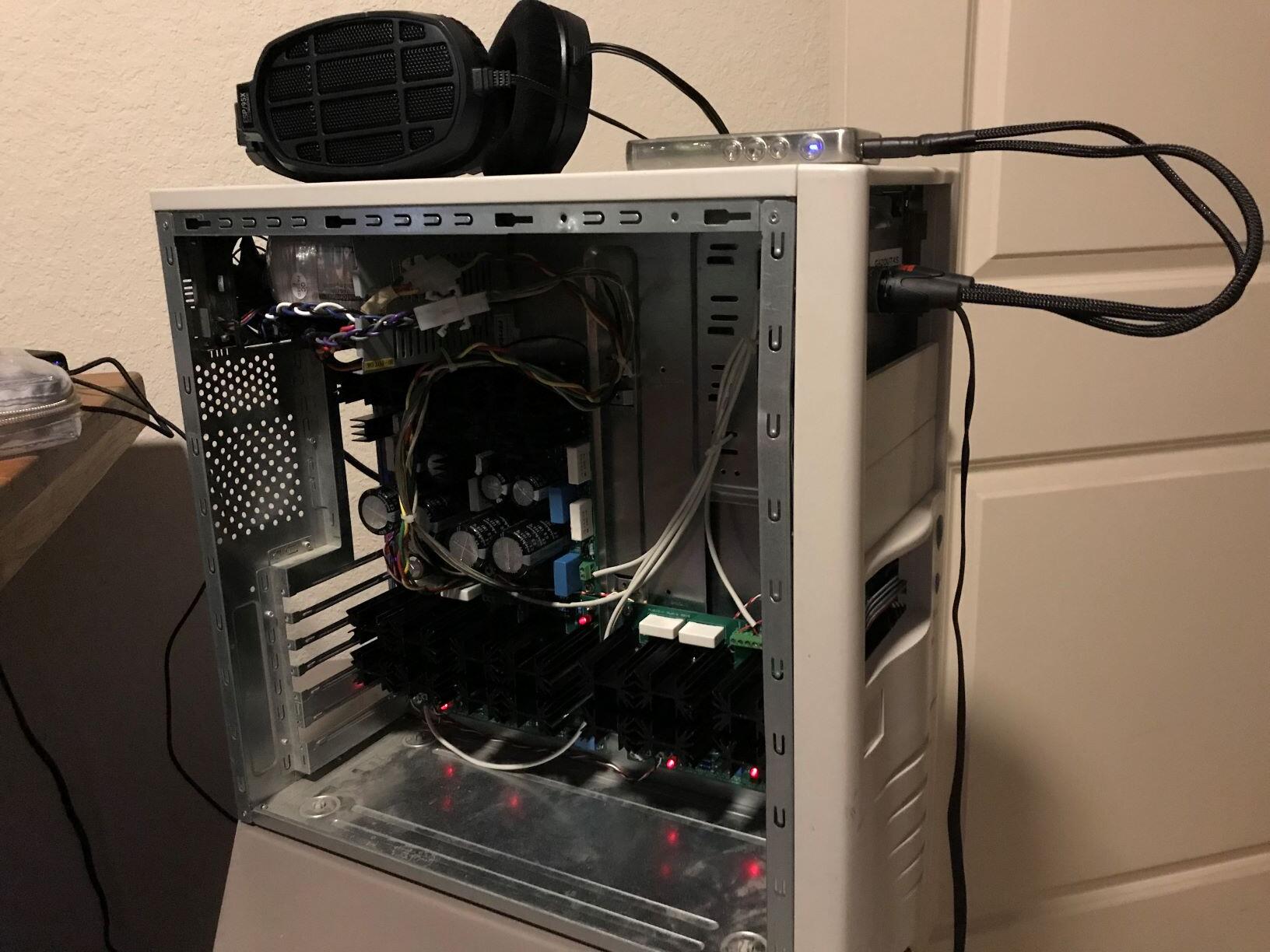
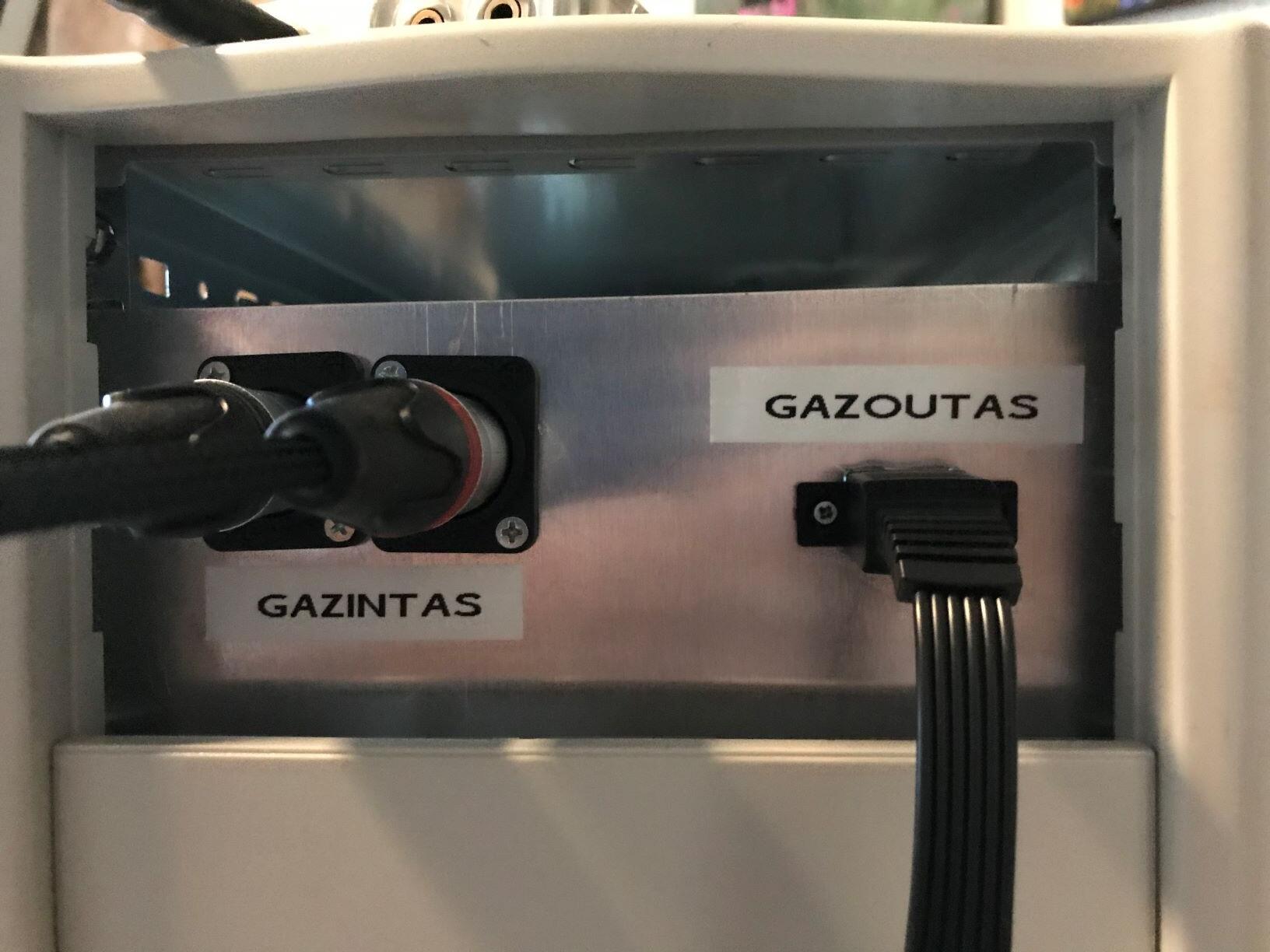
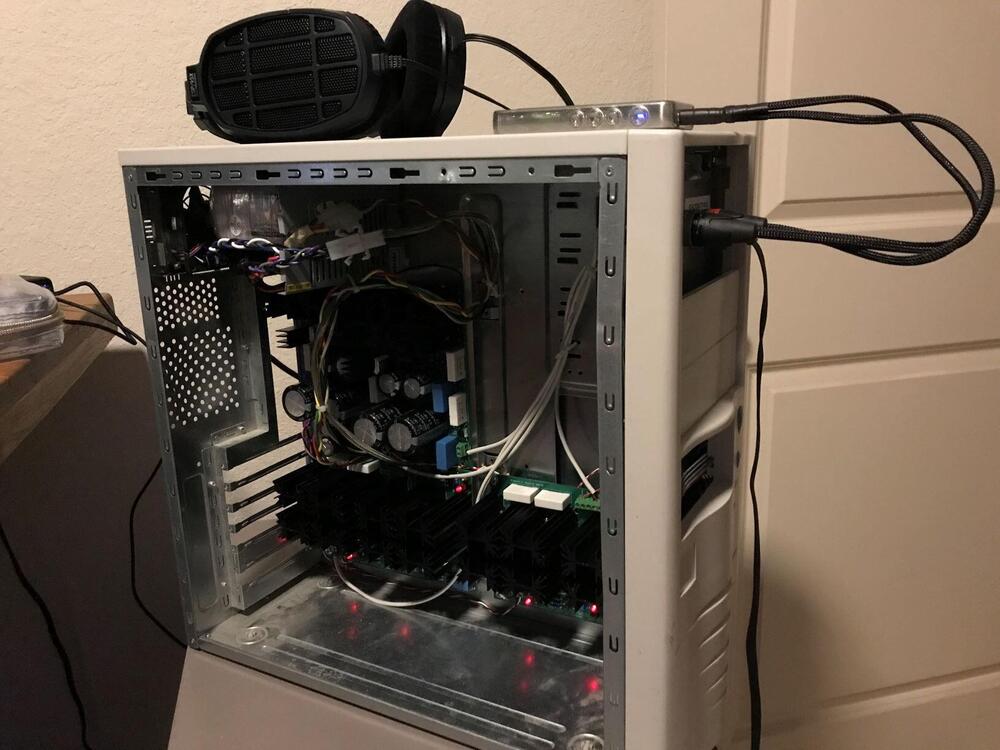
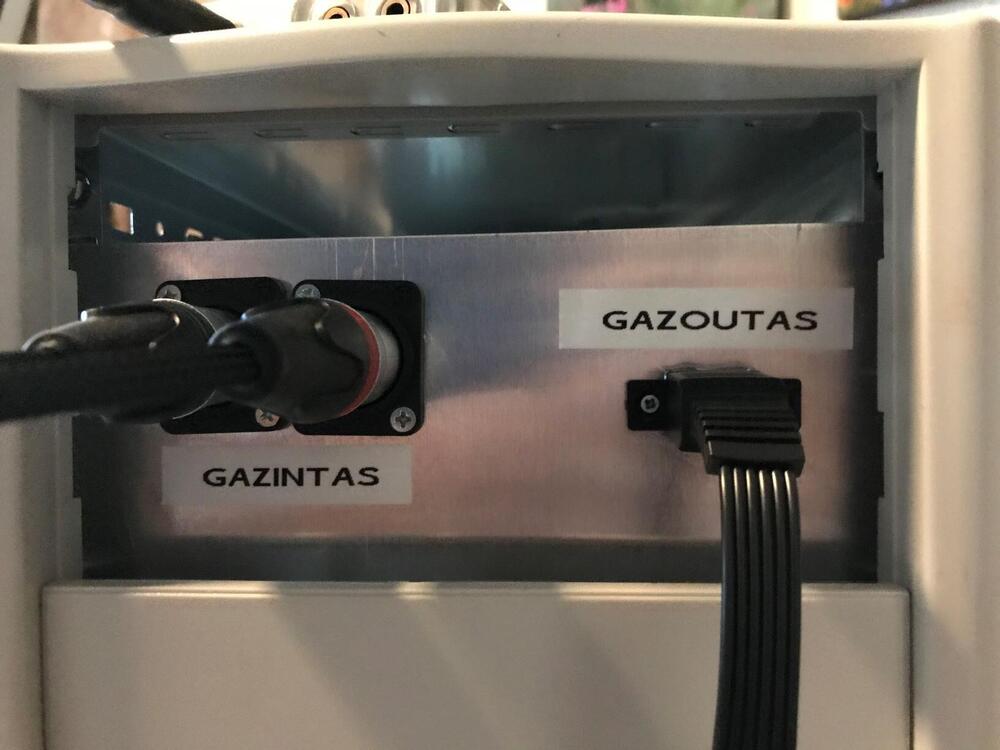
  1. Here's my KGSSHV build to offset all the fantastic, professional-looking ones posted in this thread (milling your own front plate?!). I had an old computer case lying around, so used that as the chassis. Thanks a lot to Spritzer. I started with his kit and BOM, and then exchanged about a hundred emails with him. I lowered the values of the pull-down resistors on the amp boards to eliminate hum. Other than that, the thing worked the first time. The player is a HiBy R6Pro, and I'm listening with Koss ESP/95X phones from Massdrop.
Important Information

By using this site, you agree to our Terms of Use.

Account

Navigation

Search

Search

Configure browser push notifications

Chrome (Android)
  1. Tap the lock icon next to the address bar.
  2. Tap Permissions → Notifications.
  3. Adjust your preference.
Chrome (Desktop)
  1. Click the padlock icon in the address bar.
  2. Select Site settings.
  3. Find Notifications and adjust your preference.