

Skip to content
View in the app

A better way to browse. Learn more.

www.Head-Case.org

A full-screen app on your home screen with push notifications, badges and more.

To install this app on iOS and iPadOS
  1. Tap the Share icon in Safari
  2. Scroll the menu and tap Add to Home Screen.
  3. Tap Add in the top-right corner.
To install this app on Android
  1. Tap the 3-dot menu (⋮) in the top-right corner of the browser.
  2. Tap Add to Home screen or Install app.
  3. Confirm by tapping Install.

steveminnesota

Members
  • Joined

  • Last visited

  1. My x9000 arrived after almost three months. The way the two driver housings are connected to the headband using semi-arch metal are frustrating for one with a bigger head. The frame will rub against the earpads easily, producing creaking noise. The earpads have some horrible smell (plastic + glue) and I feel like living in STAX's factory wearing them.🤢
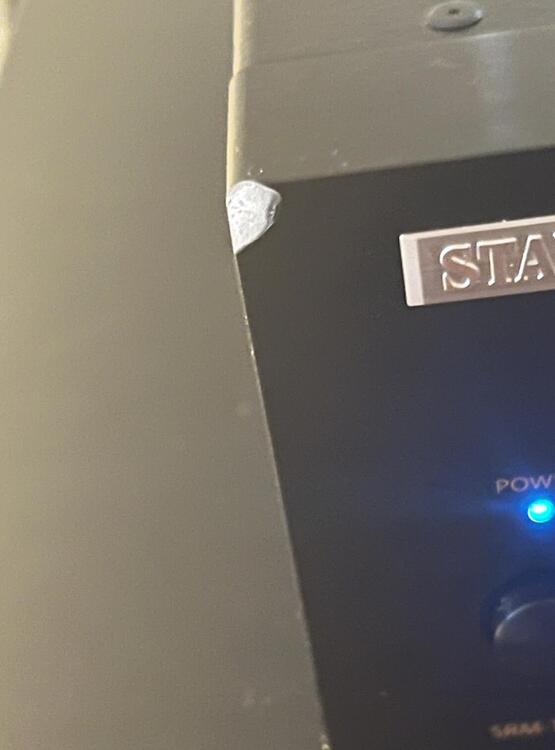
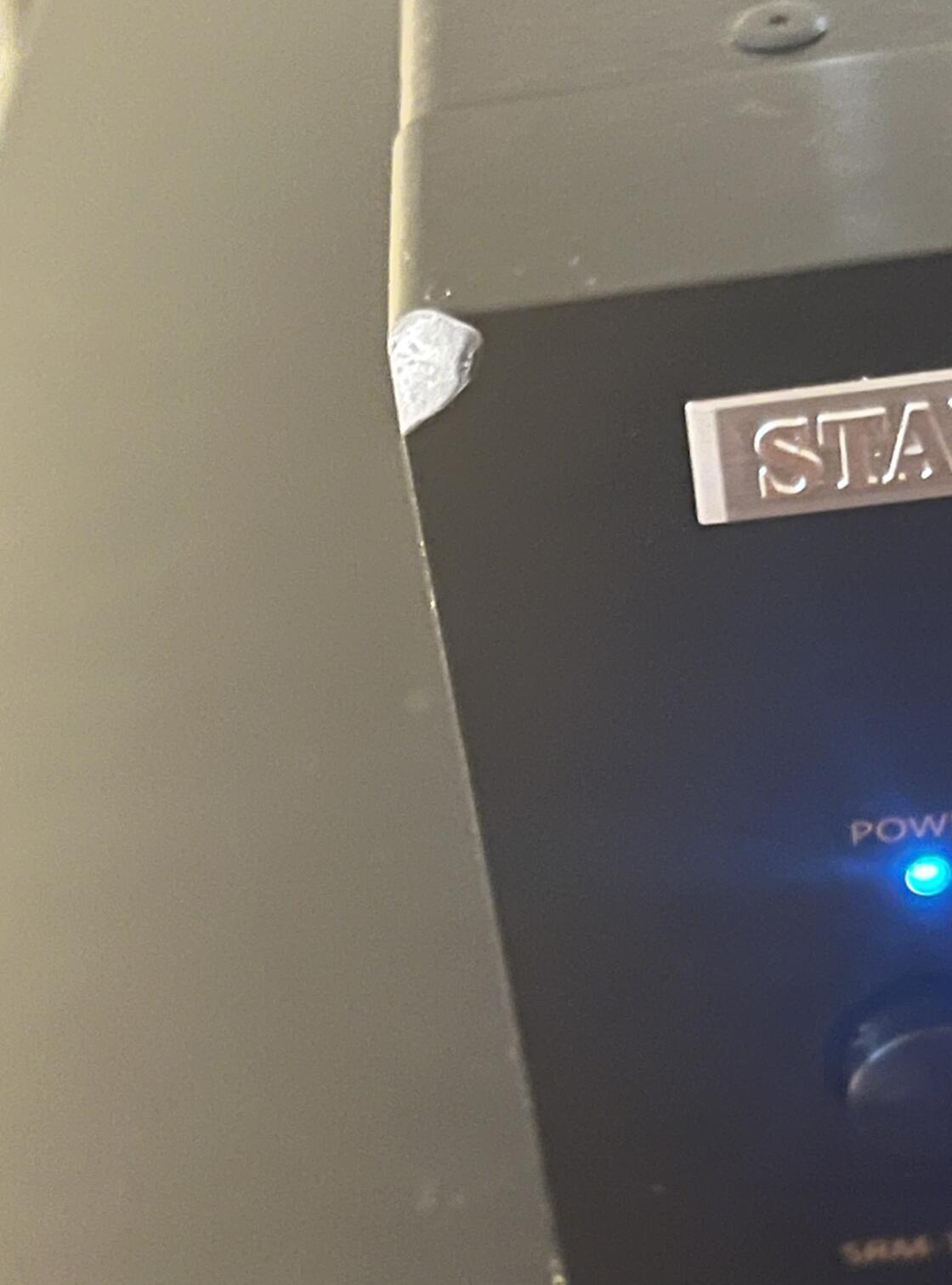
  2. Well my T8000 has one of its relays clicking somewhere inside the machine randomly, maybe once every two to three minutes, even lasts for some time after the machine has been turned off. It still drives the headphones all right but I am afraid of a potential safety hazard. Wondering what's going on after FedEx almost broke the machine with a smashed front corner.
Important Information

By using this site, you agree to our Terms of Use.

Account

Navigation

Search

Search

Configure browser push notifications

Chrome (Android)
  1. Tap the lock icon next to the address bar.
  2. Tap Permissions → Notifications.
  3. Adjust your preference.
Chrome (Desktop)
  1. Click the padlock icon in the address bar.
  2. Select Site settings.
  3. Find Notifications and adjust your preference.