tonyxu
Members
-
Joined
-
Last visited
-
Thanks for the advice! I actually have emailed them and Paul there passed on this as he thinks this one could be hard to debug and could easily cause more damage. I have unplugged it and closed the case. I'll see if someone would be willing to work on this, or otherwise it'll be very big loss on me unfortunately.
-
I was able to contact the original builder himself and he suggested that I look for local professionals. He also stated that many components for repair would be hard to find at this point (which I read as an implication that he might not guarantee a fix). Combined with the fact that I'll have to go through the hassle of shipping this heavy box back to China, I'd prefer to find someone here to take a stab first before I try that route.
-
Thanks for the reply! I payed $3,000 for this build back in 2018, without knowing their reputation. I don't have a DMM (or know what it is) but I'm happy to try some easy steps to debug if there's not high risk considering the voltage. I'm located in Seattle and I wonder if there are any builders locally (or not super far away) that I can go to for help. After all I don't want this large box to end up in garbage.
-
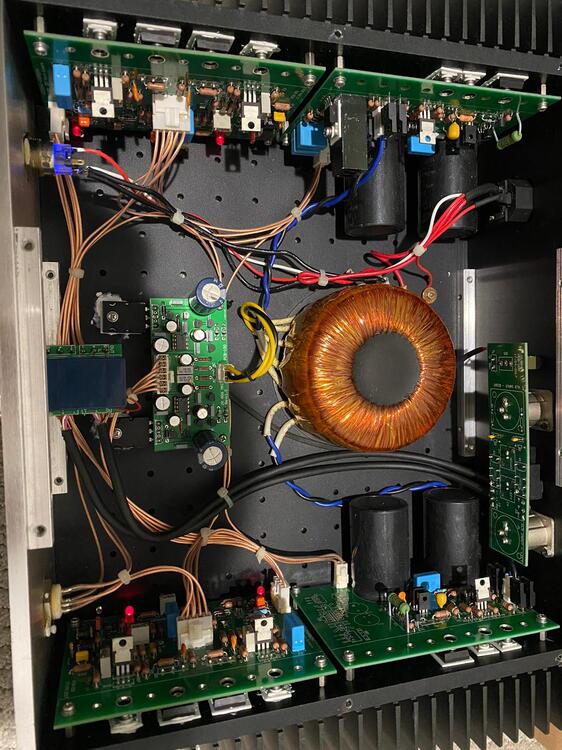
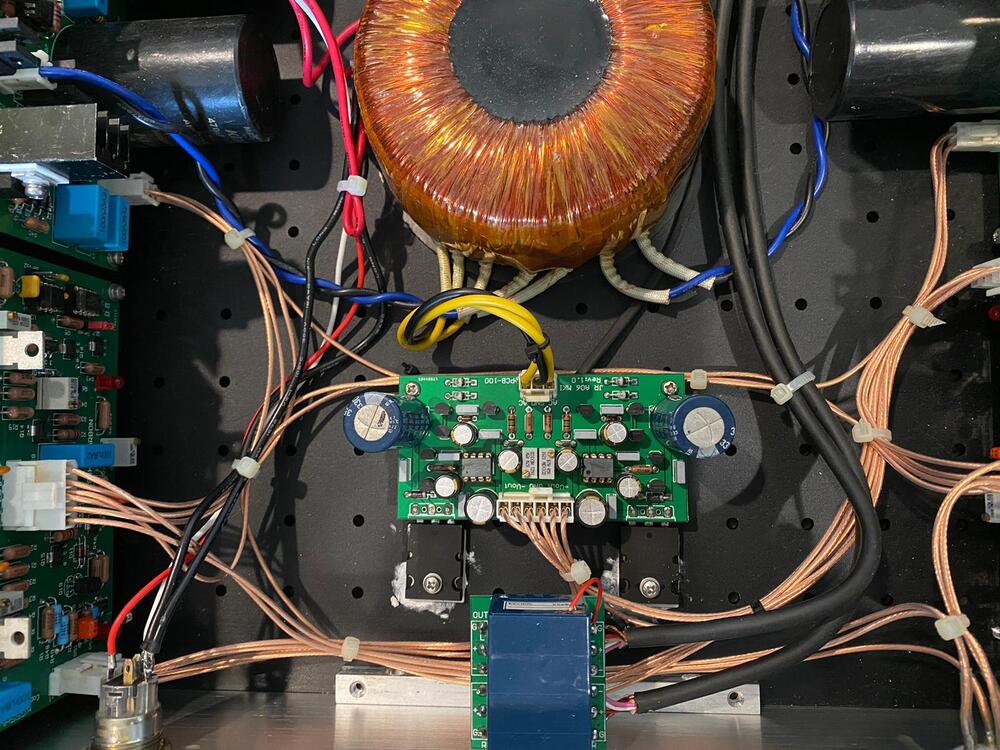
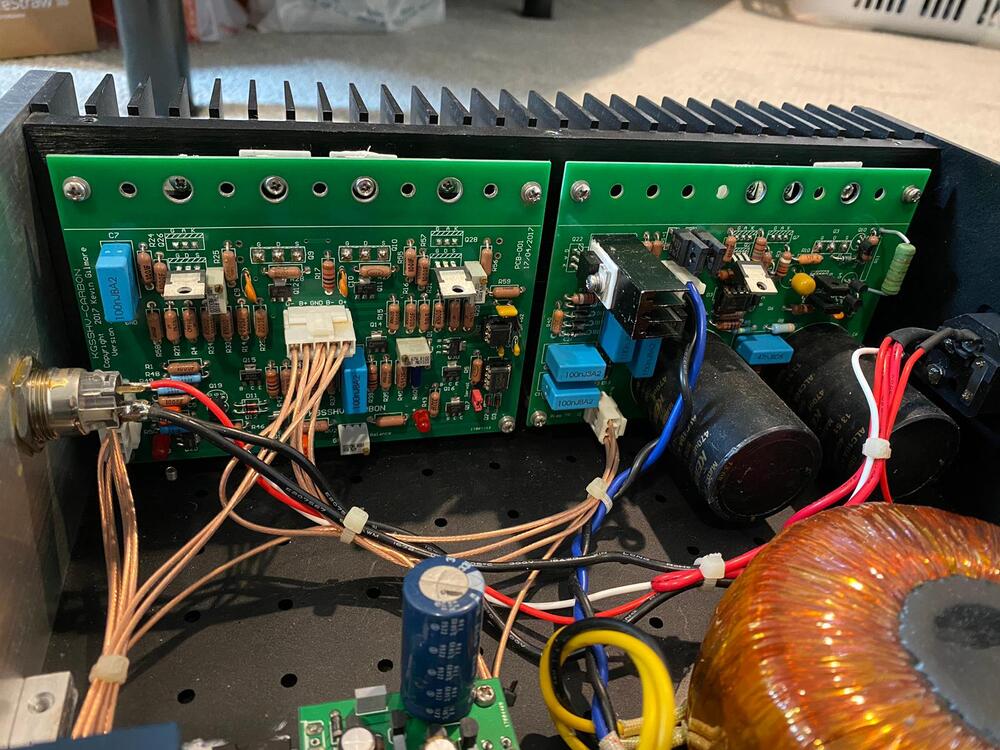
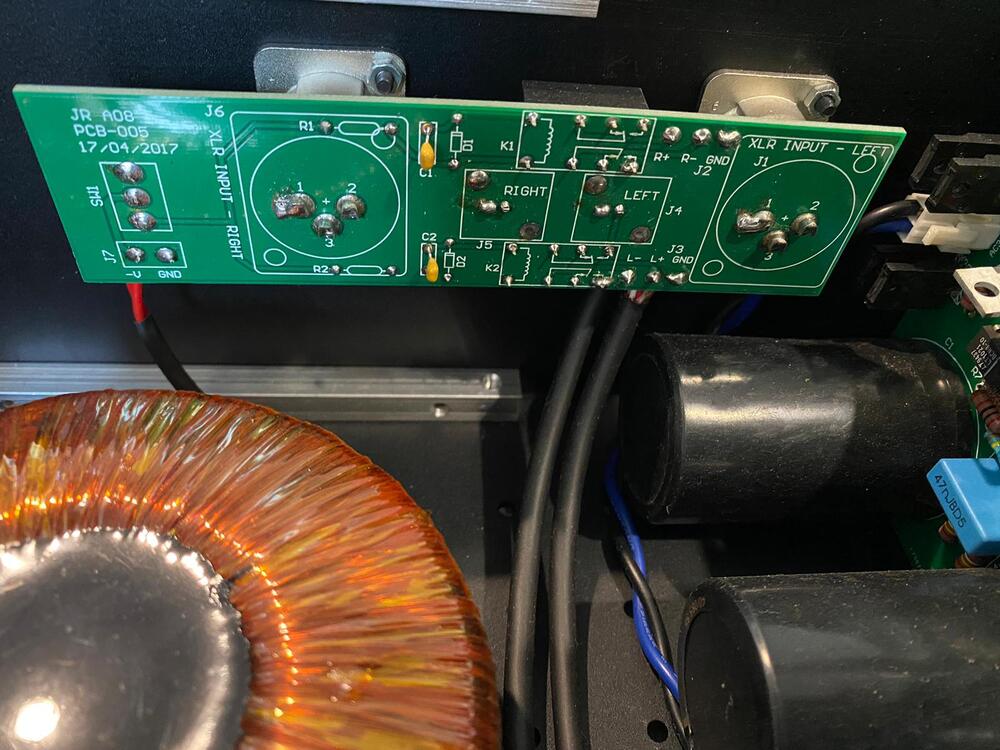
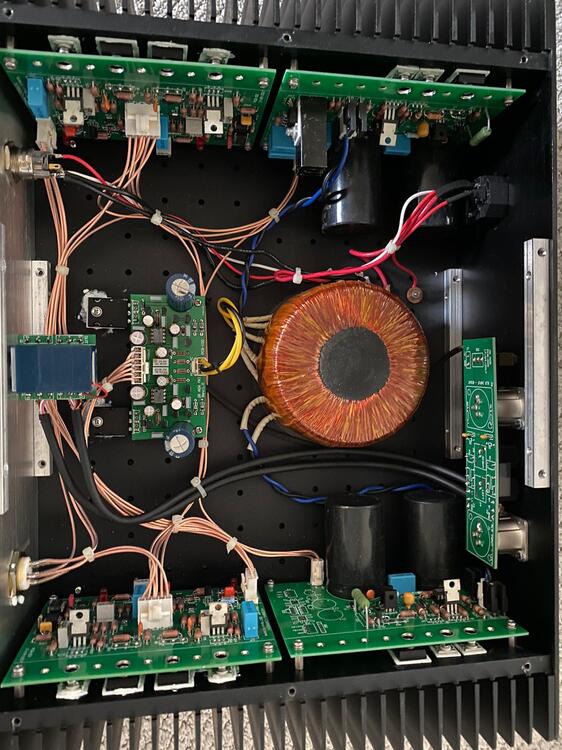
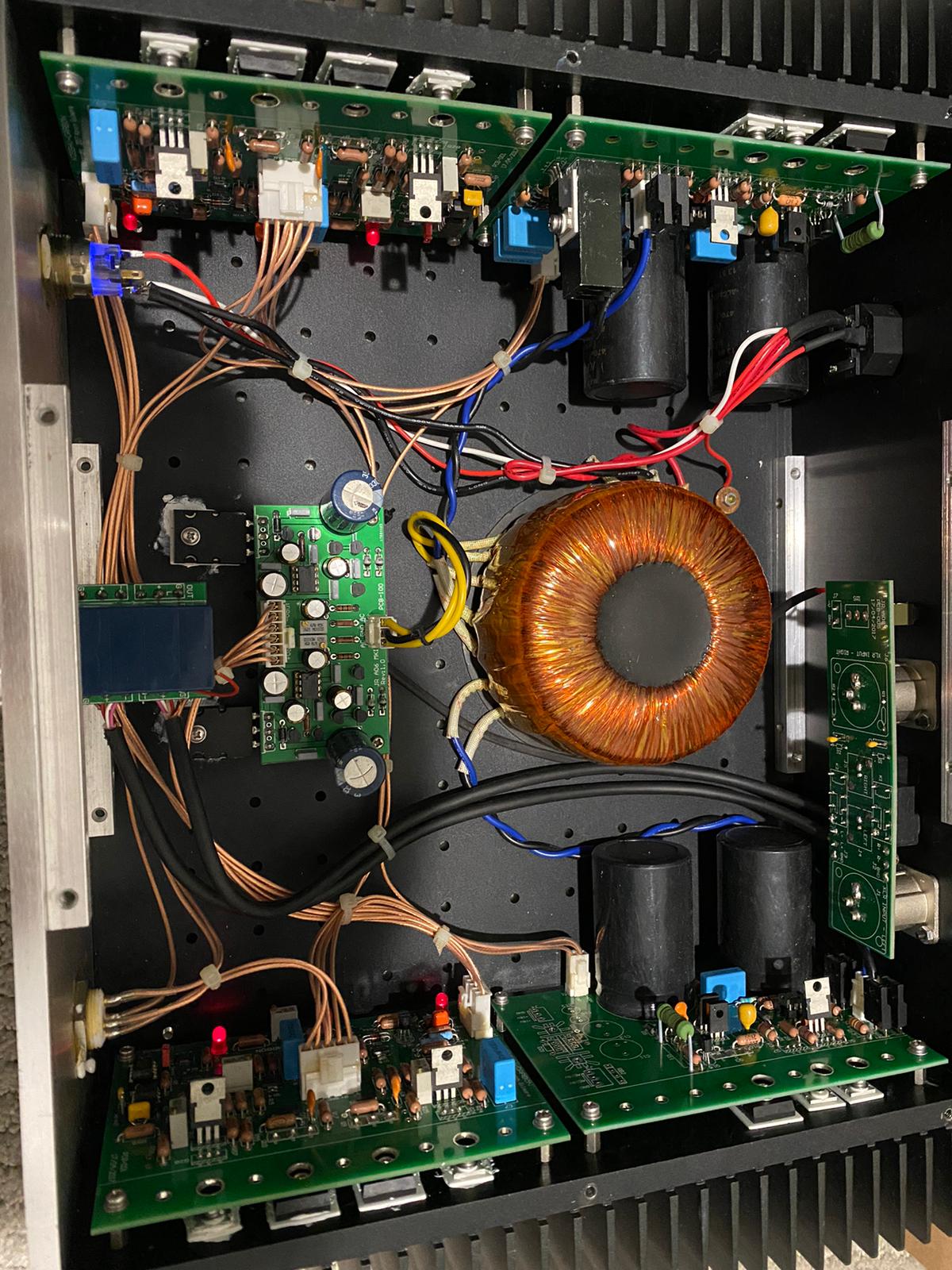
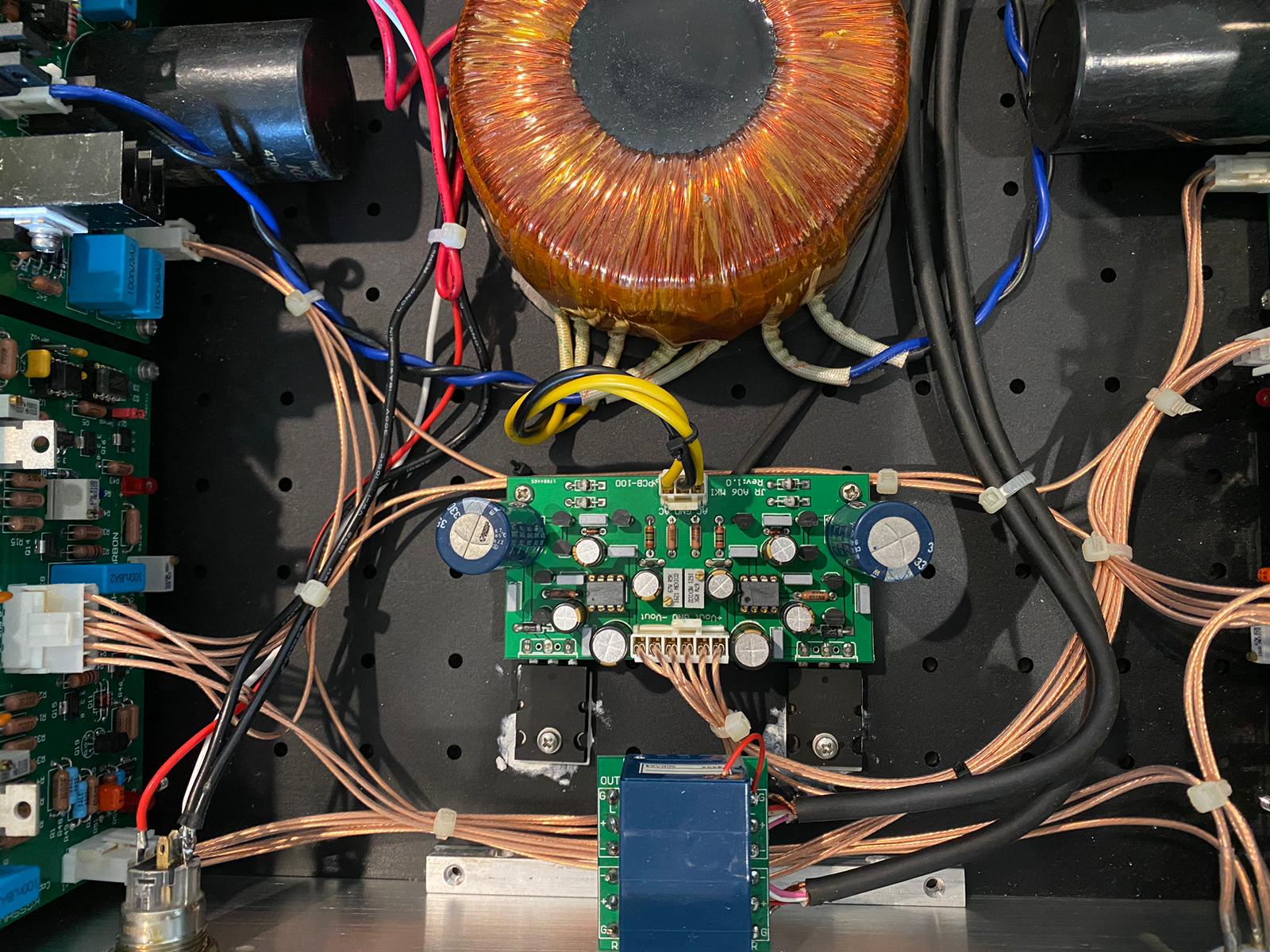
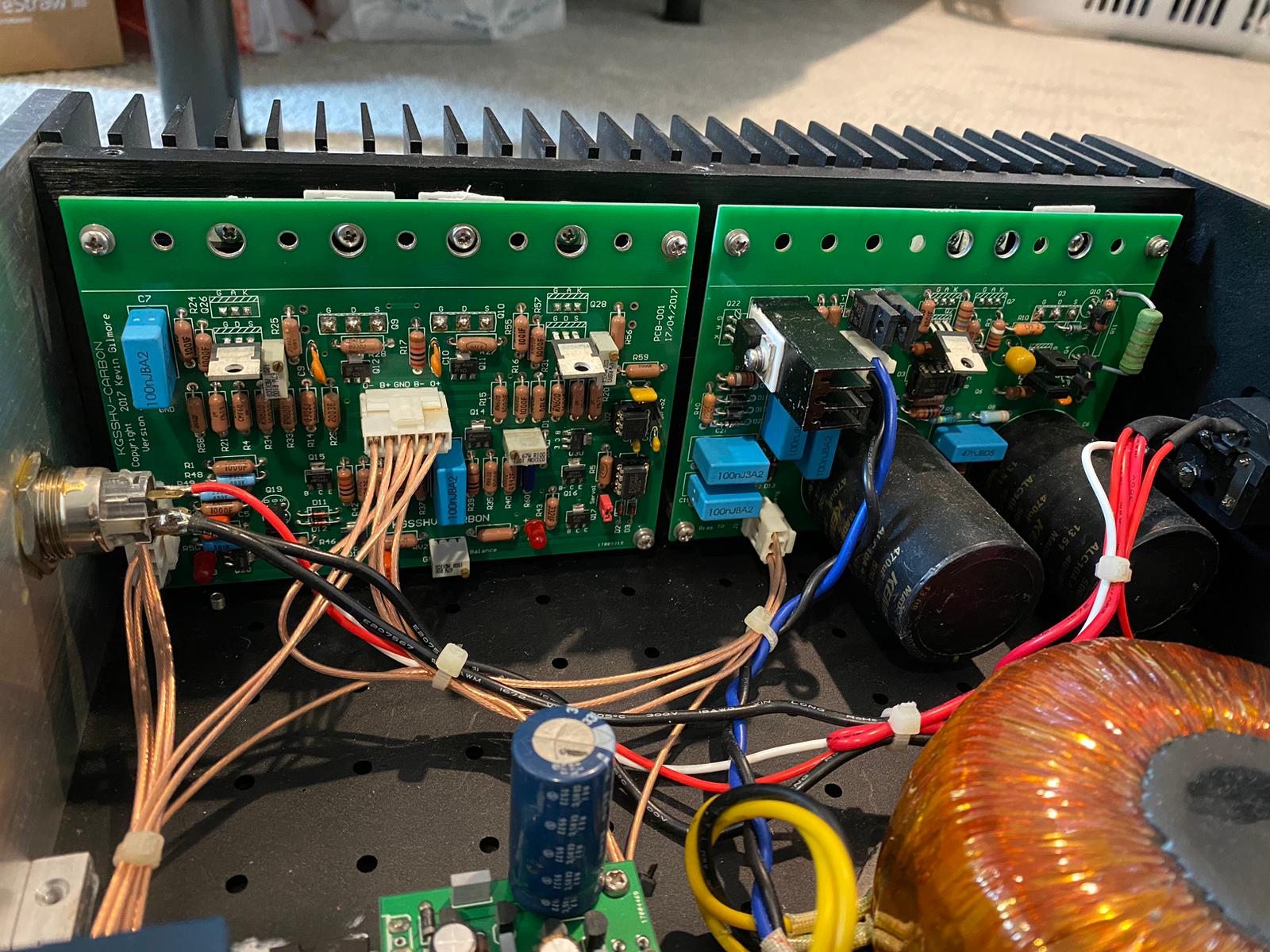
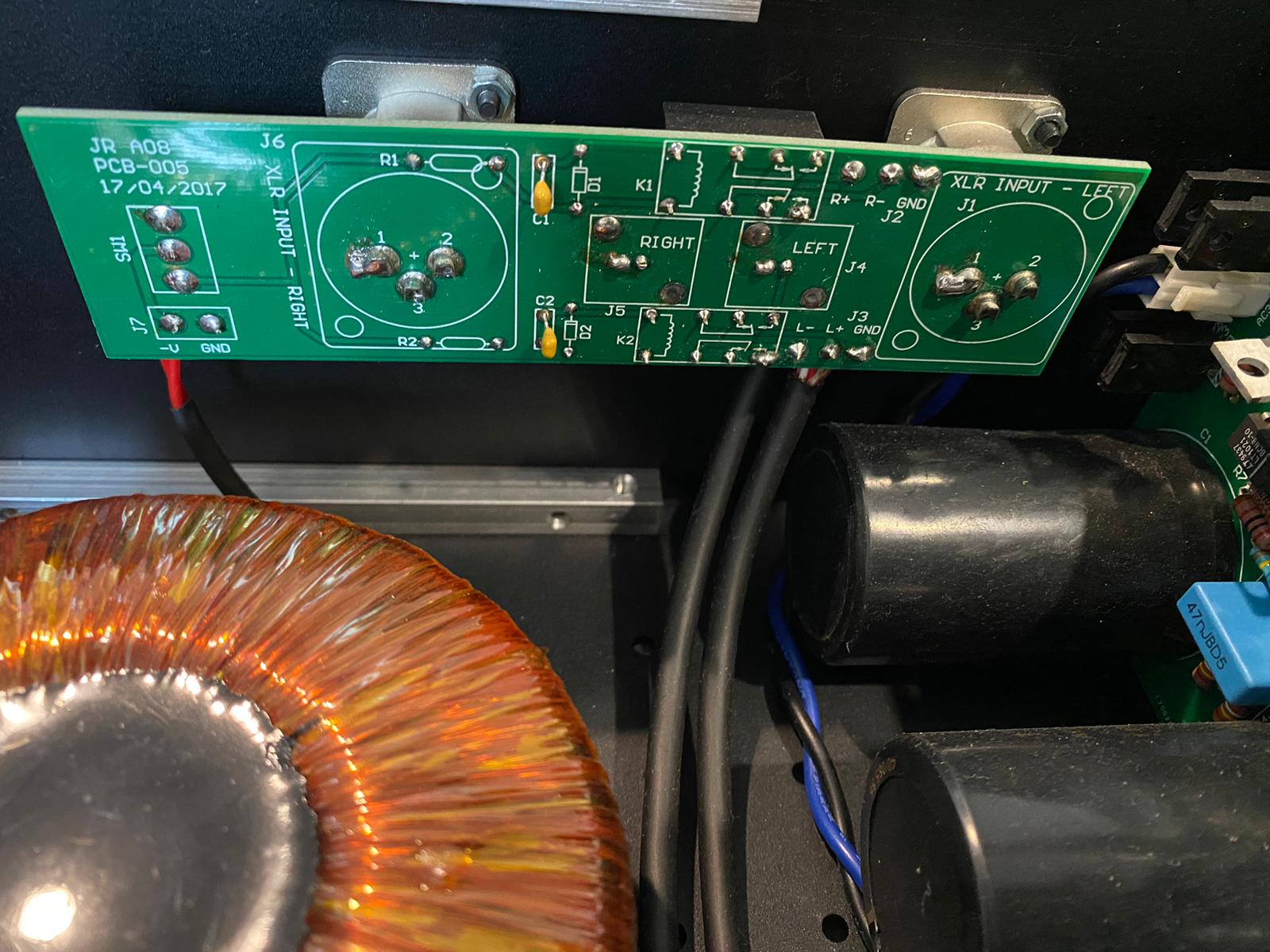
Hi there, I'm completely new here, bought a second handed JR Audio built Carbon a few years ago and it had stopped working last week (would still turn on, but with no sound). Would someone be interested in helping me go through the steps here or maybe in person(I am not very handy)? I'm attaching some pictures of the build. Thanks!