audioguru1
Members
-
Joined
-
Last visited
Everything posted by audioguru1
-
Thanks for the heads up! Thoughts on which LDSS value might be most appropriate? 6-8 or 8-11ma?
-
This is very helpful advice. I will also add, that I broke a ton of taps until I realized.... 1. I was using the wrong size drill bit. M3 requires a 2.5mm bit. Not a SAE drill bit that is close. 2. Impatient, and just kept pushing (spiral fluted taps help if you are in a rush like me) 3. Buying junk taps on amazon
-
Thanks a million - this makes perfect sense and I understand.
-
I thought about making this value change (I did read every page of this thread- seems like one other person had the same issue, but just decided to live with it). I’m not seeing any change in voltage at all even 1mv, which leads me to worry I have an actual issue. I am not measuring with a load, maybe that’s part of it? I’m at a loss - it’s a simple part of the circuit. Maybe there really isn’t enough range to see on my meter un loaded. Will do more testing, any suggestions appreciated.
-
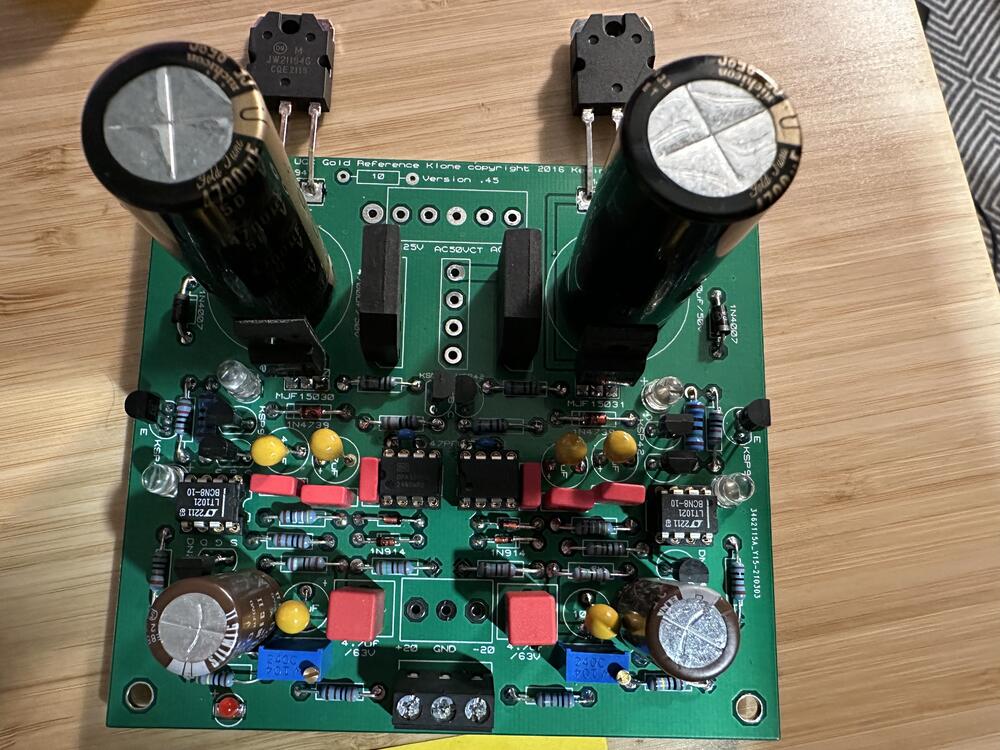
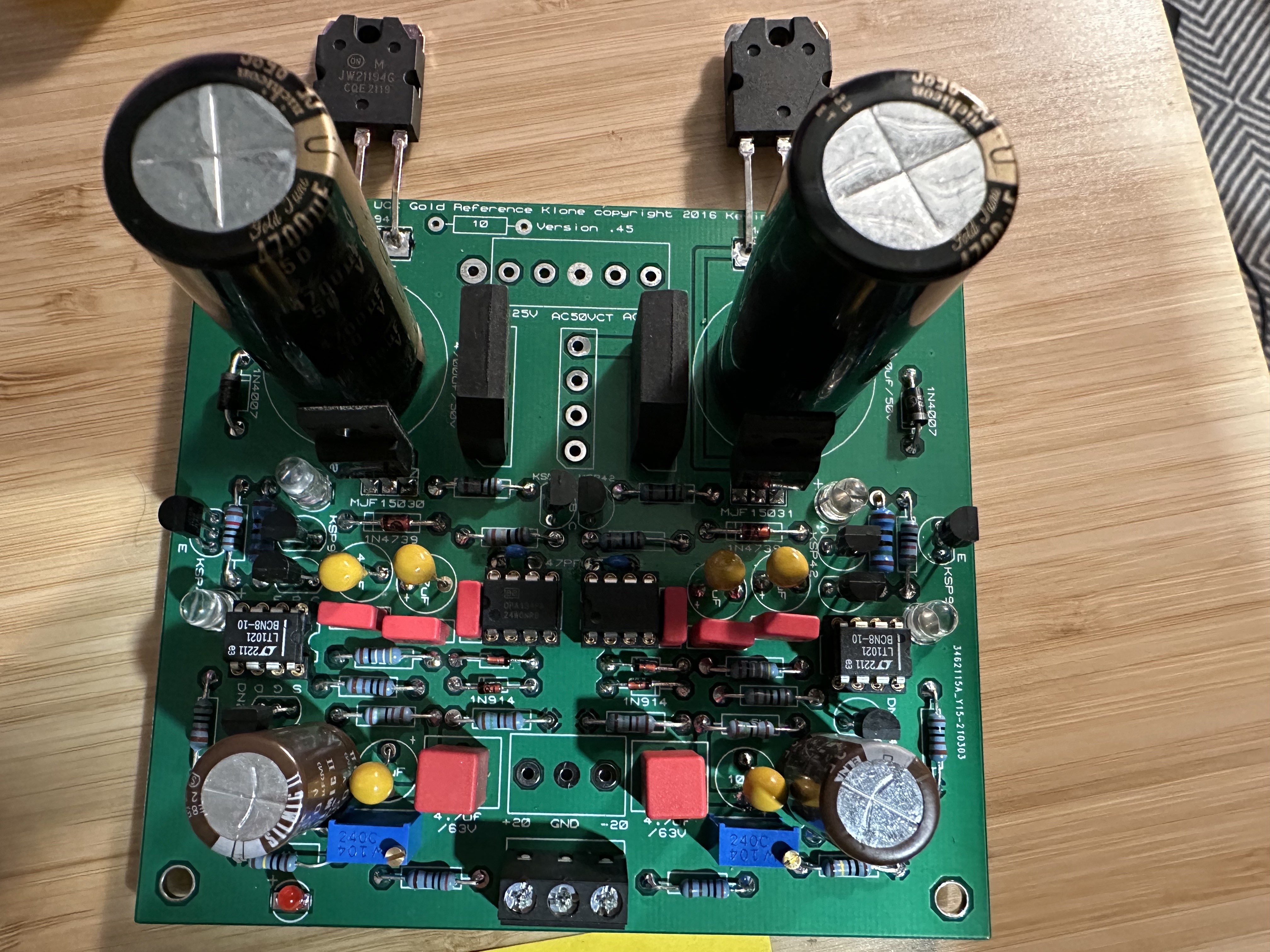
So I built a set and they work! I am however not seeing any adjustment with the 100k trim pots. Same for two boards and the positive and negative side of each. I've checked my work (and orientation), and all seems ok. I could just leave them (they run stable at +/-20v as expected) but i'd like to understand why i'm not seeing any adjustment. Looking at the circuit it seems pretty simple... I know I am probably missing something obvious.