


shellylh
-
Joined
-
Last visited
Posts posted by shellylh
-
-
-
Thanks for all the birthday wishes!!!
Sorry for the delay - it's been a super busy weekend! Had a good birthday week with Florence and the Machine on Tuesday, dinner on Thursday with a bestie, watched Rushmore with a friend of mine who is going to start teaching at St. John's High School next year (that is where it is filmed) on Friday, dinner and a Dash (Houston women's soccer team) with a bunch of lezzie friends on Saturday, and now I'm in the Denver airport waiting to go to Durango for the week.
-
 13
-
-
-
2
-
-
-
20 hours ago, robm321 said:
Yellowbird Jalapeño is my go-to hot sauce at home, but I always look for Tapatío at restaurants.
As mentioned, DIY is probably your best option. Sorry to hear that — everyone needs at least one vice. I have too many to mention.
Love Yellowbird but prefer the habanero.-
4
-
-
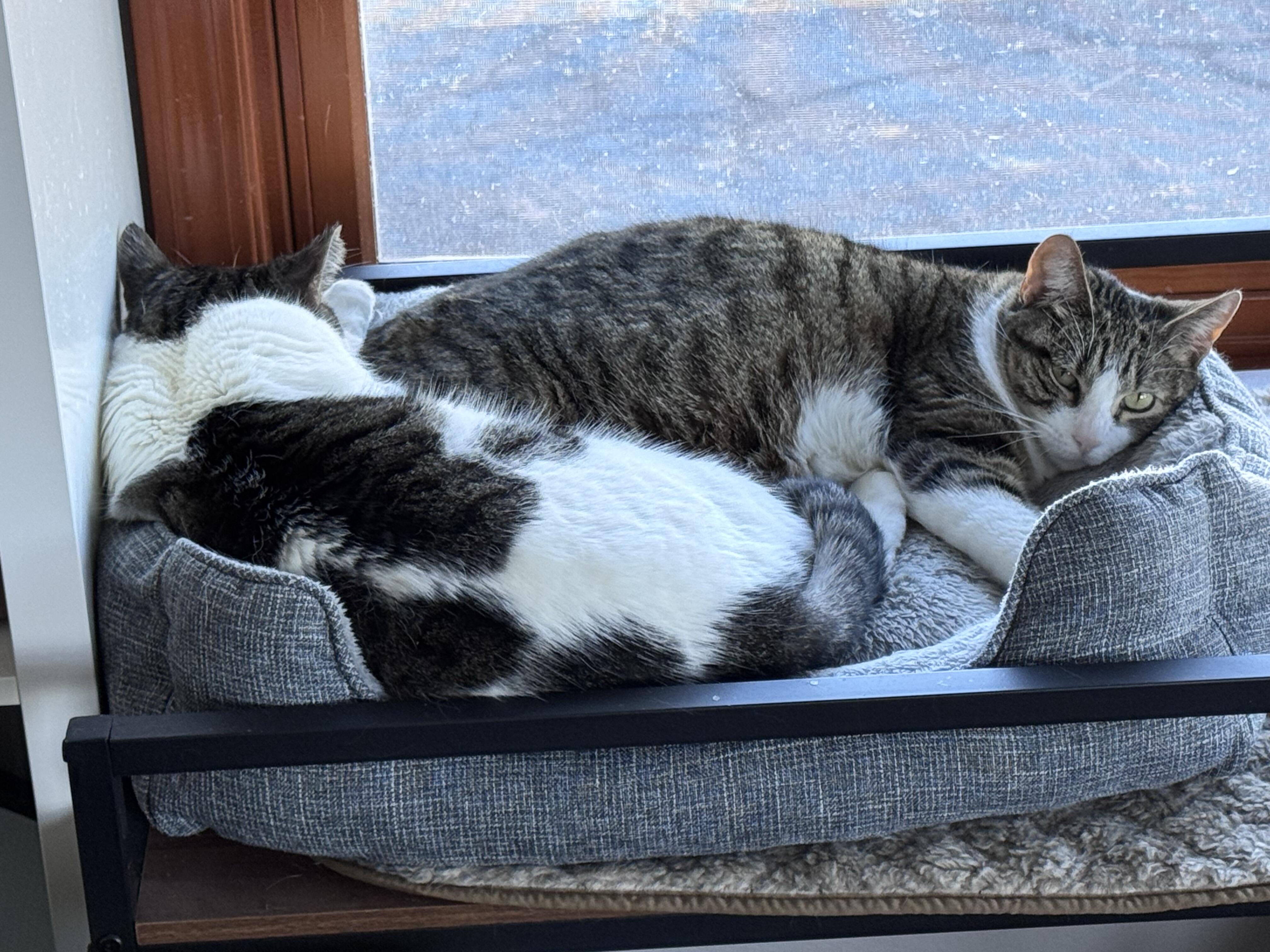
Yumi was out of town for 8 days last week. I guess the cats were so lonely they started bonding (they are from the same litter - 2018). This never happens!

-
10
-
-
-
8
-
-
-
Got roped into seeing Kelly Clarkson at the rodeo with a bunch of friends. The rodeo was great (and cheating on my diet was also) but I don’t understand why people love Kelly Clarkson.
-
3
-
-
-
-
-
Just purchased a MacBook Air M4 24GB 512GB to replace my 2020 MacBook Pro M1 8GB RAM 256GB. It'll be nice to have more RAM.
-
6
-
-
Thanks for the birthday wishes (and I love the pic, Al)! I'm spending the day grading finals but tonight, I am having dinner new restaurant, Camaraderie, with a couple of friends tonight. Then doing bowling dressed as The Big Lebowski characters tomorrow night with my lezzie crew!
-
5
-
 2
-
-
-
-
-
-
-
-
-
-
-
On 7/20/2024 at 7:12 AM, swt61 said:
R.I.P. Congresswoman Sheila Jackson Lee.
Fuck Cancer!
R.I.P. Sheila Jackson Lee. She did so much for Houston as well as the entire country.
-
4
-
 2
-


And now what did you do TODAY?
in Off Topic
OMG, Mike! That must have been scary! Glad ya'll are ok! I hope your place was not damaged.
Looks fantastic, Grahame!
I've been in pocking/moving hell for the last month but the movers came on Monday and we are both in Denver (though some of our stuff is still in Durango). It's nice to be back in a place where I can walk to things. :) Having coffee at a nearby place and try to catch up a bit with work (and head-case).