Skip to content
View in the app

A better way to browse. Learn more.

www.Head-Case.org

A full-screen app on your home screen with push notifications, badges and more.

To install this app on iOS and iPadOS
  1. Tap the Share icon in Safari
  2. Scroll the menu and tap Add to Home Screen.
  3. Tap Add in the top-right corner.
To install this app on Android
  1. Tap the 3-dot menu (⋮) in the top-right corner of the browser.
  2. Tap Add to Home screen or Install app.
  3. Confirm by tapping Install.

Marc Edwards

Members
  • Joined

  • Last visited

Everything posted by Marc Edwards

  1. Please add to my basket 3x mini T2 and 1x more main board for total of 2.
  2. Has an appropriate transformer, or toroid consensus begun to materialize. Prefer the status quo, or off the shelf if around. Looking to queue the iron.
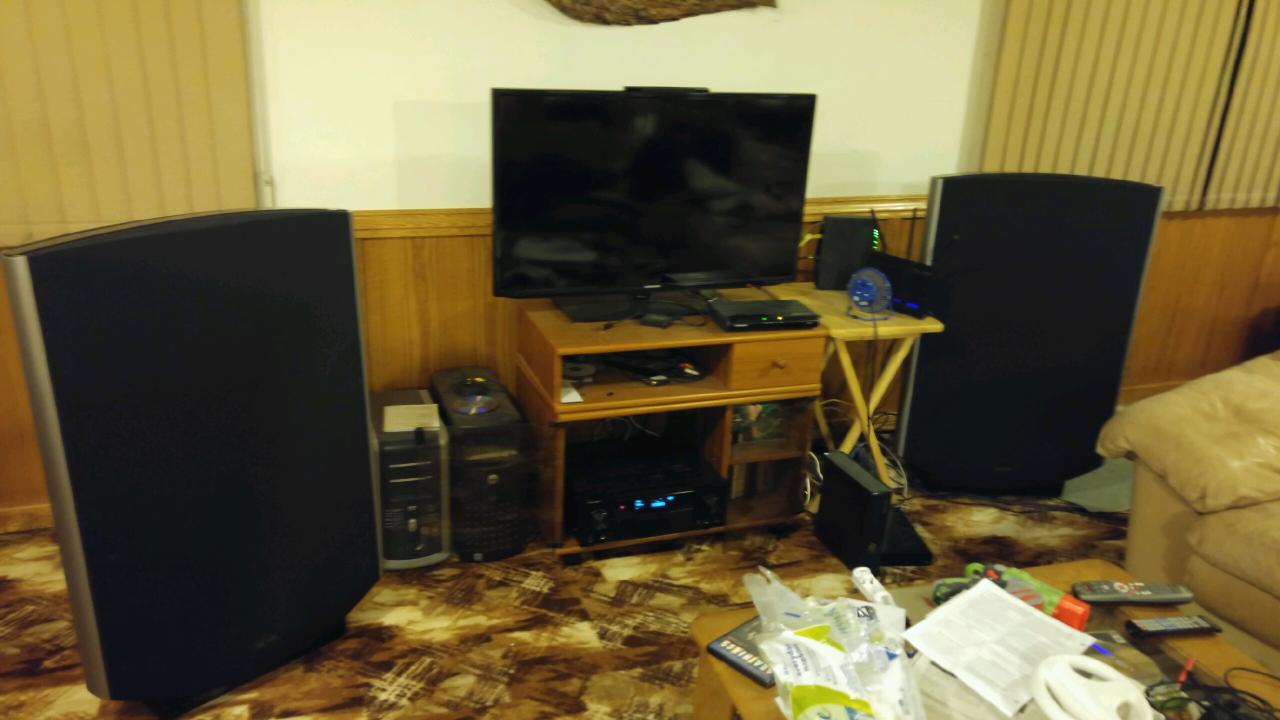
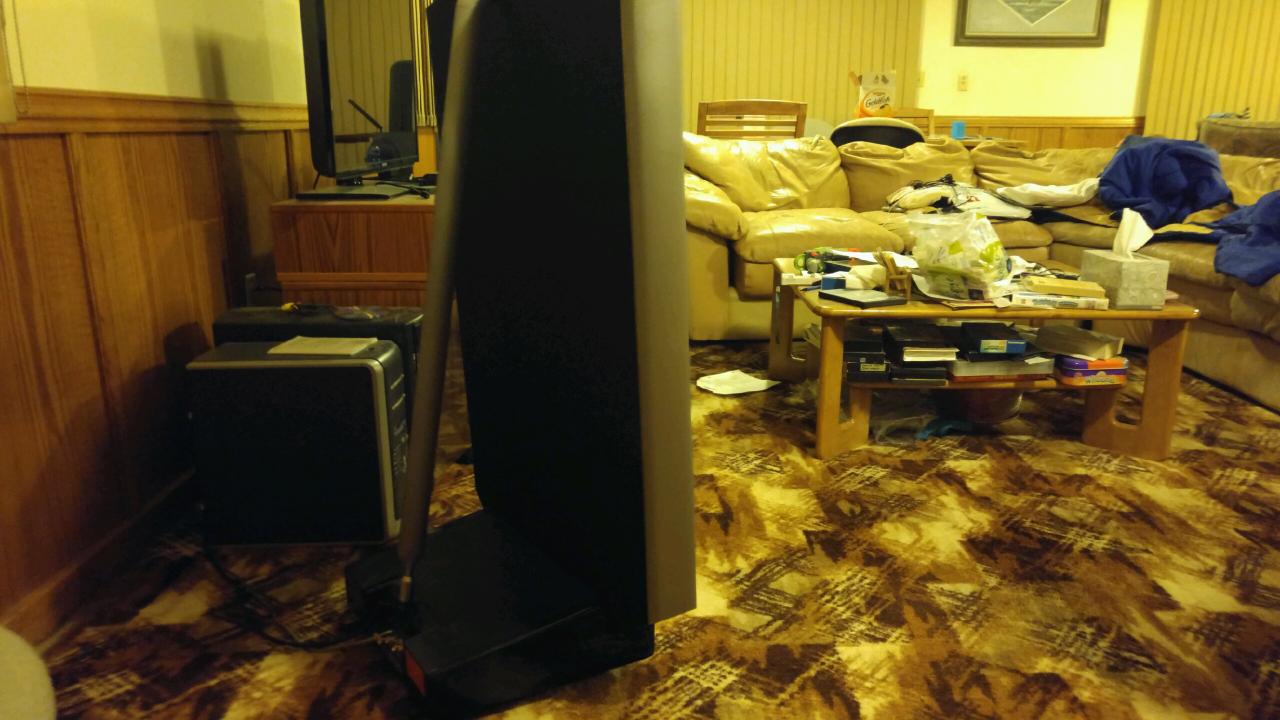
  3. Very excited for this project. Sounding off [For the love of Quad]! Busted a diaphragm recently. Going to have to repair mine. : / Should note the other (working) segmented driver electrodes in mine are misaligned veritcally by ~2.7 or 3mm.... Perfectly explains why this one sound lesser than the other.. Photos' are old, notice the lack of an amp. Recently have been using an Aaragon 8008ST. Can't wait to hear about what Kerry's thinking on.
Important Information

By using this site, you agree to our Terms of Use.

Account

Navigation

Search

Search

Configure browser push notifications

Chrome (Android)
  1. Tap the lock icon next to the address bar.
  2. Tap Permissions → Notifications.
  3. Adjust your preference.
Chrome (Desktop)
  1. Click the padlock icon in the address bar.
  2. Select Site settings.
  3. Find Notifications and adjust your preference.