

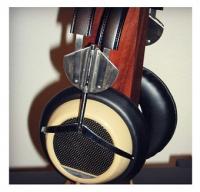
Stex
Members
-
Joined
-
Last visited
-
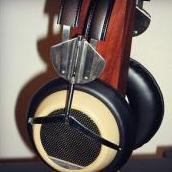
Hmm. It didn't help me too much, but these colors look pretty much the sameWill Will try! These rather look gold than on my white model. Only the plates look a bit goldish on my model but only compared to the holding poles
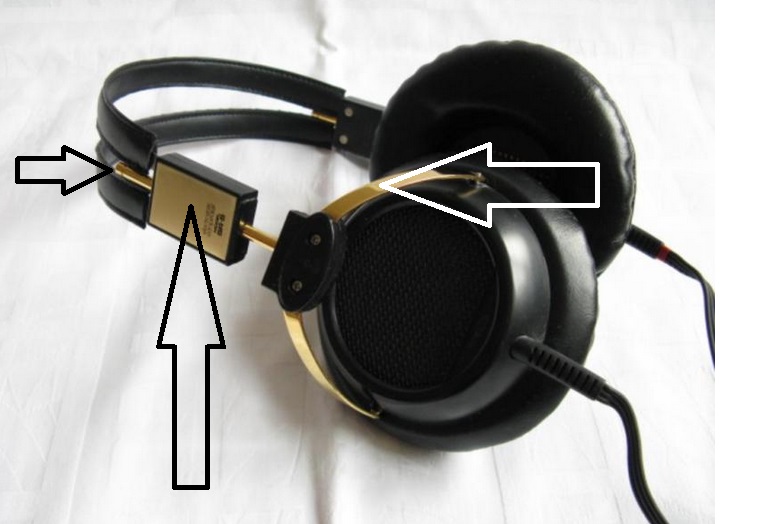 Sorry for my bad english... The stators look goldI am not sure, as I've seen that the black model, SR5NB is much more goldish than the white one. Also, the lids those hold the sides are silver ...and yet, these are rather SR5 Yellow due to the homogous amount of UV it was exposed...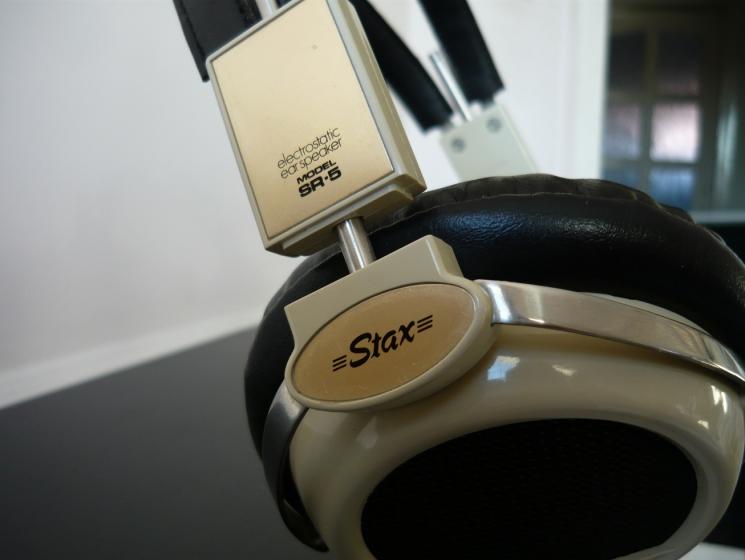
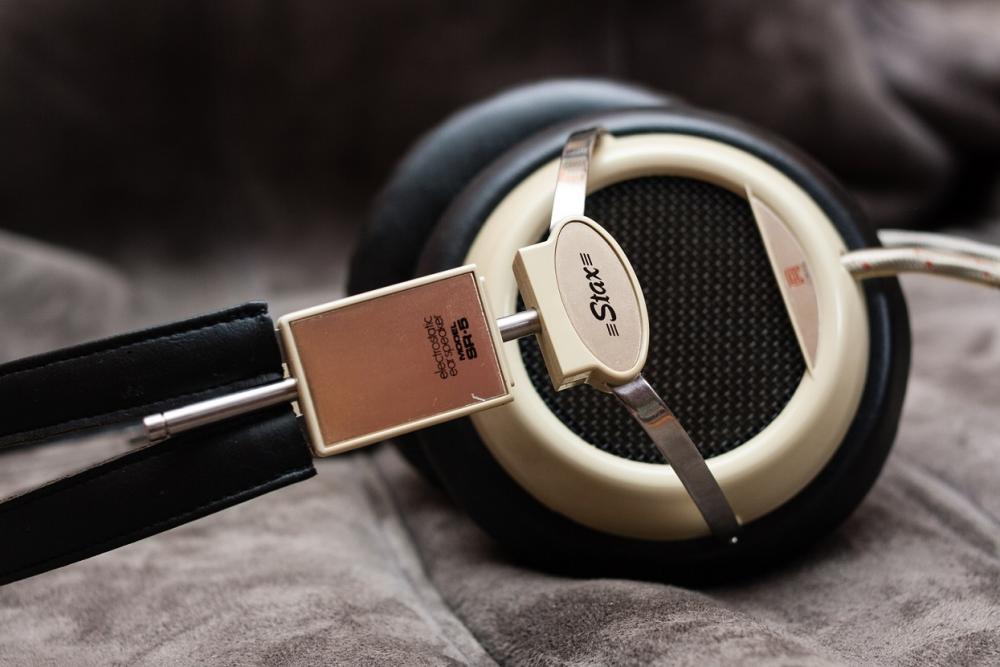 Stex changed their profile photoI recently acquired a set of SR5N earspeakers, with white color. I am asking that how can one's decide if it is a gold editon or not?

Important Information
By using this site, you agree to our Terms of Use.