

Skip to content
View in the app

A better way to browse. Learn more.

www.Head-Case.org

A full-screen app on your home screen with push notifications, badges and more.

To install this app on iOS and iPadOS
  1. Tap the Share icon in Safari
  2. Scroll the menu and tap Add to Home Screen.
  3. Tap Add in the top-right corner.
To install this app on Android
  1. Tap the 3-dot menu (⋮) in the top-right corner of the browser.
  2. Tap Add to Home screen or Install app.
  3. Confirm by tapping Install.

Kris0603

Members
  • Joined

  • Last visited

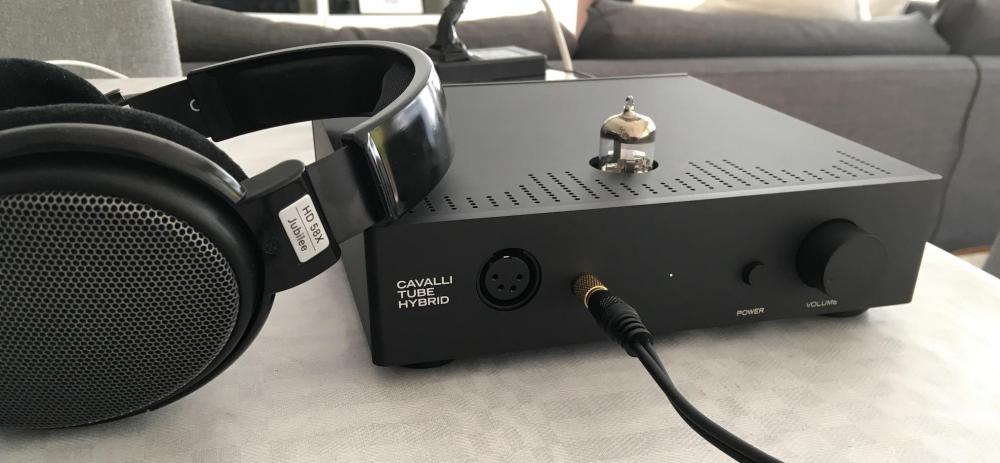
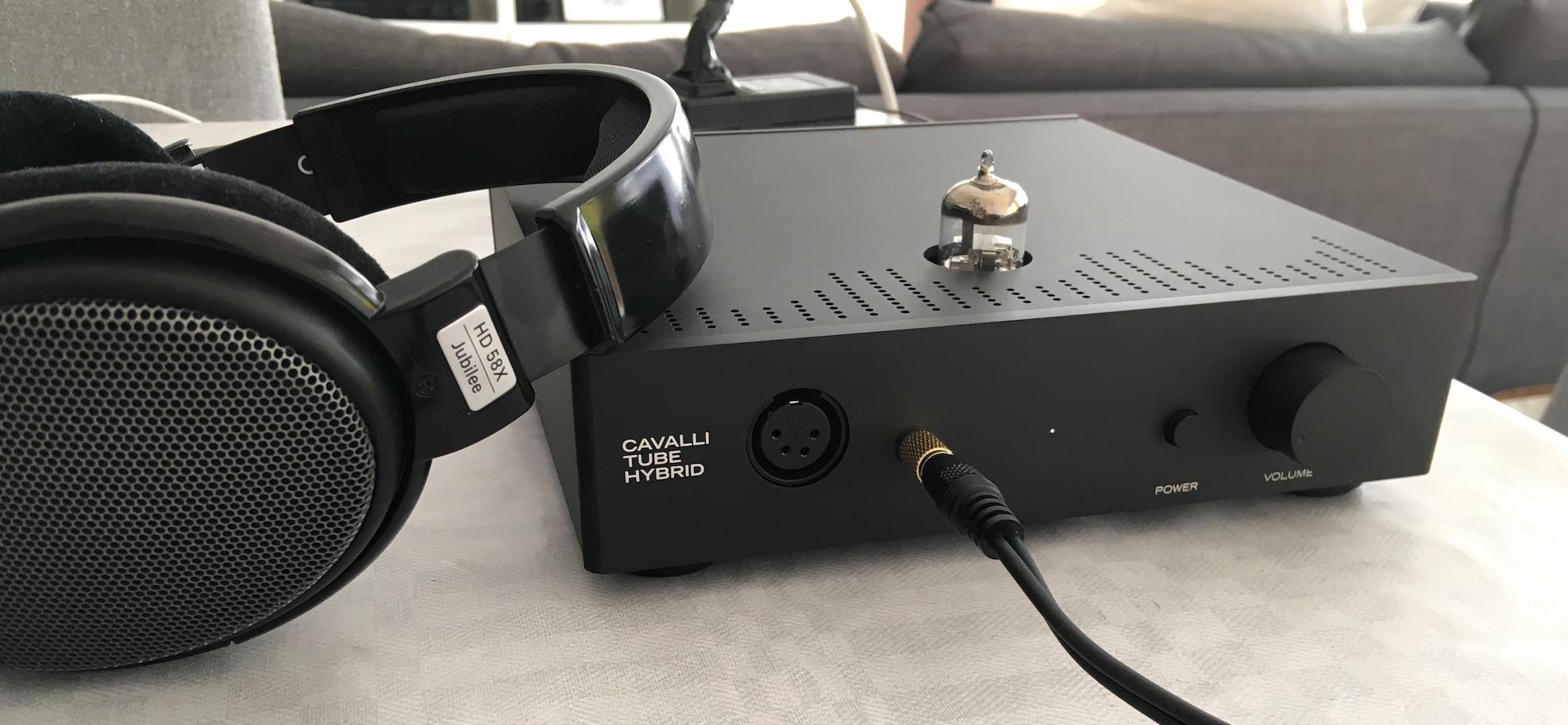
  1. Having used mine for days only, i will say it is a reasonably well-behaved amp. Quiet and easy to handle, my pot tracks well and feels smooth. The construction is unusual, usually in DIY we strive to make compact little PCBs and connect them all together, enabling us to upgrade various components as time progresses. I am very cautiously optimistic on the longevity and serviceability of my MCTH. Time will tell i guess
Account

Navigation

Search

Search

Configure browser push notifications

Chrome (Android)
  1. Tap the lock icon next to the address bar.
  2. Tap Permissions → Notifications.
  3. Adjust your preference.
Chrome (Desktop)
  1. Click the padlock icon in the address bar.
  2. Select Site settings.
  3. Find Notifications and adjust your preference.