phaeton
Members
-
Joined
-
Last visited
Everything posted by phaeton
-
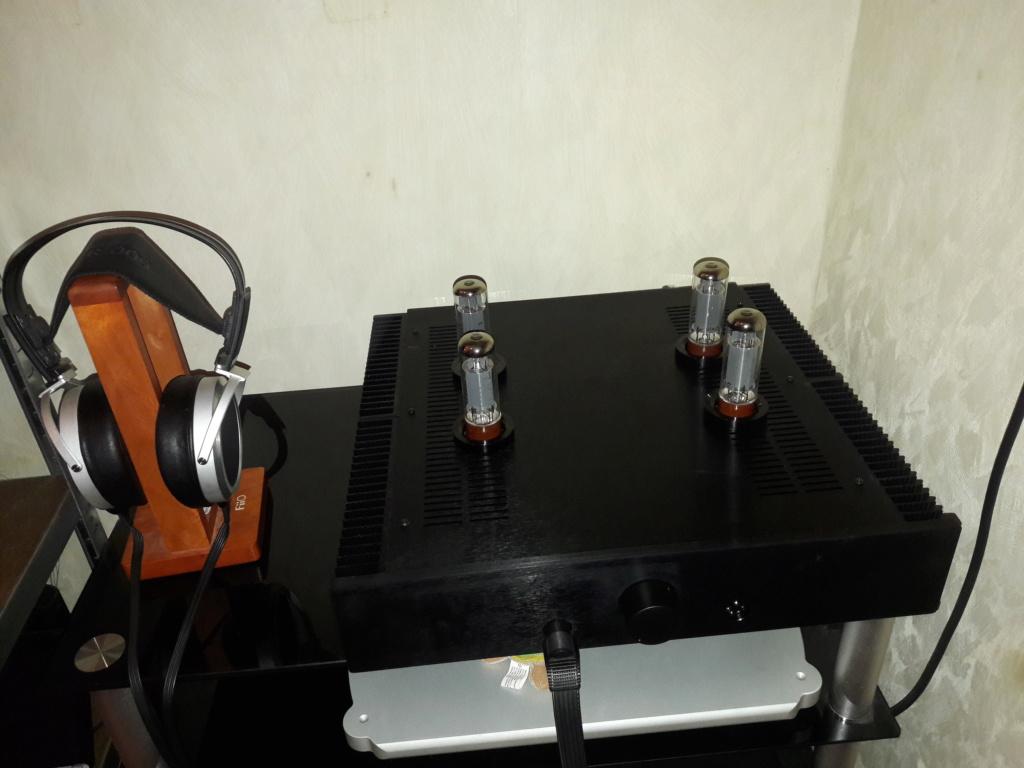
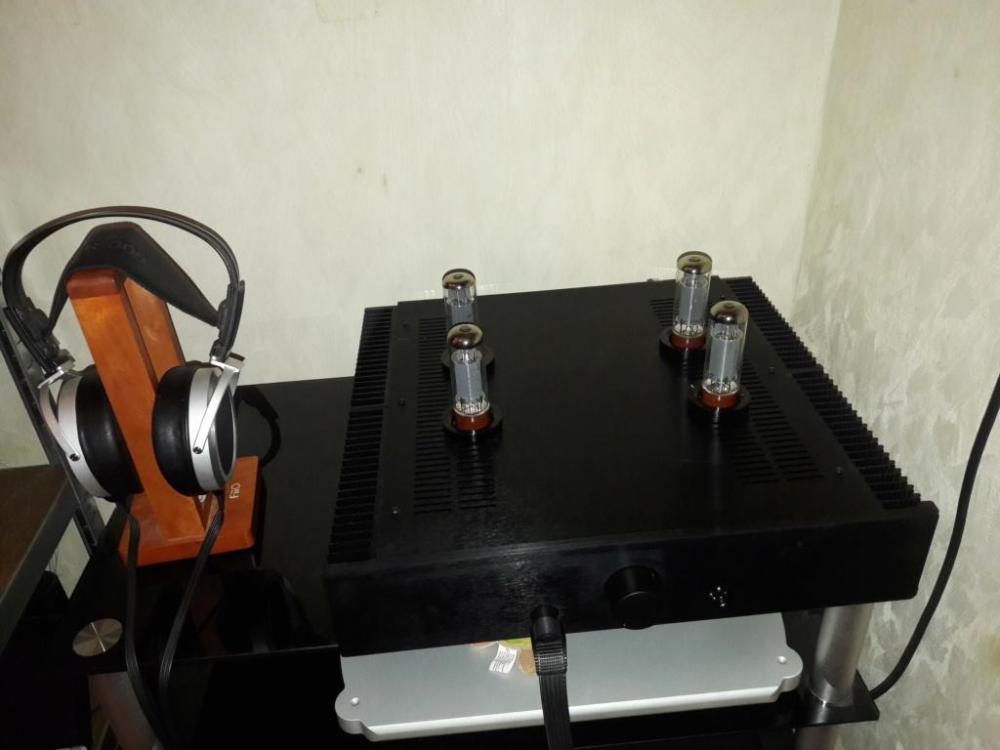
a new baby GG is born! a fantastic build by Soren, thank you!!
-
ok, got it tnks!!
-
actually I will use my own tubes, I have two matched EL34 SED =C= quartets, so the builder (Soren) will only check that everything is ok with some other tubes. from the above I guess the balance/offset is still something to do after new tubes are installed right?
-
Hello there, new GG owner here (almost...ordered, still waiting for delivery :-) ), will power a 009 Can I ask how many other GG owners out there, and if they are still happy with the toy after sometime? I don't see so many discussions about the KGHVGG, maybe is that because it's quite new? I have chosen it versus the Carbon because I like more its tubey sound. I understand GG is an autobias design (right??) so no need to adjust bias, but I expect the usual balance/offset is needed, or will the opto servo do the magic? sorry for the stupid questions, noob here :-)