


JKDjEdi
Members
-
Joined
-
Last visited
Everything posted by JKDjEdi
-
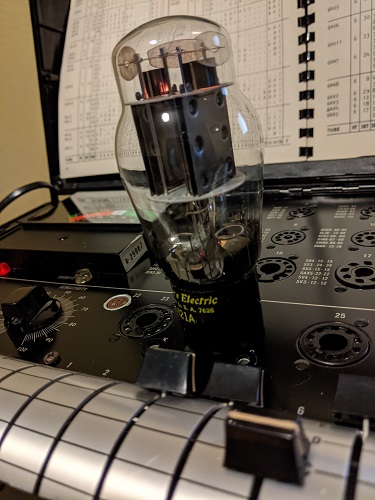
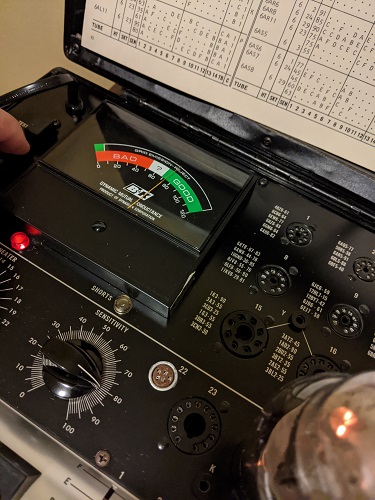
I concur, and thanks for the comment. I truly believe it's an inherited problem with B&K 747 units. It's said it can test ANY tube out there and I believe it can...if you know or have the right settings. I have low tested tubes that sound amazing... I know what your saying here..I laughed out loud when I read it. I shouldn't overthink it as you suggested or buy a Jackson, Hickok, or TV-7? So I figured out how to test these domino plated tubes... hint in photos.
-
Thanks, the transcunductance is higher on the 5998, so not sure why B&K has the same settings for both but glad I figured it out.
-
The manual ironically has carbon copy same settings for both 6as7g and 5998. That can't be right, 5998 has a much higher gain than the 6as7g. Regardless there seems to be a pattern here with some tubes that the B&K 747 cannot test accurately, or can it? I think an updated manual would be appropriate. Only this company doesn't exist anymore. There is a solution. And I found it last night. PM me for details. Some immature folks here would not understand.
-
Manual read and tube gifted from a friend who's tested this tube as near NOS, strong, good, all of the above.
-
Hey guys, I realize this is an old thread...so here's the hail mary question... Can the 747 test 5998 tubes?? The one I have tests low and I know it's near NOS, anyone figure a work around??