


pspentax
Members
-
Joined
-
Last visited
Everything posted by pspentax
-
@n_maherand all the others… Since my young age that I don’t like clowns 🤡 and if i want so see them i prefer to go to the circus 🎪 . This way i let all you clowns 🤡 live your amazing lives here.
-
-
Today is time to test the 007tII.
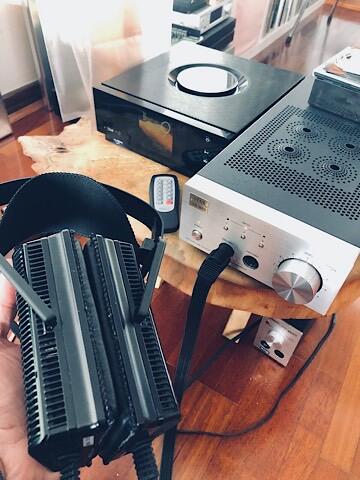 Hi... this is my first post in the forum and because this is the Stax tread this is my contribution. In the last days I’m playing with the L300 vs L700mkII and the 353X vs 727II vs SRD-7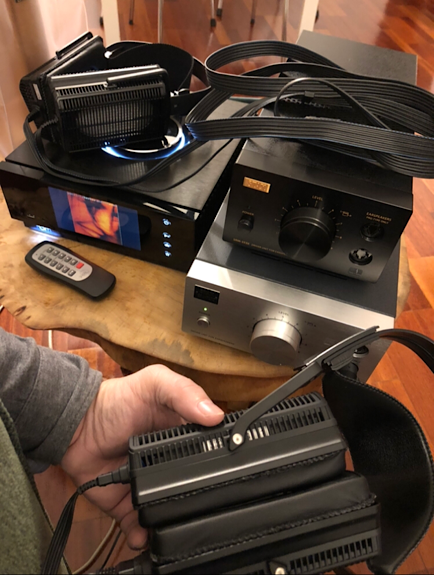
Important Information
By using this site, you agree to our Terms of Use.