Leaderboard
-
Voltron
High Rollers2Points34606Posts -
grawk
Administrators1Points29546Posts -
Tyll Hertsens
High Rollers1Points3403Posts -
Aimless1
High Rollers1Points3749Posts




Popular Content
Showing content with the highest reputation on 09/24/12 in Posts
-
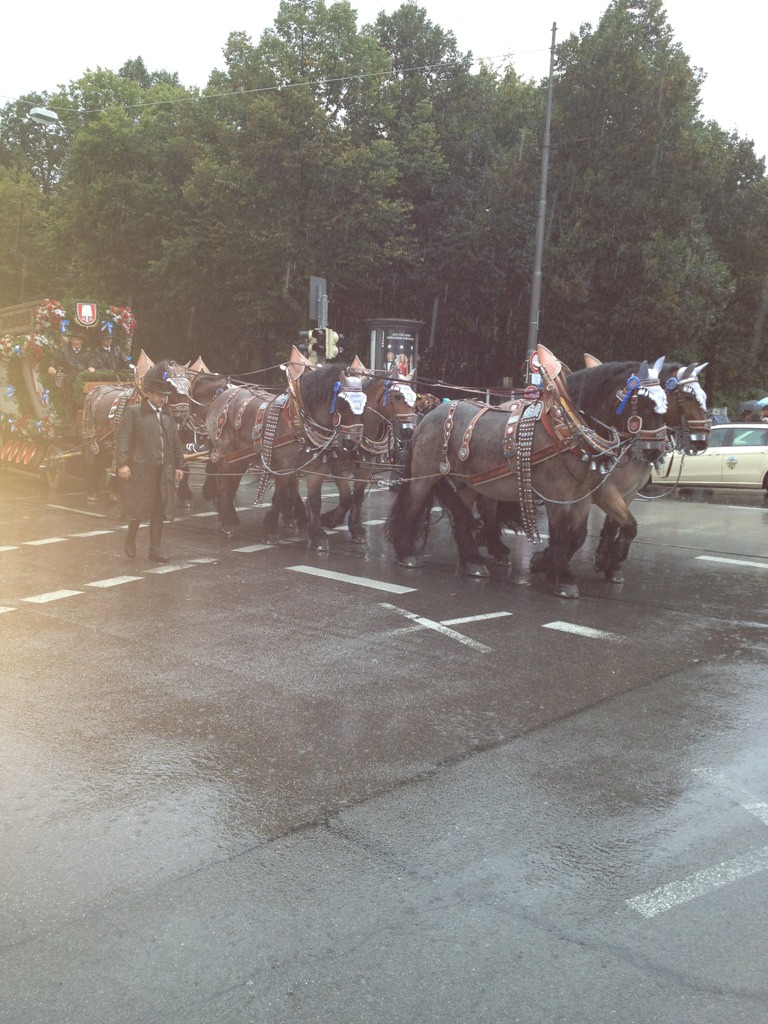
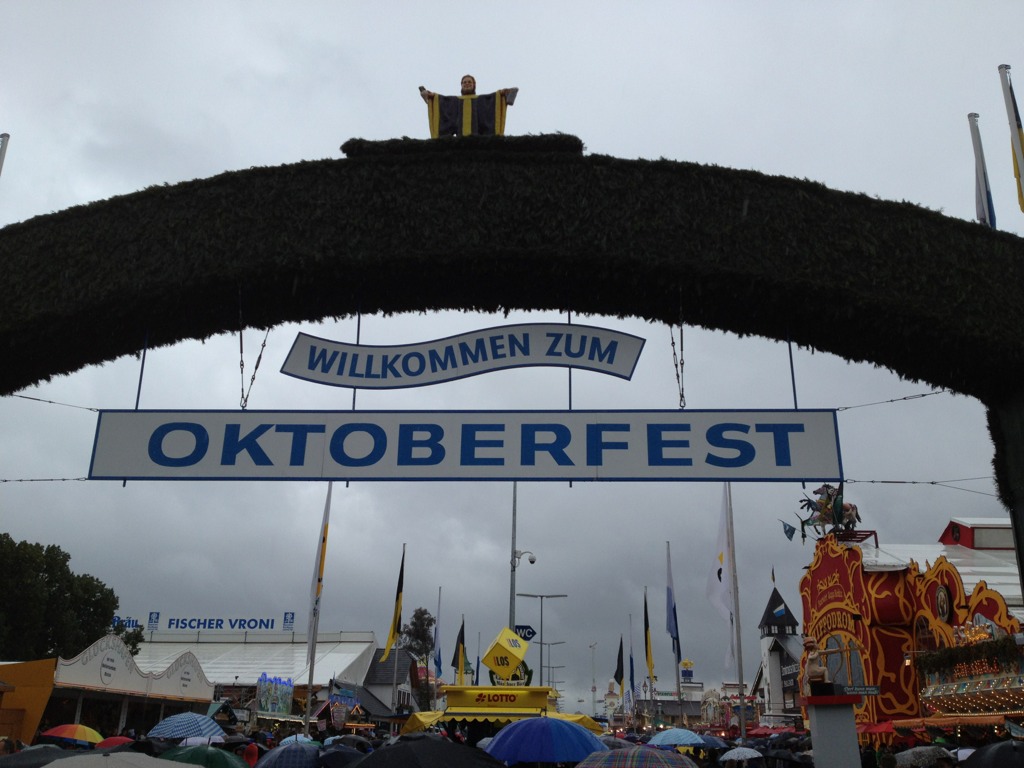
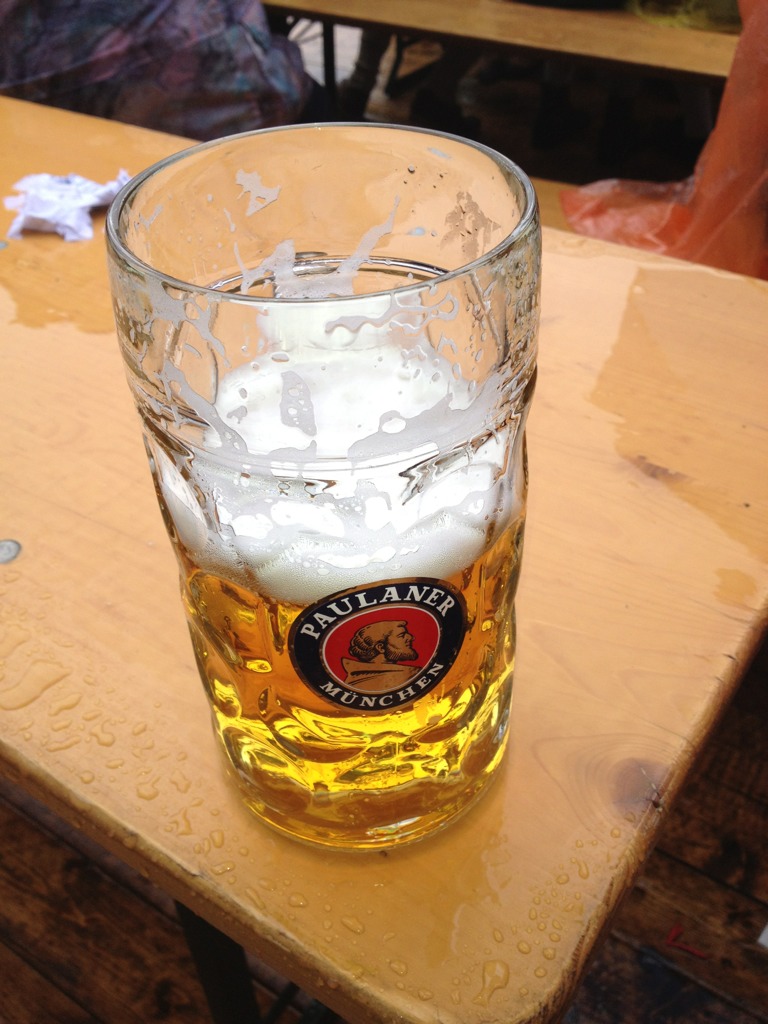
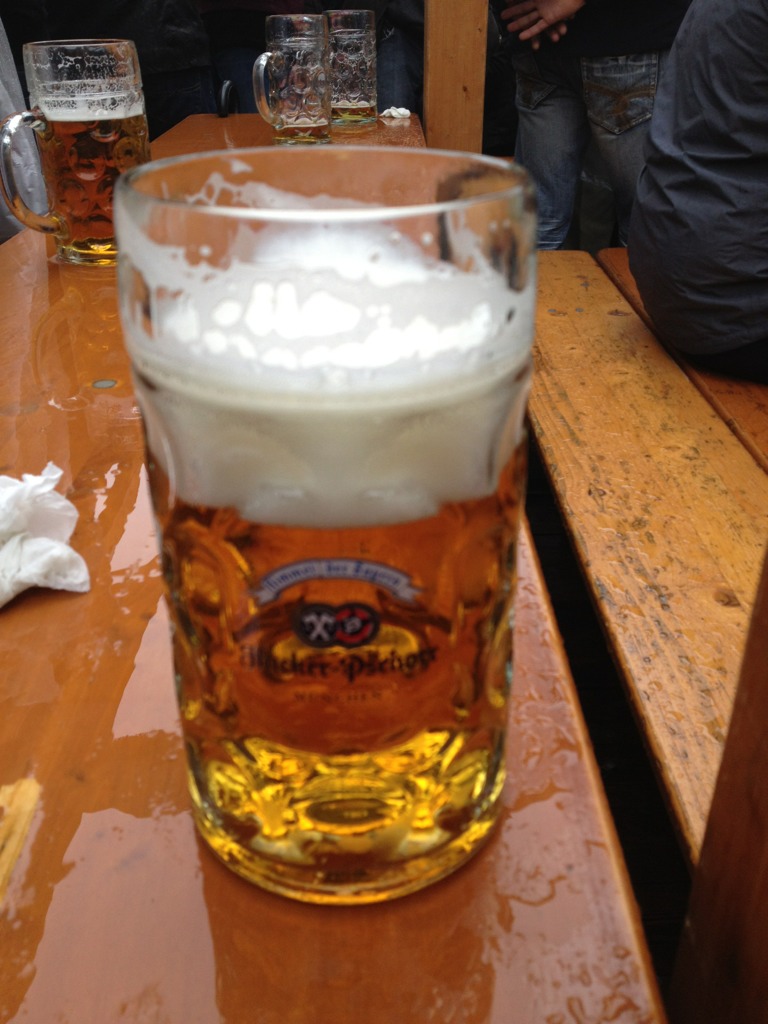
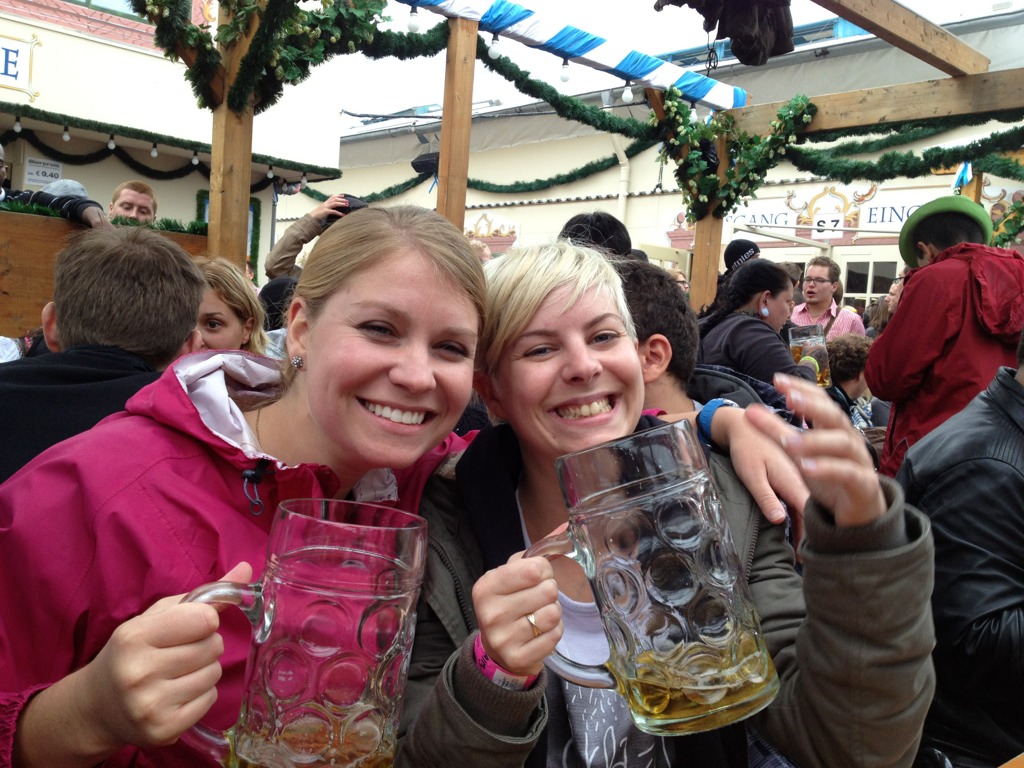
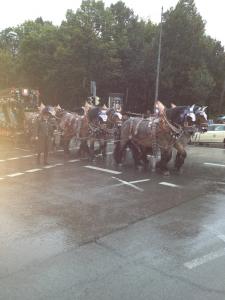
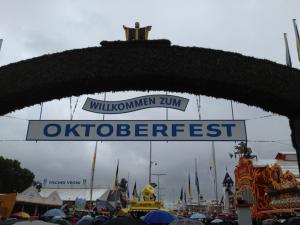
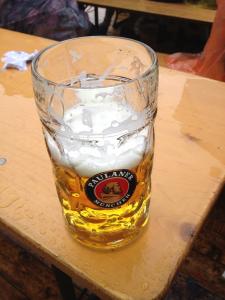
1 pointOktoberfest 2012 started out rainy and overcrowded but I managed to have several liters of beer, some pretzels and roast chicken, and fun. After a slow start, I hung out with some 20-somethings from Ohio and Michigan and France. I never made it into one of the tents, but the spent most of my time in the bier gartens at Paulaner and Hacker. Good times but lousy pics.
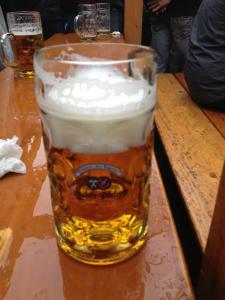
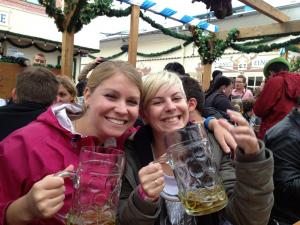 1 point
 -
1 pointJust returned from a dad/daughter date. Youngest wanted to spend the day watching our mutual alma mater WMU play UConn. Had a nice drive to Kalamazoo, ate a huge lunch, found out the game was postponed by 30 minutes. Stopped at Waldos (just off campus bar) for a beer. When we arrived at the stadium it was 46 degrees and pouring rain. 52 and bright sun at half time. WMU wins 30 - 24. Nice meal at a local restaurant on the way home. Just said good bye and realize what a great time we had together. I like being a dad1 point