Leaderboard




Popular Content
Showing content with the highest reputation on 04/24/13 in Posts
-
1 point
-
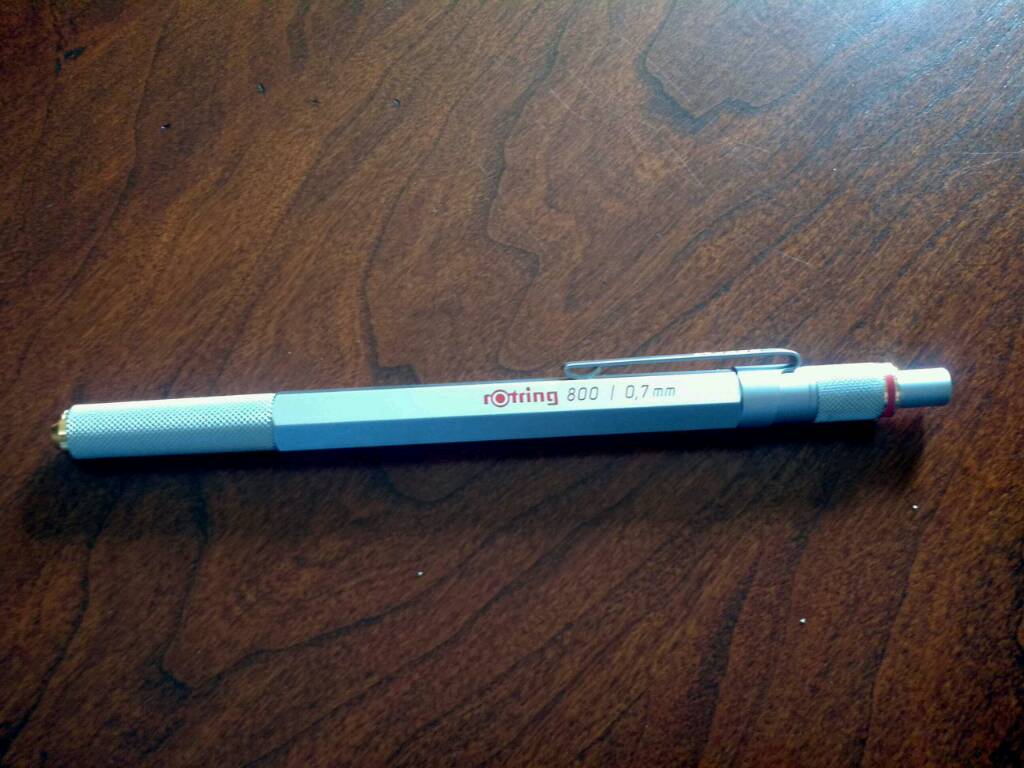
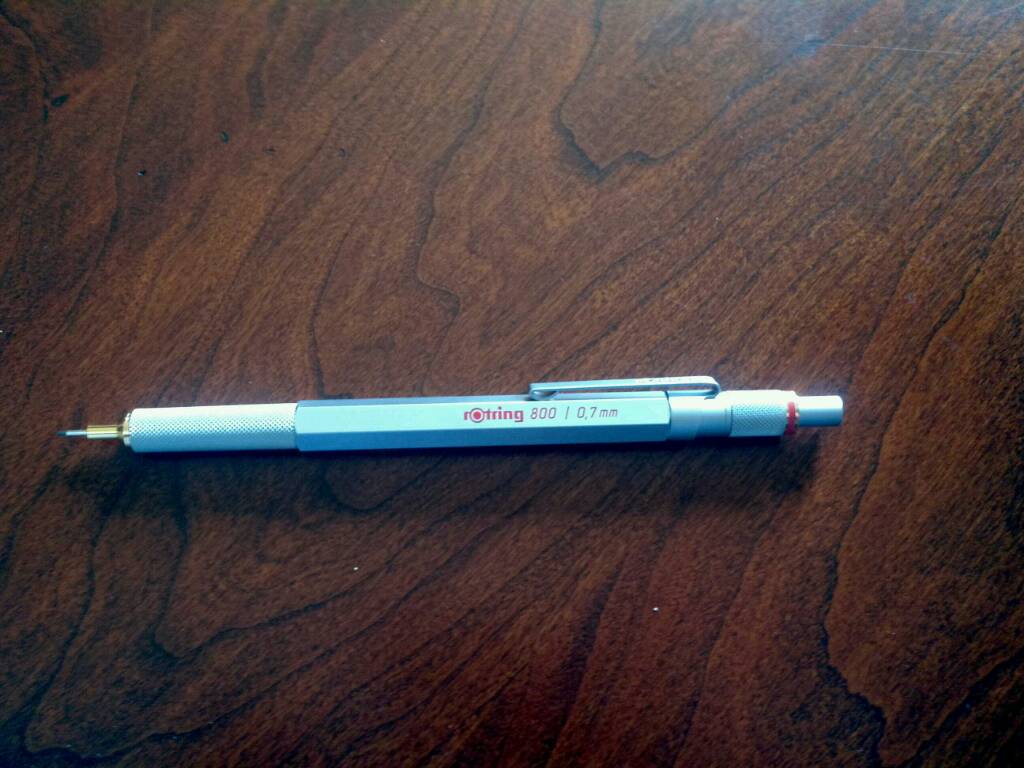
1 pointSo I just spent about 15 min trying out both pencils in usage with various leads and the Rotring is superior to the Pentel in both comfort and control. I switched the lead to 2H but I also tried the HB and the H and I think I may end up at H after this is done. One thing that always was a bit offputting about the pentel was distance from the grip to the tip seemed long for how I write and it would irritate my supporting finger, the Rotring decreases this distance by 5-8mm which is long way and much more comfortable. The Pentel is officially retired as of today and will become my backup pencil (too bad I just bought spare parts and a backup of it is sitting at home). Very happy with the purchase Now I need to find a package of eraser refills (which are 800 only and I can't put my own eraser in). I don't use the erasers except in emergencies but I want to have spares.1 point
-
1 point
-
1 pointCongrat on the new bike, Nate! (Imagine I'm saying that tomorrow, after you figure it out). **BRENT**1 point
-
1 pointThanks everyone. 24 hours later I am right on the verge of $1k in donations. The greatest majority from HC people. Really appreciate the donations.1 point
-
1 pointIt arrived! It feels great in my hand so far and I really like the retraction twist motion. Note taking tomorrow
 1 point