Skip to content
View in the app

A better way to browse. Learn more.

www.Head-Case.org

A full-screen app on your home screen with push notifications, badges and more.

To install this app on iOS and iPadOS
  1. Tap the Share icon in Safari
  2. Scroll the menu and tap Add to Home Screen.
  3. Tap Add in the top-right corner.
To install this app on Android
  1. Tap the 3-dot menu (⋮) in the top-right corner of the browser.
  2. Tap Add to Home screen or Install app.
  3. Confirm by tapping Install.

Leaderboard

Popular Content

Showing content with the highest reputation on 11/25/12 in Posts

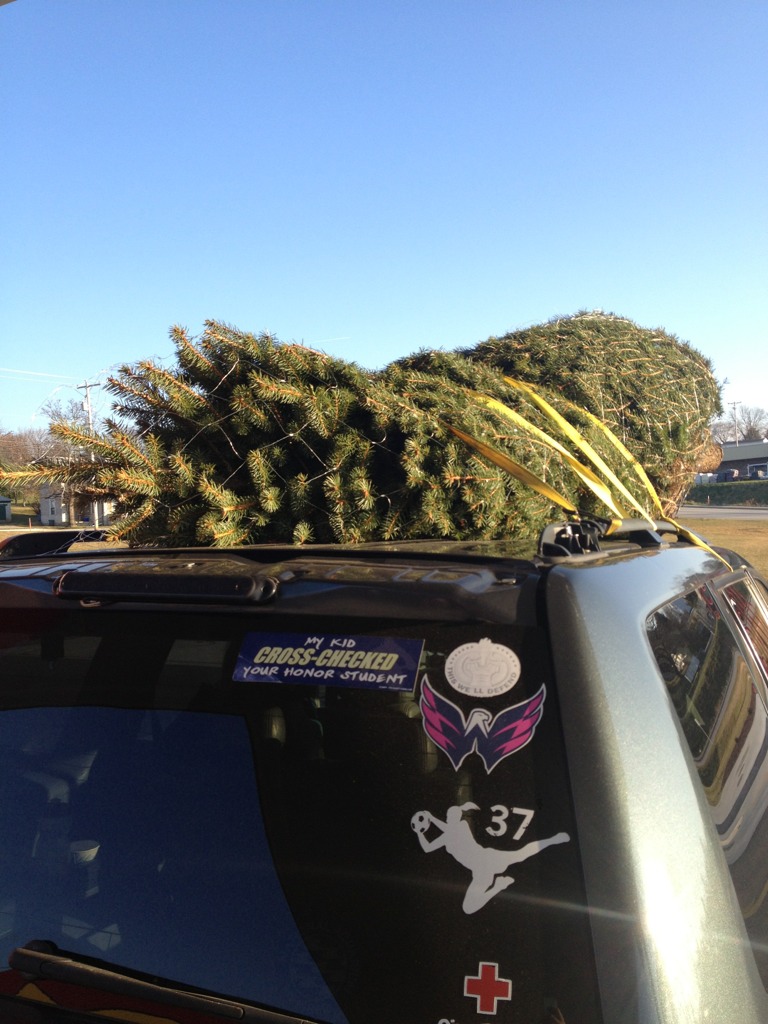
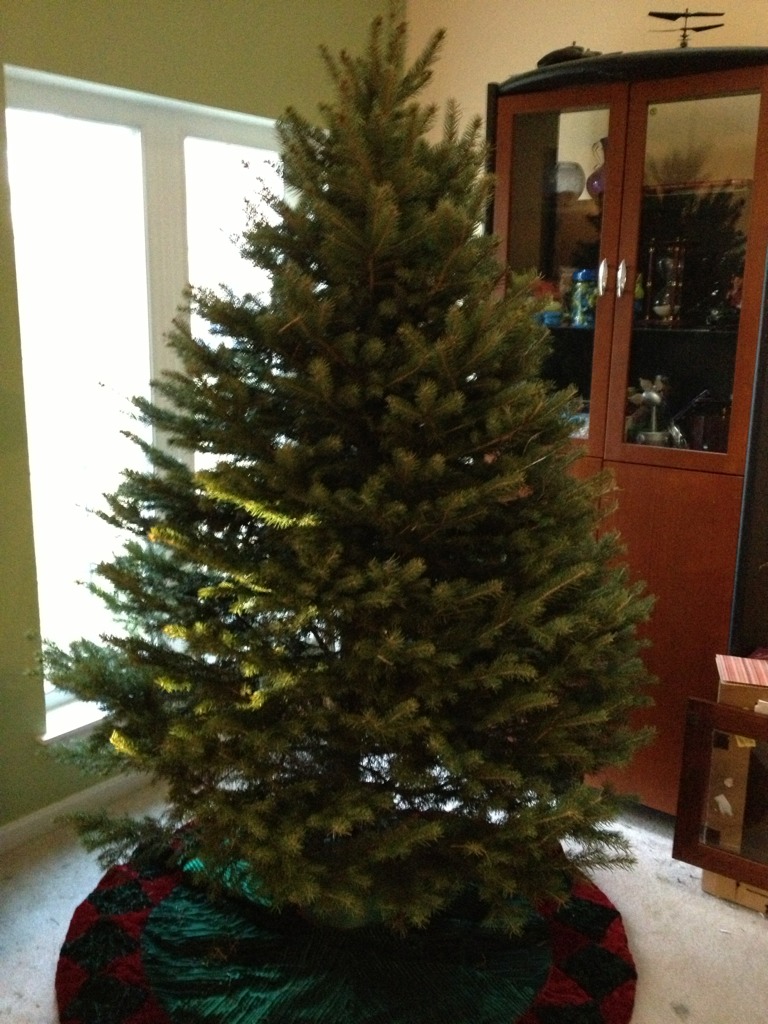
  1. Cut, bought, and put up a tree
  2. I'd much rather have the Calfee, personally. Actually I'd rather have your Gunnar as well. Seems like you already came to that conclusion and I share your desire to get out of the house. So much that despite the temps in the mid 30s and a stiff breeze I'm going for a MTB ride this afternoon.
  3. In my opinion that bike is massively overpriced.
  4. 1 point
    Thanks so much for that one!
  5. I really should, I still have 6 bicycles hanging from a wall. This from my cycling days of 1986 through 1997, used to race a bit but loved touring. My longest tour was about 400 miles, from Chattanooga, TN to Savannah, Ga. Lots of fun!
  6. 1 point
    That reminds me -- I heard today that Gangnam Style is now the most viewed video on YouTube, surpassing the previous record holder, Justin Bieber. This made me happy. Very very happy.

Important Information

By using this site, you agree to our Terms of Use.

Account

Navigation

Search

Search

Configure browser push notifications

Chrome (Android)
  1. Tap the lock icon next to the address bar.
  2. Tap Permissions → Notifications.
  3. Adjust your preference.
Chrome (Desktop)
  1. Click the padlock icon in the address bar.
  2. Select Site settings.
  3. Find Notifications and adjust your preference.