Skip to content
View in the app

A better way to browse. Learn more.

www.Head-Case.org

A full-screen app on your home screen with push notifications, badges and more.

To install this app on iOS and iPadOS
  1. Tap the Share icon in Safari
  2. Scroll the menu and tap Add to Home Screen.
  3. Tap Add in the top-right corner.
To install this app on Android
  1. Tap the 3-dot menu (⋮) in the top-right corner of the browser.
  2. Tap Add to Home screen or Install app.
  3. Confirm by tapping Install.

Leaderboard

Popular Content

Showing content with the highest reputation on 10/31/13 in Posts

  1. The Calfee is at the house. My desire to work is quickly waning...
  2. My 512GB SP2 arrived. Has about 450GB free in stock from. Man, this thing is beautiful. Quite the thick brick. But it's small when I realize it's a full power computer.
  3. Ouch, sucks Stretch. I went to the dentist this morning and other than raping my mouth with floss it was a relatively pain free event that did not identify a need to return for 6 months. Win.
  4. Well, I'm very in. Excited to have the gang together, even if not the full gang.
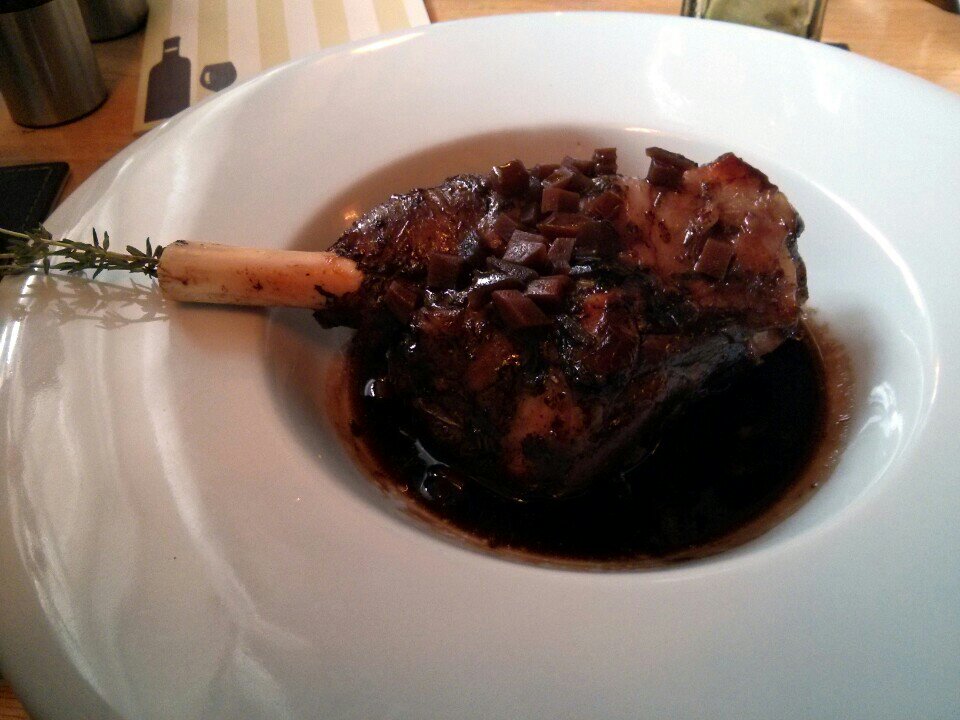
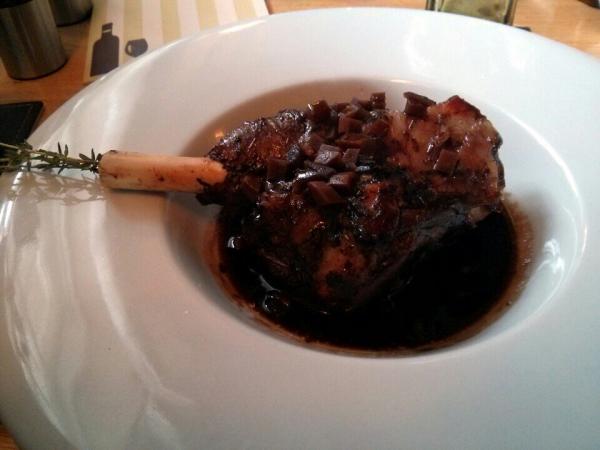
  5. Sunday Lunch, at The Green Man. 20 hour Lamb Shank, Roast Potatoes and Veggies. Dessert, Coffee, Stuffed!
  6. Airport express or appletv solves that for less than another hard drive.

Important Information

By using this site, you agree to our Terms of Use.

Account

Navigation

Search

Search

Configure browser push notifications

Chrome (Android)
  1. Tap the lock icon next to the address bar.
  2. Tap Permissions → Notifications.
  3. Adjust your preference.
Chrome (Desktop)
  1. Click the padlock icon in the address bar.
  2. Select Site settings.
  3. Find Notifications and adjust your preference.