perrew
Members
-
Joined
-
Last visited
Everything posted by perrew
-
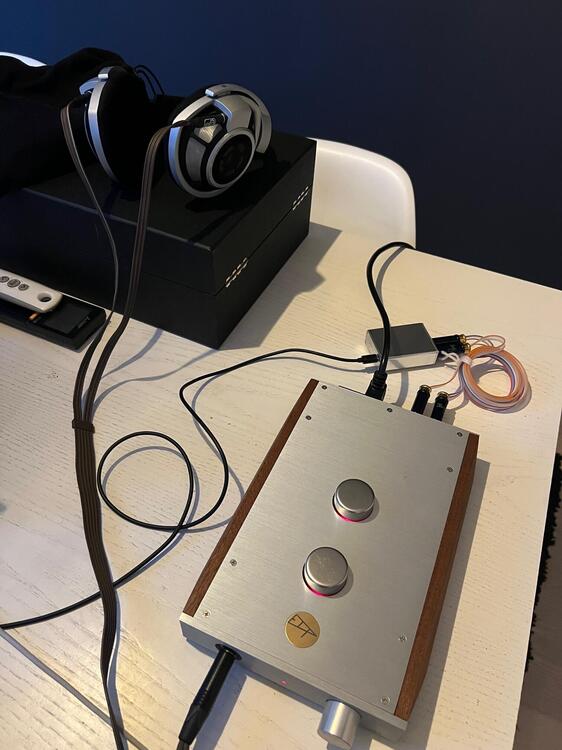
Reviving this thread. Found my old ECP Black Diamond in storage and connected to a pair of HD800 and all I have is the Pico to connect to my MBP. Sounds good to me but is there anything new dac wise worth exploring with similar form factor?
-
-
Hi, Im interested in an L-2 if they are still available? Tks P
-
Has anyone tried the K1000 with McIntosh MC275?
-
Who's the guy in the middle?
-
Do you recall which 300B it was?
-
swt61, we are on the same cable! As I only will drive them with amps with speaker outputs Im going for the spades/bananas. Did you compare your beta22 to any tube amps?
-
Ive never seen anyone have there speaker cables extended with another cable but do you guys think it has much less of an impact when it comes to phones?
-
So what youre saying is that there is no gain in
-
Well, Im looking to wring the last out of this phone and trying to put together a system that has no limitations and from what Ive heard the cable is one of the weak things of the K1000.
-
I have a Mactone MA-300B coming for my K1000. I intend to rewire the K1000 to have spades or bananas direct, anyone done this?