mikeymad
High Rollers
-
Joined
-
Last visited
Everything posted by mikeymad
-
Thanks, I had just downloaded to my phone for a listen. It may work for my walk, but for now:
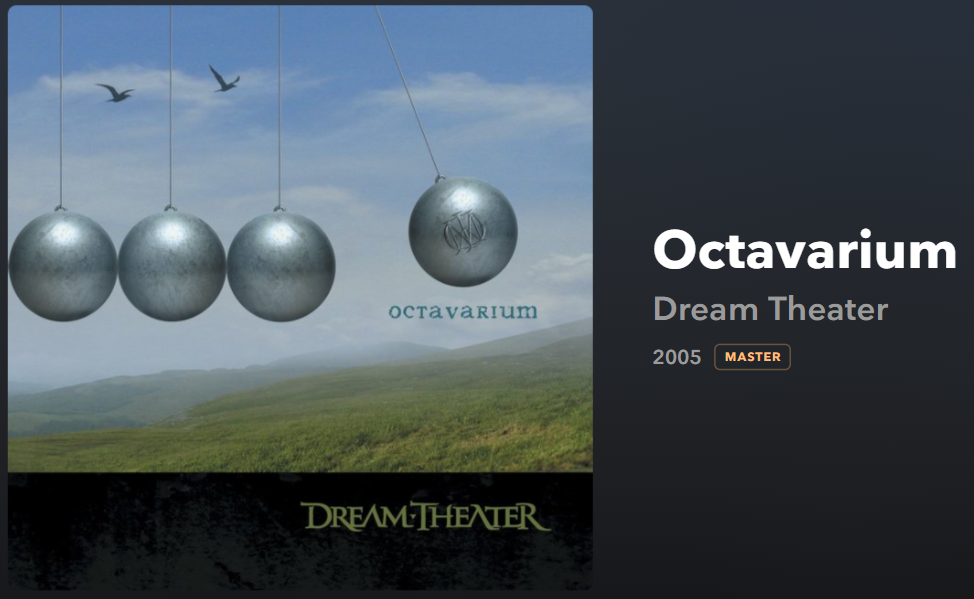
-
^^ on my list. Maybe I need to bump it up the list a bit higher.
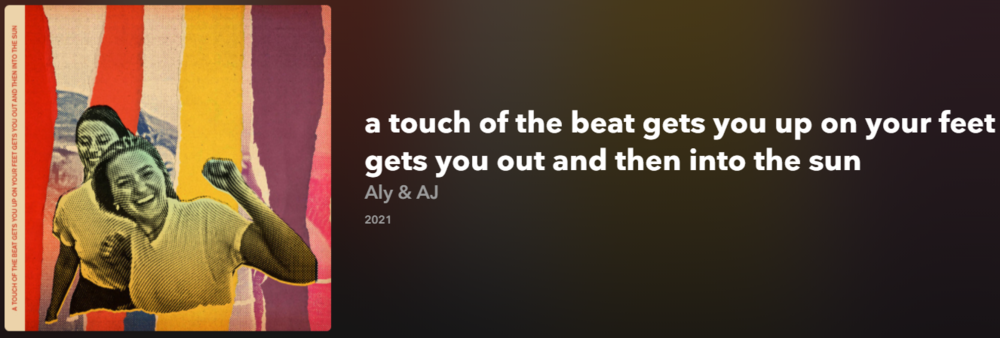 ^^ added.
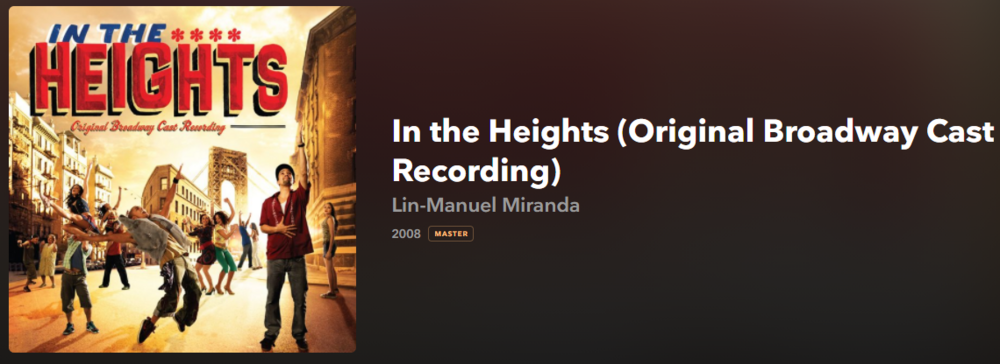
 Sunday morning a cappella metal? sure... (well a cappella with drums)
 The pilot that died on the vine.Catching up on the original.
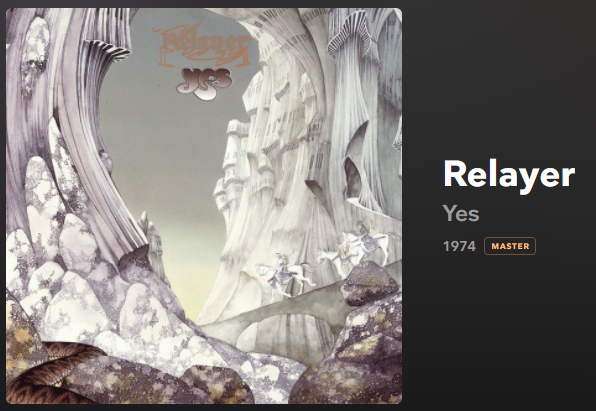
 Morning Yes? Yes.
 ah and a track from his channel
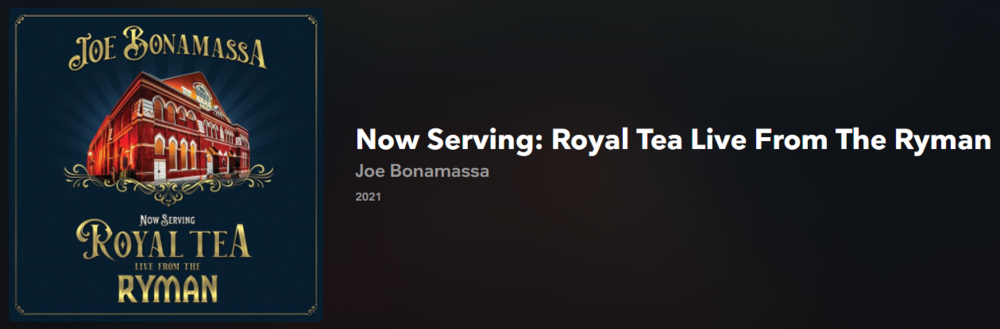 Thanks for the reminder Ric. I do remember that show when it came out. but probably worth going back and taking a second listen now that I have refreshed my palate.Evening Weezer
Important Information
By using this site, you agree to our Terms of Use.
Account
Navigation
Search
Configure browser push notifications
Chrome (Android)
- Tap the lock icon next to the address bar.
- Tap Permissions → Notifications.
- Adjust your preference.
Chrome (Desktop)
- Click the padlock icon in the address bar.
- Select Site settings.
- Find Notifications and adjust your preference.
Safari (iOS 16.4+)
- Ensure the site is installed via Add to Home Screen.
- Open Settings App → Notifications.
- Find your app name and adjust your preference.
Safari (macOS)
- Go to Safari → Preferences.
- Click the Websites tab.
- Select Notifications in the sidebar.
- Find this website and adjust your preference.
Edge (Android)
- Tap the lock icon next to the address bar.
- Tap Permissions.
- Find Notifications and adjust your preference.
Edge (Desktop)
- Click the padlock icon in the address bar.
- Click Permissions for this site.
- Find Notifications and adjust your preference.
Firefox (Android)
- Go to Settings → Site permissions.
- Tap Notifications.
- Find this site in the list and adjust your preference.
Firefox (Desktop)
- Open Firefox Settings.
- Search for Notifications.
- Find this site in the list and adjust your preference.