


mikeymad
High Rollers
-
Joined
-
Last visited
Everything posted by mikeymad
-
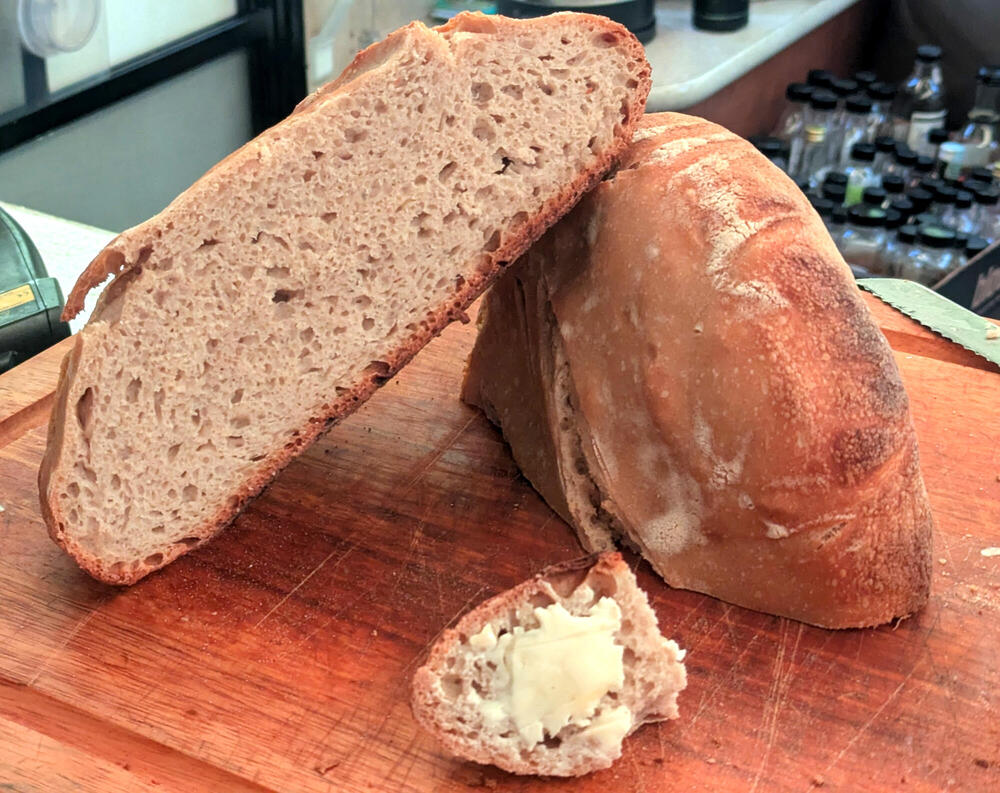
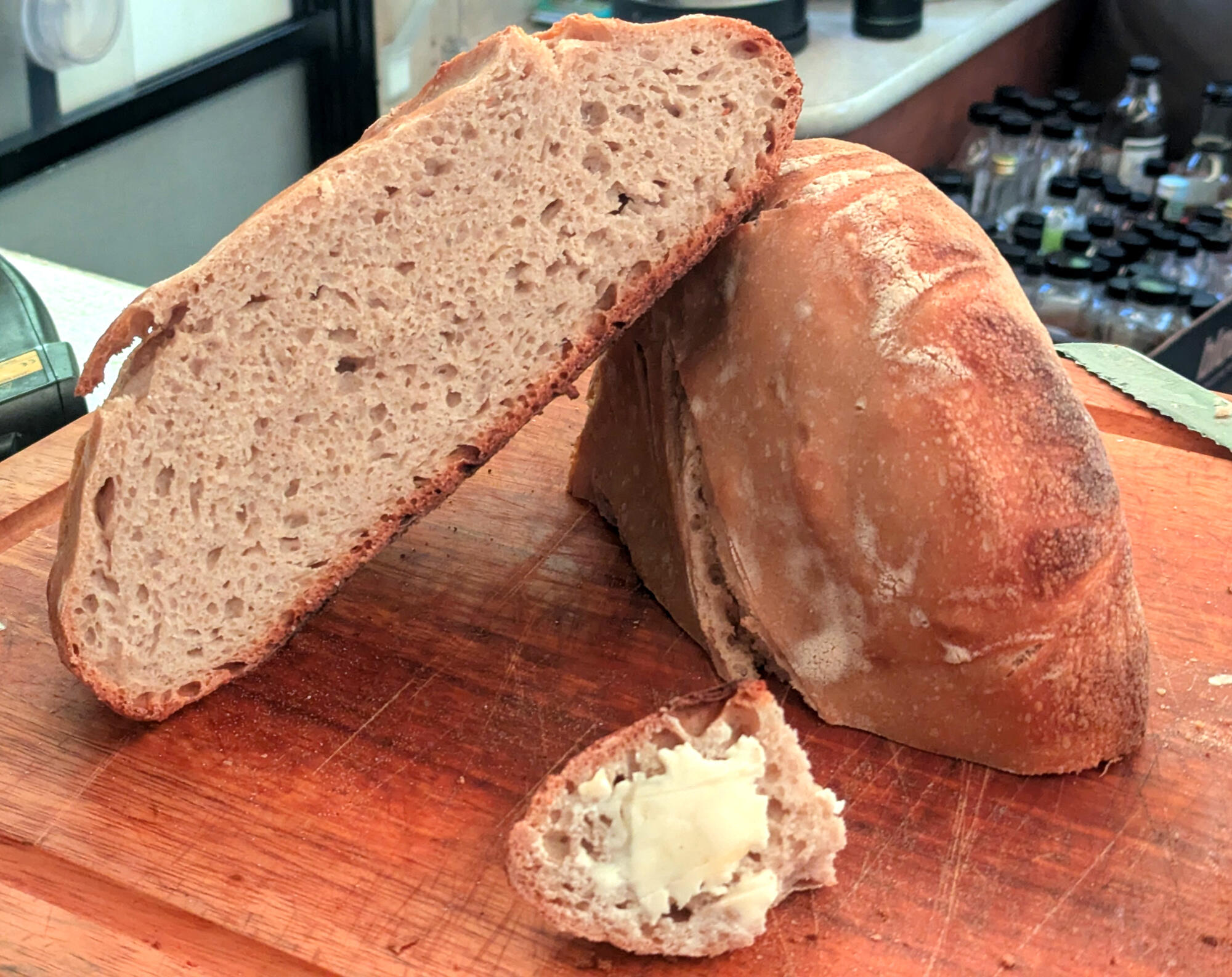
Shouldn't this be in the baking thread? Well technically both. I tried an experiment. A pretty standard sourdough mix at 78% hydration. Formed yesterday, sat overnight in fridge. Baked this morning on pellet grill. I use a cast iron dutch oven/combo cooker. I heated the grill to 500 with the cast iron. loaded and scored the bread lowering the temp to 450. I took it out of the cooker and baked in the grill at 350 for an additional 30 minutes. The oven spring wasn't great but good enough, And I probably could have baked it a little longer. But there is a decidedly Smoky flavor to the entire crust. I'm not sure if I would want it all the time but it's pretty darn yummy.
-
I enjoyed this set.
-
Rindfleisch
-
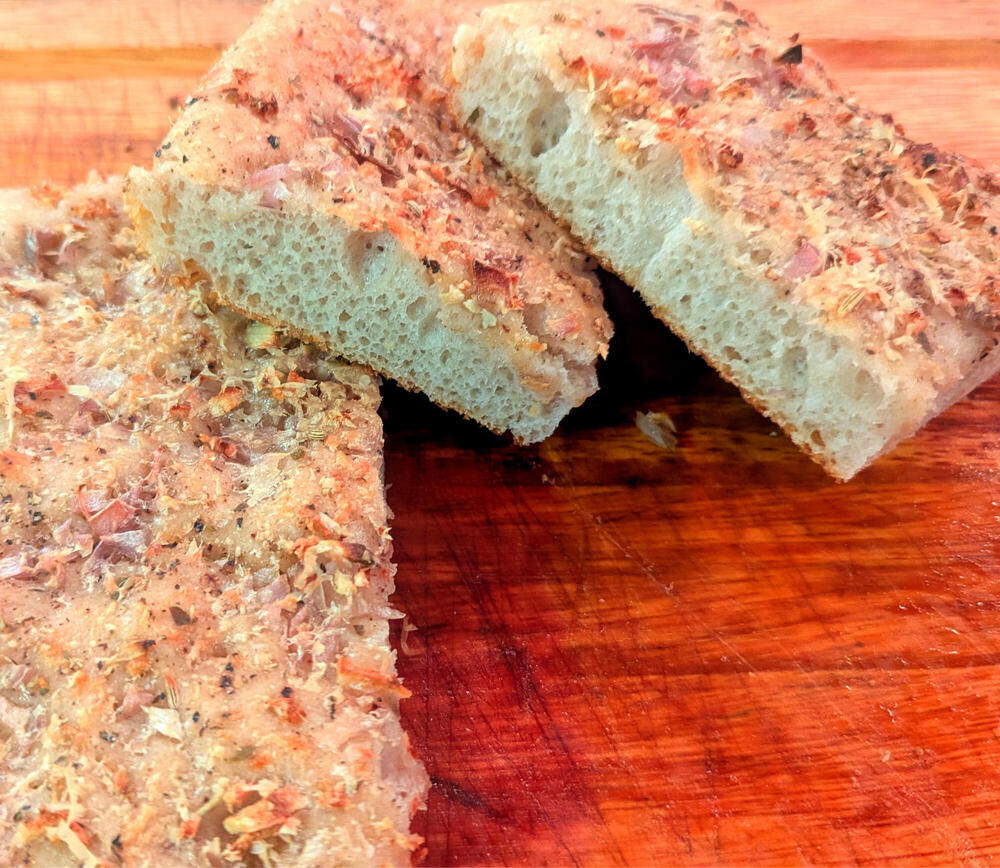
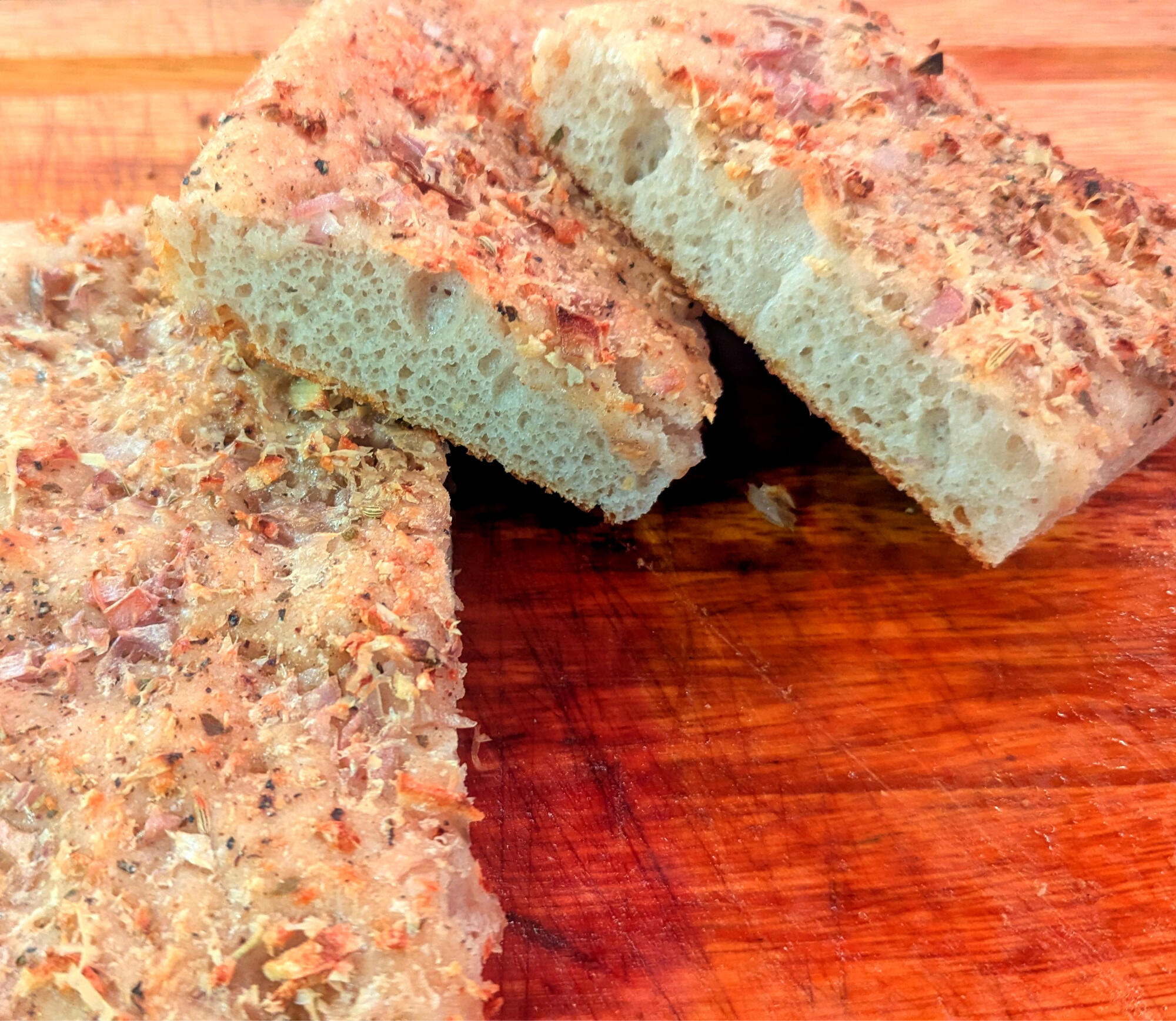
Just a nice personal chat with PaulGodspeed Margaret.Noctunes by Clemens Christian Poetzsch (2026) https://open.qobuz.com/album/b7bml0e1lj9ti Example: New release - It is pretty, but sometimes I feel a little too mellow. Almost took a nap, but that maybe just a me problem. I mean they are Noctunes (their spelling) after all.Secret Of Love by Angelina Jordan Astar (2026) https://open.qobuz.com/album/j1gbvms0n3rqj Example: Based on recent findings. This is a little strange to me, there are highlights like the example. But the overall album falls more into an easy listening vocal album. More background music than what I would expect from a young artist with pipes. She might be having some publication and licensing issues. This seems to be self published and her name changed to - Angelina Jordan Astar - I hope she can get the backing that she deserves and can get some good production.BABE: ELABORATIO A Tribute To My Mother by Harry Connick Jr. (2026) https://open.qobuz.com/album/goywb8175ywcg Example; Another Classical work from a Piano player. Orchestral this time. I really like it, Gershwinesk. The third movement (3/3) is my personal fav. Orchestra Victoria is the backing players.I recently found Angelina. Glad I did.Kurtág, Bach: Játékok by Márta Kurtág (1997) https://open.qobuz.com/album/0002894535112 Example: A lot of this album was tough for me, a lot of dissonance in Kurtág's work. Which is fine, it is when there is an hour of it that I loose the plot a bit. It is broken up by bits of loveliness, like the example, of Bach BWV 106 transcribed for 4 hands. So a worthy album, but I have to admit I will probably only be returning for the various Bach transcriptions.https://people.com/rock-star-performs-private-piano-concert-for-formerly-abused-bears-12162991 "Rock Star Performs Private Piano Concert to Brighten the Day of Formerly Abused Bears" Rick Wakeman of the band Yes performed piano for the moon bears at Animals Asia’s sanctuary, including compositions he wrote for the animalsFantasies & Delusions (Opus 1-10 Music for Solo Piano) by Billy Joel (2001) https://open.qobuz.com/album/0696998539723 Example: I remember hearing about this release back in the day, but never really thought about it since. I really like it, great playing, great themes and variations. I will turn to it for modern classical piano, nothing really to do with it being Billy.Of Time by Pierpont & Helgeson (2025) https://open.qobuz.com/album/tbpyvouhx520b Example: 2025 music sounding like 60s spy movie soundtrack? Sure. I can dig it.RIP - Freddie Jackson 70Bach: Cello Suites by Zuill Bailey (2010) https://open.qobuz.com/album/j4dmw5jtyv1uc Example: So, to answer the question: Do I need to listen to any other recordings other than the reference of Yo-Yo Ma's CBS masterworks recording? Well after some exploration (don't worry, you will not see 30 recordings of this reviewed), I would have to say yes. This Telarc recording (good first sign) by Zuill is a good example of a excellent recording that has a bit more liveliness, bounce, pace that I am drawn to. I will always go back to the Yo-Yo 1983 recording, but it is nice that there are these additional flavors that are really good. I would like it if it was more than 16/44 but I will survive.Improvised focaccia. I started a dough for making pizza but forgot I didn't have cheese. So I let it rise longer than normal and hit it with olive oil and shallots and garlic, a bunch of spices and baked it on the pellet grill. maybe not as good as pizza but my gosh it is good.
 So this happened to me... I seem to be late to the game. Great to see/hear Serj anytime. So I had to figure some things out. and There are more - but they are more reactions not analysis. Video pulls a lot from Matrix (and many others)Electric Warrior by T. Rex (1971) https://open.qobuz.com/album/0603497926008 Example (The easy one to pick) I had not realized until recently how big T.Rex was at the time. So I put this one on, yup, very good. Really a vehicle for Marc Bolan, and I am okay with that.Some more GarryGood Together by Lake Street Dive (2024) https://open.qobuz.com/album/o676jgwvi5ulb Example: Been a staple on my IG and YT. But I just thought this morning. Have I listened to their Albums. Always captivated by Rachael Price's voice. There will be a handful of tunes that will go in rotation.If you like slow and heavy.






Important Information
By using this site, you agree to our Terms of Use.
Account
Navigation
Search
Configure browser push notifications
Chrome (Android)
- Tap the lock icon next to the address bar.
- Tap Permissions → Notifications.
- Adjust your preference.
Chrome (Desktop)
- Click the padlock icon in the address bar.
- Select Site settings.
- Find Notifications and adjust your preference.
Safari (iOS 16.4+)
- Ensure the site is installed via Add to Home Screen.
- Open Settings App → Notifications.
- Find your app name and adjust your preference.
Safari (macOS)
- Go to Safari → Preferences.
- Click the Websites tab.
- Select Notifications in the sidebar.
- Find this website and adjust your preference.
Edge (Android)
- Tap the lock icon next to the address bar.
- Tap Permissions.
- Find Notifications and adjust your preference.
Edge (Desktop)
- Click the padlock icon in the address bar.
- Click Permissions for this site.
- Find Notifications and adjust your preference.
Firefox (Android)
- Go to Settings → Site permissions.
- Tap Notifications.
- Find this site in the list and adjust your preference.
Firefox (Desktop)
- Open Firefox Settings.
- Search for Notifications.
- Find this site in the list and adjust your preference.