Hopstretch
High Rollers
-
Joined
-
Last visited
Everything posted by Hopstretch
-
At least the Swedes are still doing punk.
-
God we are all getting old. Jarvis is starting to make me think of Kipling's "a rag and a bone and a hank of hair."
-
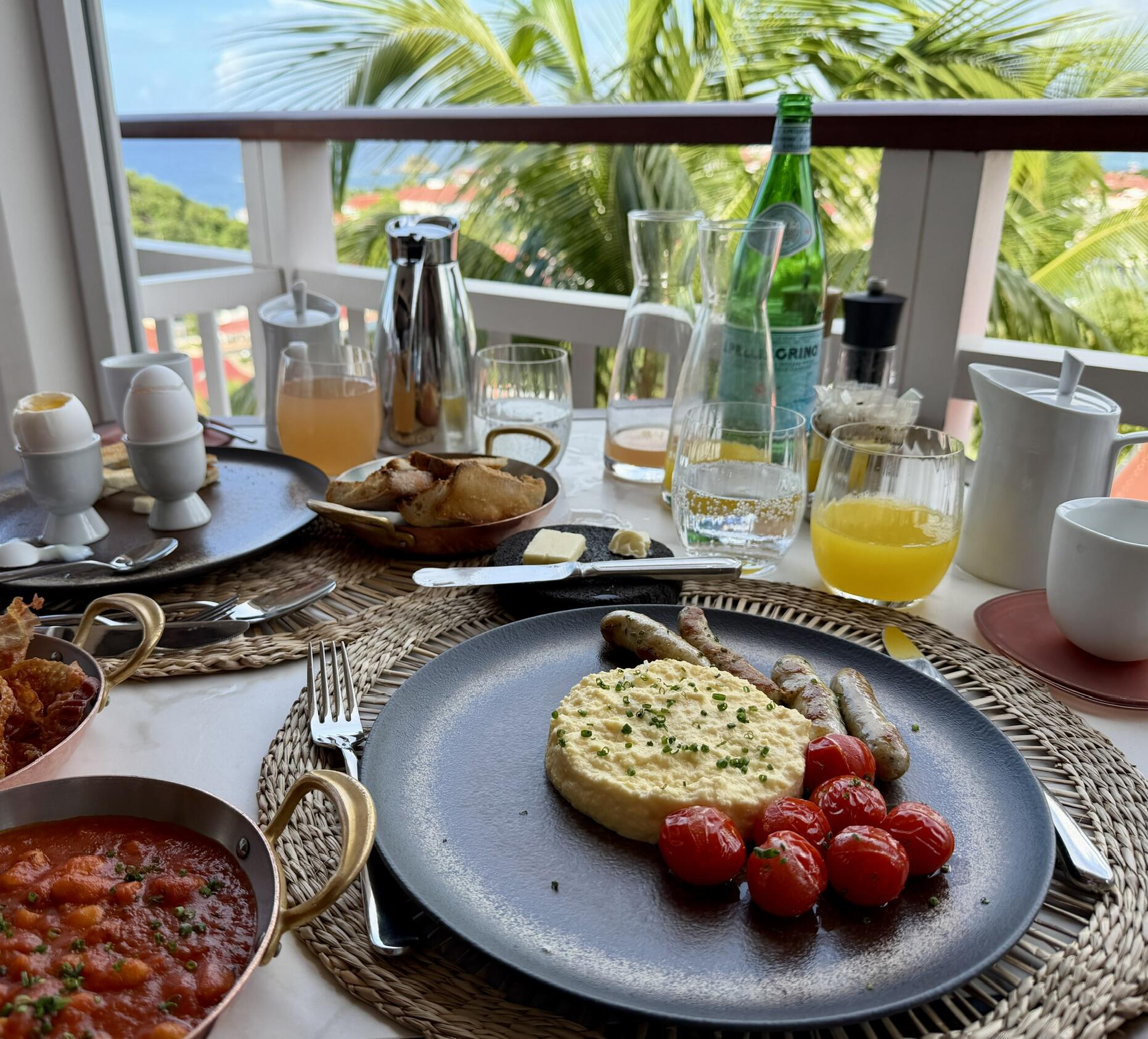
I know they are canceled, but every now and again I still like to revisit the sheer lunacy of Die Antwoord. This was the anti- ritual circumcision PSA.The New AirPods Pro 3 are night-and-day better than the previous generation in sound, fit and seal (for me). Absolute no brainer upgrade.Happy Birthdays gents!A breakfast almost worthy of a Grehaem. Venison snausage and bacon hiding in the periphery. I would also like to note that this is what happens when you give the humble potato to the French. 🫣

 Whoops.
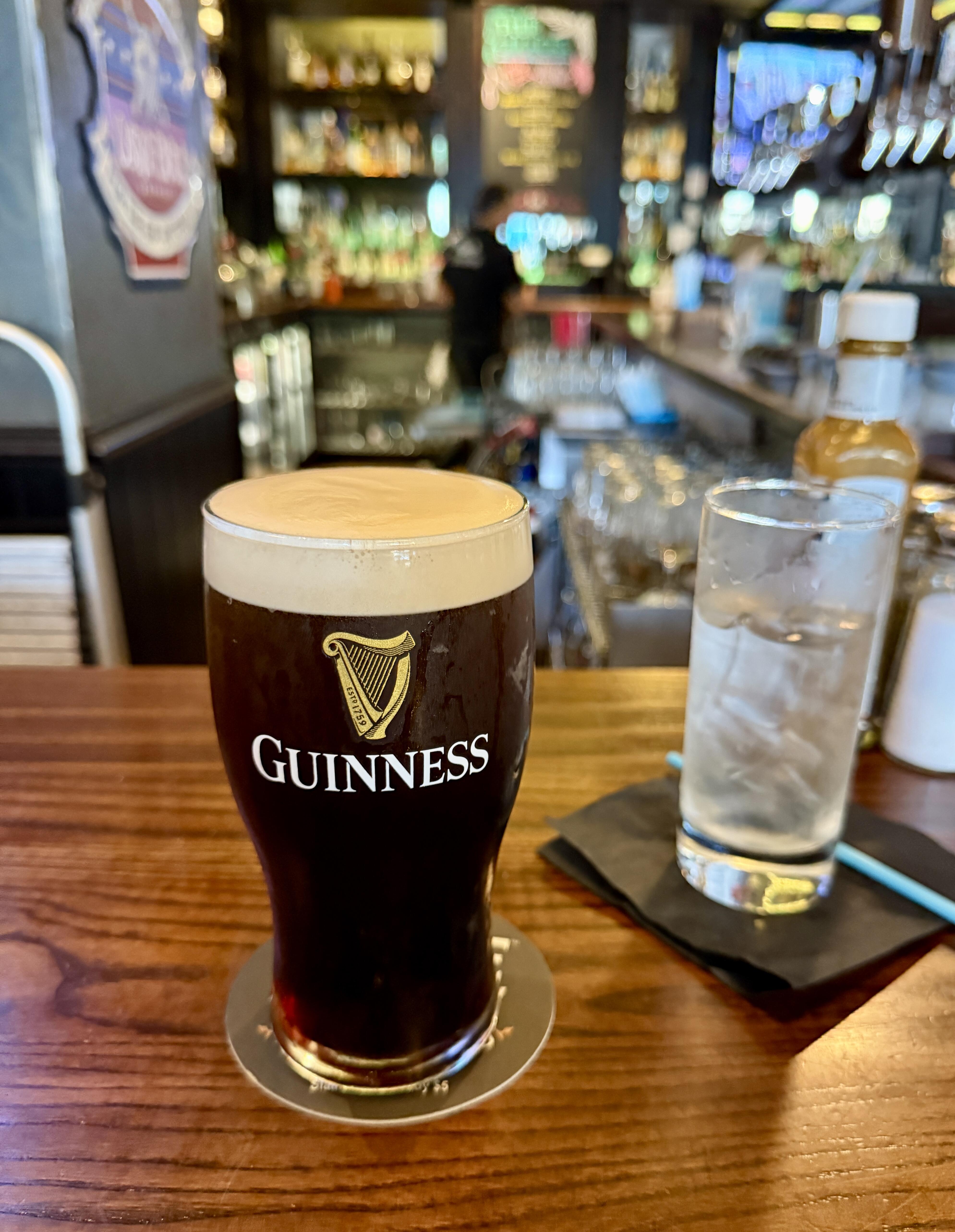
 This is one of those songs that when I first heard it I just liked the little, subtle hooks in it. And the overall mood. Then slowly, I actually started getting the lyrics and, well, fuck.I always had a soft spot for Guster as Massholes.Happy birthday! Irish Breakfast in your honor.
 Um, nipples?7 views? Fuck me, maybe I'm the only person who likes bleak Swedish conceptual art/dreampop. (Actually, when I put it like that ... 🤷♂️)Fan of this kid. Very sardonic sensibility and seems to really care about the musicianship.
Important Information
By using this site, you agree to our Terms of Use.
Account
Navigation
Search
Configure browser push notifications
Chrome (Android)
- Tap the lock icon next to the address bar.
- Tap Permissions → Notifications.
- Adjust your preference.
Chrome (Desktop)
- Click the padlock icon in the address bar.
- Select Site settings.
- Find Notifications and adjust your preference.
Safari (iOS 16.4+)
- Ensure the site is installed via Add to Home Screen.
- Open Settings App → Notifications.
- Find your app name and adjust your preference.
Safari (macOS)
- Go to Safari → Preferences.
- Click the Websites tab.
- Select Notifications in the sidebar.
- Find this website and adjust your preference.
Edge (Android)
- Tap the lock icon next to the address bar.
- Tap Permissions.
- Find Notifications and adjust your preference.
Edge (Desktop)
- Click the padlock icon in the address bar.
- Click Permissions for this site.
- Find Notifications and adjust your preference.
Firefox (Android)
- Go to Settings → Site permissions.
- Tap Notifications.
- Find this site in the list and adjust your preference.
Firefox (Desktop)
- Open Firefox Settings.
- Search for Notifications.
- Find this site in the list and adjust your preference.