Leaderboard
-
Voltron
High Rollers6Points34563Posts -
grawk
Administrators6Points29533Posts -
acidbasement
High Rollers5Points2988Posts -
cutestory
High Rollers5Points1644Posts




Popular Content
Showing content with the highest reputation on 08/30/19 in Posts
-
3 pointsHurricane preparations and checking supplies, i.e. water, liquor, beer and ammunition.3 points
-
1 point
-
1 pointIs this thread indexable by the goog? I've got some shit I want to say, but it's a bit too personal to have out in the open. Oh well, this has been a zero content post brought to you by Knuckledragger, LLC and Primate Lighting Industries. Stay tuned for our weekly broadcast!1 point
-
1 pointWatched the first episode of season one of Mindhunter and could not make it through episode two. I probably won't continue. Different strokes ...1 point
-
Check this video by Haas: You may want a special tapping drill to make thread go deeper in the limited depth of blind hole.1 point
-
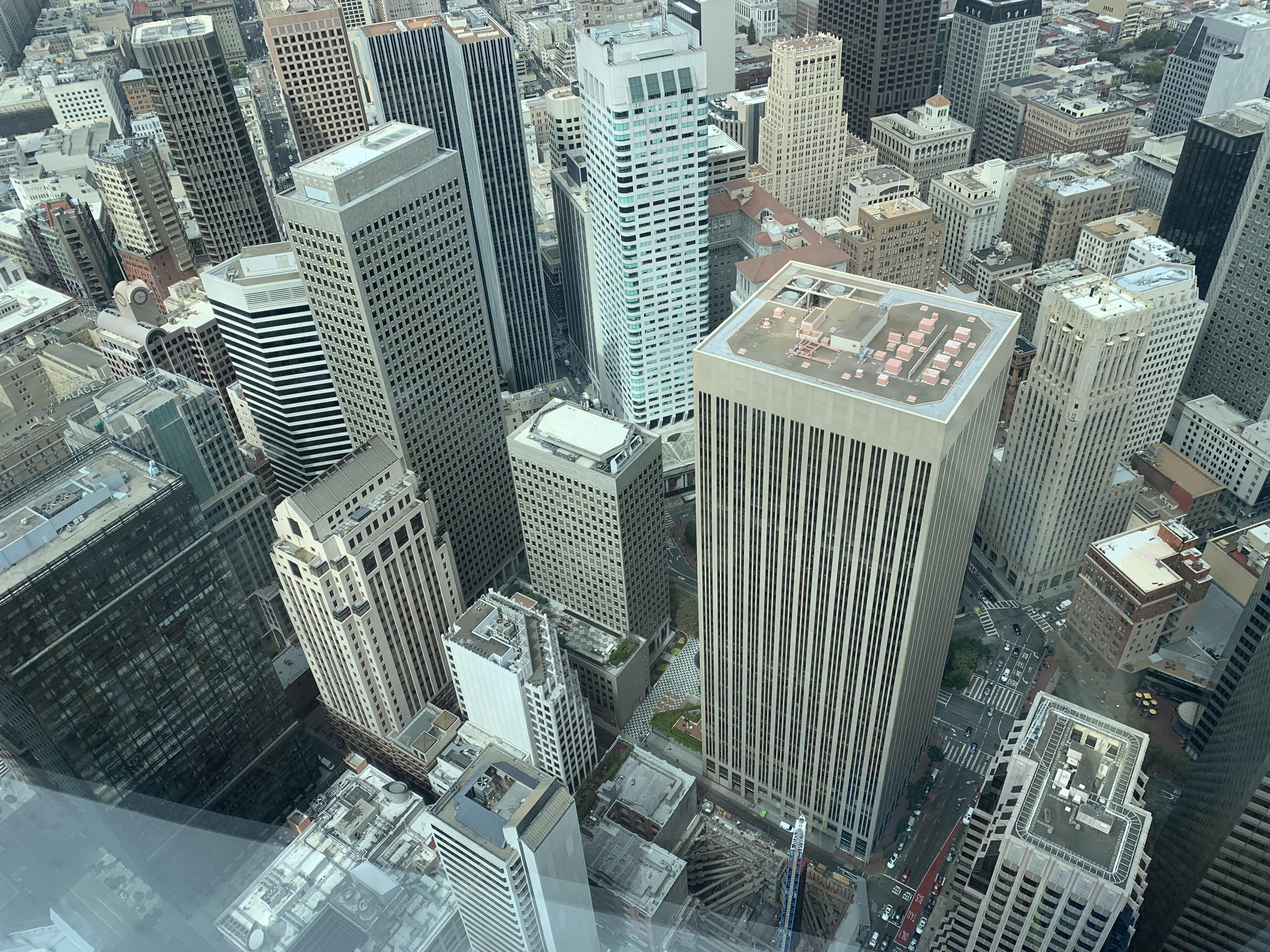
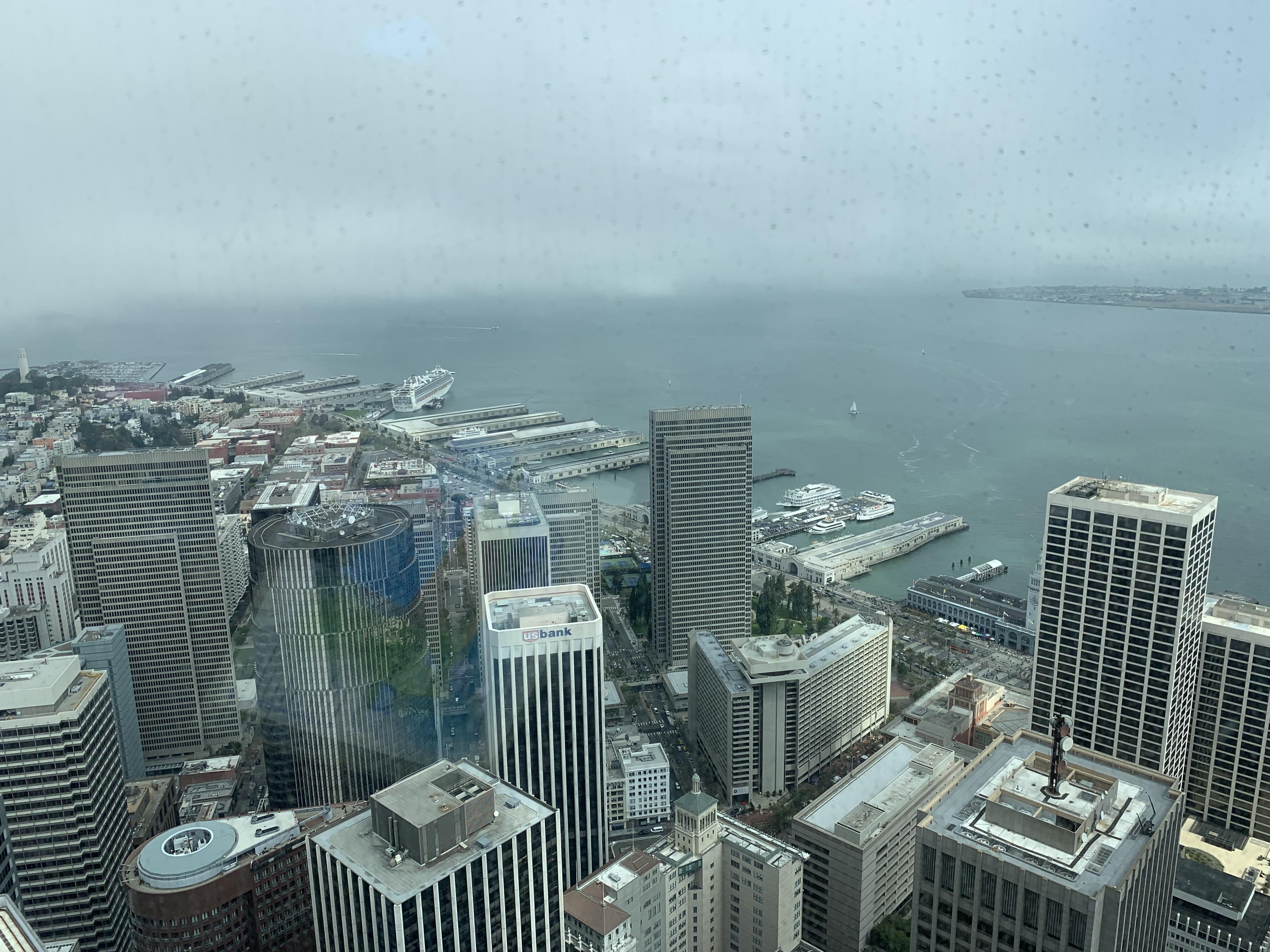
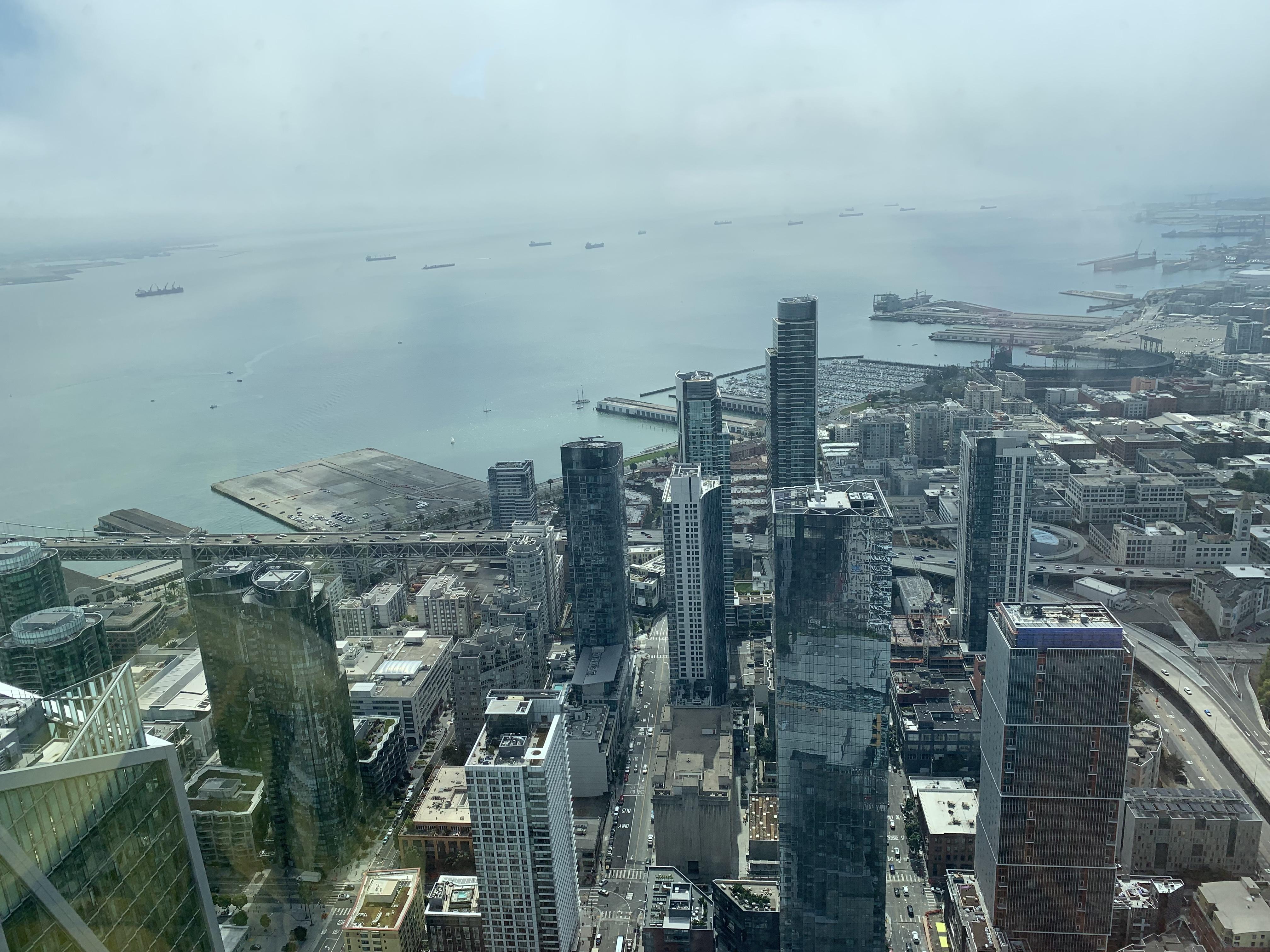
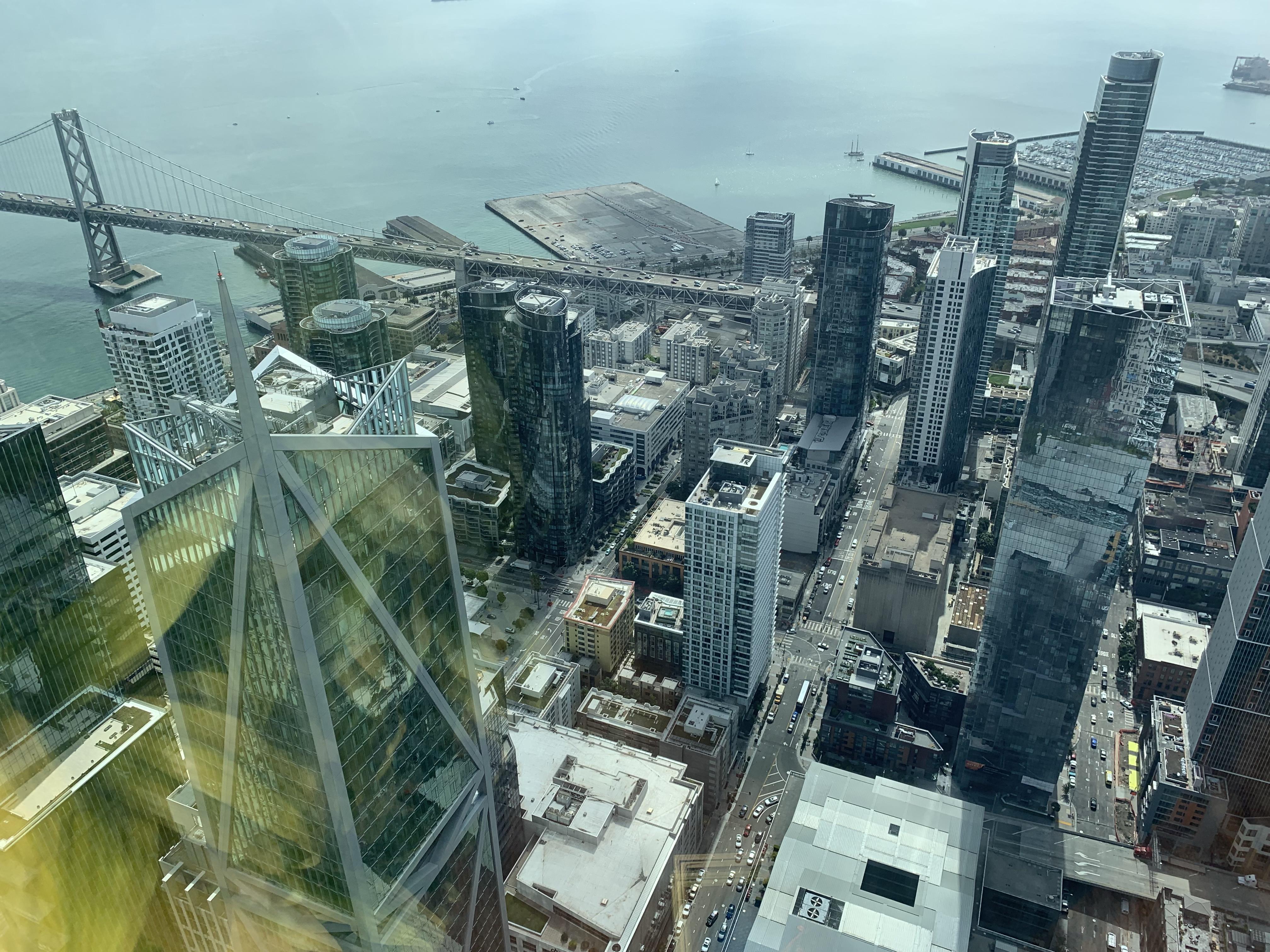
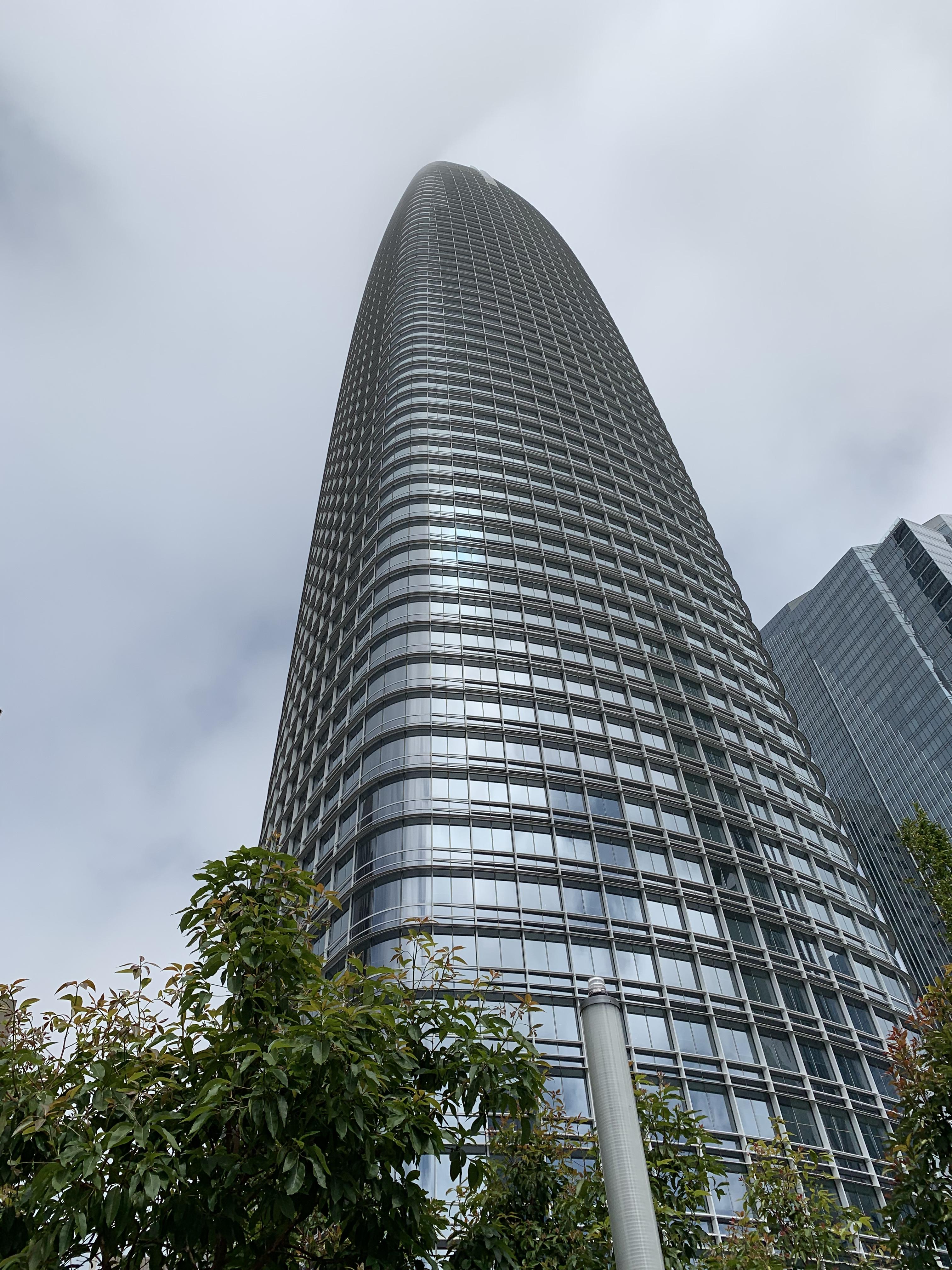
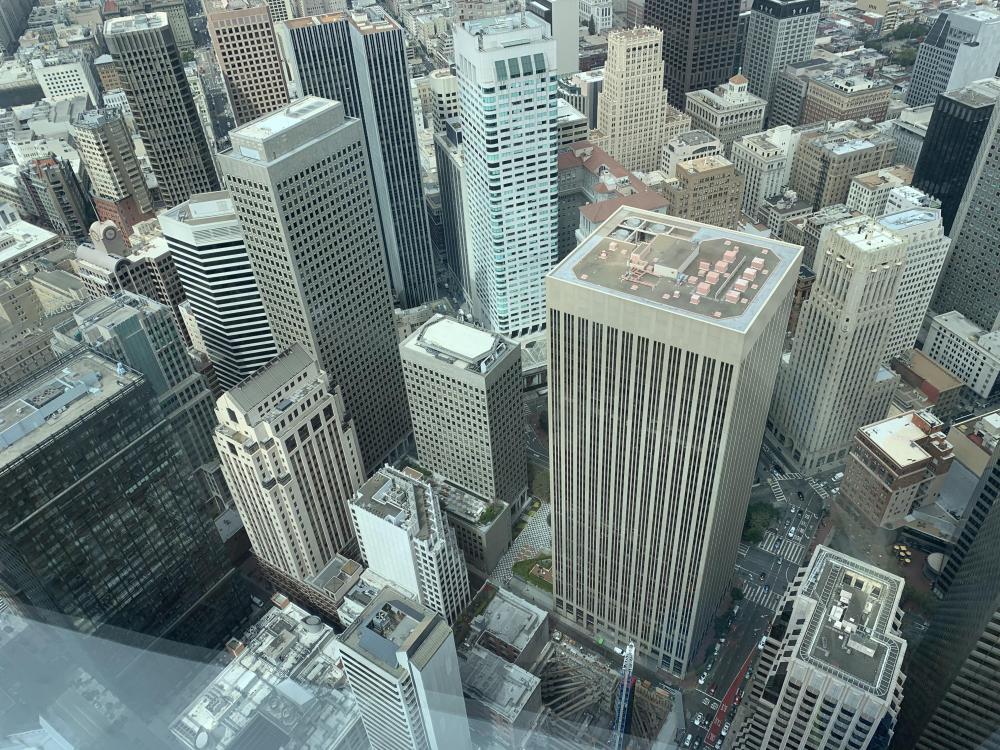
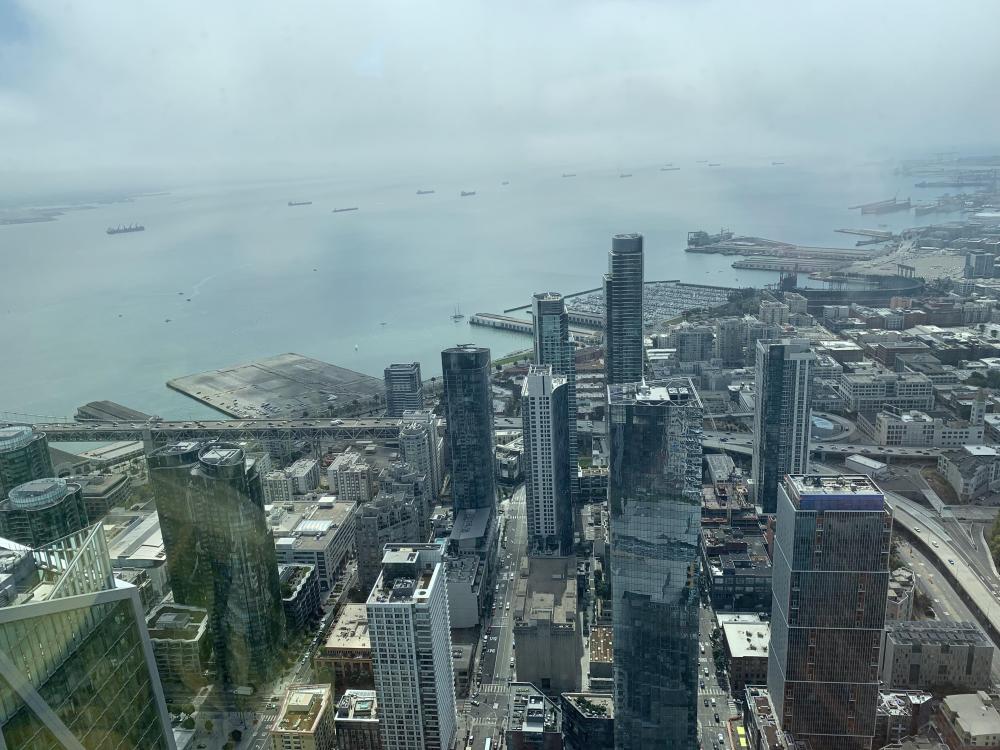
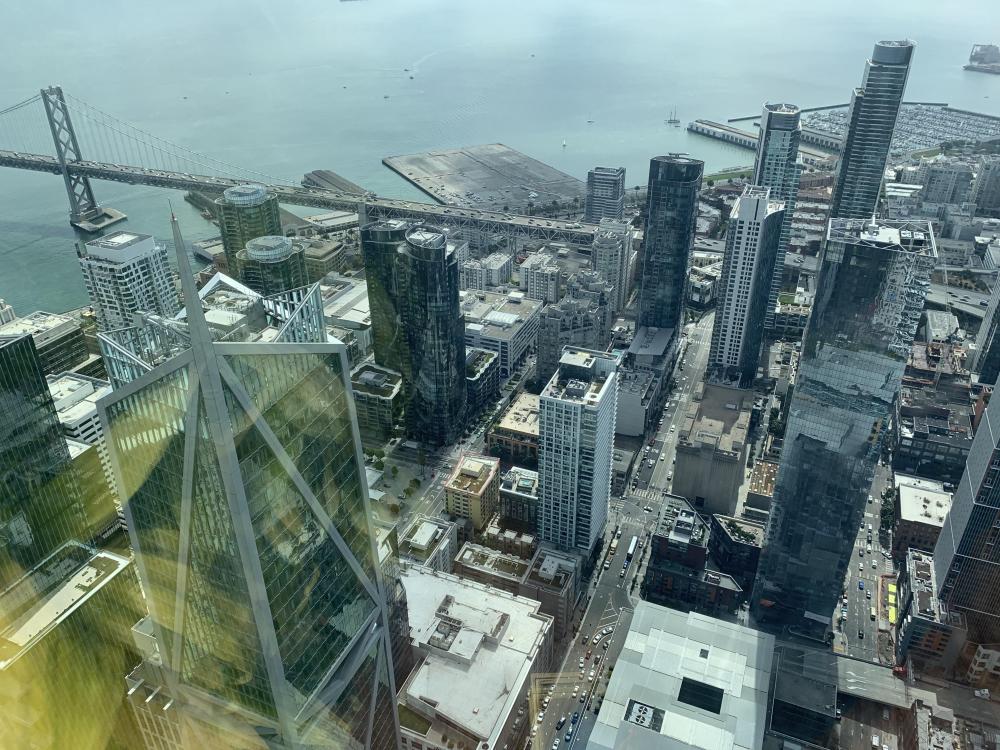
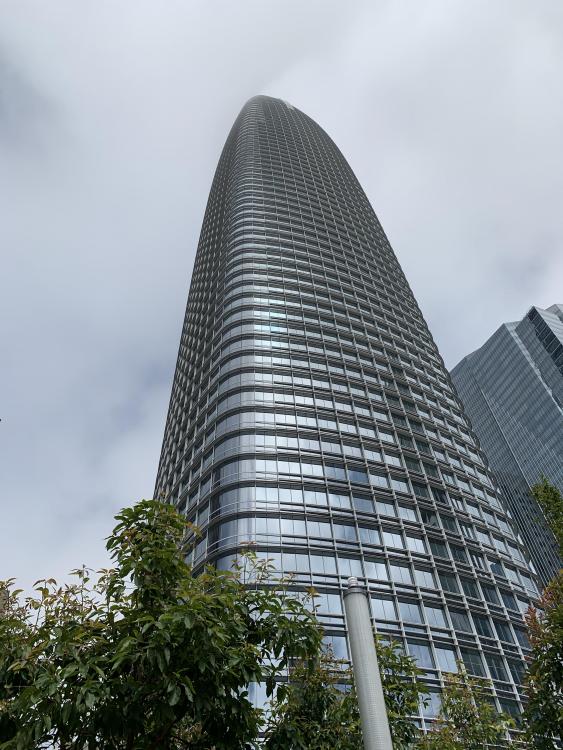
1 pointToured Salesforce tower in SF, the 2nd highest building west of the Mississippi. Karl the Fog (yes, it has a name) was out in force but the views were amazing nevertheless.

 1 point