

Leaderboard




Popular Content
Showing content with the highest reputation on 11/20/24 in Posts
-
3 pointsI am finding out that driving a sports car with UHP summer tires to work on rainy mornings in the high 30s can wake you up real quick! Traction and ESC interventions work better than coffee. 🙃3 points
-
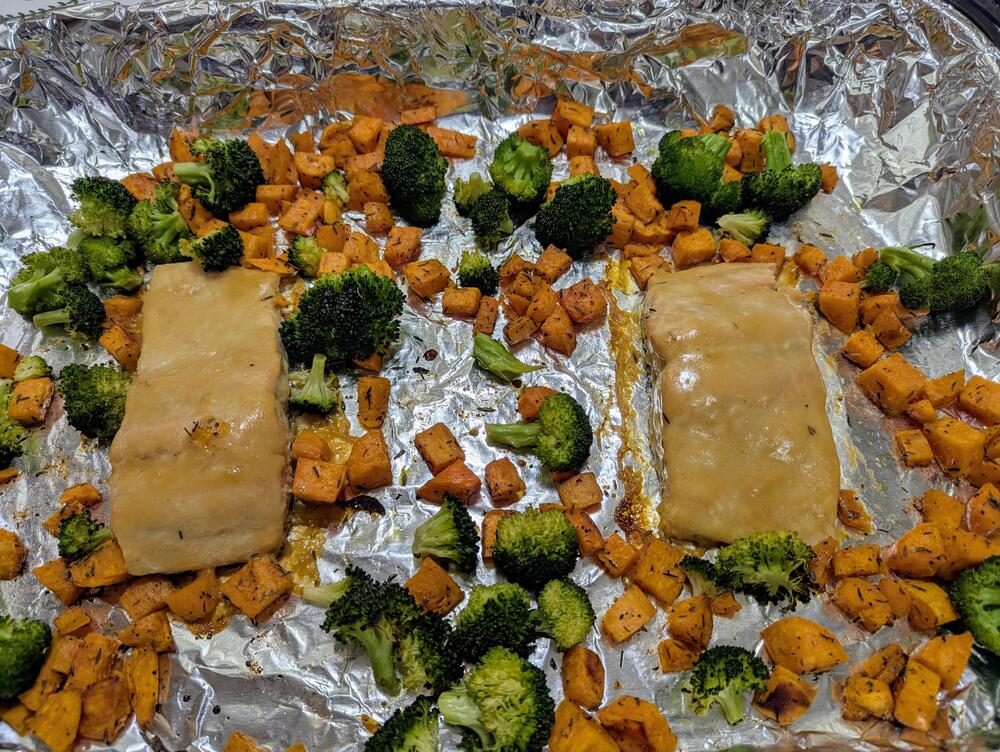
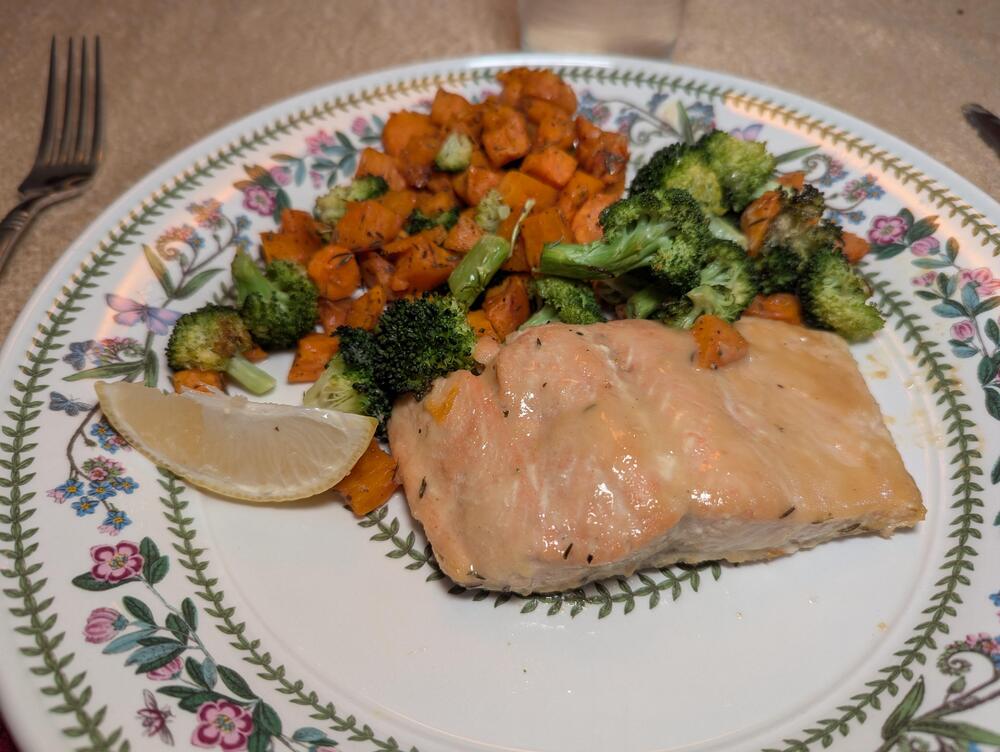
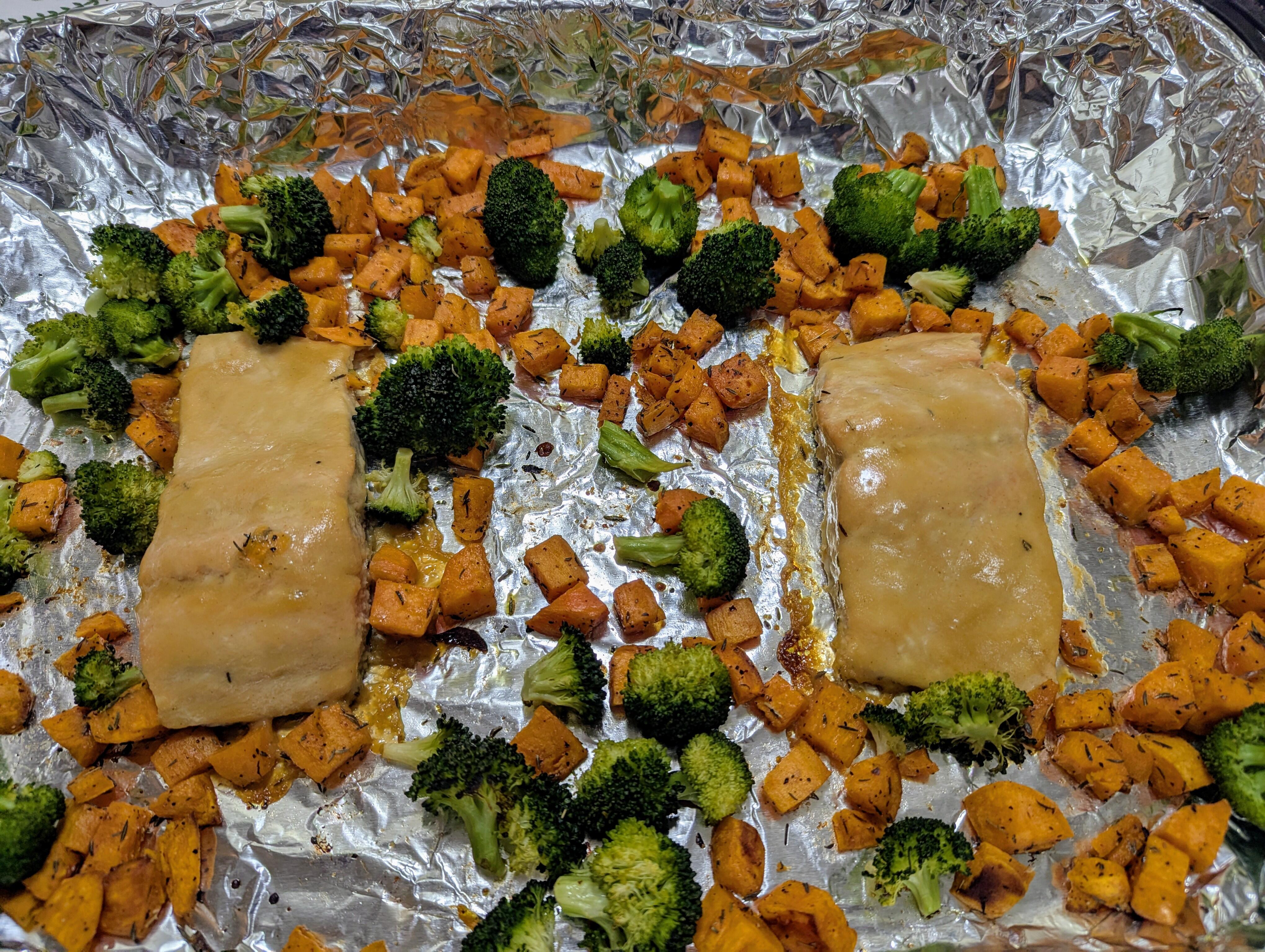
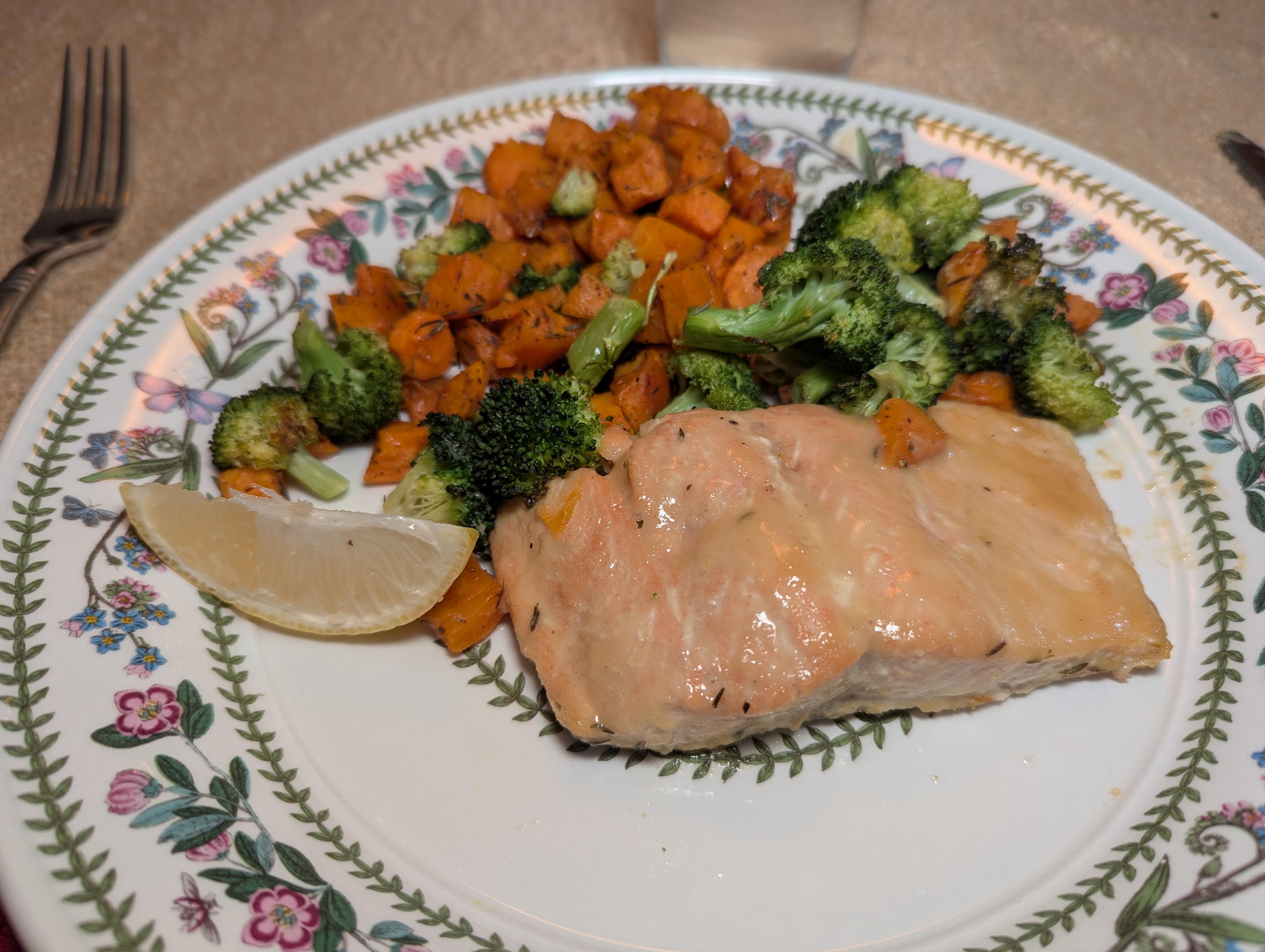
3 points3 points2 pointsRip Jaaaag Brand identity? I wonder what Jezza will have to say on the matter? At least there's the TWR Supercat to look at in the meantime.2 points2 pointsA one pan wonder Honey Mustard glazed Salmon with sweet potatoes and broccoli. The result of asking AI what to do with said ingredients. https://www.perplexity.ai/search/salmon-sweet-potato-and-brocco-PwLC8GFuR9KWvuOtshXpYA#0
 2 points1 pointIf I buy a place next year that has a garage my first purchase will be another set of wheels. Mainly to put EP semi-slicks on for track duty, but it also means I can dump the summers for all-seasons on the first set of wheels if I need to.1 point1 pointthis is why i have 4 sets of tires for 2 cars. seriously under 40 degrees F is death for summer only performance tires. besides which the tires will crack and then you have to throw them out.1 point1 pointThis As a result of this: https://www.perplexity.ai/search/salmon-sweet-potato-and-brocco-PwLC8GFuR9KWvuOtshXpYA#0
 1 point1 pointPossible Brent Biscuit influence detected. But insufficient for a Rapid Unscheduled Disassembly with an improbably large blast radius.1 point

Important Information
By using this site, you agree to our Terms of Use.