Skip to content
View in the app

A better way to browse. Learn more.

www.Head-Case.org

A full-screen app on your home screen with push notifications, badges and more.

To install this app on iOS and iPadOS
  1. Tap the Share icon in Safari
  2. Scroll the menu and tap Add to Home Screen.
  3. Tap Add in the top-right corner.
To install this app on Android
  1. Tap the 3-dot menu (⋮) in the top-right corner of the browser.
  2. Tap Add to Home screen or Install app.
  3. Confirm by tapping Install.

Leaderboard

Popular Content

Showing content with the highest reputation on 01/07/25 in Posts

  1. Kimono My House by Sparks (1974) https://album.link/i/1443750483 Example: More fun than I was expecting, and really good.
  2. Just finished season 1. Loving it so far. Thanks for sharing.
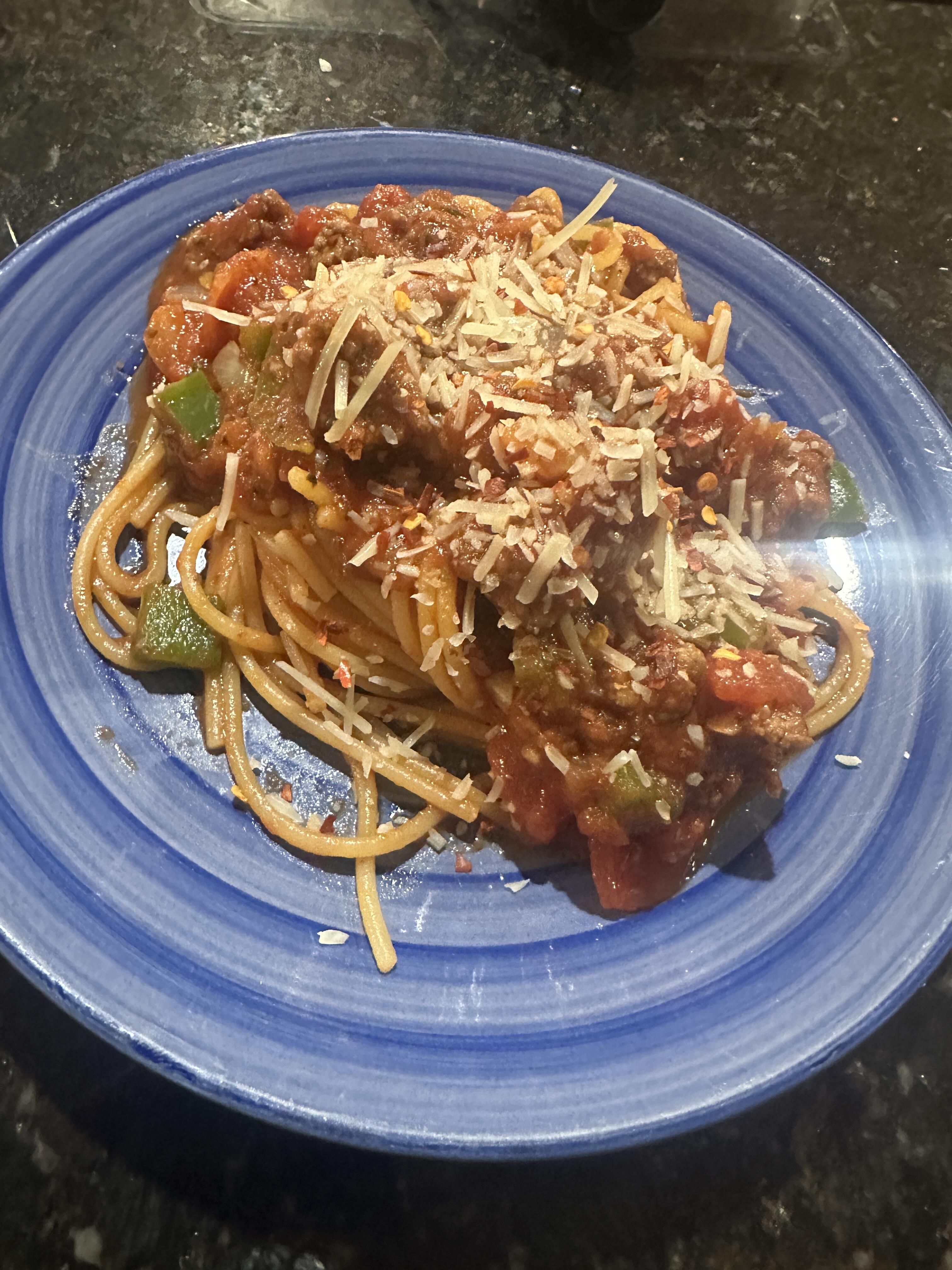
  3. Spaghetti and meat sauce. No action photos unfortunately.
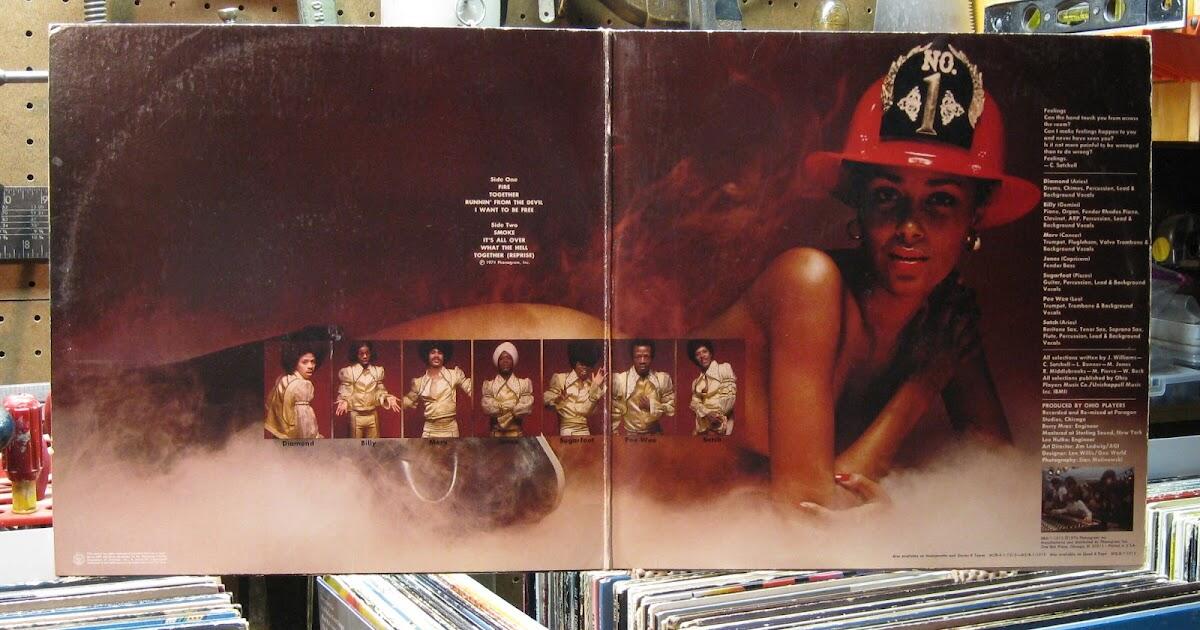
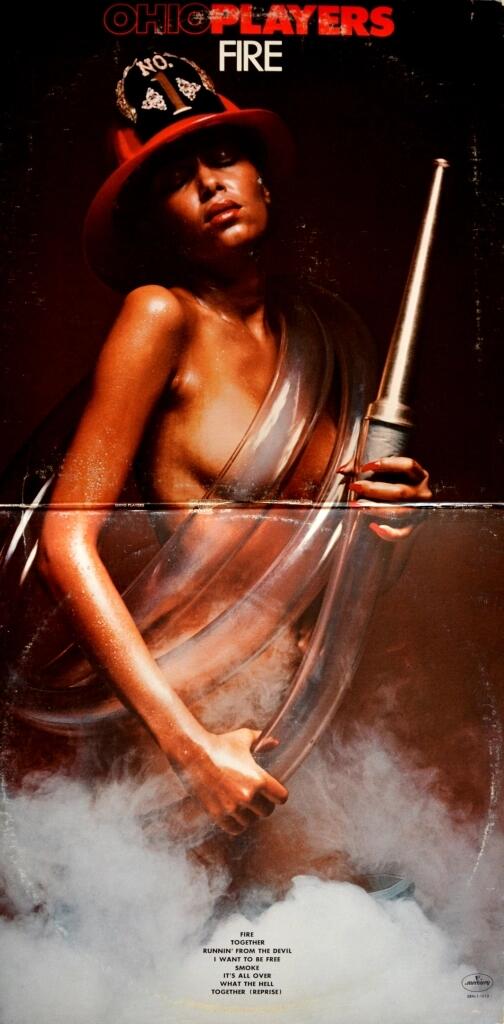
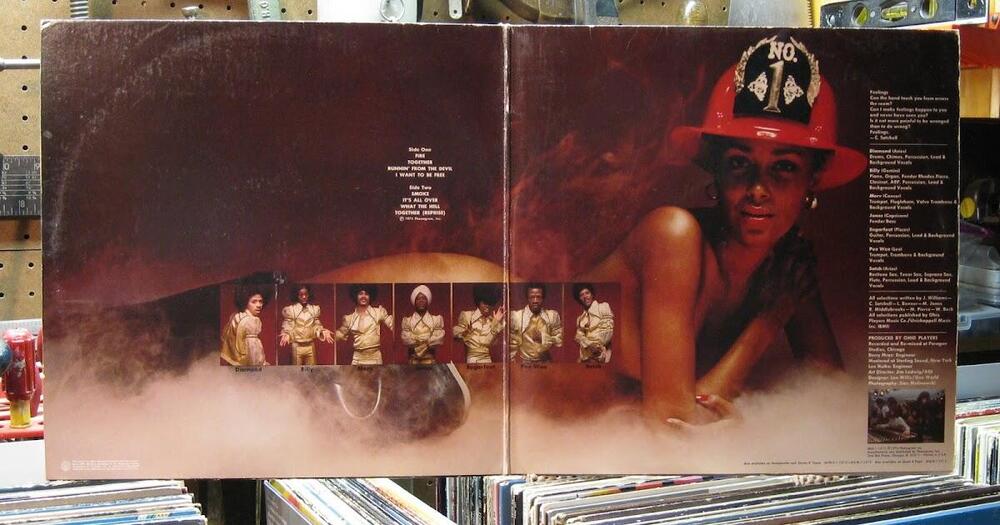
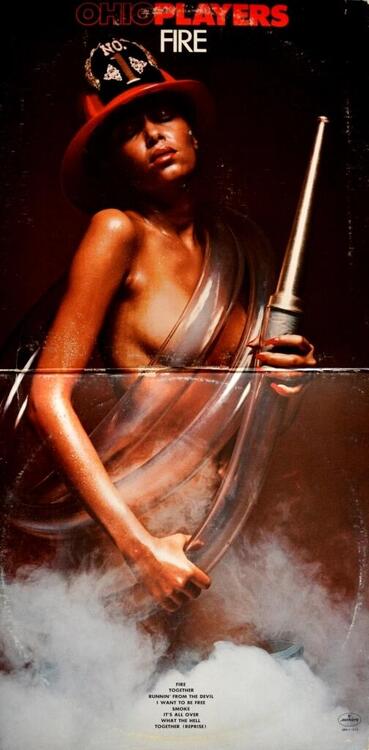
  4. Fire by Ohio Players (1974) https://album.link/i/1434907387 Example: The title track is the star of the show, but once I found 'What the Hell' (track 7), I was entranced. Not just by the album cover. And yup it was a gatefold.
Important Information

By using this site, you agree to our Terms of Use.

Account

Navigation

Search

Search

Configure browser push notifications

Chrome (Android)
  1. Tap the lock icon next to the address bar.
  2. Tap Permissions → Notifications.
  3. Adjust your preference.
Chrome (Desktop)
  1. Click the padlock icon in the address bar.
  2. Select Site settings.
  3. Find Notifications and adjust your preference.