Leaderboard
-
Augsburger
High Rollers12Points13165Posts -
Grahame
High Rollers8Points16859Posts -
mikeymad
High Rollers7Points13883Posts -
Voltron
High Rollers5Points34628Posts




Popular Content
Showing content with the highest reputation on 01/28/25 in Posts
-
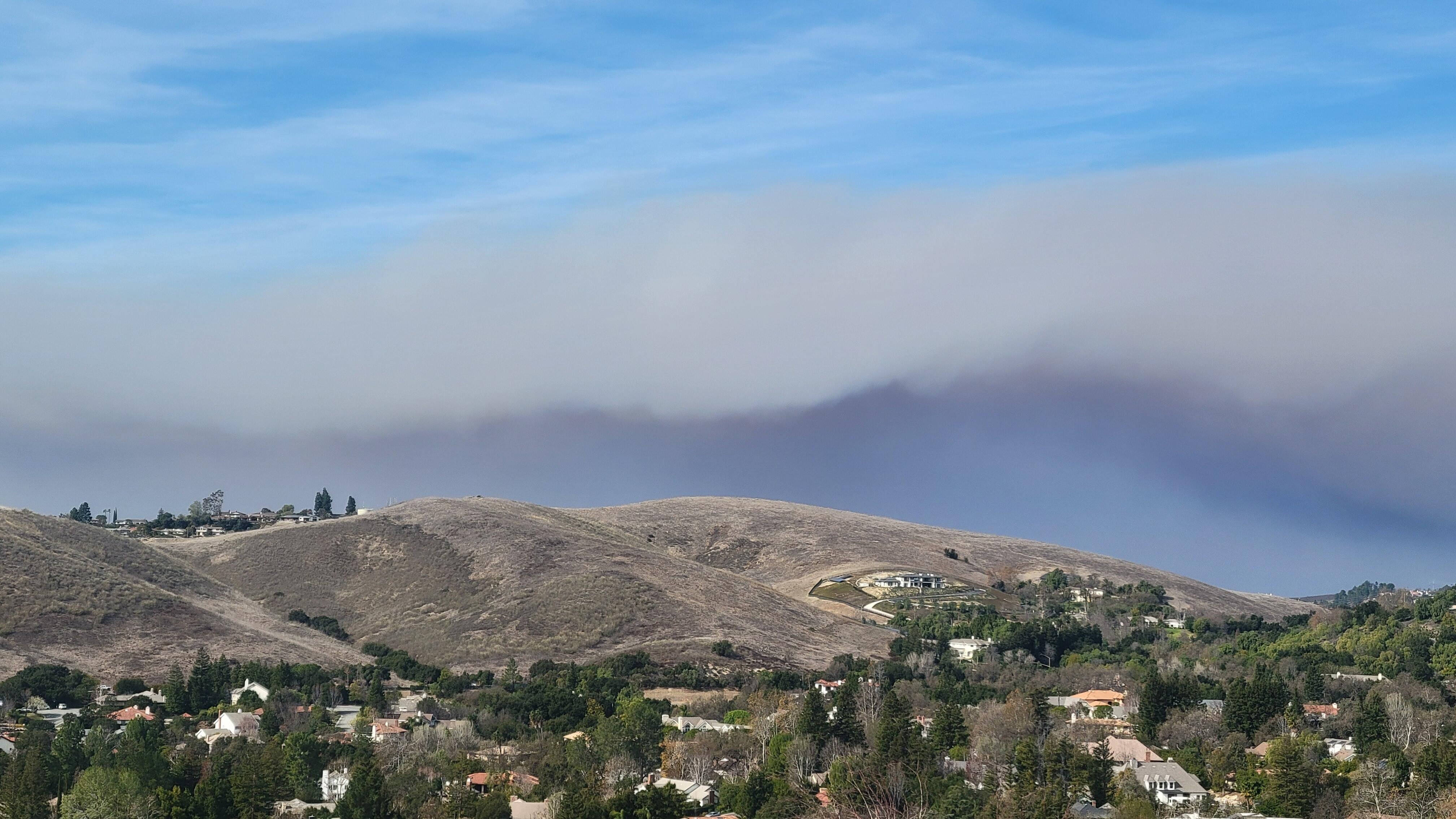
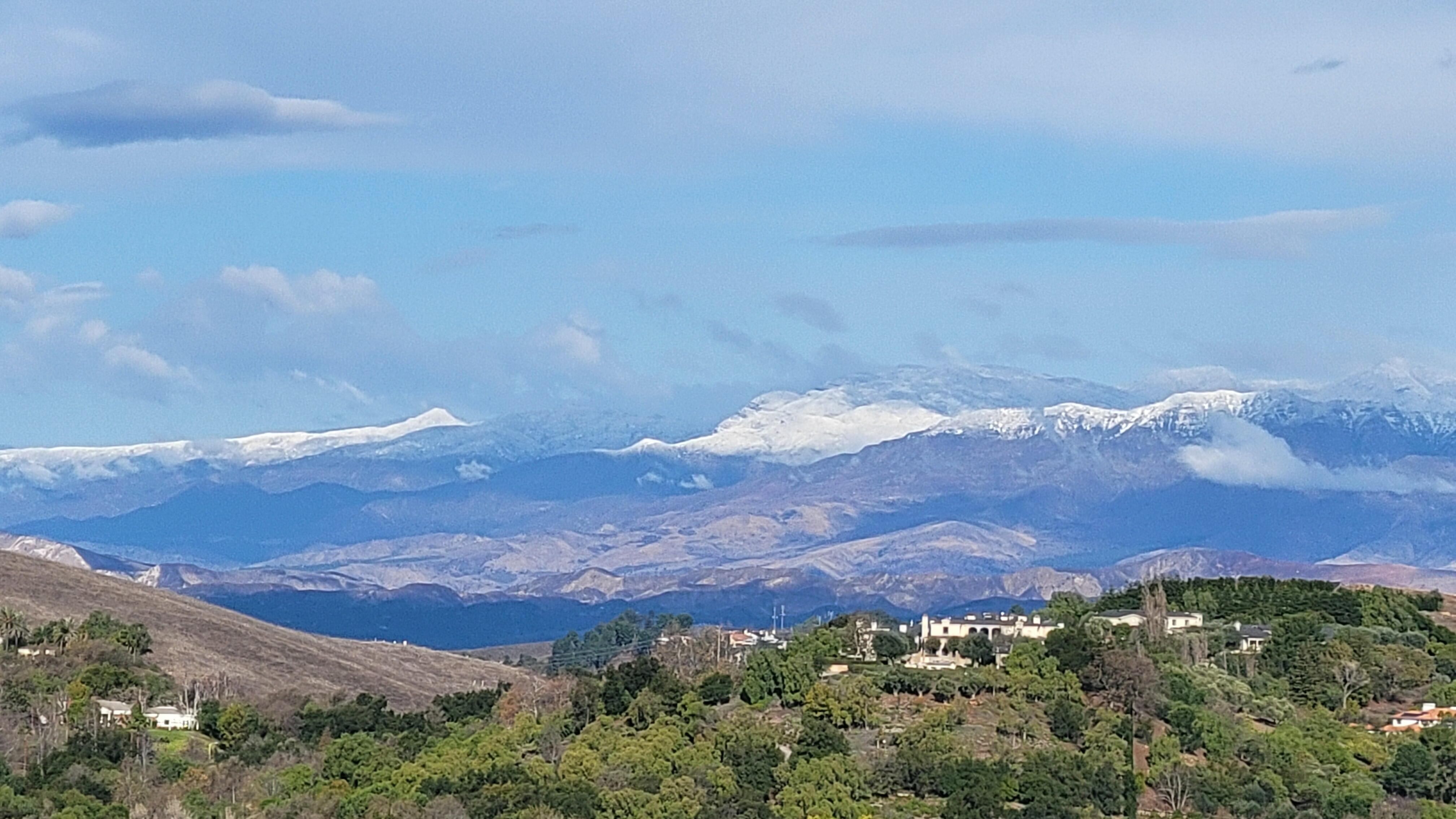
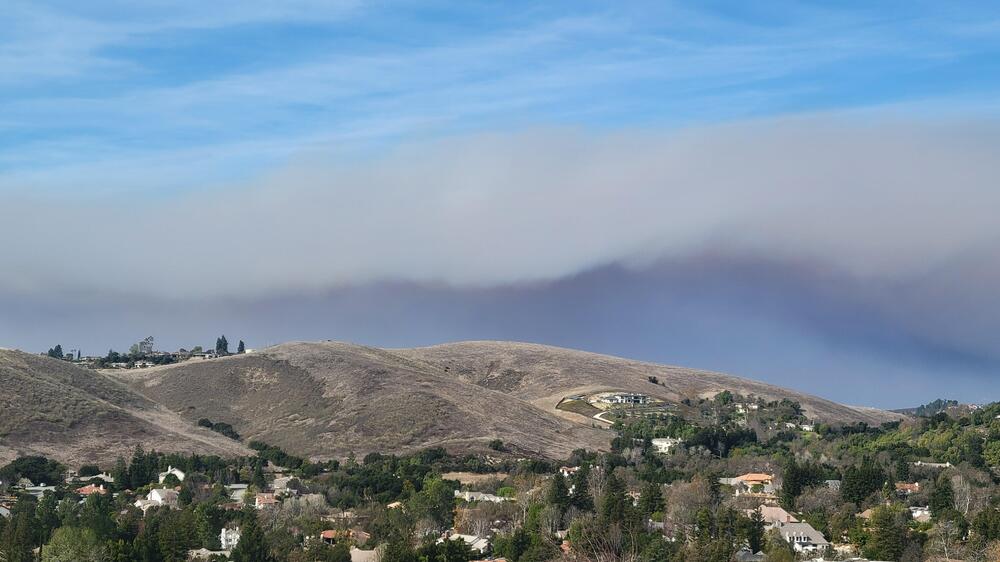
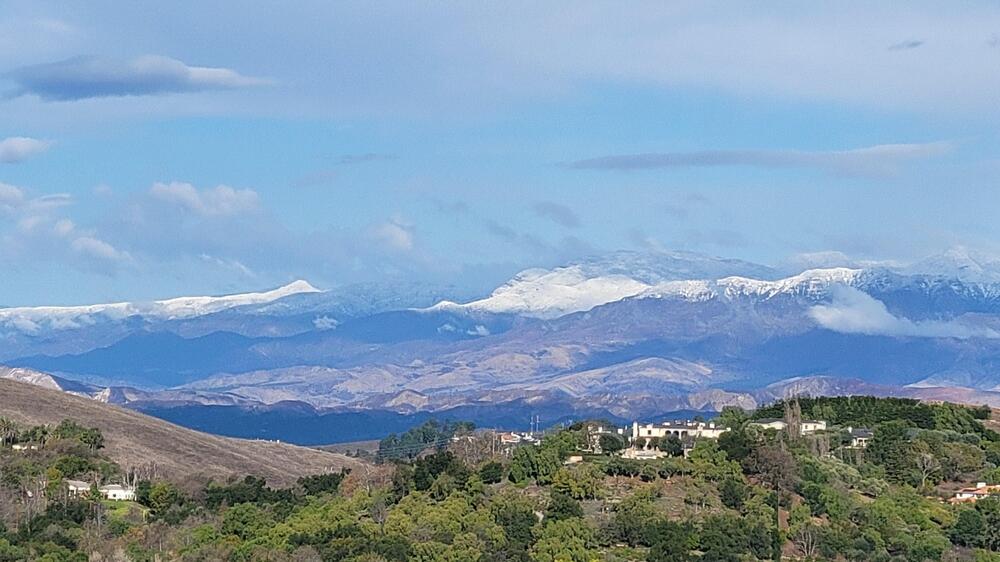
8 pointsFinally able to venture outside to repair some minor storm damage. Rain and cooler weather brought a nice change. During fires After the rain
 8 points
 -
Just finished S02 of Silo I think it's slow at times, but overall the story is pretty interesting. Maybe I should read the books, this season's end is the epitome of a cliffhanger.1 point
-
1 point
-
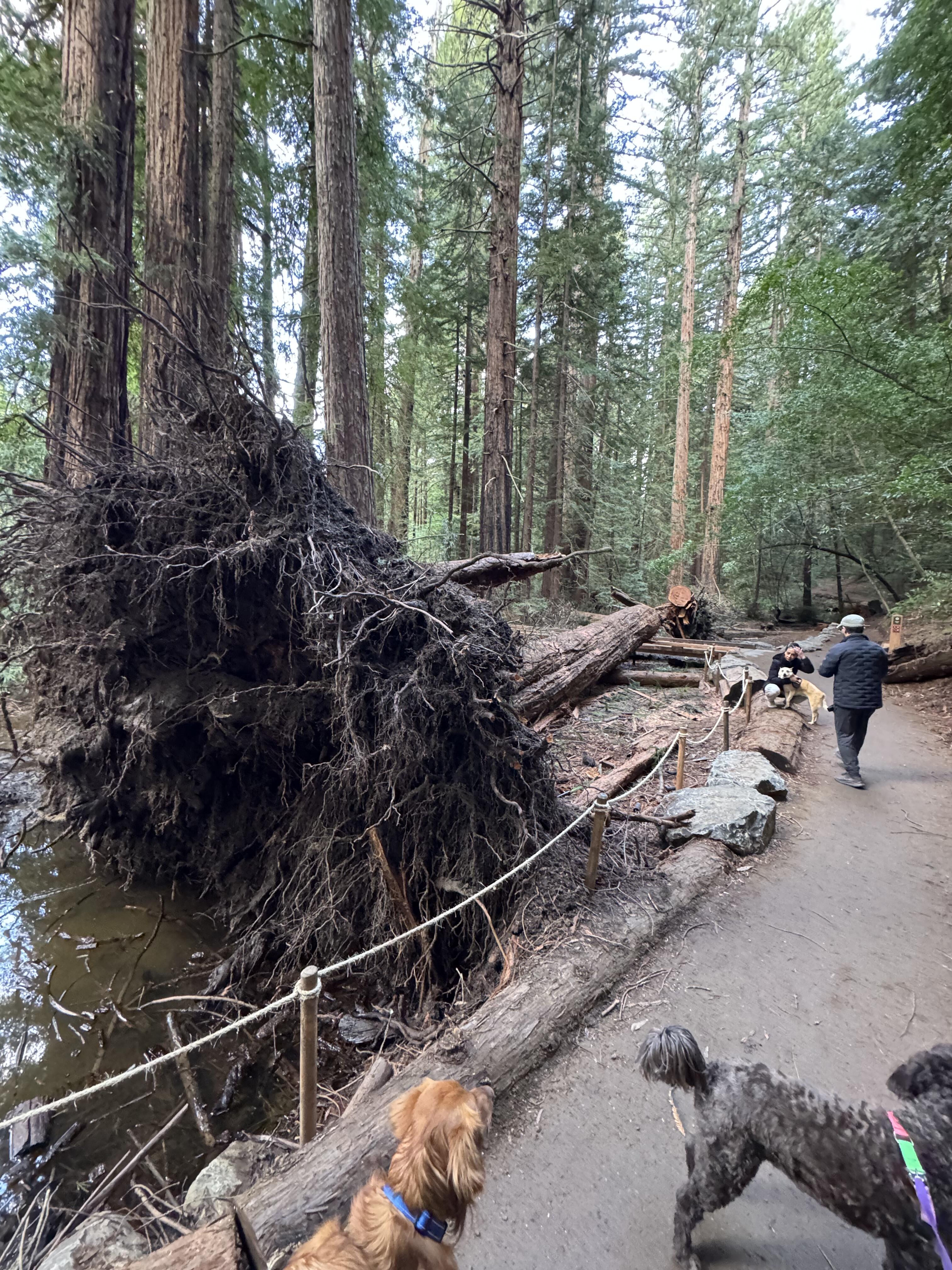
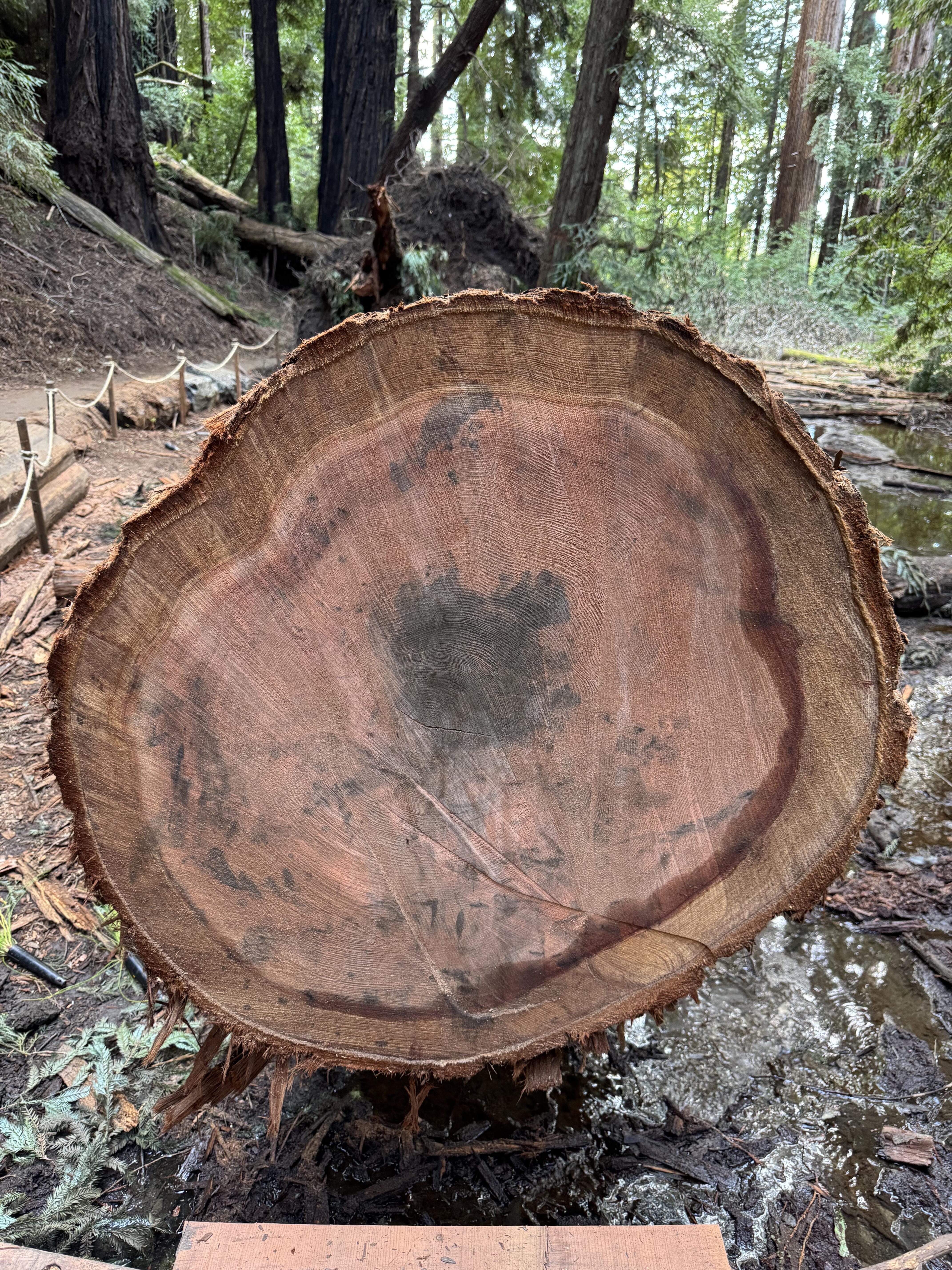
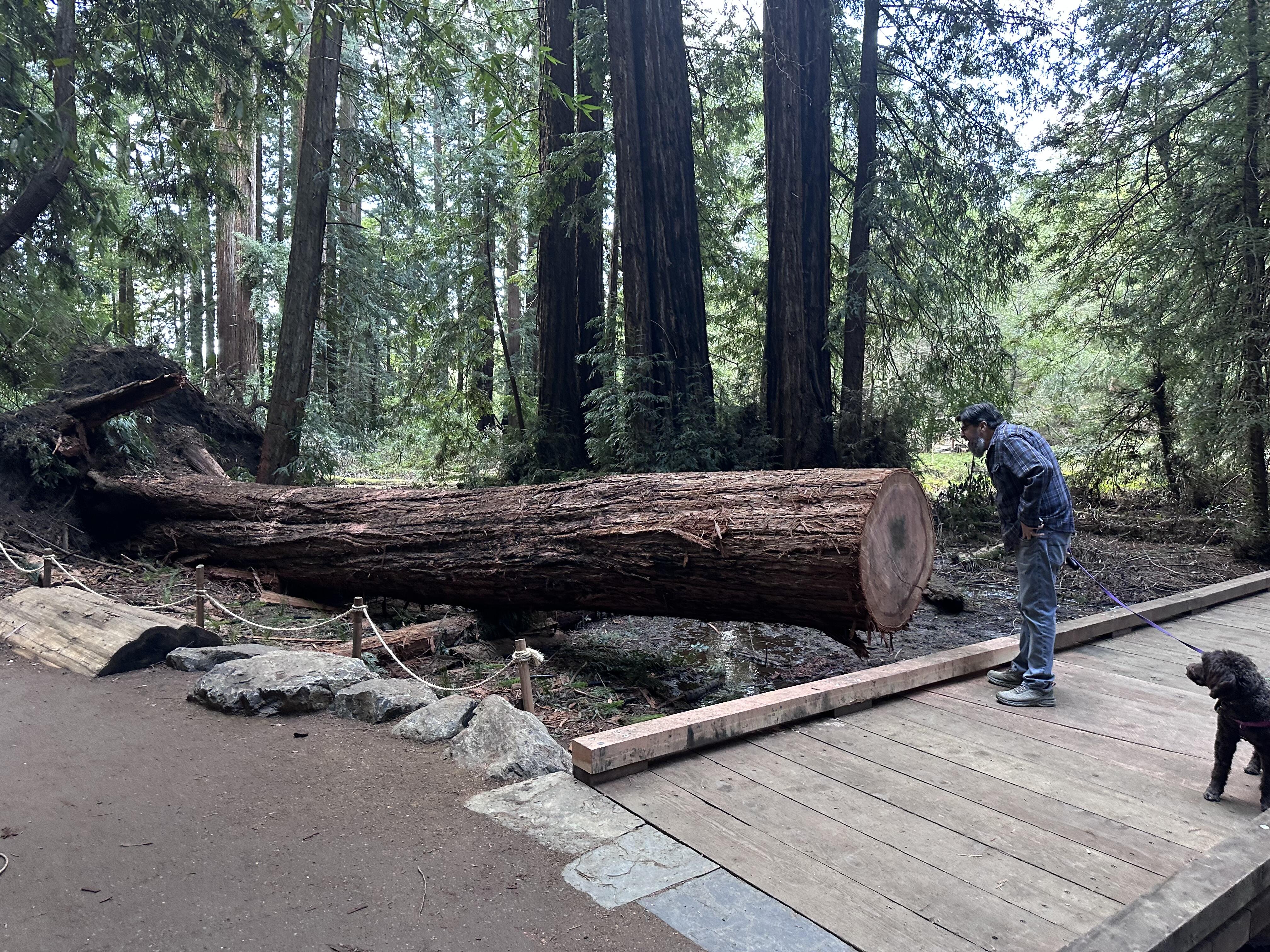
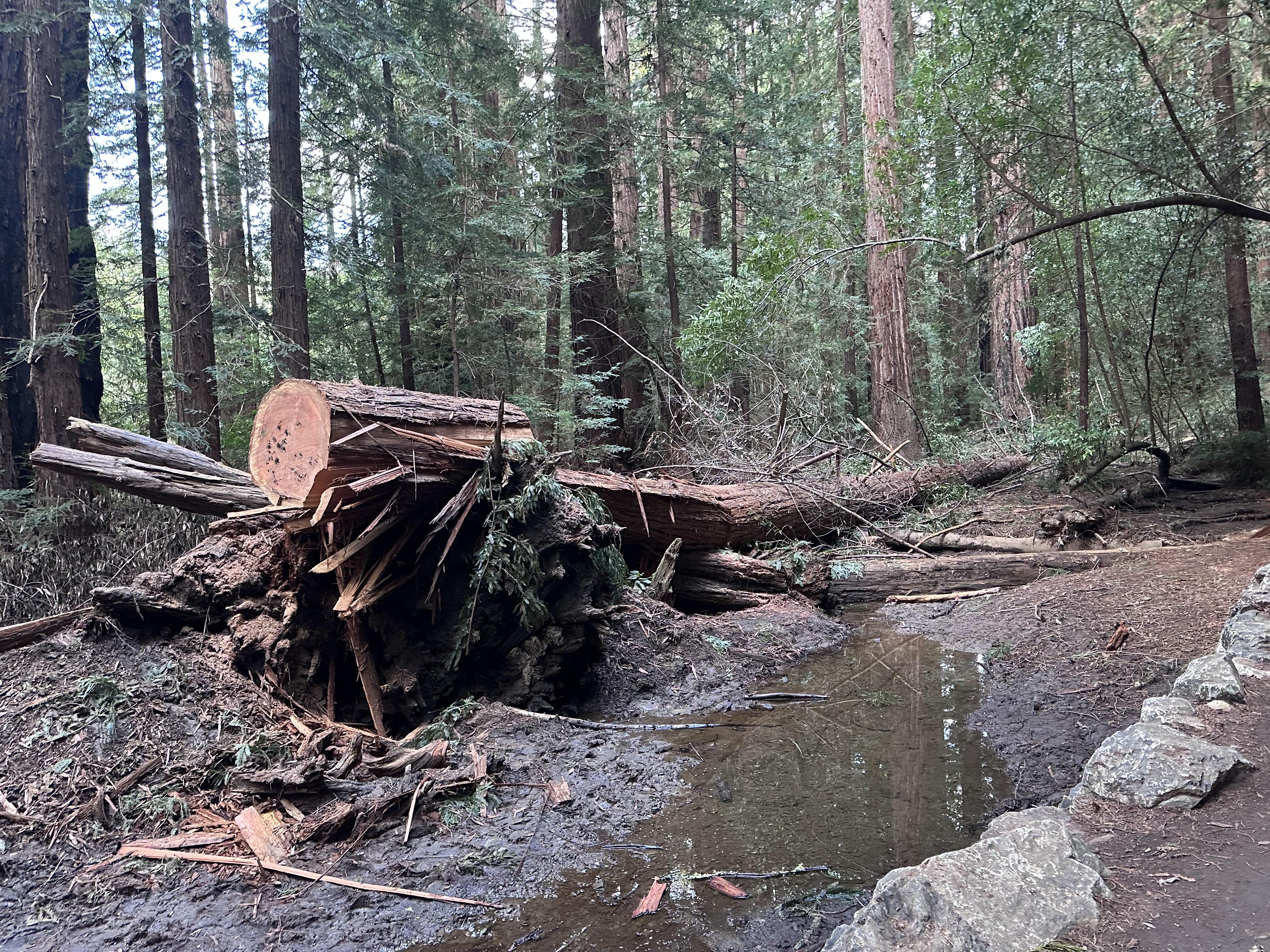
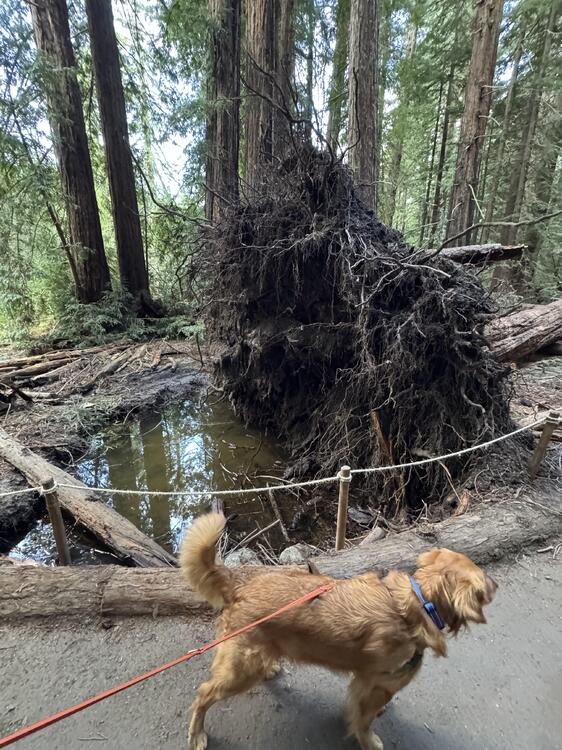
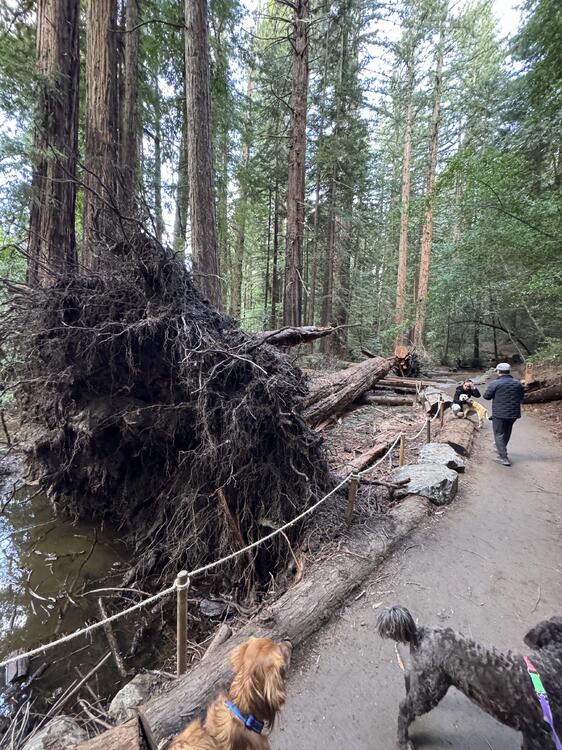
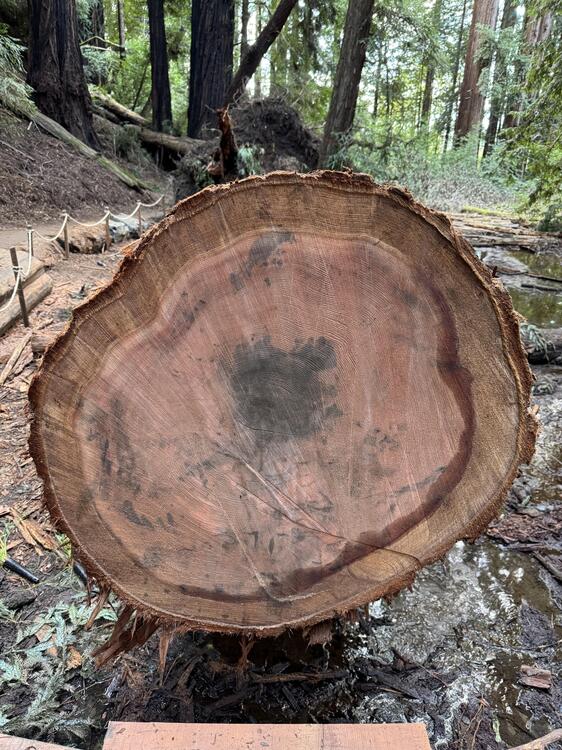
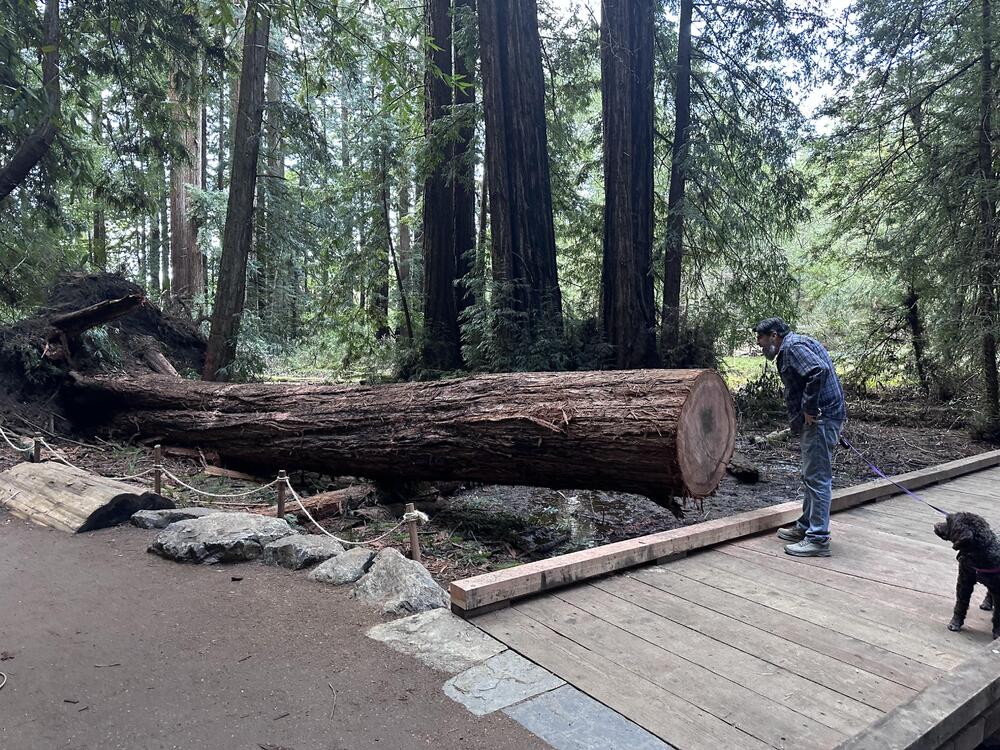
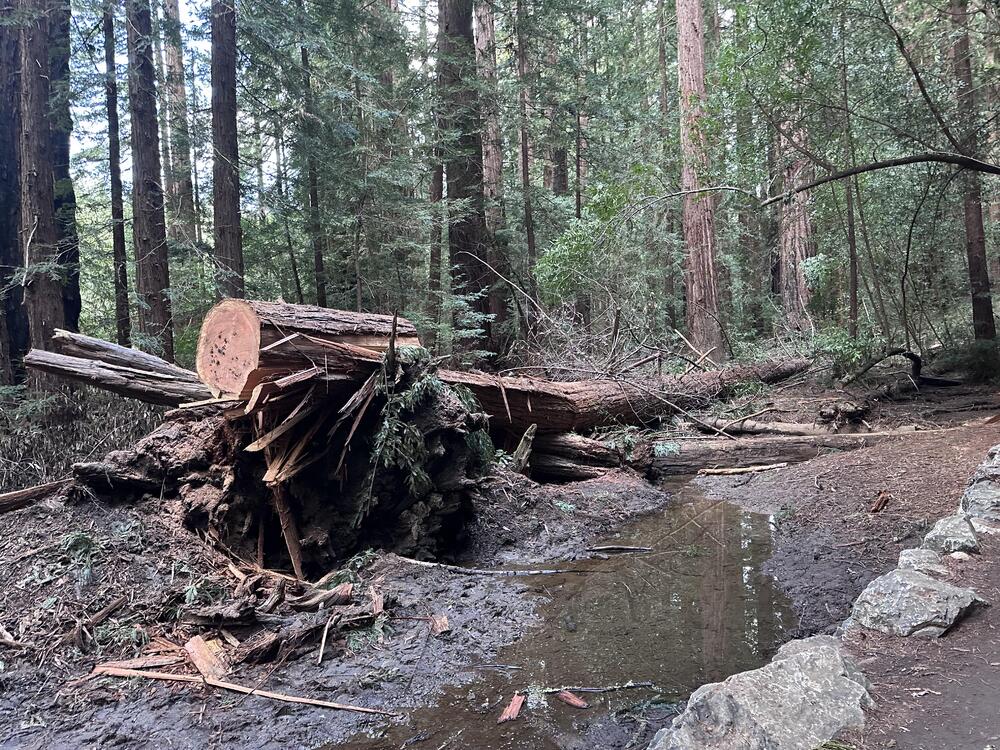
1 pointIt was yesterday, but niece Dorothy and I walked the dogs in the newly renovated redwood grove nearby. Nate actually walked through this park before the additions of new paths and boardwalks and such. Anyway, there was a storm recently when a fair number of trees came down. This one is not particularly large but it was big enough. Remarkably shallow the roots for such a sizeable thing. These are not the greatest pics, but I'm wondering if anyone has the ability to count the rings...
 1 point