Augsburger
High Rollers
-
Joined
-
Last visited
Everything posted by Augsburger
-
https://fb.watch/yfnTEATf89/ Wait for it....
-
Happy Birthday!
-
Fires, mudslides now visitors looking to mooch my tri-tip BBQ. Not my house but 3 miles away. https://neighbors.ring.com/n/VyKM4YXhpO
-
Happy Birthday! I shall toast you with good wine tonight.
-
Happy Birthday Jeff.
-
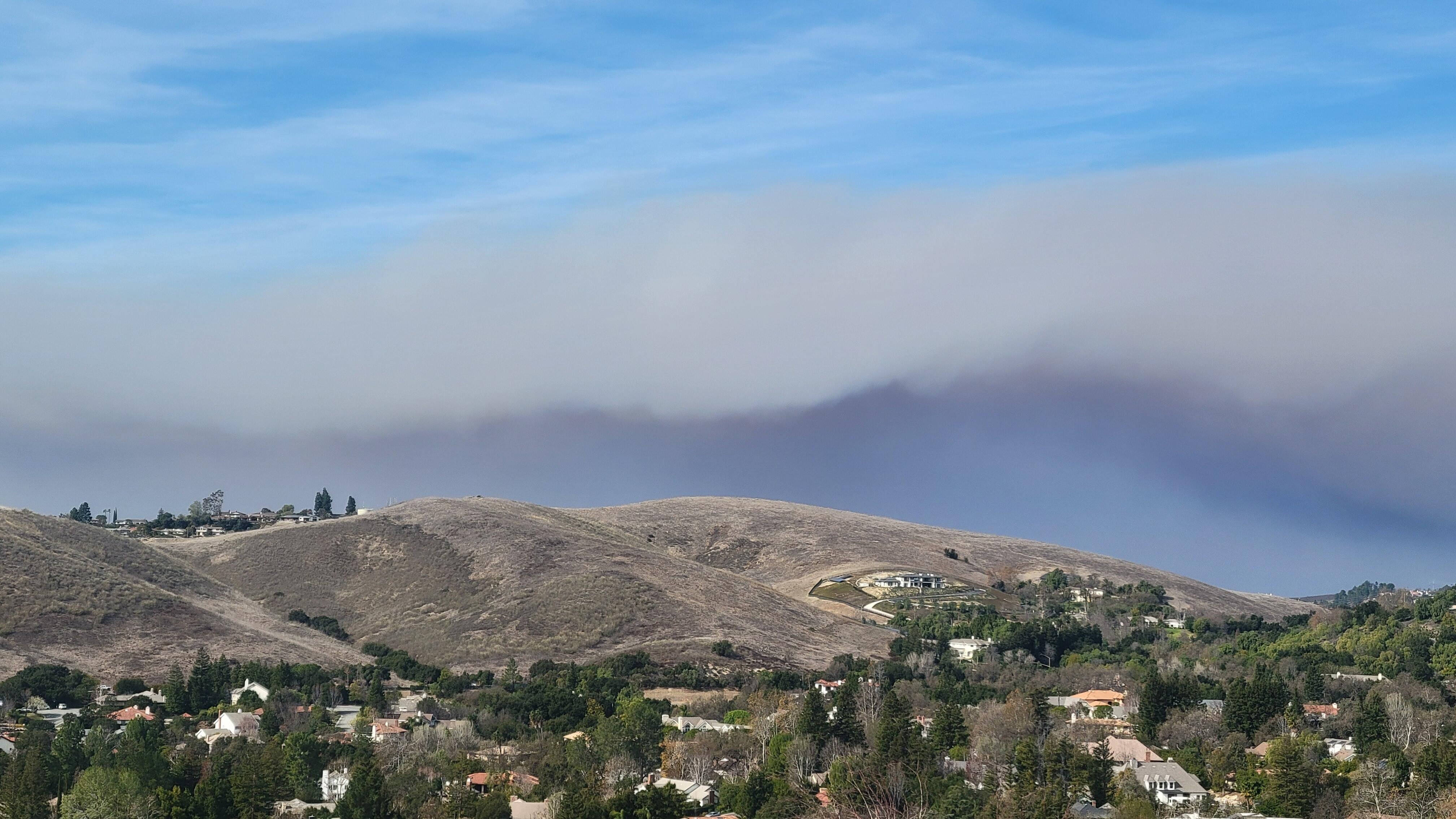
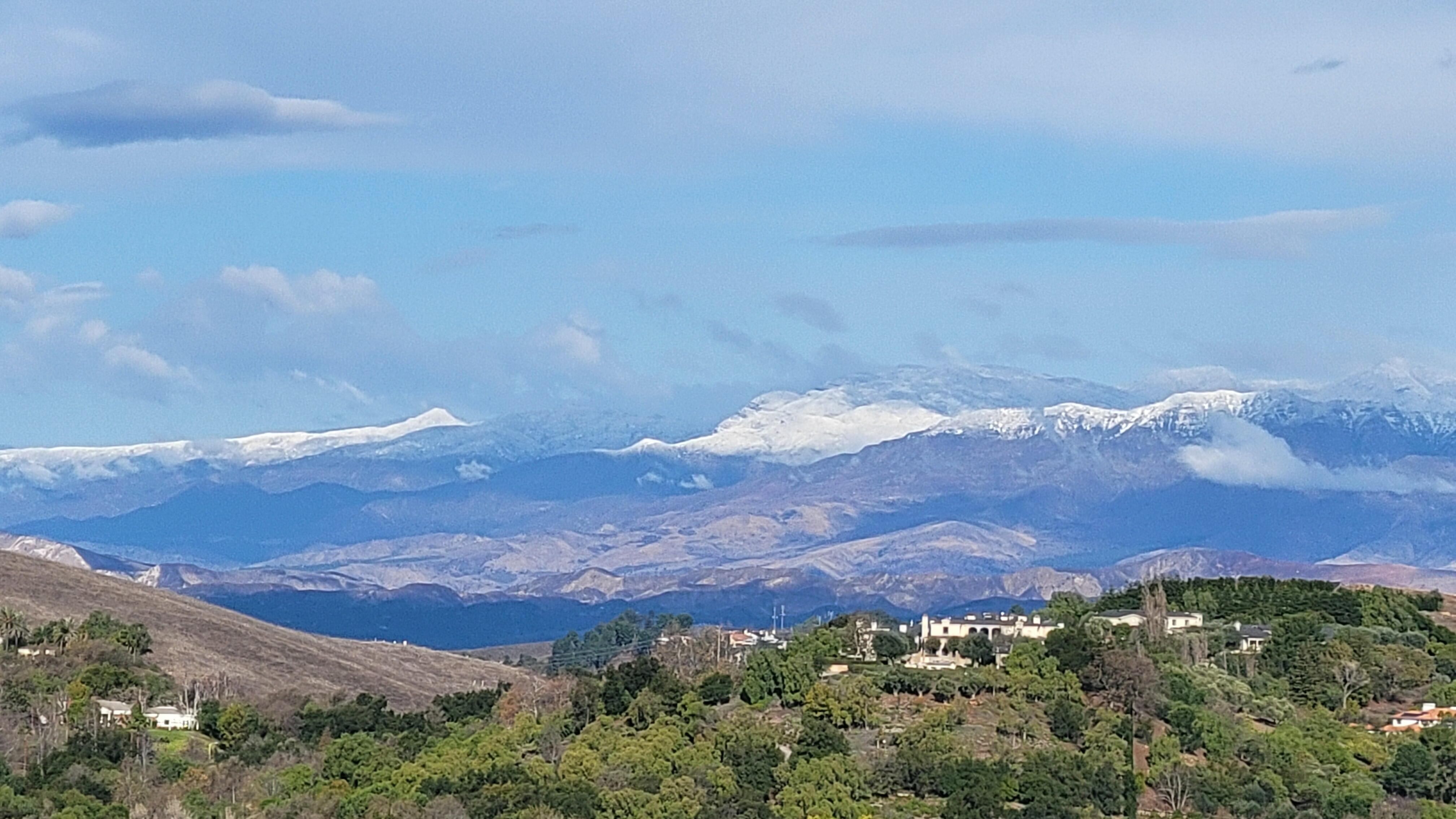
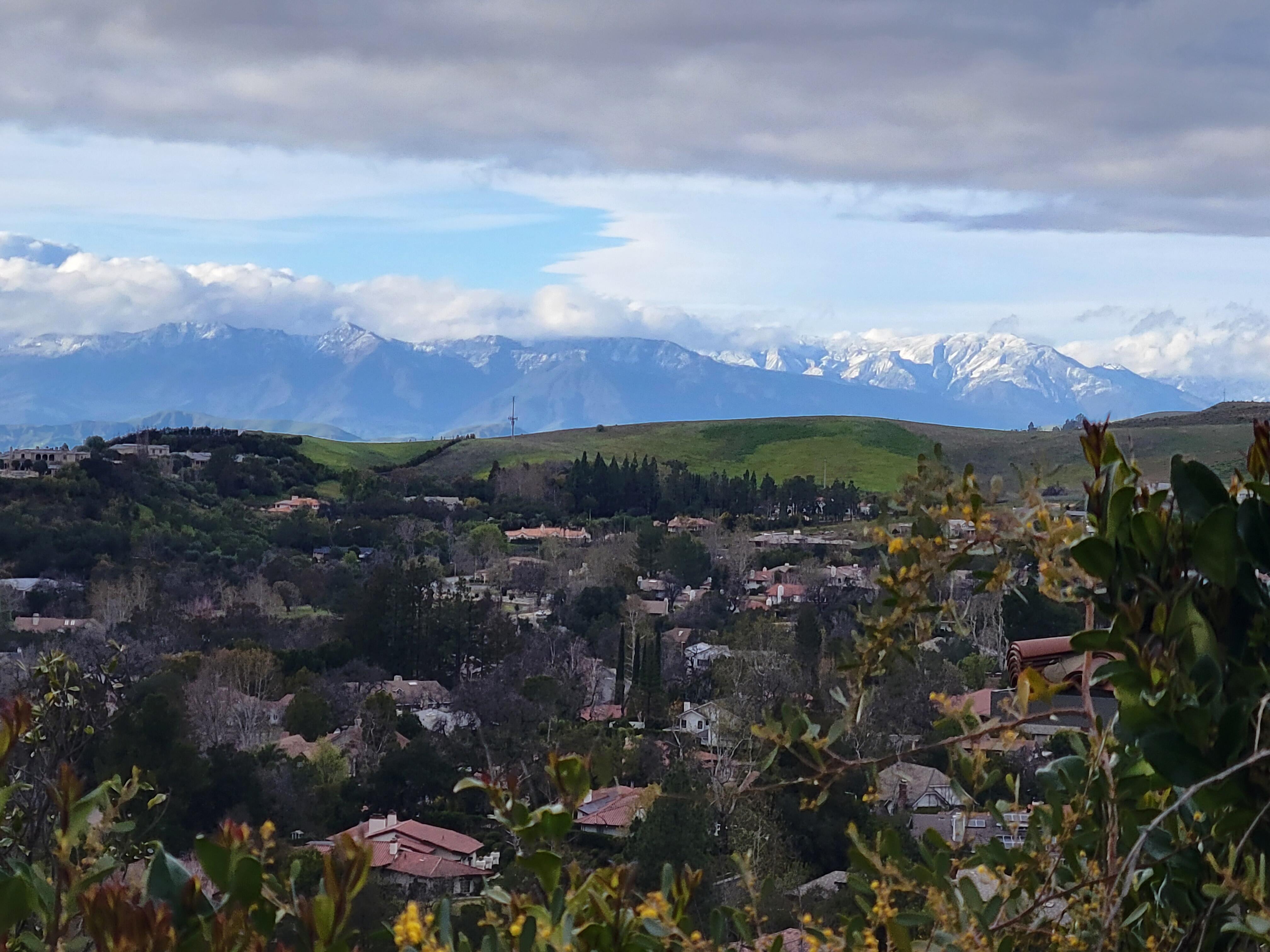
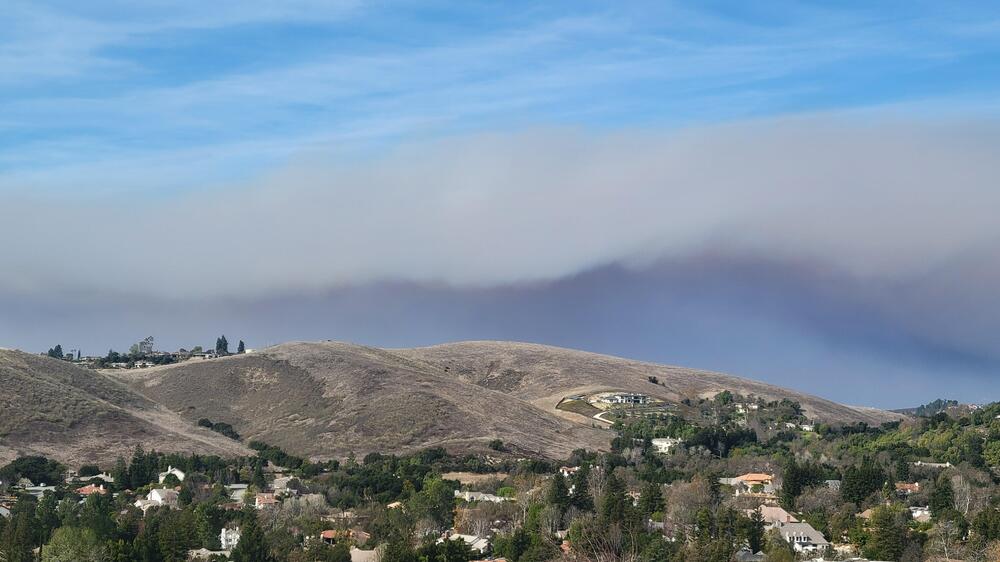
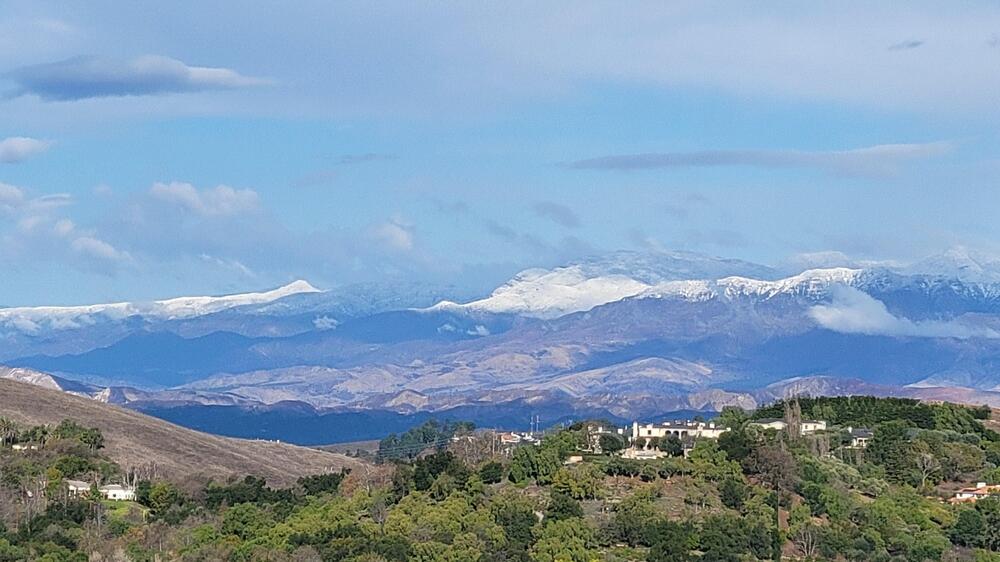
Finally able to venture outside to repair some minor storm damage. Rain and cooler weather brought a nice change. During fires After the rain
-
Well technically speaking, at my age it is more like the Battle of the Sag...
-
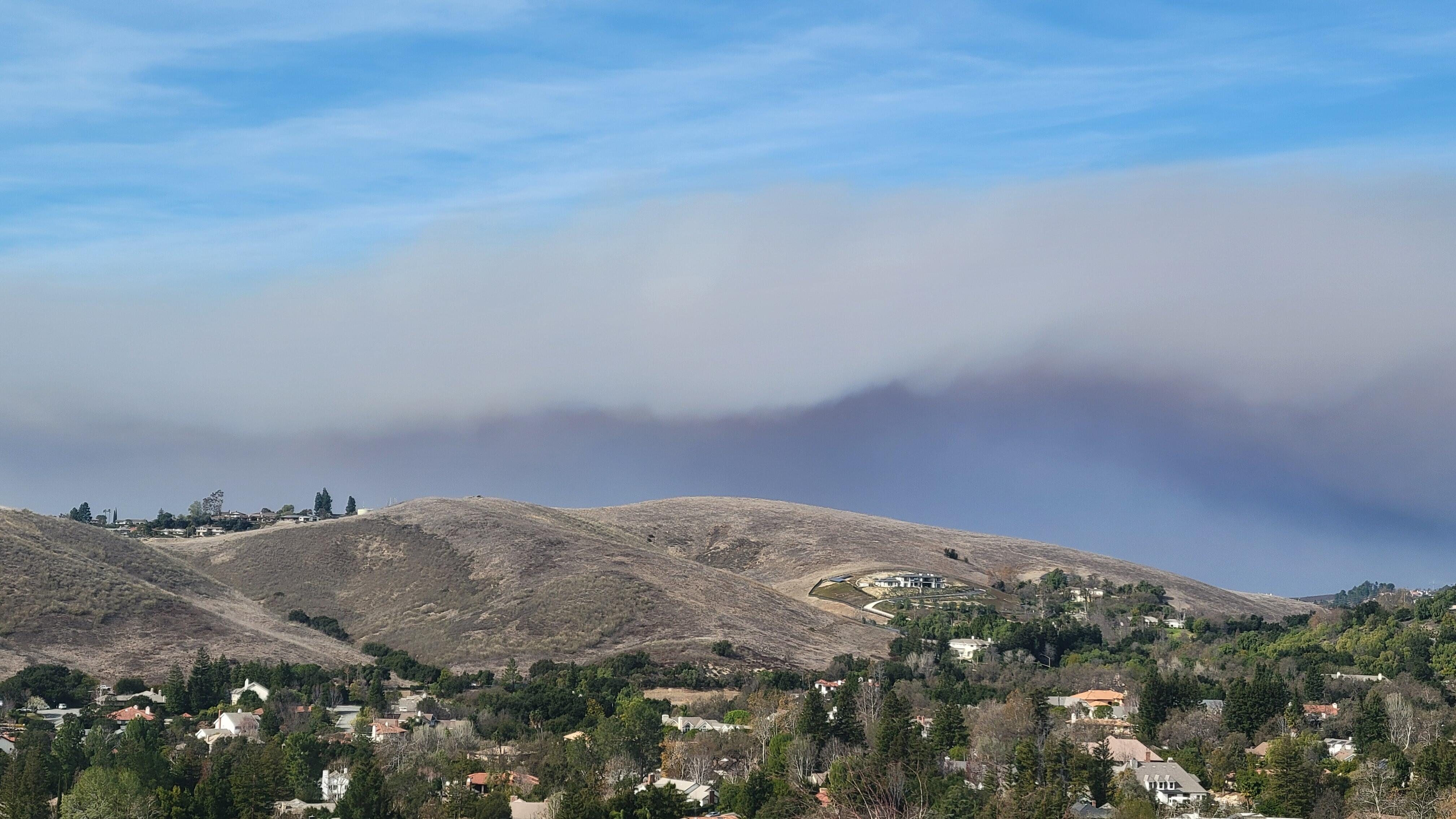
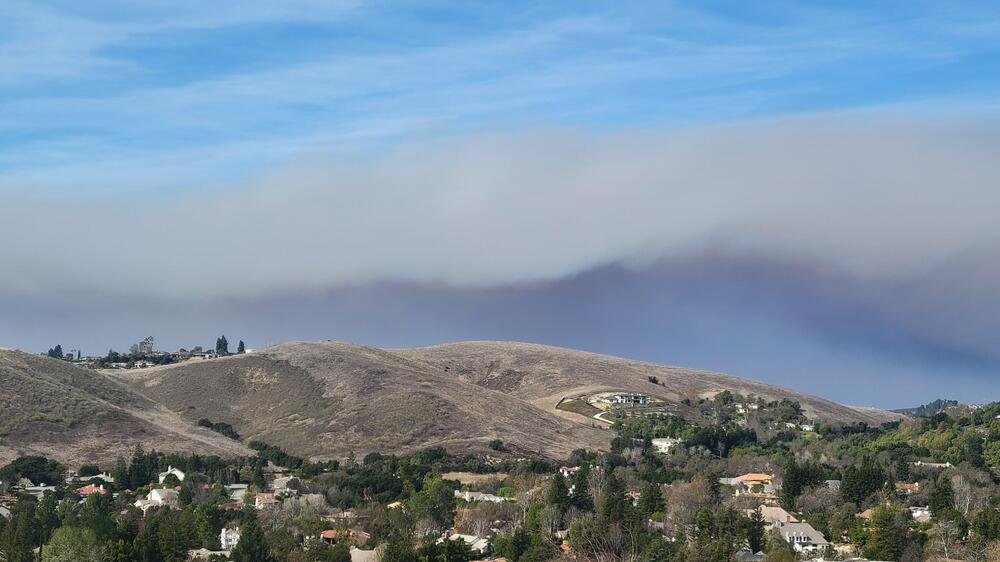
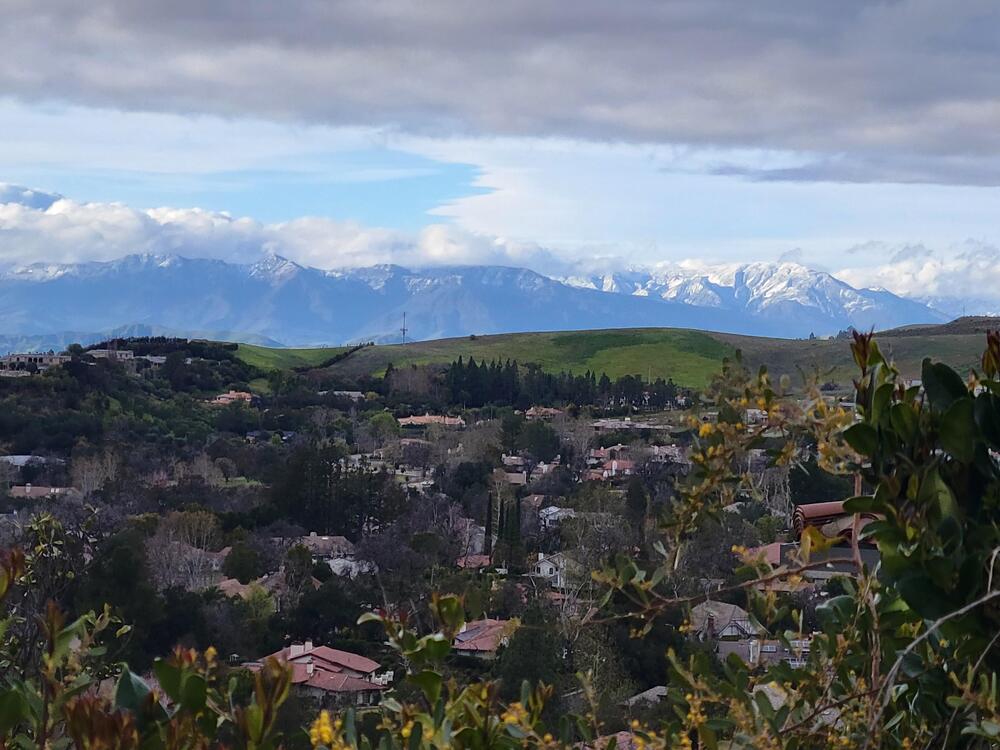
So now we have mountain lion sightings a couple of neighborhoods away and a new fire up north of us. Waiting to see if we need to shelter some friends until this is over. Before the fire view During the fire with 30+ mph winds. Yuck! I blame Brent.
-
Happy Birthday!
-
https://fb.watch/wYxD7IrRvf/
-
Happy Birthday!
-
Happy Birthday!
-
Happy Birthday
-
Were you referencing the fans or the players? It sounds like a similar experience attending a Raiders game.
-
I miss you John. Happy Birthday!
-
You forgot to mention the Yankees over the Dodgers.
-
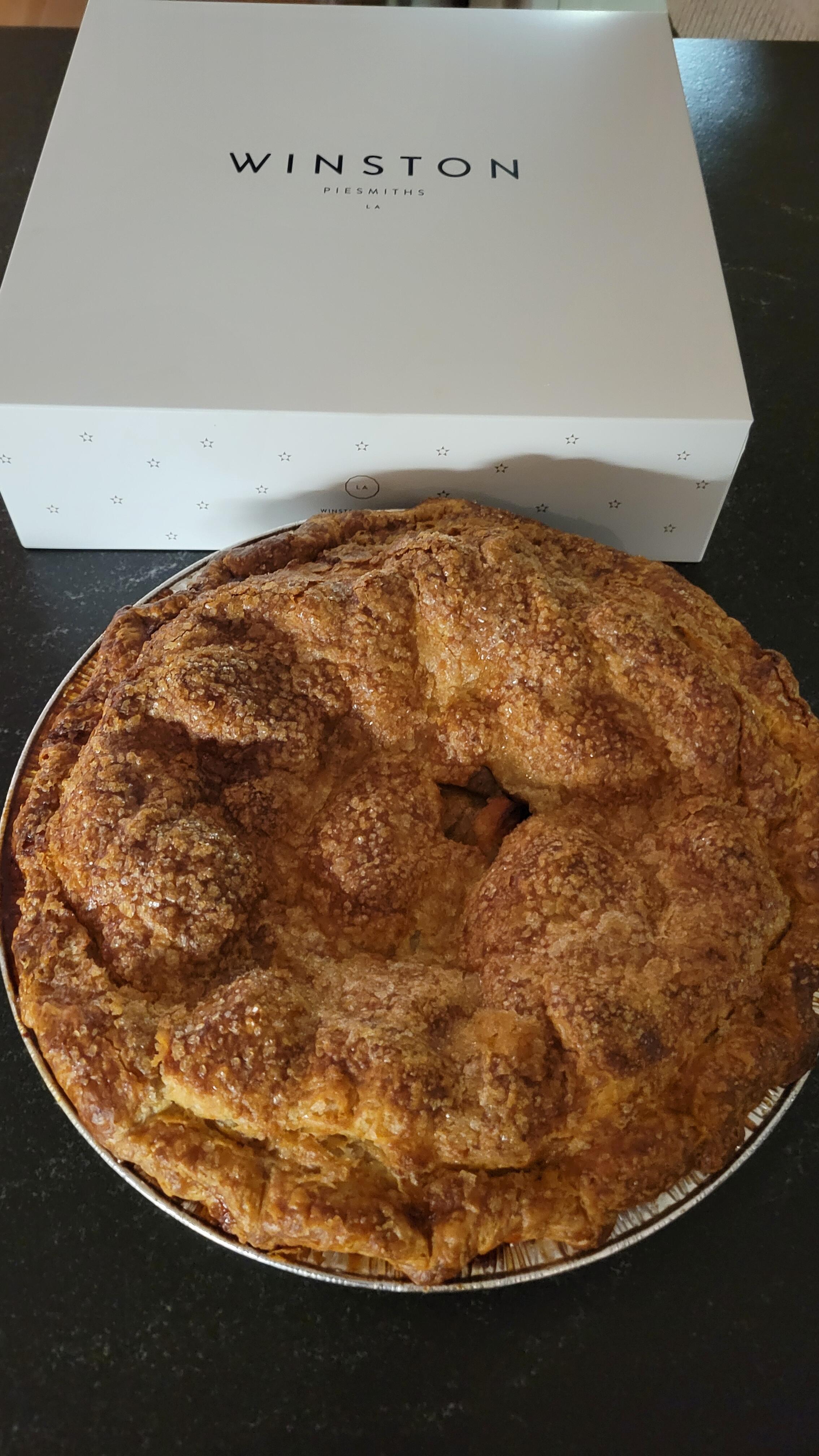
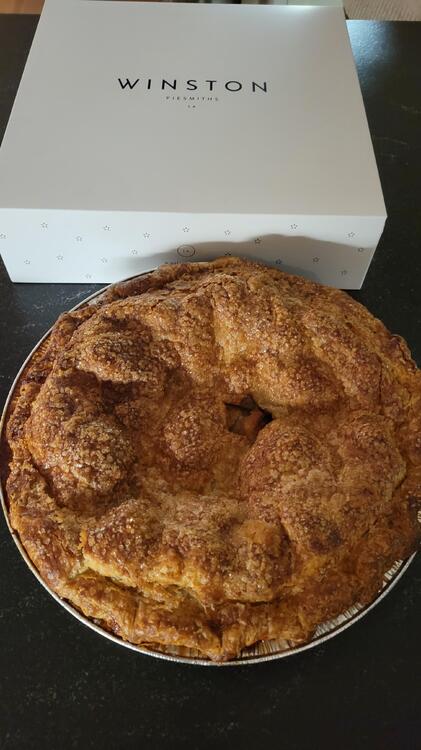
Apple pie. It goes well with Champagne.
-
Happy Birthday, Mikey!
-
-
Happy Birthday Peter! Enjoy your Birthday Week.
-
Miss you and your friendship. R.I.P. my friend.
-
Happy Birthday Wayne!
-
Happy Stick Blues Totum Pole of Love Pogo A-GoGo Meat Stick Cha Cha
-
I would have never guessed you were a day older than 60, but a millennium? Wow!
-