

Leaderboard
-
kevin gilmore
High Rollers8Points7219Posts -
Grahame
High Rollers4Points16859Posts -
Hopstretch
High Rollers4Points16821Posts -
Dusty Chalk
Moderators3Points49205Posts




Popular Content
Showing content with the highest reputation on 02/12/25 in Posts
-
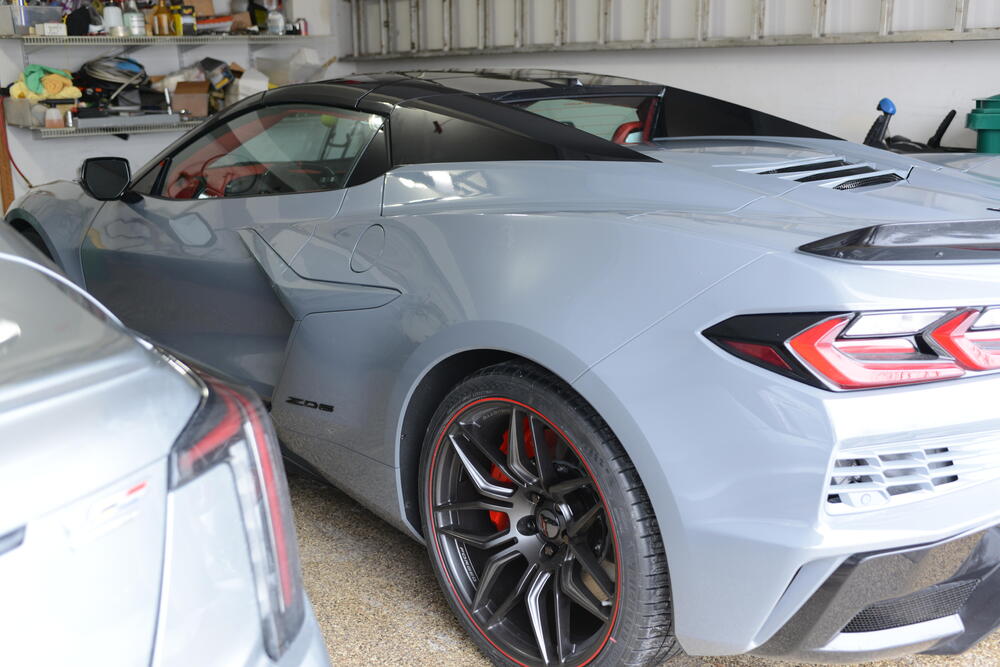
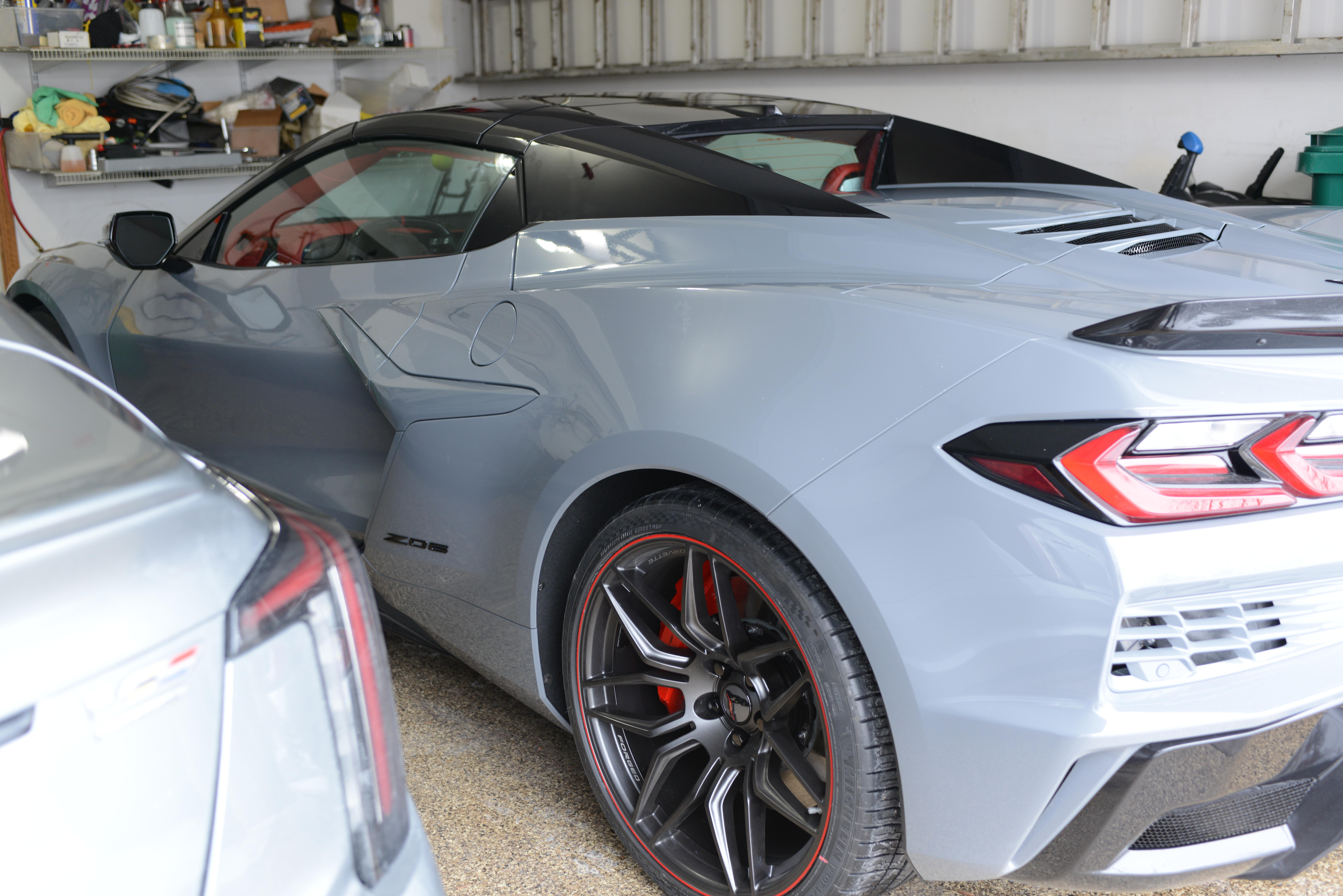
4 points3 points3 pointsSaw this, made me think of you people: That speaker placement at the end, though. (cringe)3 points1 point1 pointKorg found a use for the NuTube - the handytraxx tube portable record player:1 pointgoing to look at it in a few minutes. should be ground i think. nope, thats the feedback on the output. and the gerber file is correct. not sure where you got that picture, probably here, and likely not done. 3 of the other versions had the same error, all are updated on the google shares. no idea how that happened. someone needs to go thru all 9 versions (or more) to see if there are any more errors. i'm kind of busy waxing my brand new 2025 corvette Z06 3lz htc.
 1 point


Important Information
By using this site, you agree to our Terms of Use.