
jpelg
High Rollers
-
Joined
-
Last visited
-
Nancy WIlson/Cannonball Adderley - on physical CD
-
Cassandra Wilson, Star Jazz Singer, Dies at 70 - The New York Times "New Moon Daughter" has been a favorite of mine forever: No cause listed yet. Although the article says "peacefully, surrounded by family". RIP.
-
Just finished season 1 of Furious (Hulu) - very intense:
-
Colin From Accounts: An Aussie-based comedy centered around two people who are brought together by a car accident & an injured dog who they agree to care for. Occasionally annoying, but overall funny, and an easy watch. Good palate-cleanse in between other more intense shows.
-
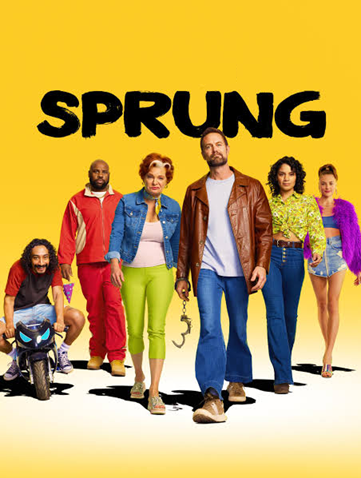
Sprung (Prime) - another fun comedy series. One season, easy watch.
-
The Outlaws (Prime) - fun watch. We're through the first two seasons, looking forward the third.
-
Condolences Todd.
-
Do I need to finish "For All Mankind" before watching this? I sorta lost interest in "FAM", despite the subject matter & era being generally up my alley.
-
^probably about the same for Wimbledon too.🎾
-
^have all season 5 episodes dropped?
-
Legends (2026) - 1990's British customs agents enlisted for Thatcher's war on drugs. Quite good & engaging.
-
Spider Noir (Amazon Prime) - enjoyed this alternate take on the Spiderman genre alot.
-
-
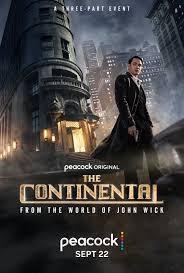
The Continental (Peacock) - all John Wick fans must see (a prequel): Not to be confused with:
-
^This!