


recstar24
High Rollers
-
Joined
-
Last visited
-
Somewhat in Nate’s area of emotions - my daughter turned 16 on Friday. She unfortunately failed her driving test that day (did well but on way back to DMV she tapped a curb pulling into the DMV which can be an auto fail). Very big emotions lol. Got her signed up for a retake yesterday and she passed! First day of independence for her and she drove to Walmart for an sd card, drove her younger brother for 7brew, and drove some friends for bday dinner. Basically I was incredibly nervous and worried even with my son reporting she is a great driver lol. also apparently somewhat sad to know there’s a thing I’ve been useful for I no longer am needed as much. Goes to say parents never stop worrying they just worry about different things lol
-
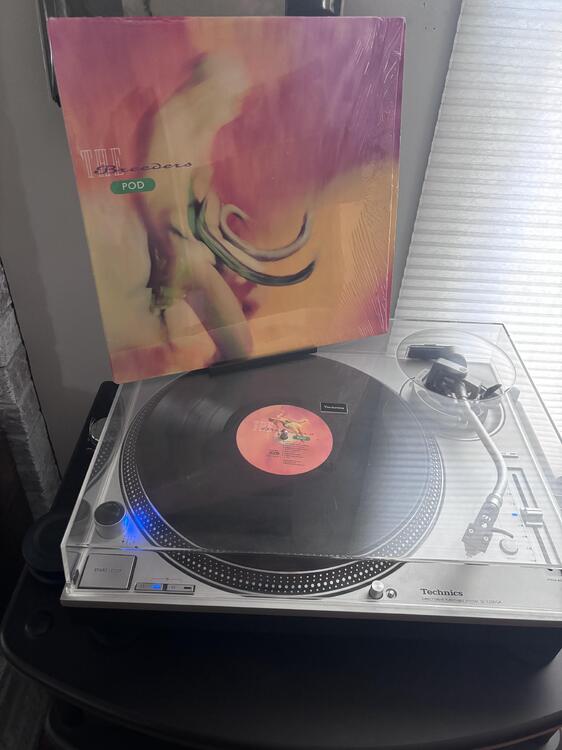
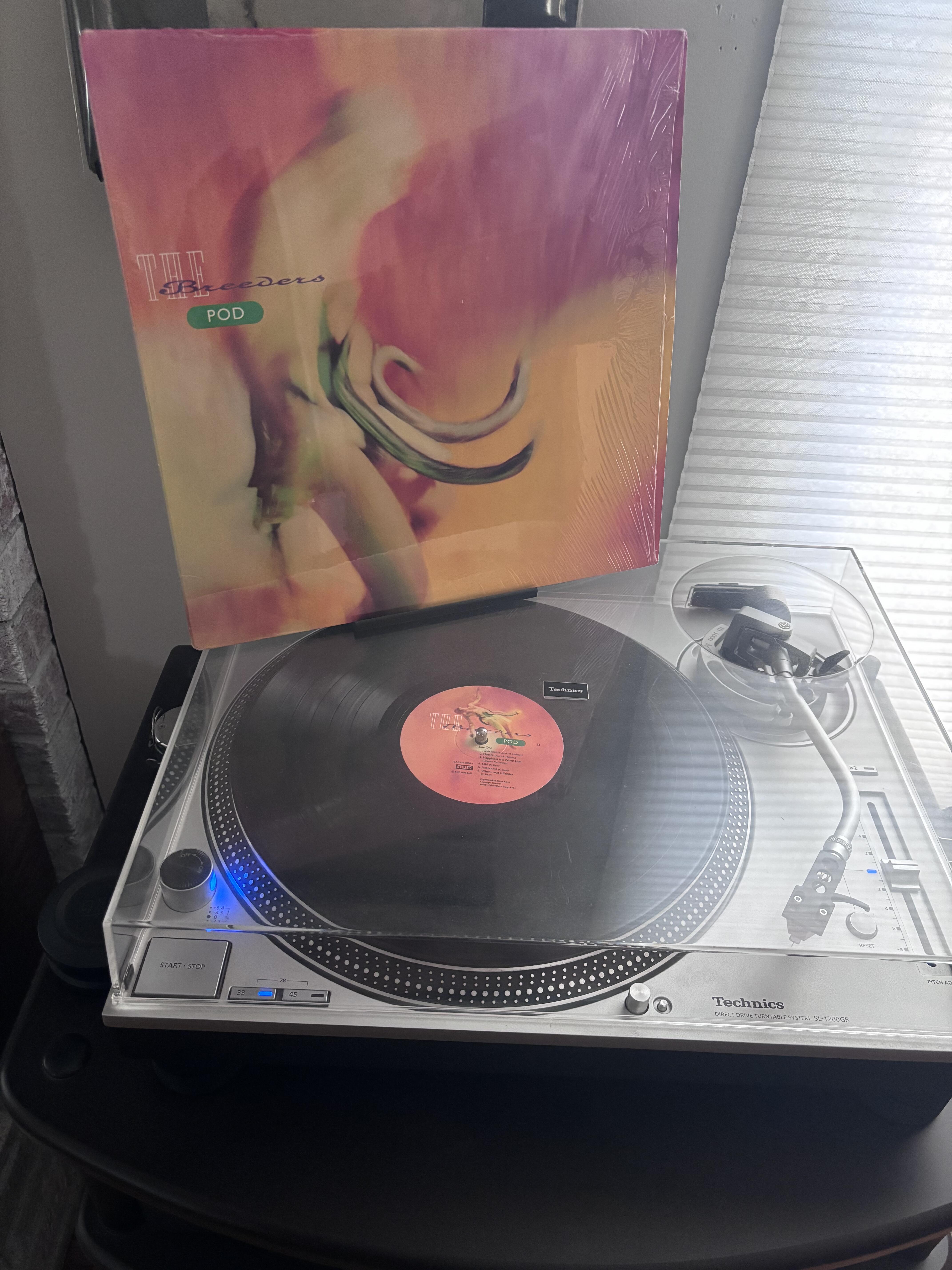
The Breeders - Pod
-
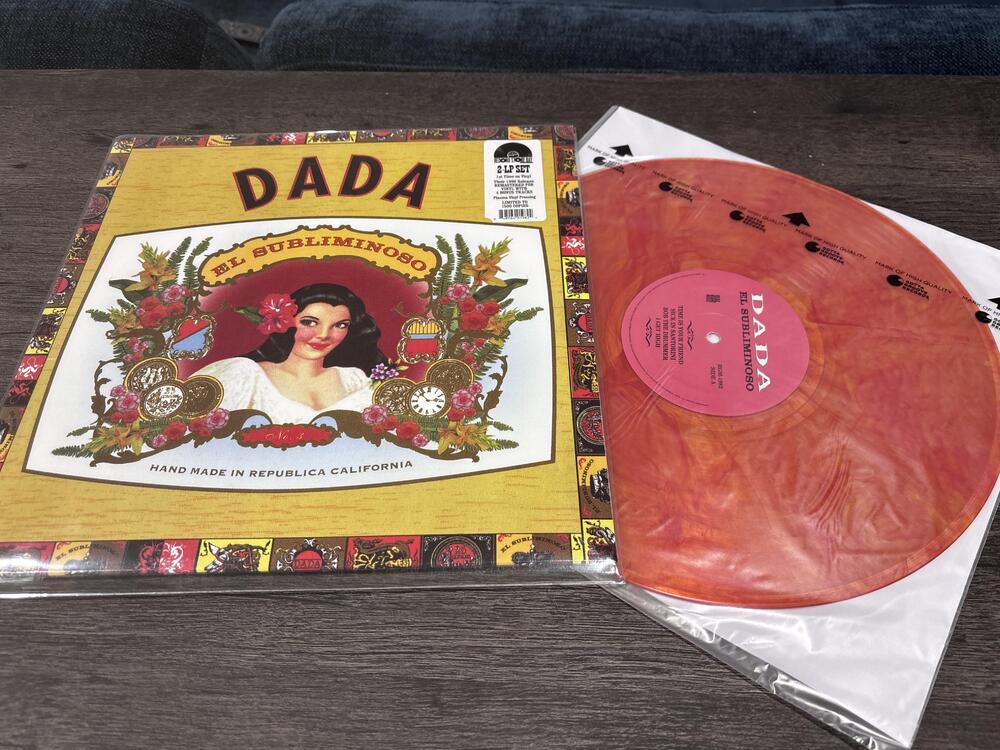
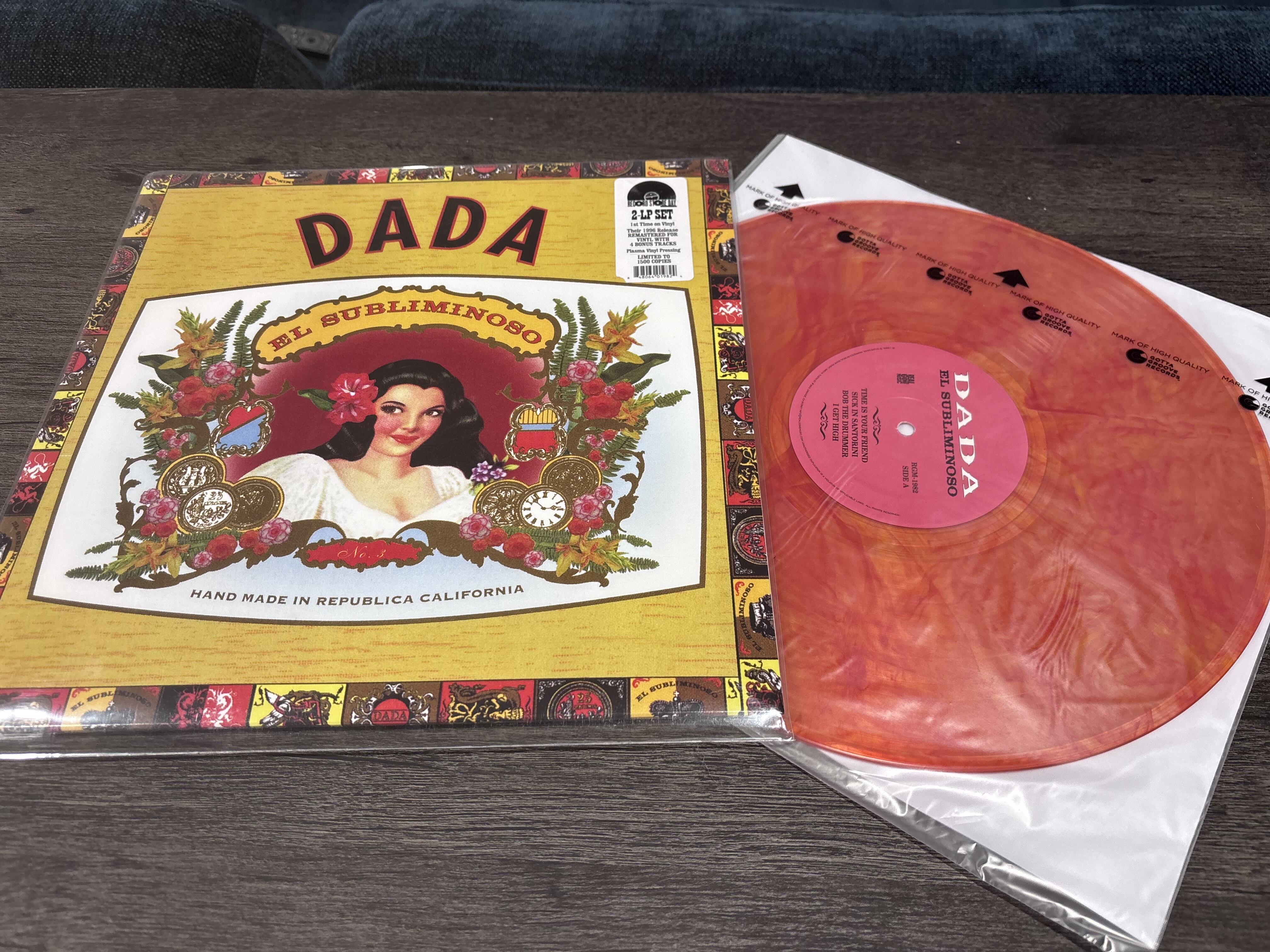
For Dada, Puzzle is their definitive album (albeit in a pretty short career) and would be my recommended next album listen
-
Record store day!
-
What’s wrong with the 4th cat 🙁
-
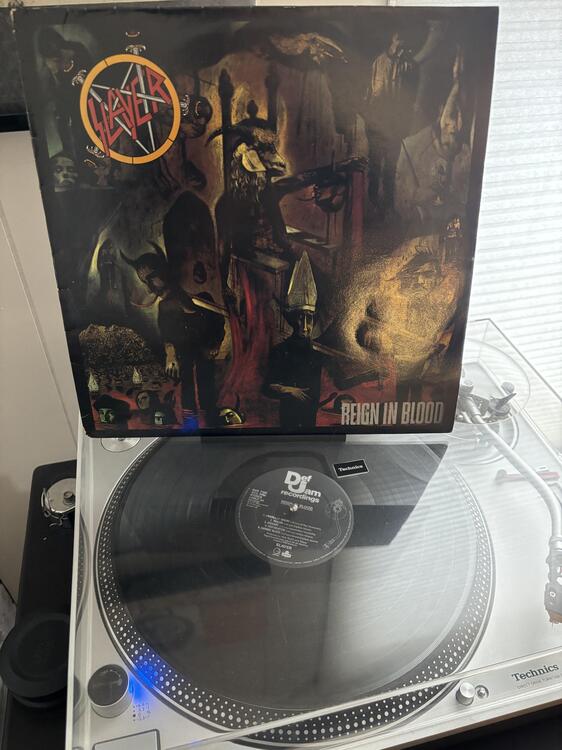
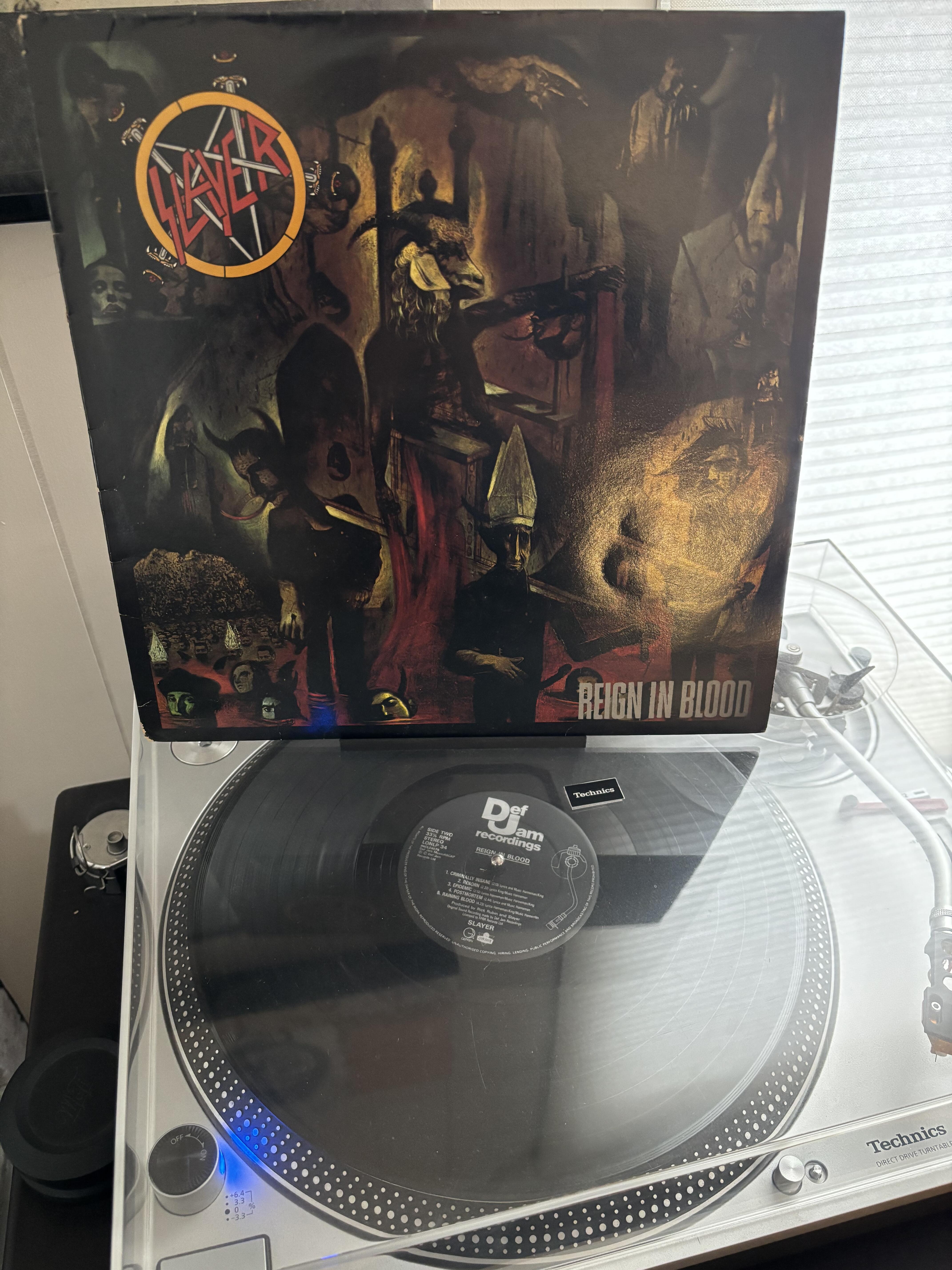
original pressing!
-
It appears Chicago will be joining you Nate. It was 60’s a little today and last week we hit 70 and I believe we are expecting up to 3” of snow or more in my area by tomorrow morning lmao
-
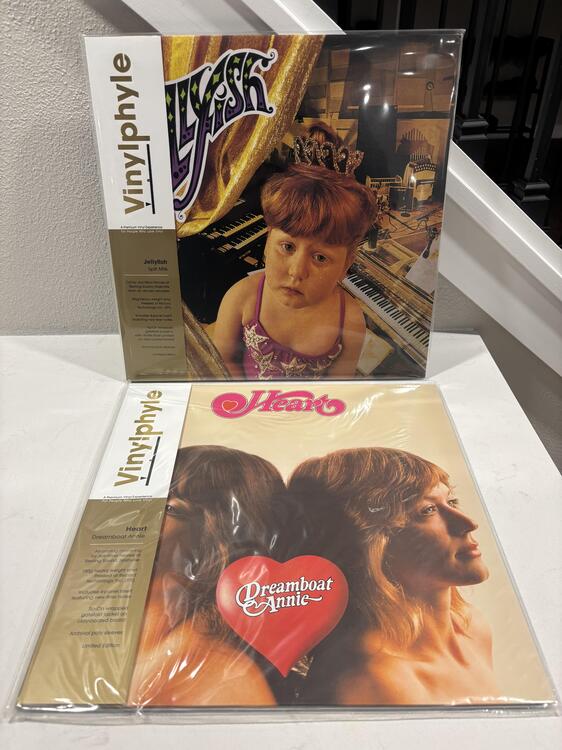
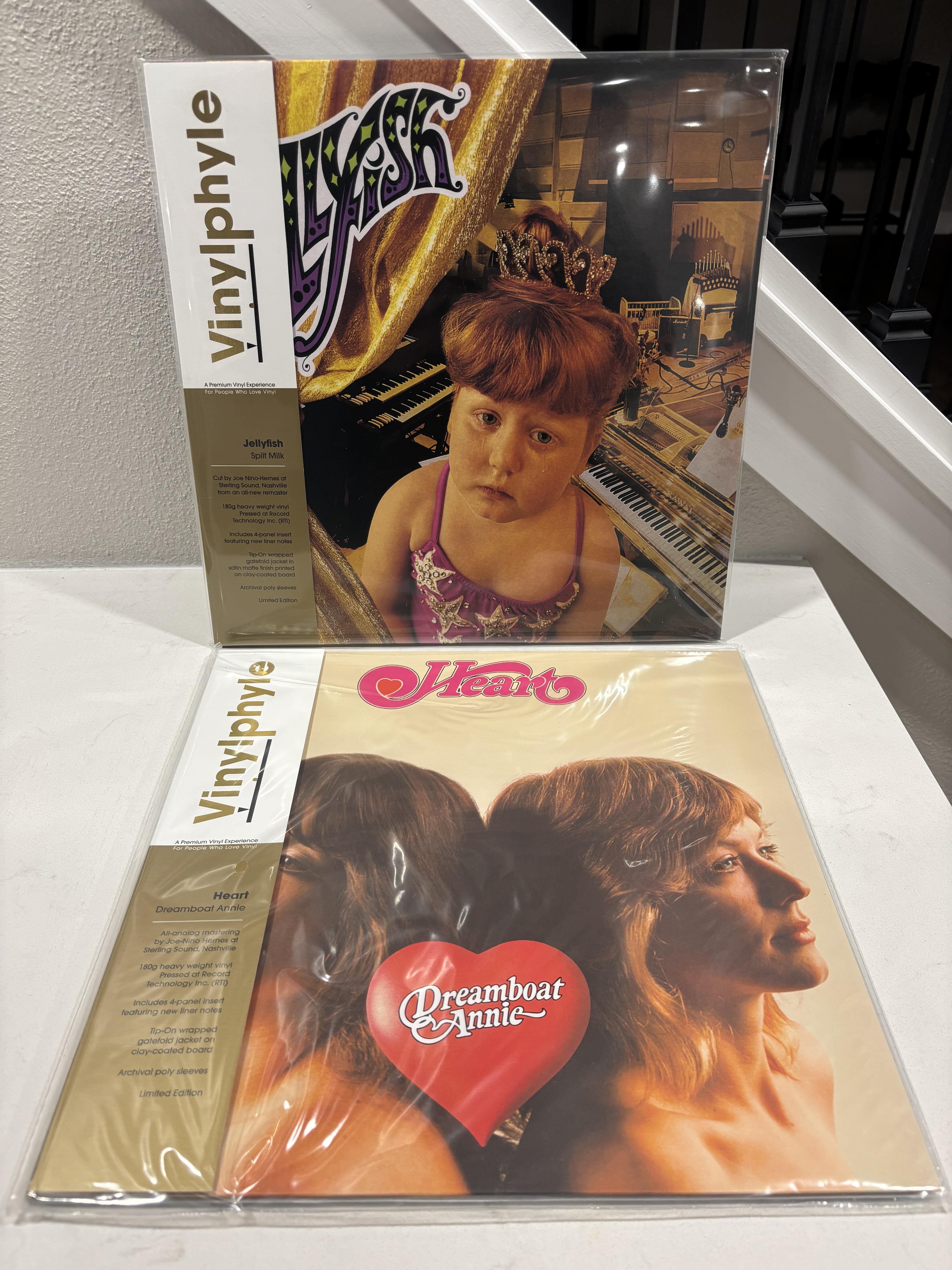
90’s action plus some classic heart
-
The original bag lady
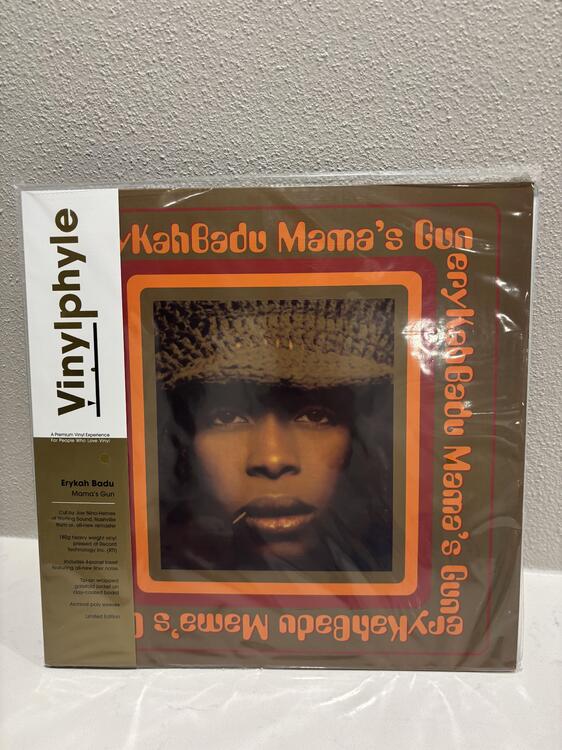
-
To be determined (most likely the sturgill)

-
Ooof! A bit rich for my blood lol. My copy is below: https://www.discogs.com/release/11978254-Clipse-Lord-Willin (which I thought was quite fancy, apparently not enough haha)
-
Yeah I’ve been listening to the clipse non stop. Was a fan of their first album and followed Pusha T on his solo stuff
-
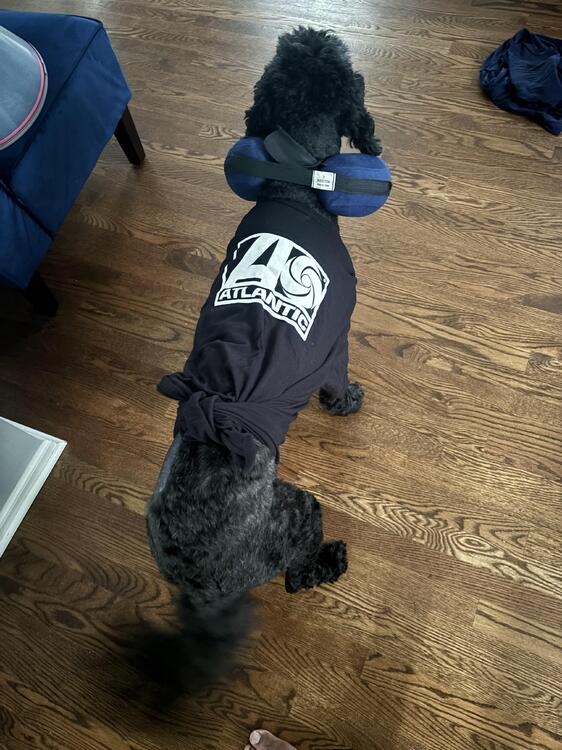
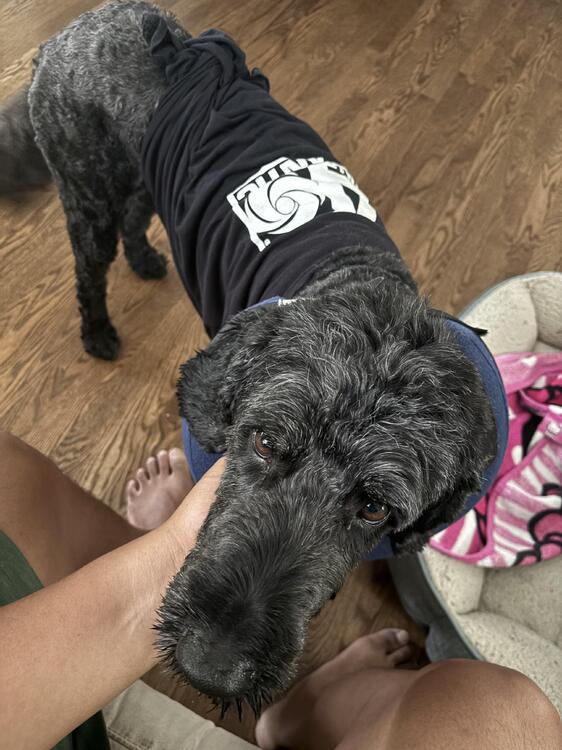
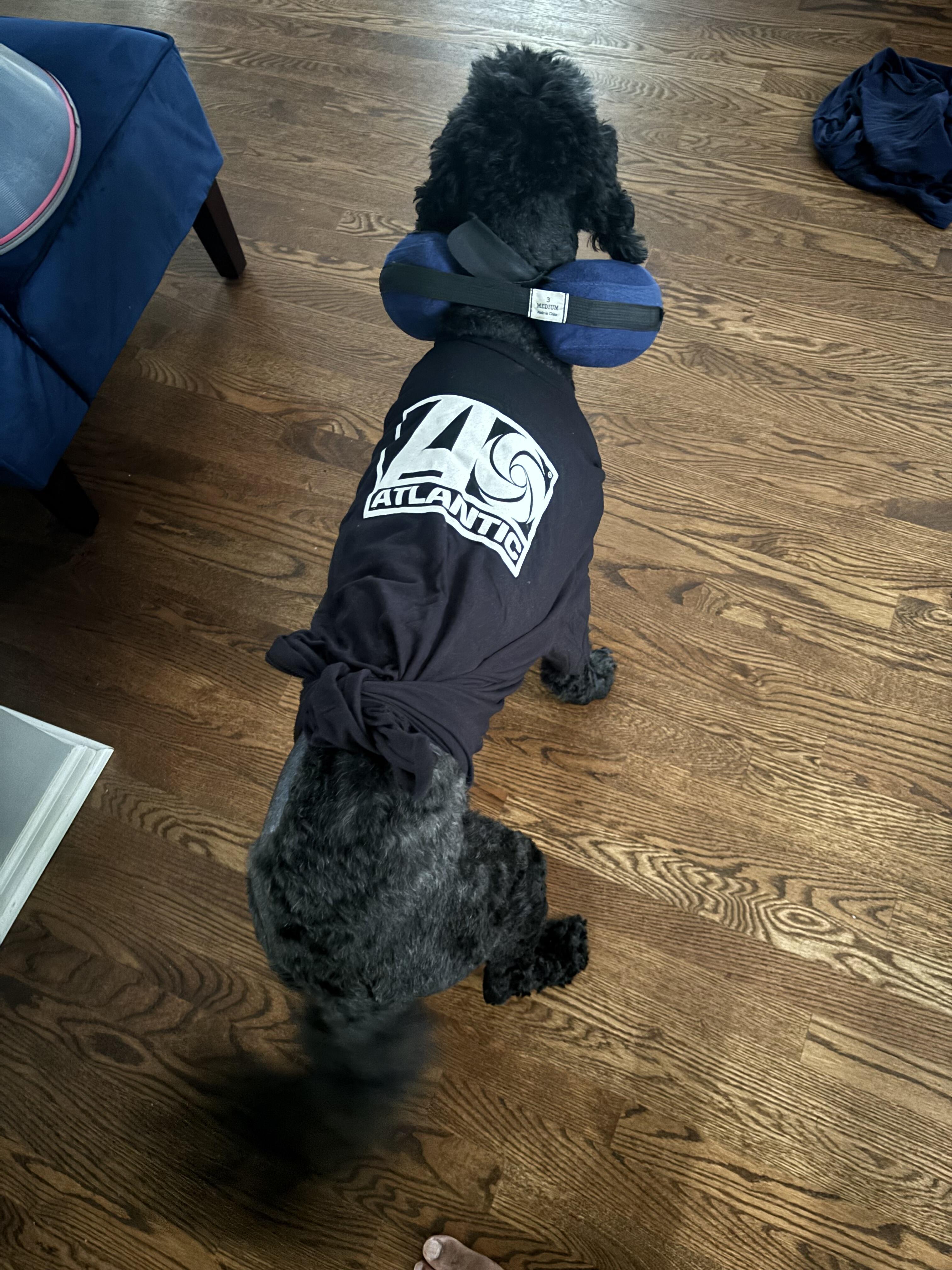
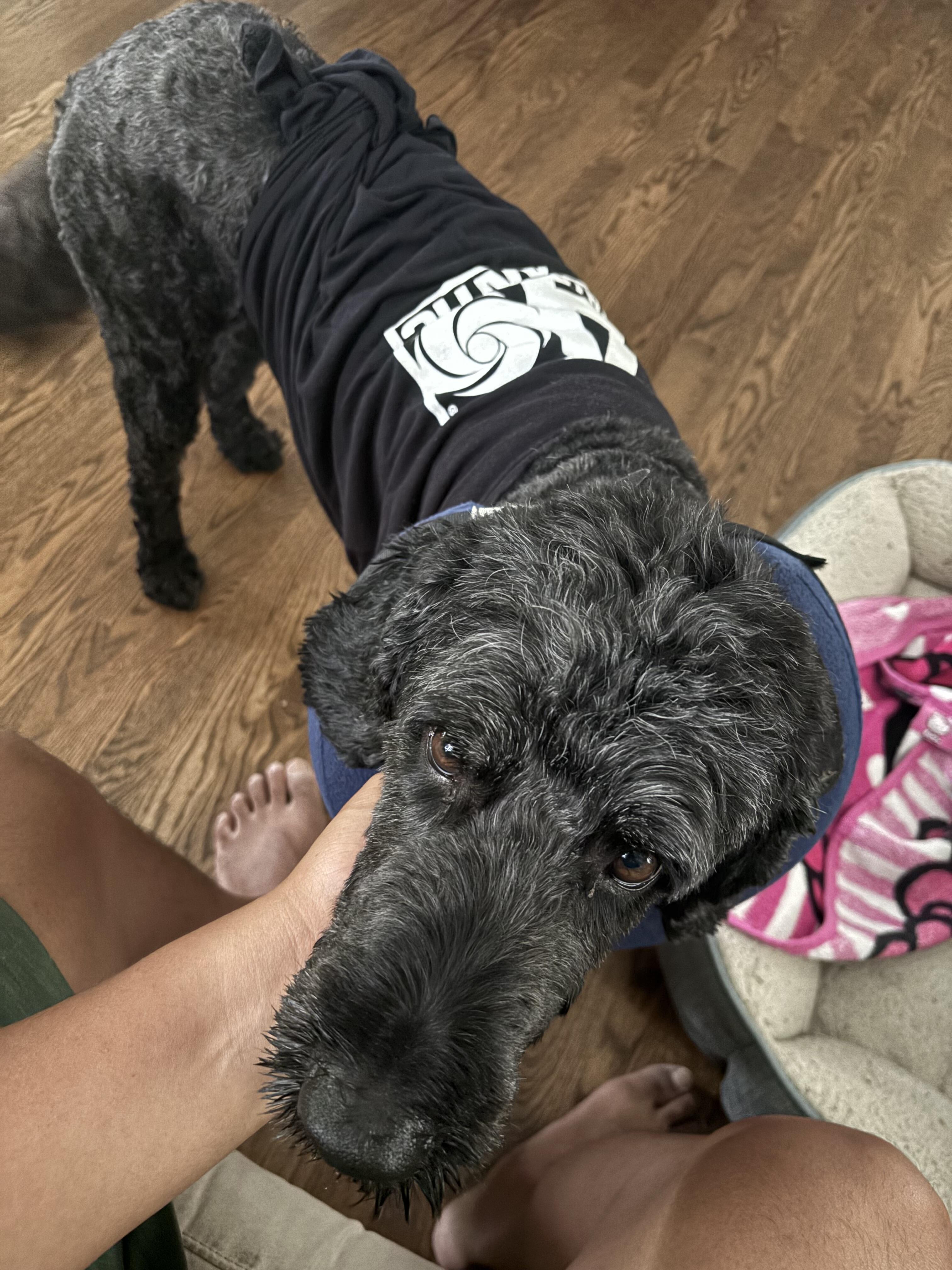
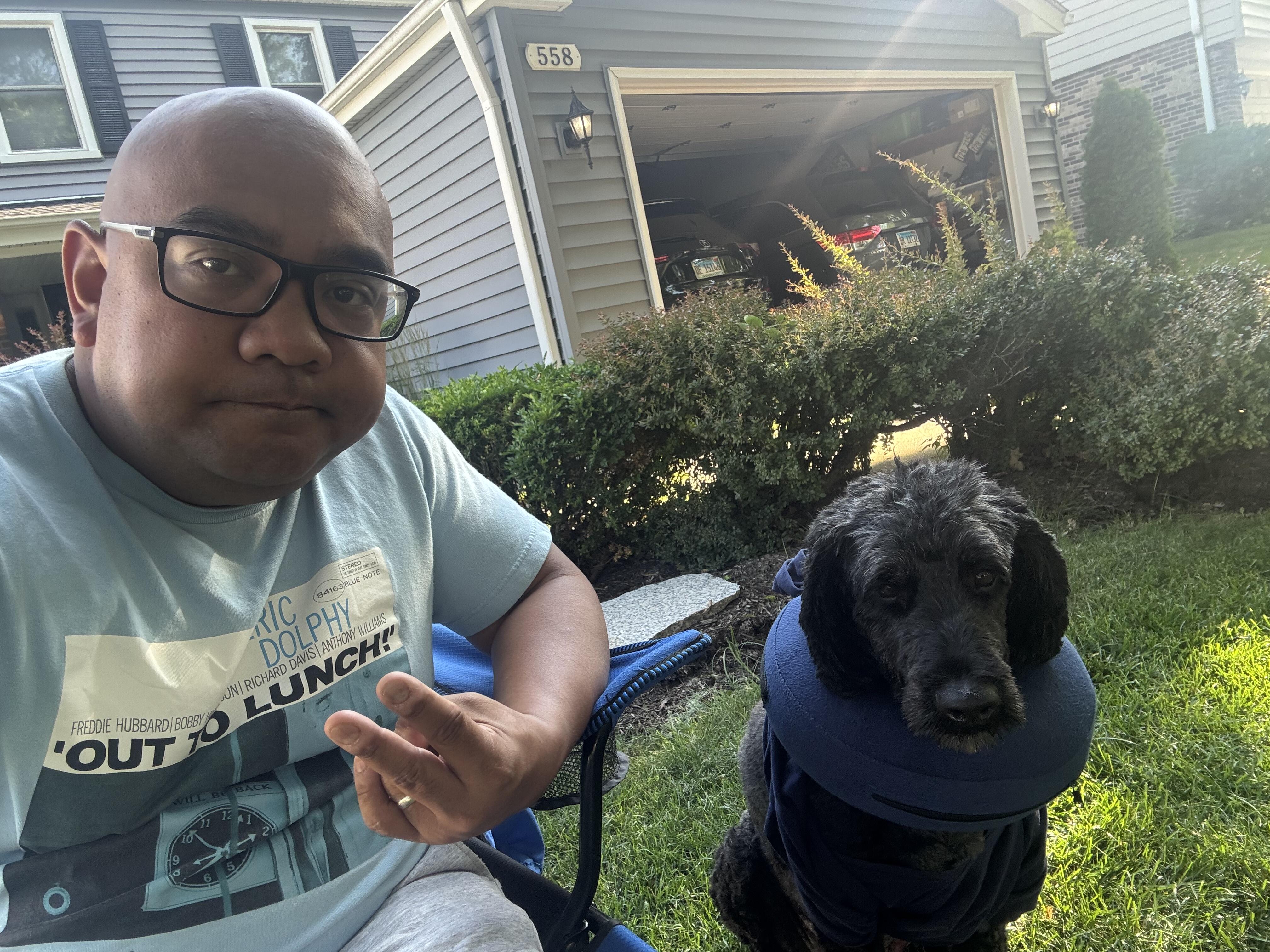
More the weekend, but we got a fatty mass surgically removed from the doggo, but 2 nights in of course she rips out the stitches AND her drain tube (and most likely ate it lol) requiring her to go back in and get stapled but as you can see she is doing well 🤣

-
Recently switched over to Qobuz and am ditching the Tidal. Qobuz connect works seamlessly with WiiM devices.






Important Information
By using this site, you agree to our Terms of Use.