


Everything posted by Grahame
-
Ad Hoc Surf 'N' Turf.
 Because in the UK they'd just be rubbish gods?Begone AI spam bot!No, as I believe he is SoCal, not NorCal, and His MicroCenter is Tustin, apparentlyVisited the spiritual successor to Fry's in the Bay Area It did not disappoint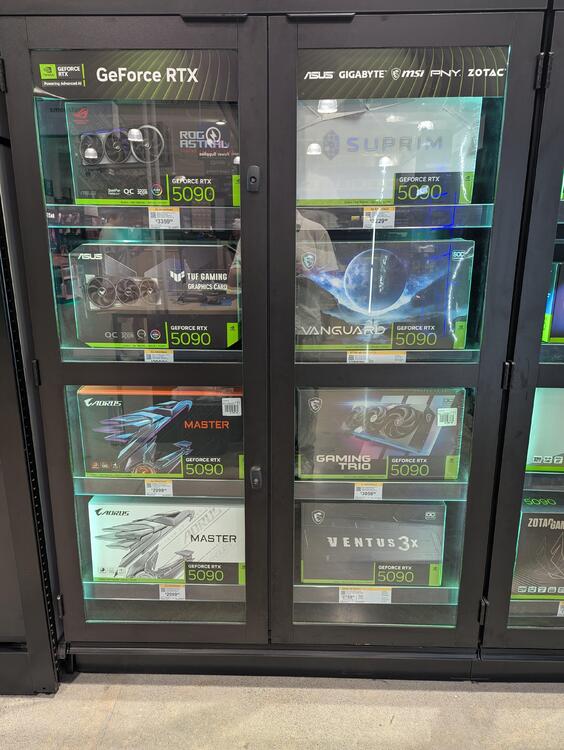

 Proper Fish & Chips, ordered from an Essex Girl @ https://www.scrumptiousfc.com/
 Reassuringly expensive, surely?You don't need another Camera, right @blessingx?Peacock might want to think their ad copy, assuming it's not AI Slop.
 Are you having a good time, Belvedere? Hip Service were. Serving up a diverse collection of crowd pleasers. Jackson 5, Beyonce, ABBA, Journey. Tight.

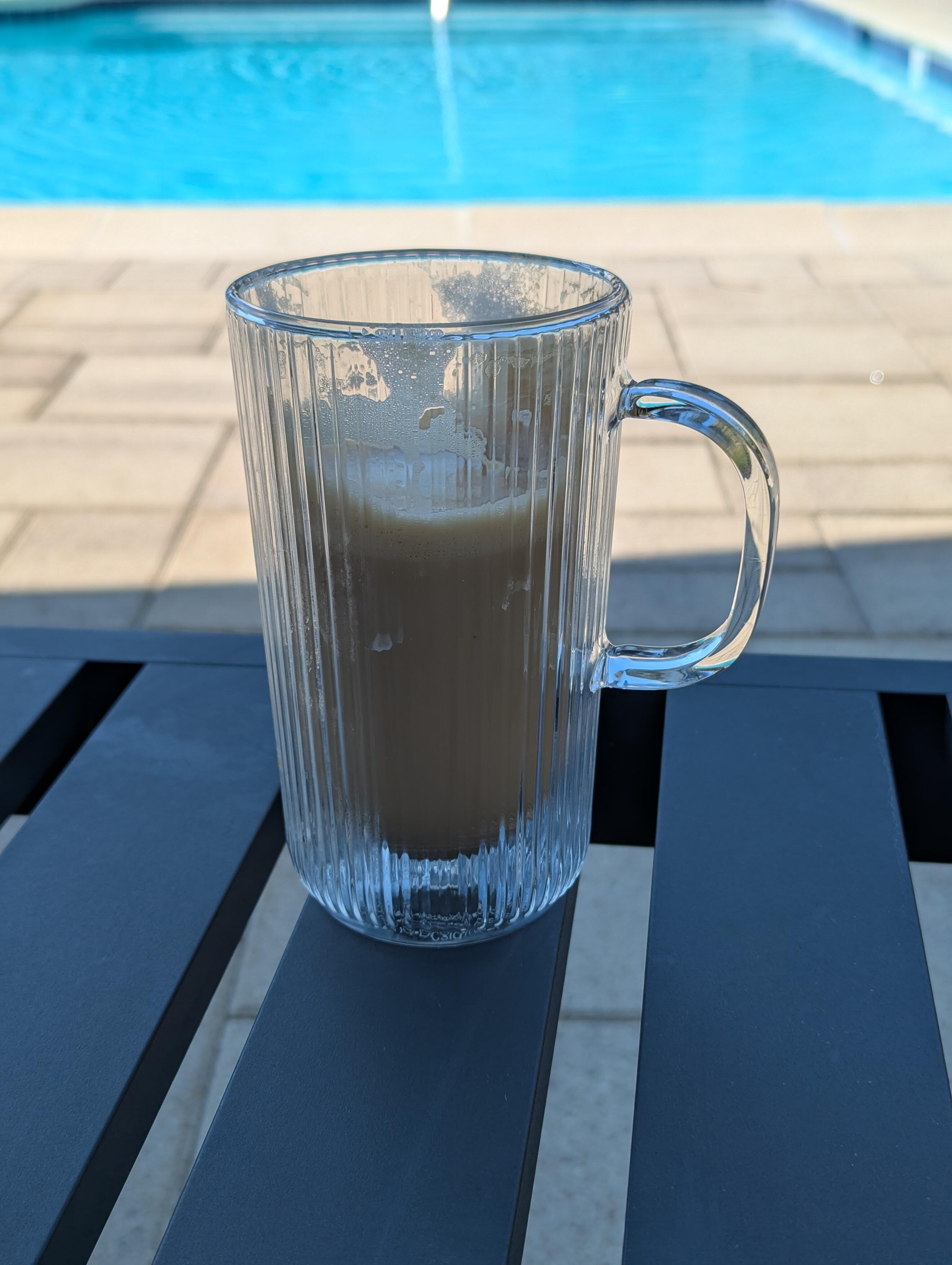
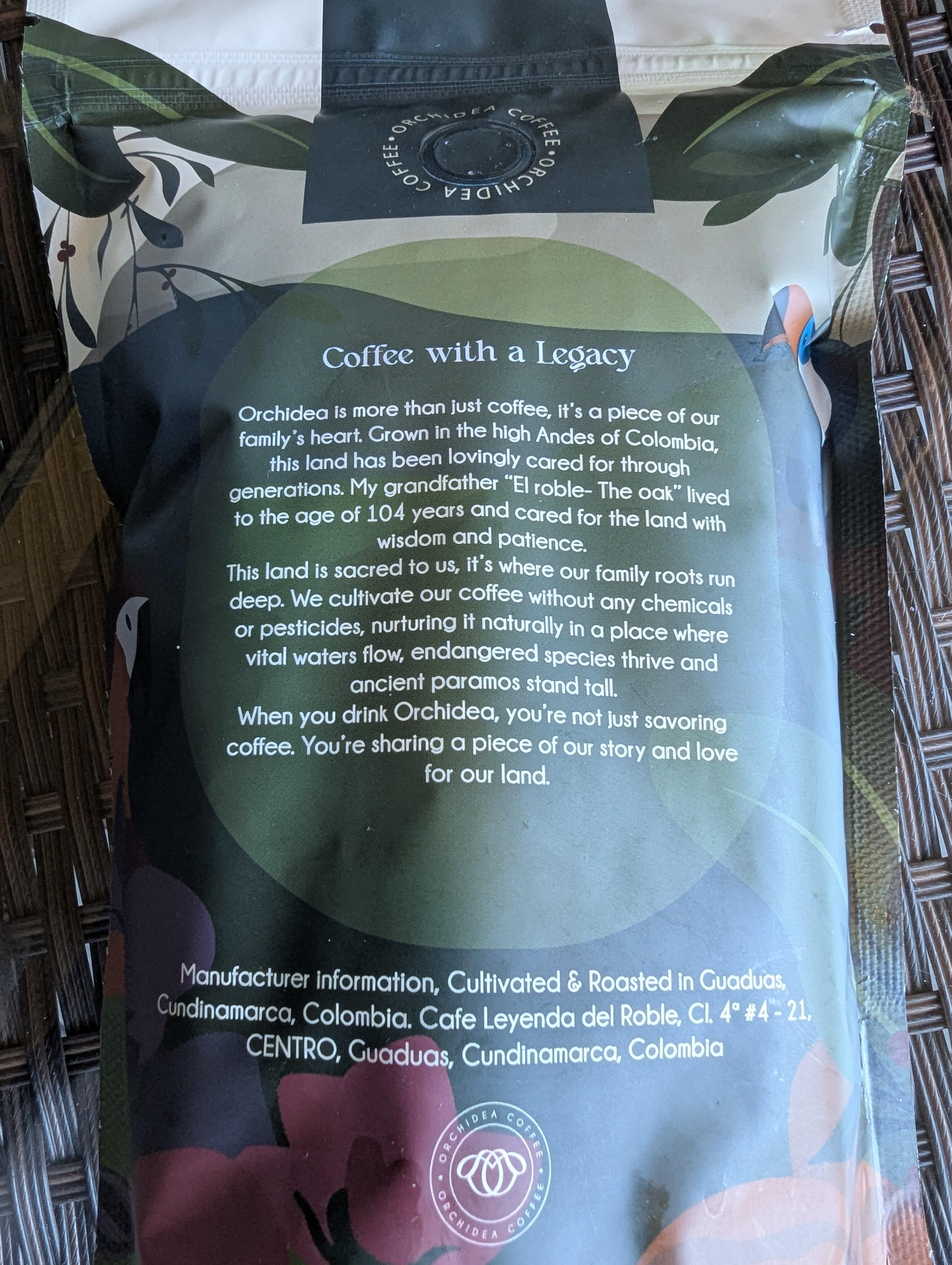
 One of our neighbors has a Columbian wife, and has started a coffee company using her family's farm. https://www.orchideacoffee.com/ So we said put us down for a bag when you get started. This week one was hand delivered to our door. Joanne said we should reserve it as a weekend treat. Not too shabby.

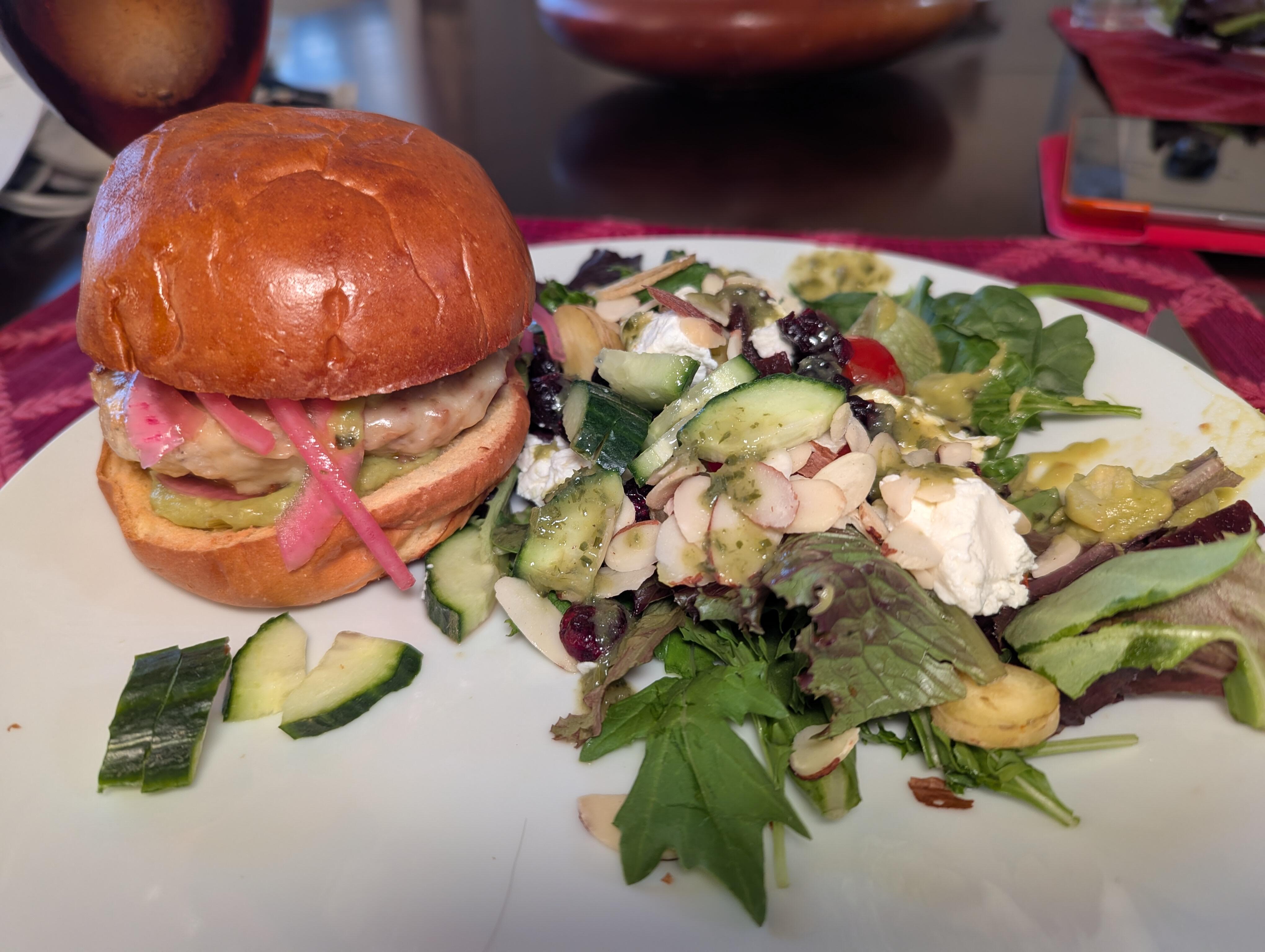
 Deck, Farmer's Market Porchetta Sandwich.
 Italian Tiramisu* & Farmers Market Strawberries *Product of Italy
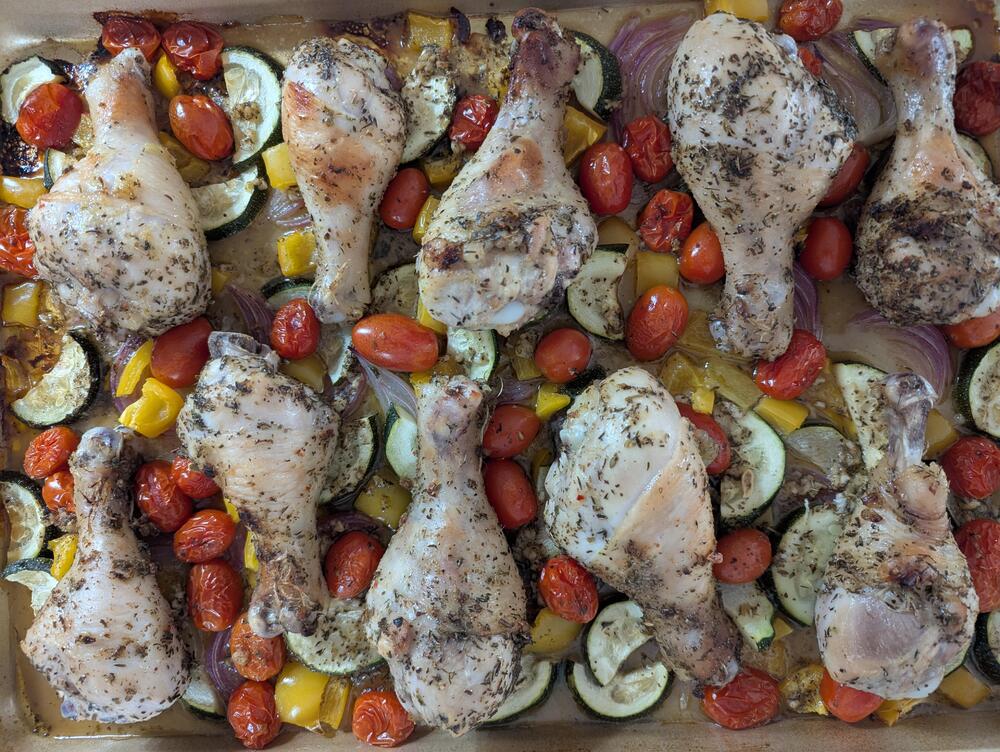
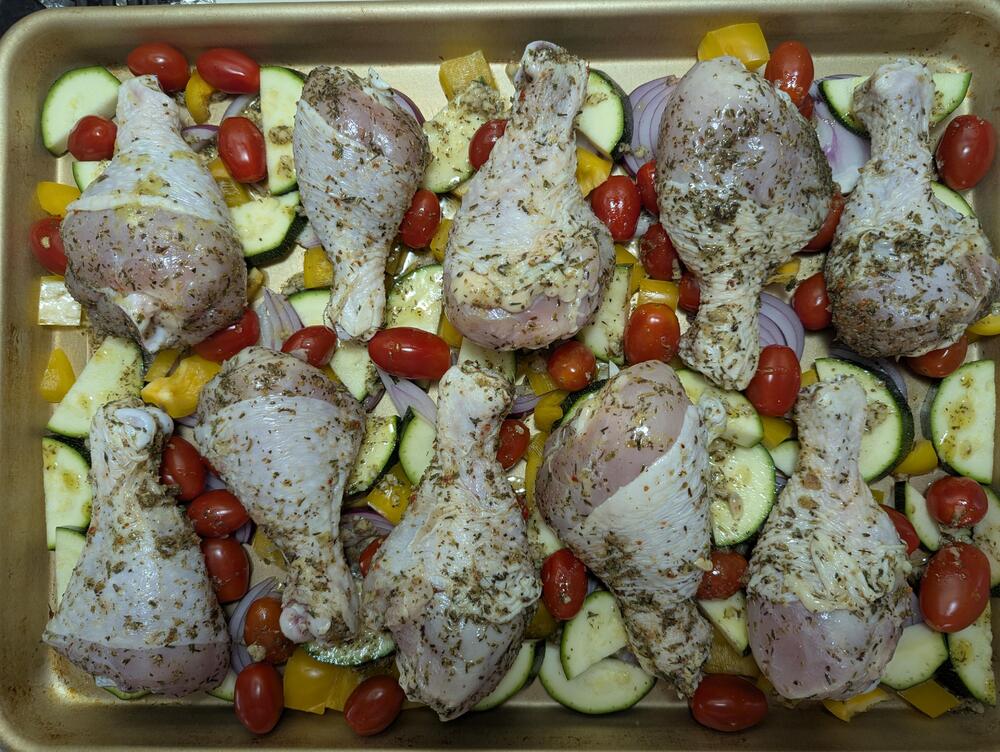
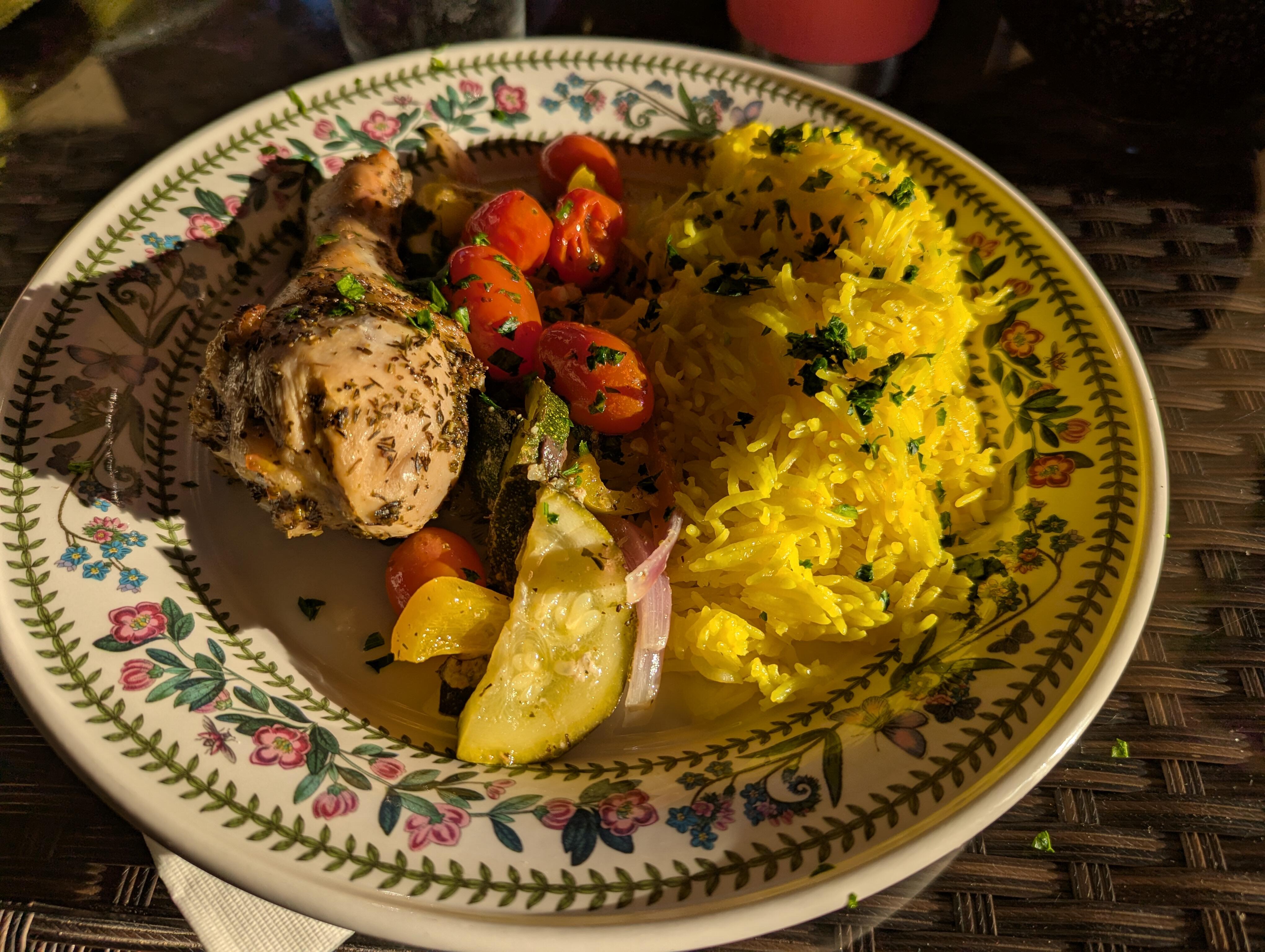
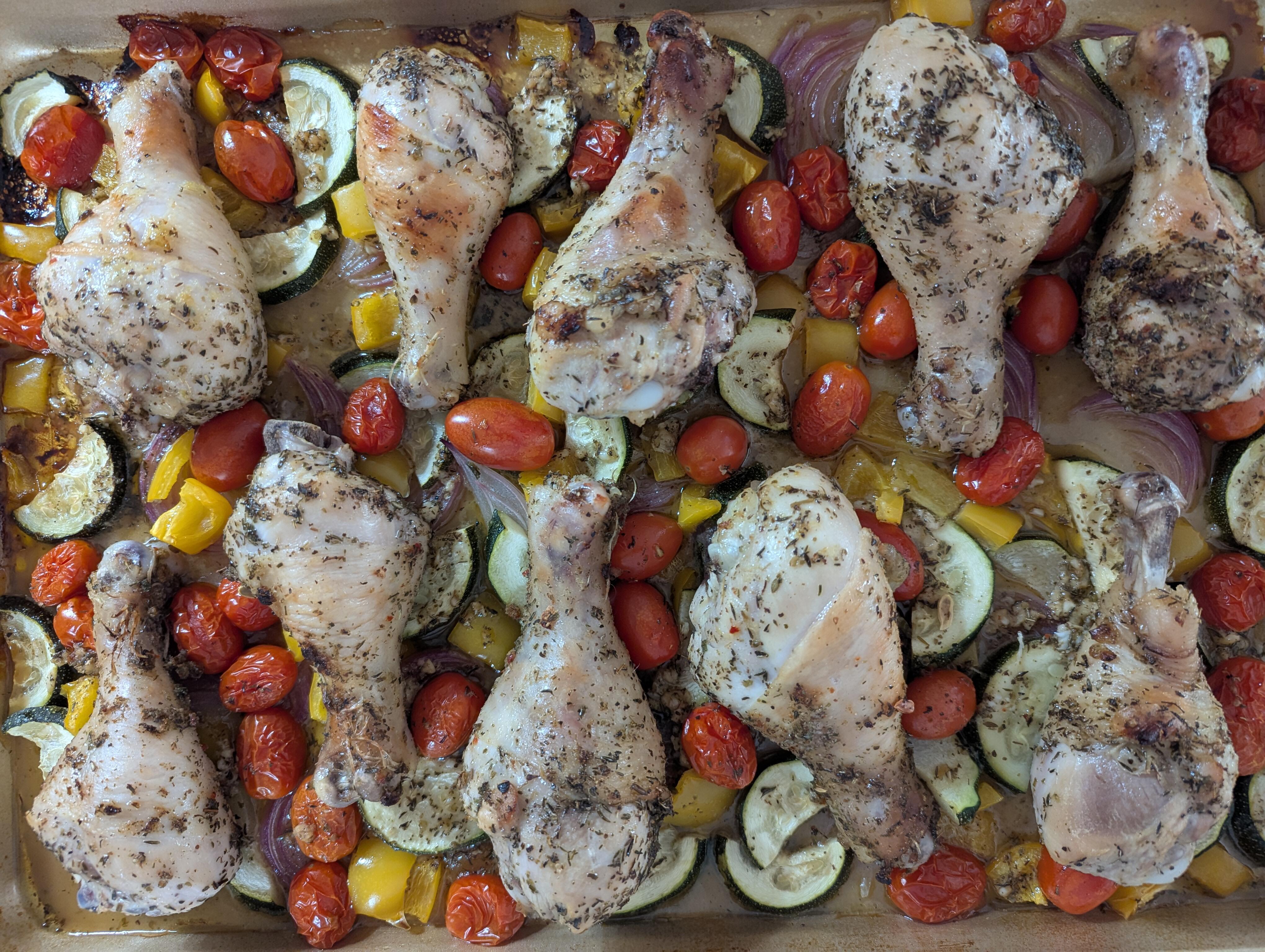
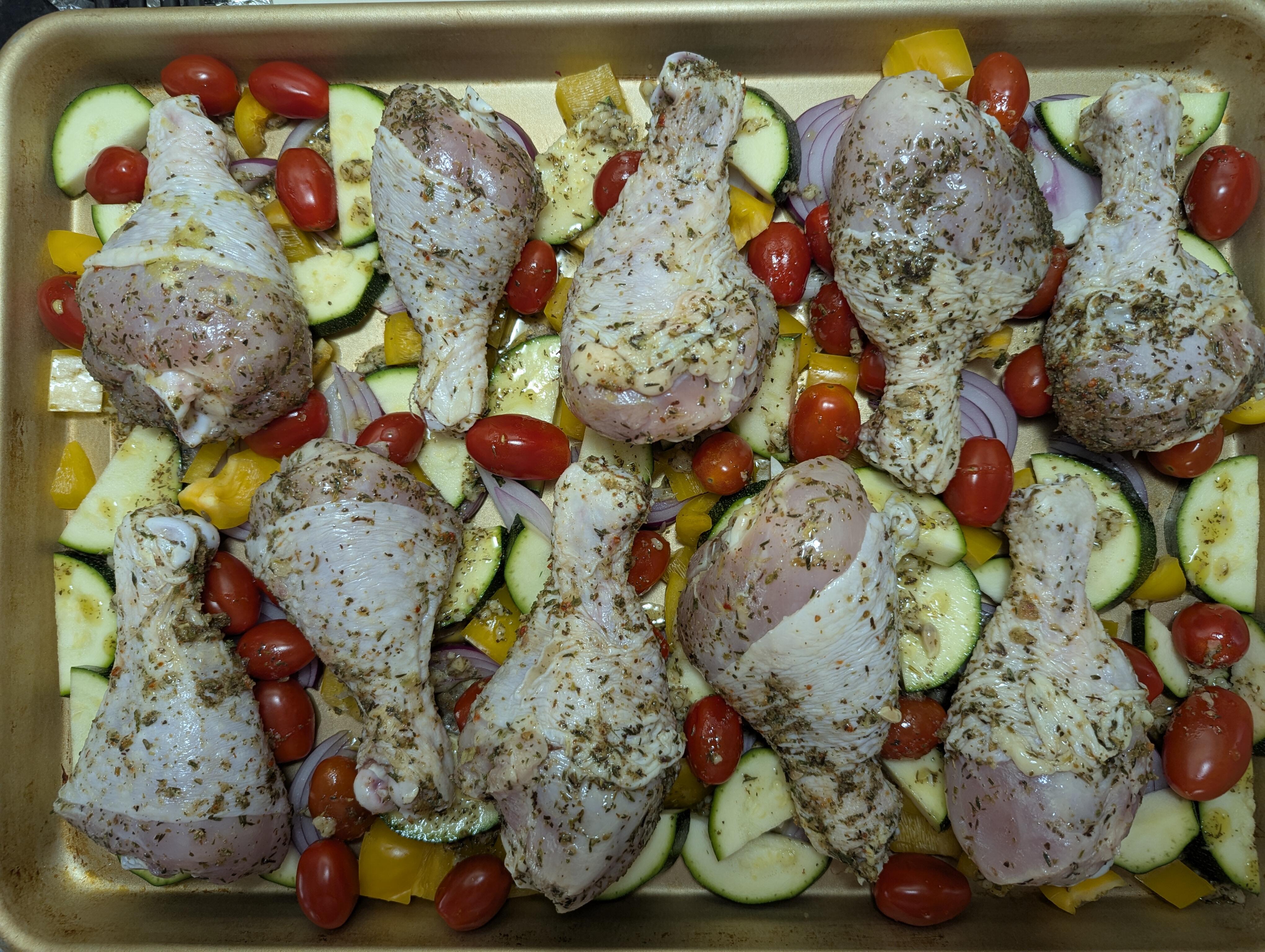
 Deck, Greek Sheet Pan Chicken and Lemon Rice.
 Before: 2 After: Greek Sheet Pan Chicken Instant Pot Lemon Rice

 "Anime" = "Cyborg-inspired Industrial Design"
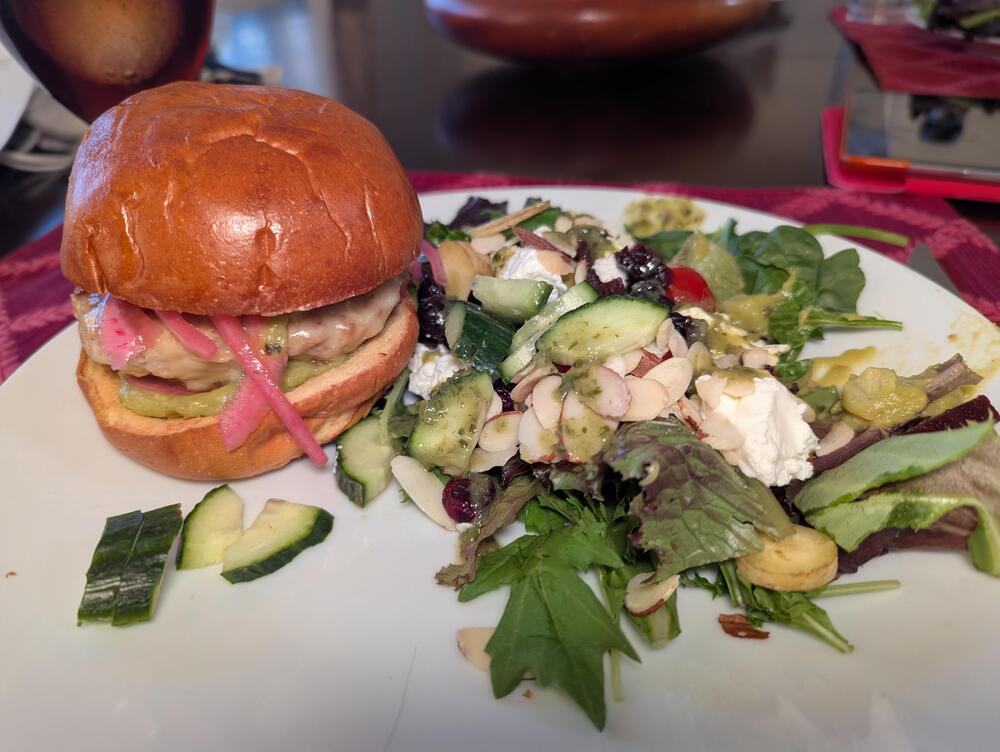
 No tweezers were harmed in the making of this plate.
 Taimane Because: YesterdayWhat's the over/under on "Micro Greens" and "Foam" on the menu?




















Important Information
By using this site, you agree to our Terms of Use.
Account
Navigation
Search
Configure browser push notifications
Chrome (Android)
- Tap the lock icon next to the address bar.
- Tap Permissions → Notifications.
- Adjust your preference.
Chrome (Desktop)
- Click the padlock icon in the address bar.
- Select Site settings.
- Find Notifications and adjust your preference.
Safari (iOS 16.4+)
- Ensure the site is installed via Add to Home Screen.
- Open Settings App → Notifications.
- Find your app name and adjust your preference.
Safari (macOS)
- Go to Safari → Preferences.
- Click the Websites tab.
- Select Notifications in the sidebar.
- Find this website and adjust your preference.
Edge (Android)
- Tap the lock icon next to the address bar.
- Tap Permissions.
- Find Notifications and adjust your preference.
Edge (Desktop)
- Click the padlock icon in the address bar.
- Click Permissions for this site.
- Find Notifications and adjust your preference.
Firefox (Android)
- Go to Settings → Site permissions.
- Tap Notifications.
- Find this site in the list and adjust your preference.
Firefox (Desktop)
- Open Firefox Settings.
- Search for Notifications.
- Find this site in the list and adjust your preference.