Leaderboard




Popular Content
Showing content with the highest reputation on 05/12/13 in Posts
-
2 pointsCommander Chris Hadfield performing a revised version of David Bowie's Space Oddity.2 points
-
1 pointMothers Day at the ballpark today with daughter and goddaughter/niece. Came early to get the mothers day charm necklace then went to brunch at The Ramp nearby. Mimosas and Madras cocktails with great food. Now at the game and have seen two Giants homers and a 3-0 lead. Good times even missing one child.1 point
-
1 pointI know it's not juvenile, but that town's name cracks me up every time I hear it.1 point
-
1 point
-
1 point
-
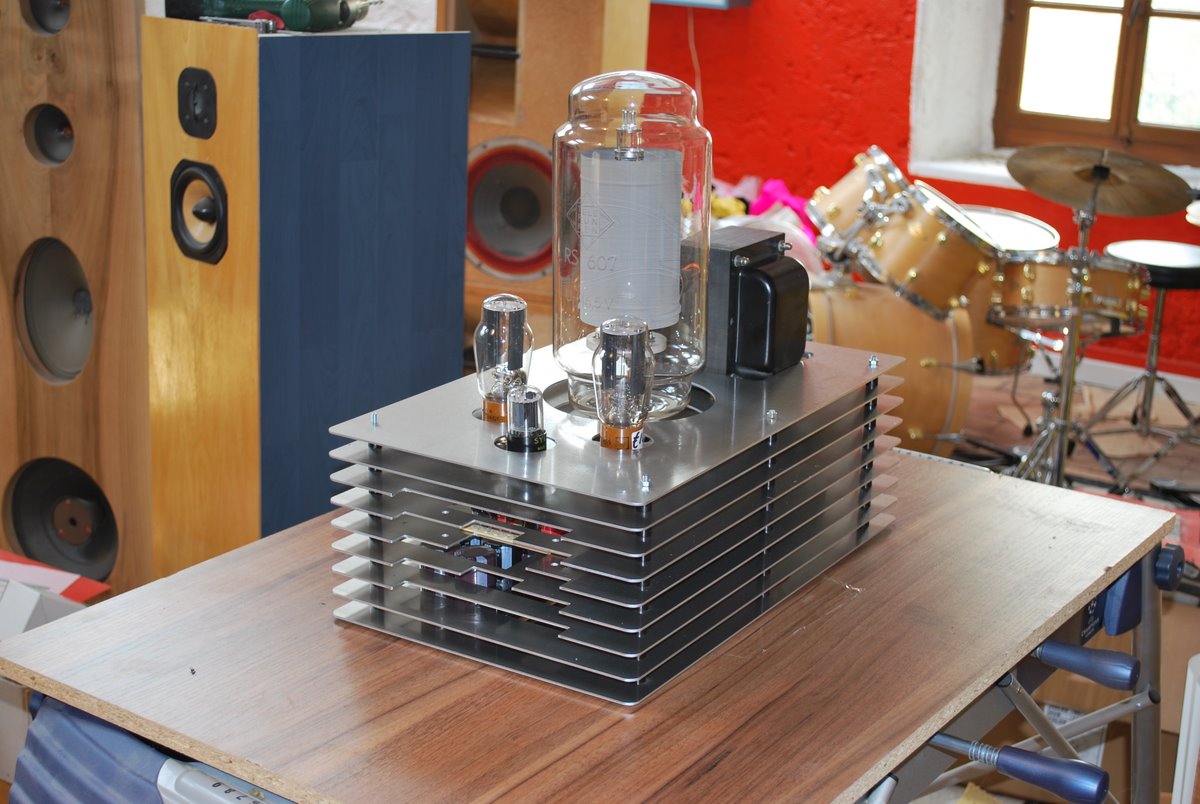
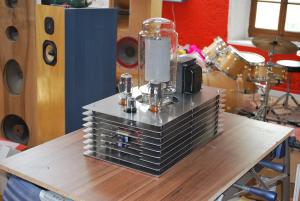
1 pointThis has been in the back of my head -- this build reminds me of one of my favorite builds I've seen. http://www.diyaudio.com/forums/attachments/tubes-valves/144849d1256750797-photo-gallery-dsc_0617.jpg
 1 point
 -
1 point
-
1 pointThis handy spreadsheet has head-to-head features of many of the current DSD capable DACs, as well as content type and sourcing comparison of the major DSD download sites. If not comprehensive, it is a good overview of the current scene.1 point