Skip to content
View in the app

A better way to browse. Learn more.

www.Head-Case.org

A full-screen app on your home screen with push notifications, badges and more.

To install this app on iOS and iPadOS
  1. Tap the Share icon in Safari
  2. Scroll the menu and tap Add to Home Screen.
  3. Tap Add in the top-right corner.
To install this app on Android
  1. Tap the 3-dot menu (⋮) in the top-right corner of the browser.
  2. Tap Add to Home screen or Install app.
  3. Confirm by tapping Install.

Leaderboard

Popular Content

Showing content with the highest reputation on 09/17/13 in all areas

  1. Sorry for your foot, Shelly. Hope it clears up fast, and is not a chronic thing. Bad mojo for car, Knucks. Hope you find another reasonably. Becky and I met Nate for lunch today in Kittery at great tex-mex place. Great to spend time with a good friend.
  2. 1 point
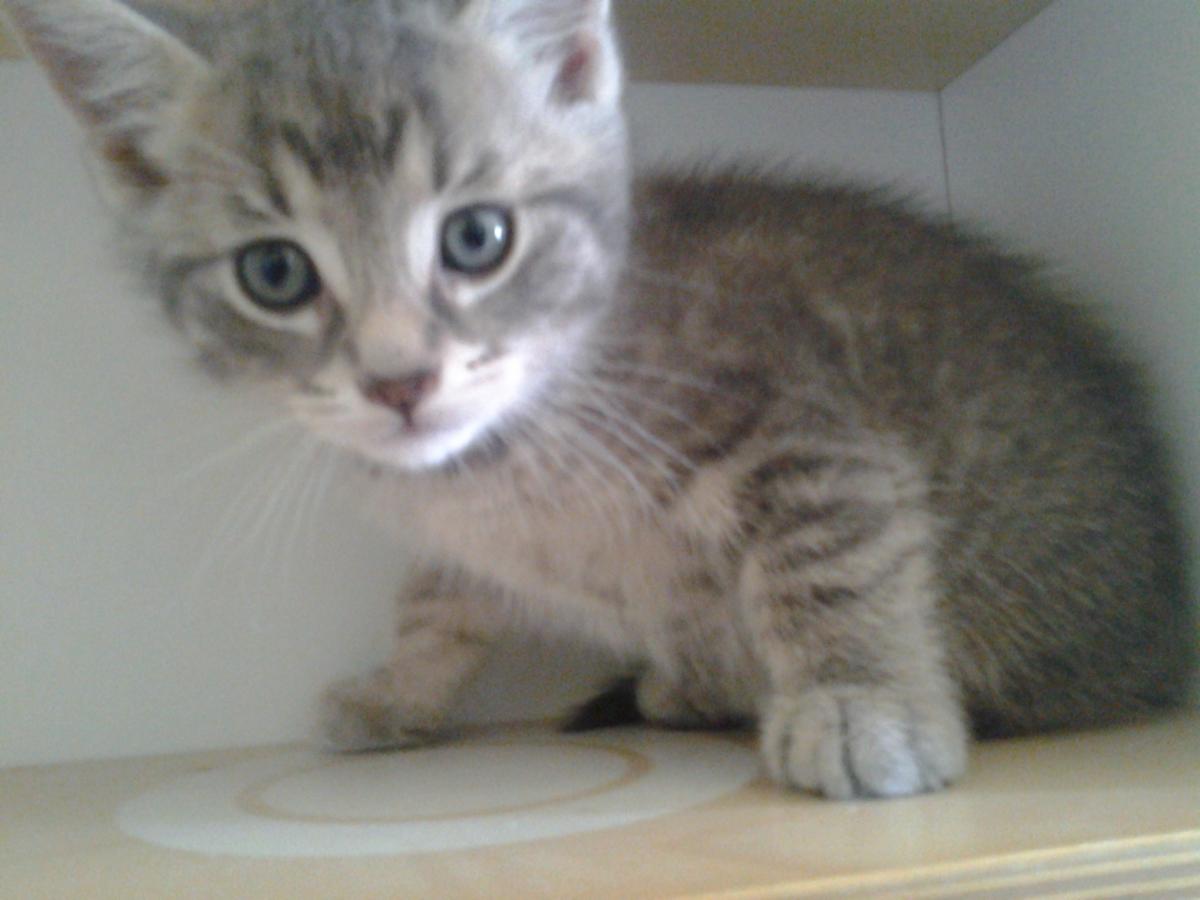
    Someone dropped a box of kittens off at the vet clinic. My wife couldn't resist.
  3. Sautéed mushrooms and diced shallots in some butter, then made an omelette with sharp cheddar and the sauté, while grilling some asparagus with olive oil and fresh ground garlic salt. Not bad for my first omelette in a long time.
  4. 1 point
    The Feynman Lectures on Physics Vol I is now free to read online (legally). Hope they put up Vol II and III sometime. http://feynmanlectures.caltech.edu/

Important Information

By using this site, you agree to our Terms of Use.

Account

Navigation

Search

Search

Configure browser push notifications

Chrome (Android)
  1. Tap the lock icon next to the address bar.
  2. Tap Permissions → Notifications.
  3. Adjust your preference.
Chrome (Desktop)
  1. Click the padlock icon in the address bar.
  2. Select Site settings.
  3. Find Notifications and adjust your preference.