Leaderboard




Popular Content
Showing content with the highest reputation on 11/04/26 in all areas
-
I somehow missed that Hiromi did a collaboration with Rodrigo y Gabriela3 points
-
2 points
-
30yo2 points
-
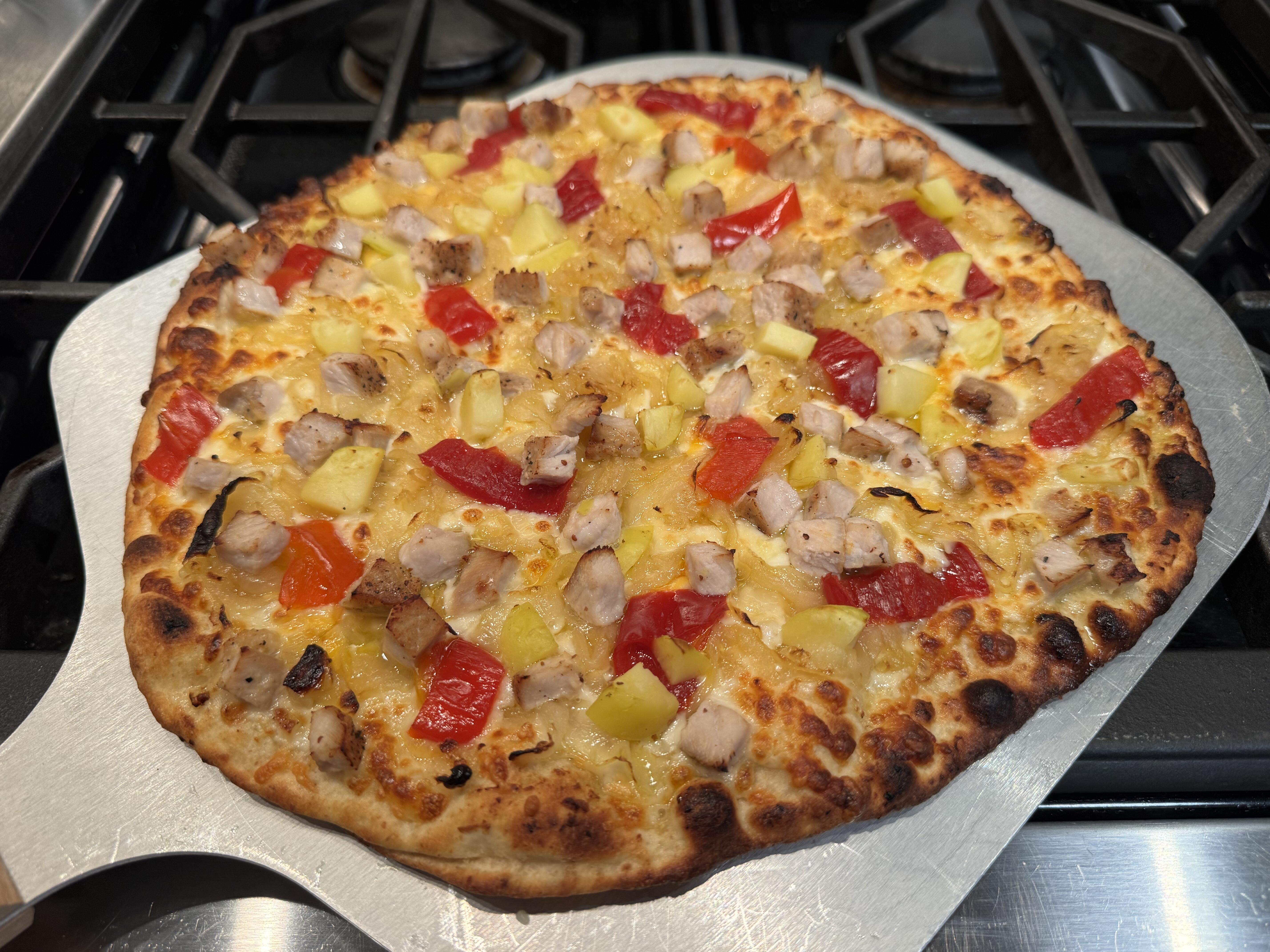
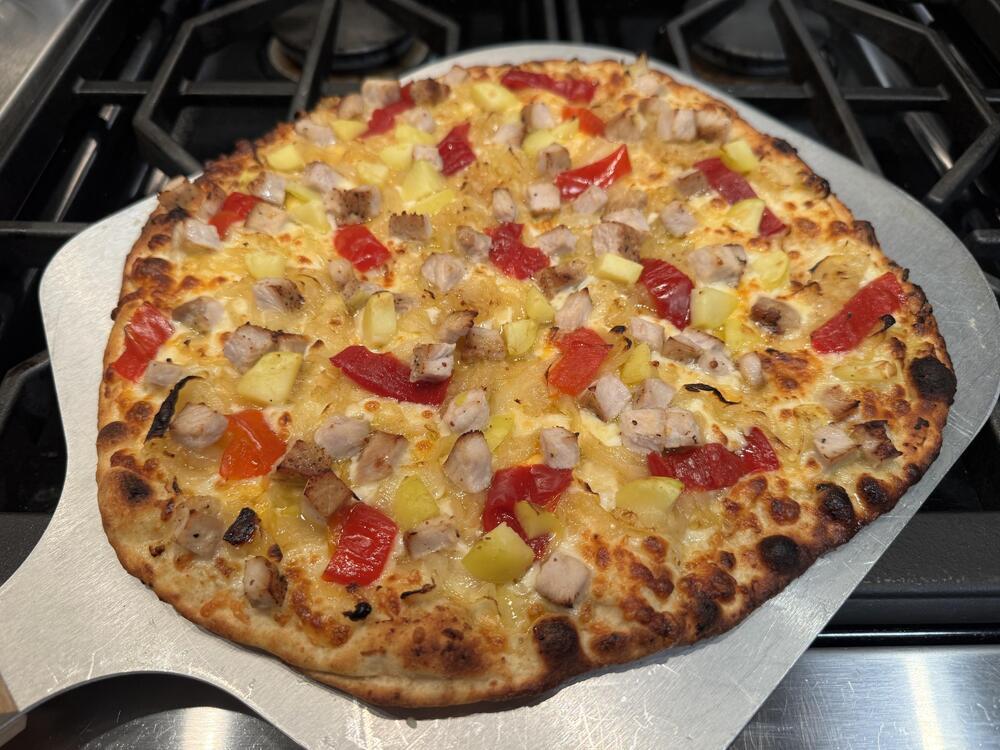
2 pointsI had some leftover pork chop and a small amount of new potatoes (1.5 small potatoes to be exact) and I wanted to make pizza with it. I caramelized onions, made an olive oil, garlic and shallot spread for the sauce and added mozzarella and Hungarian goatherd peppers. Came out great.
 2 points
 -
1 pointSo back when I built the Colossus I thought it sounded pretty good. But amazingly it wasn't all the Pete Riggle add ons, or even the SUT or preamp (DIY Pass Pearl) that made the largest improvement. The largest improvement was not long after I moved to Fairfax and built a heavy duty TT stand. Beefy Maple 4x4 legs, thick shelves and deep dato joinery really made a huge difference, especially in the bottom end. And I know bottom end!1 point
-
1 point
-
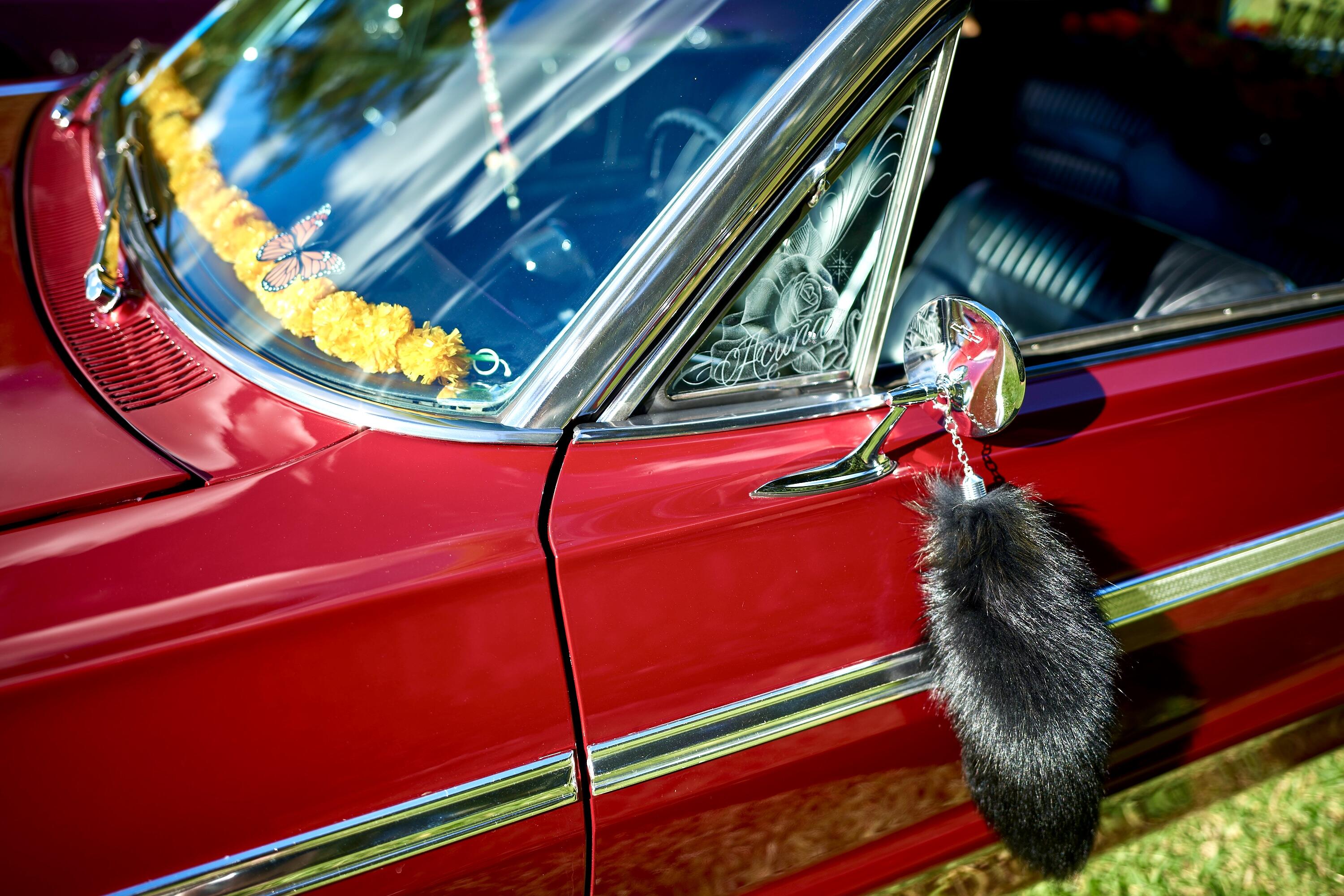
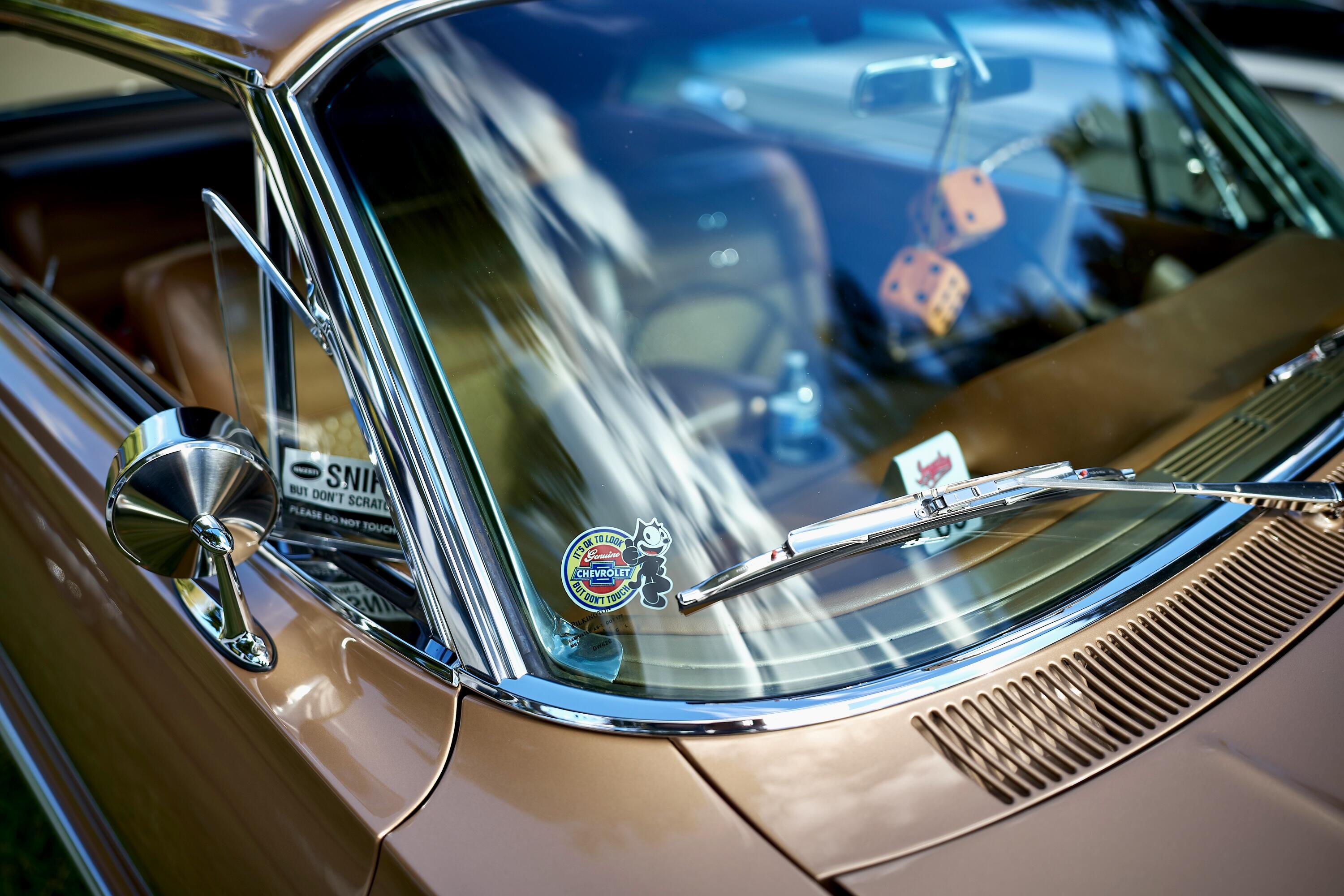
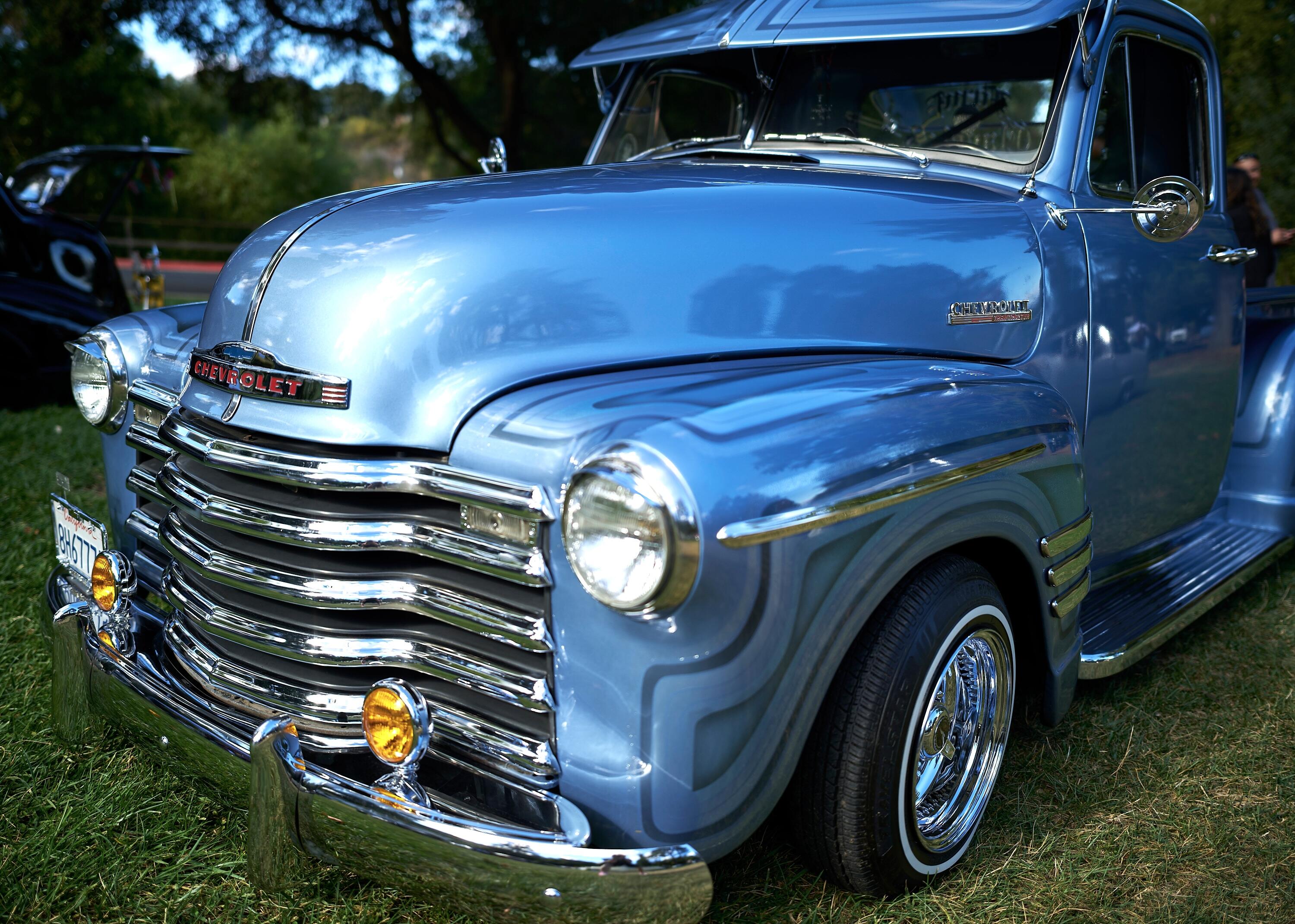
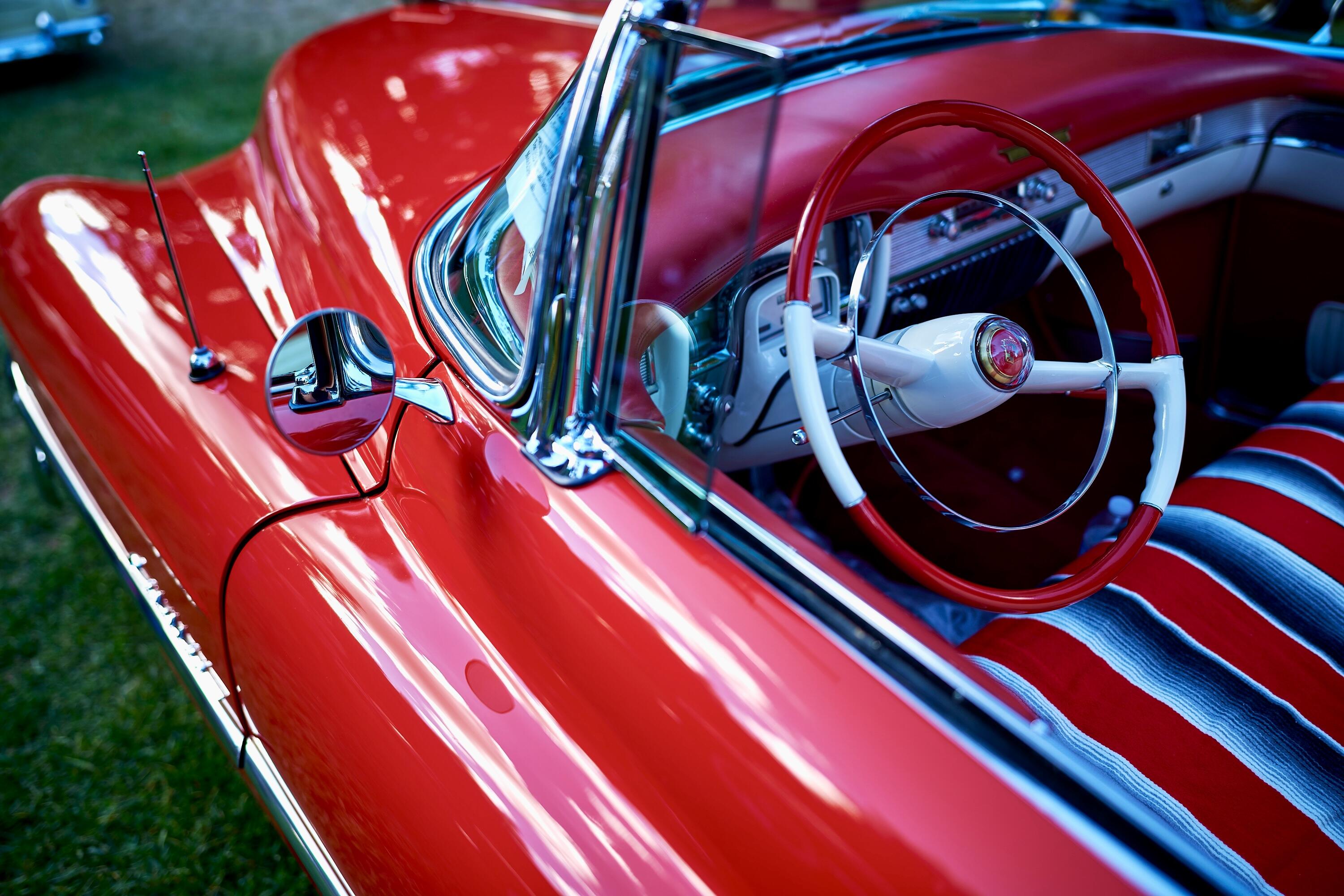
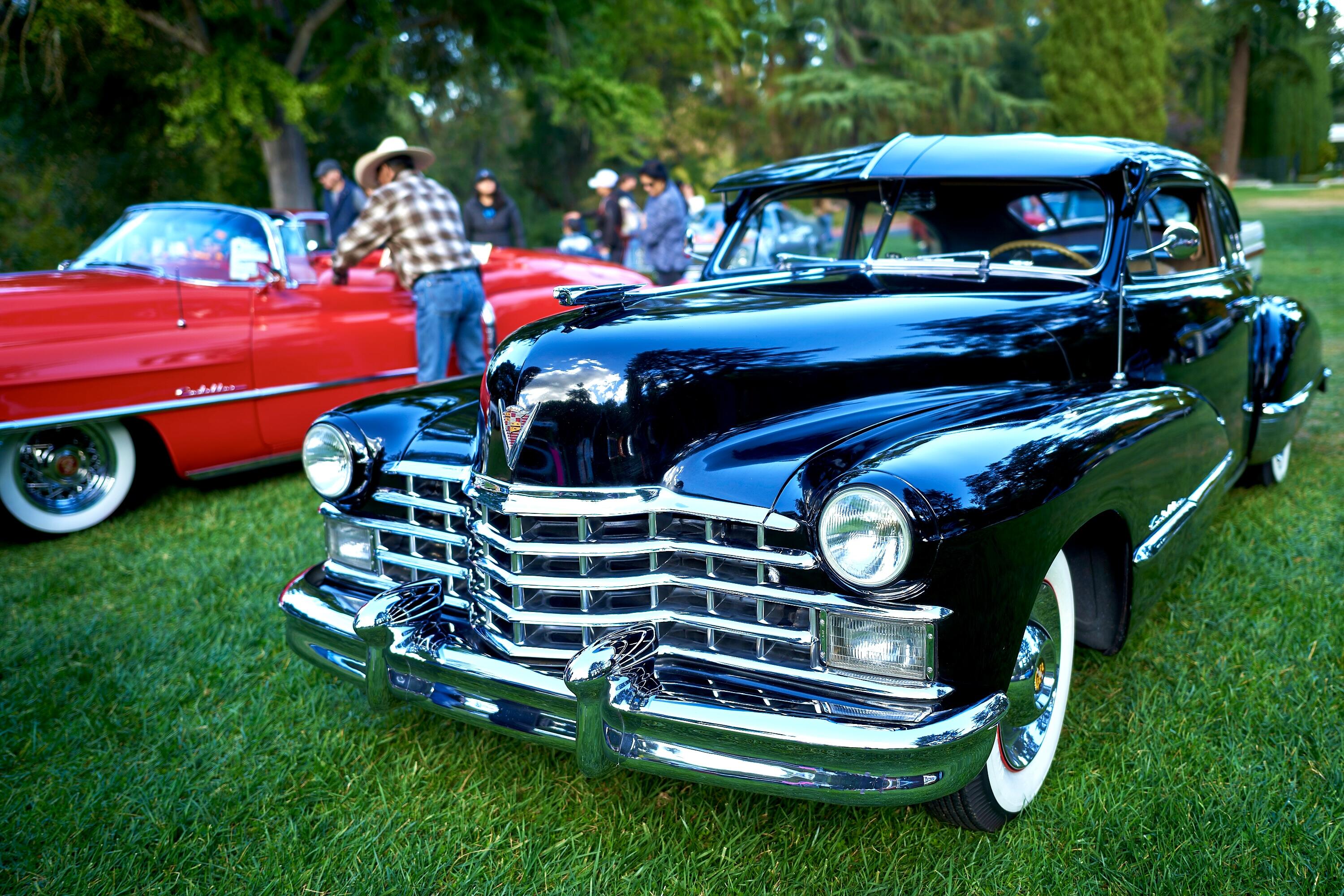
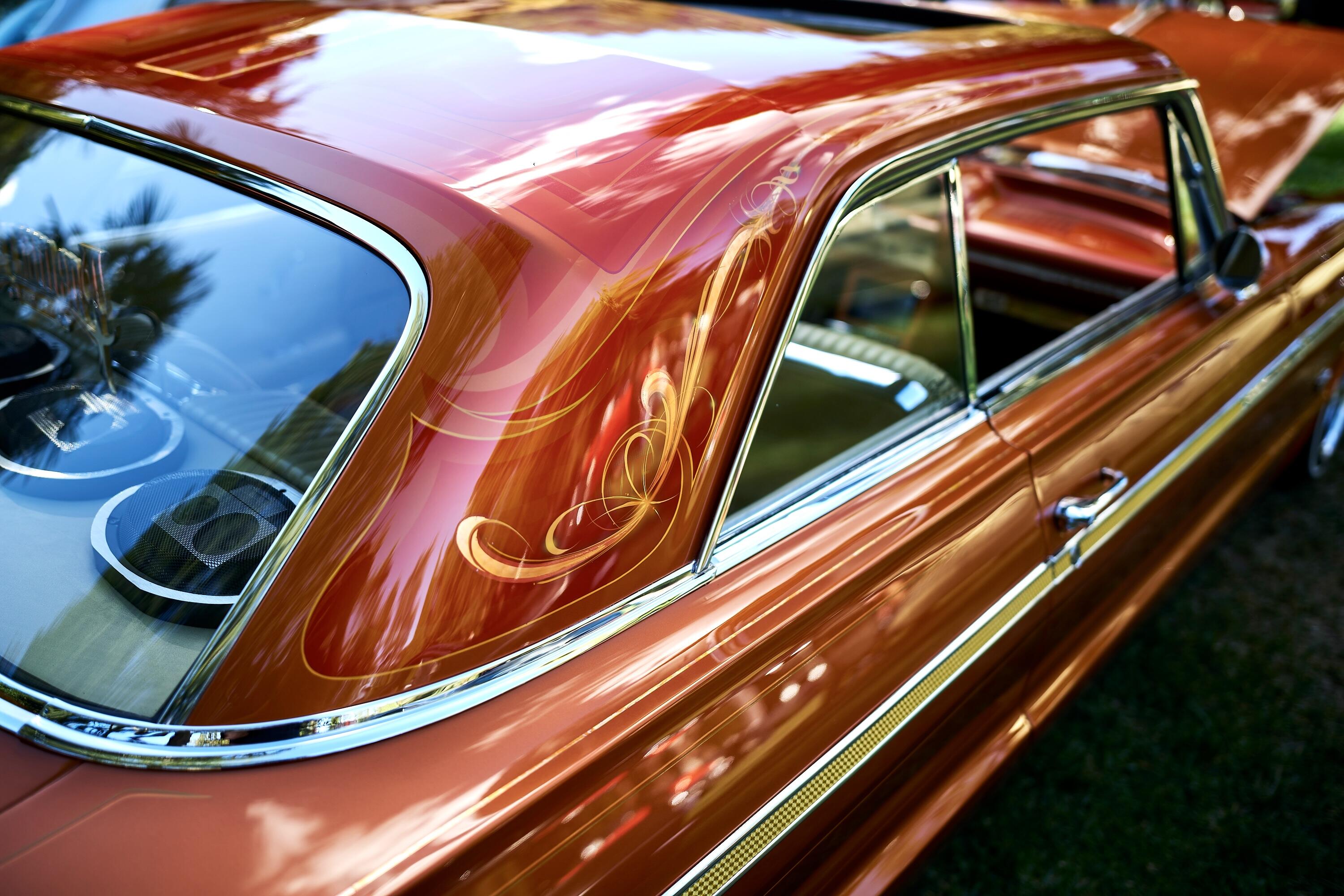
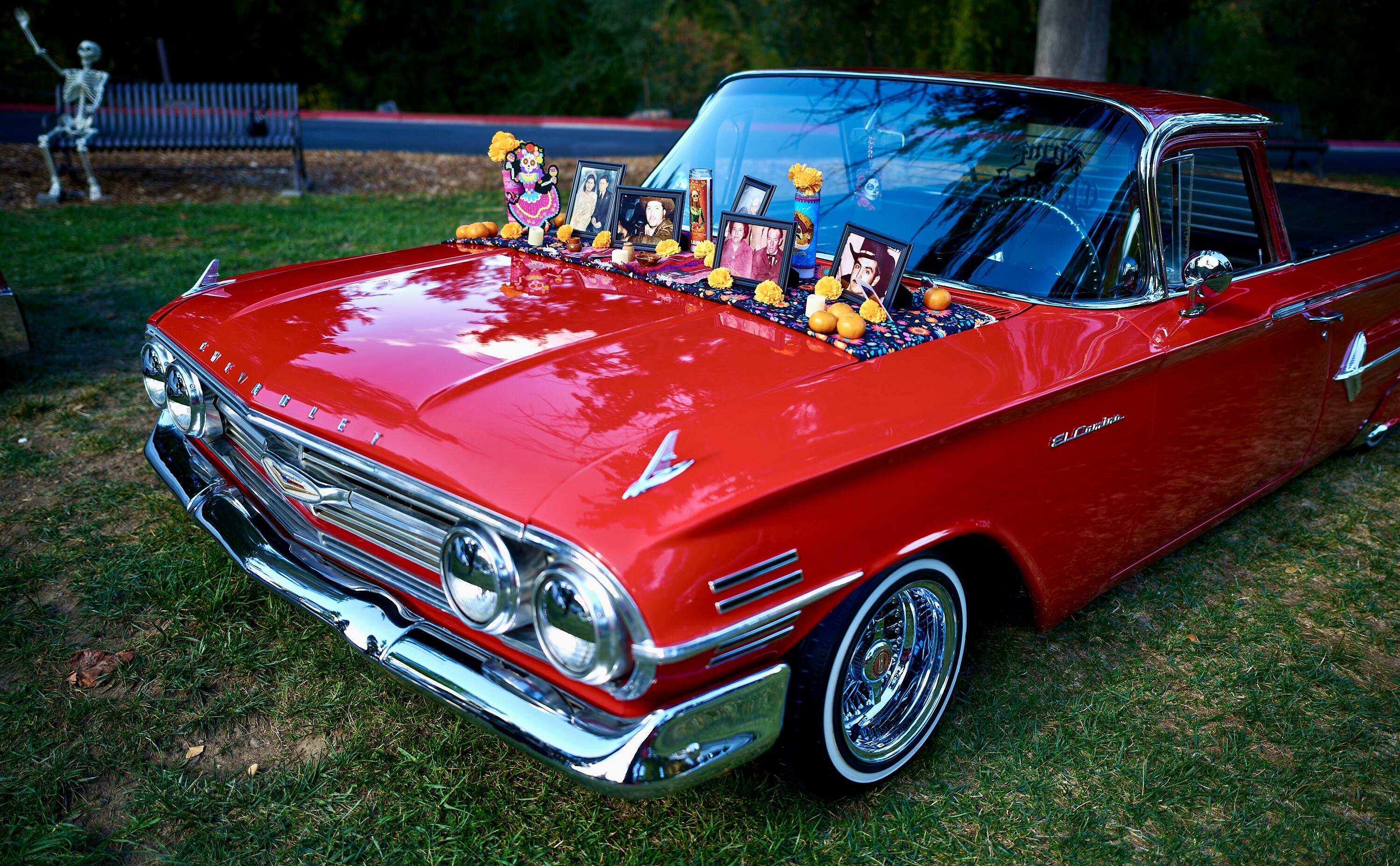
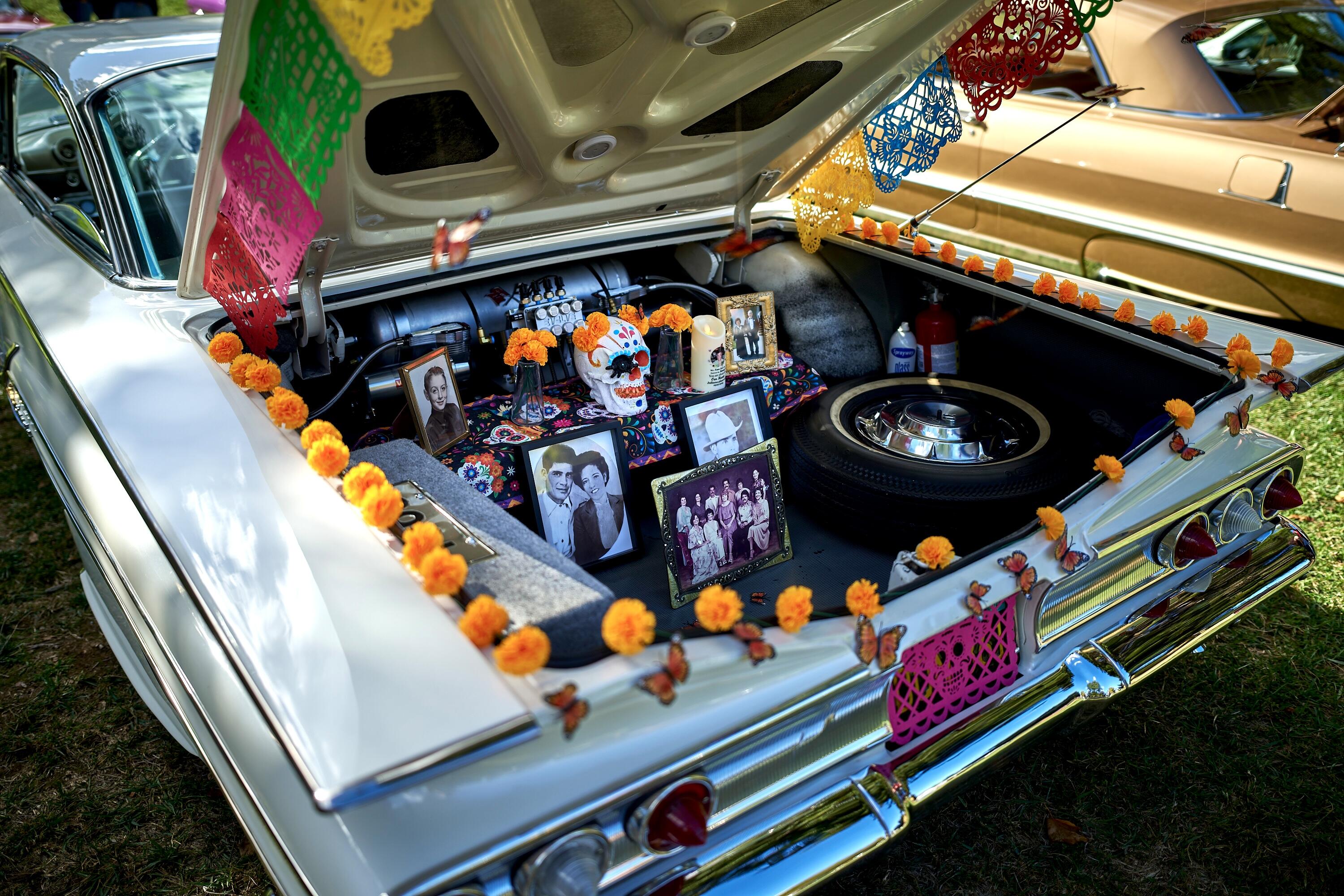
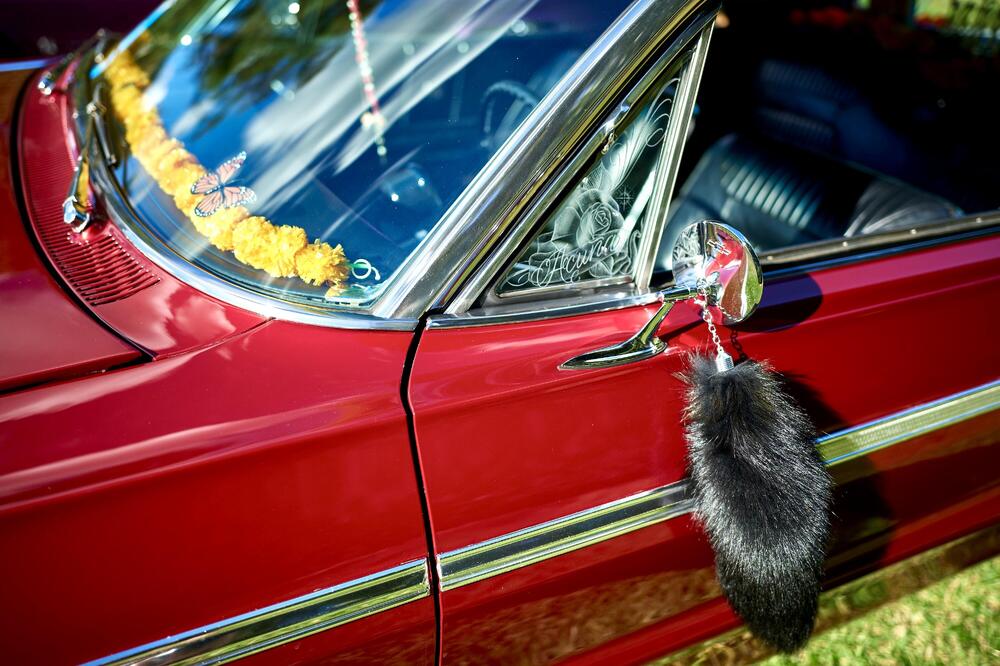
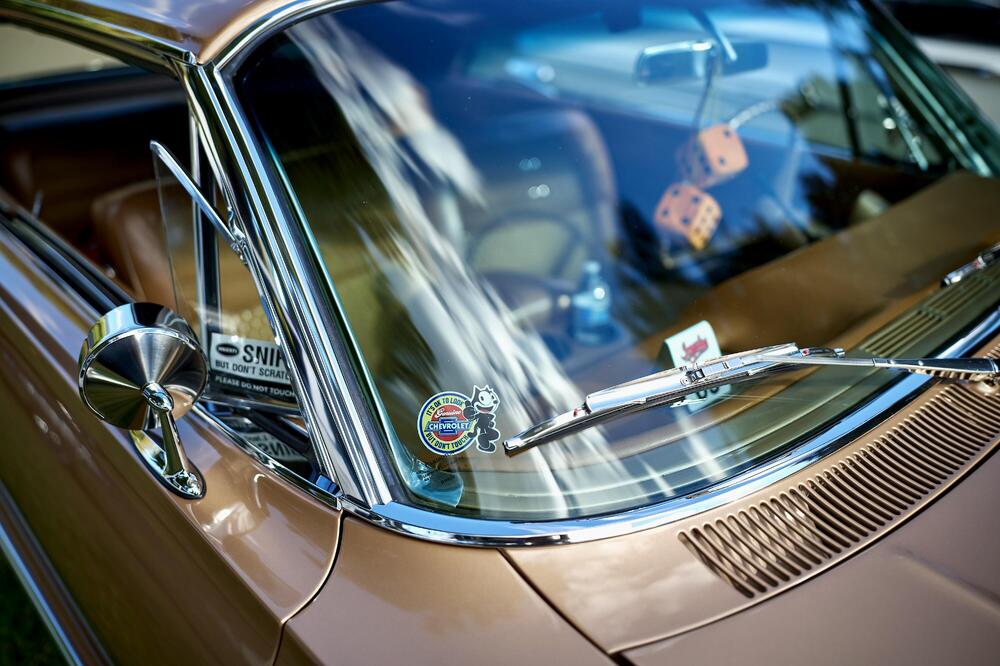
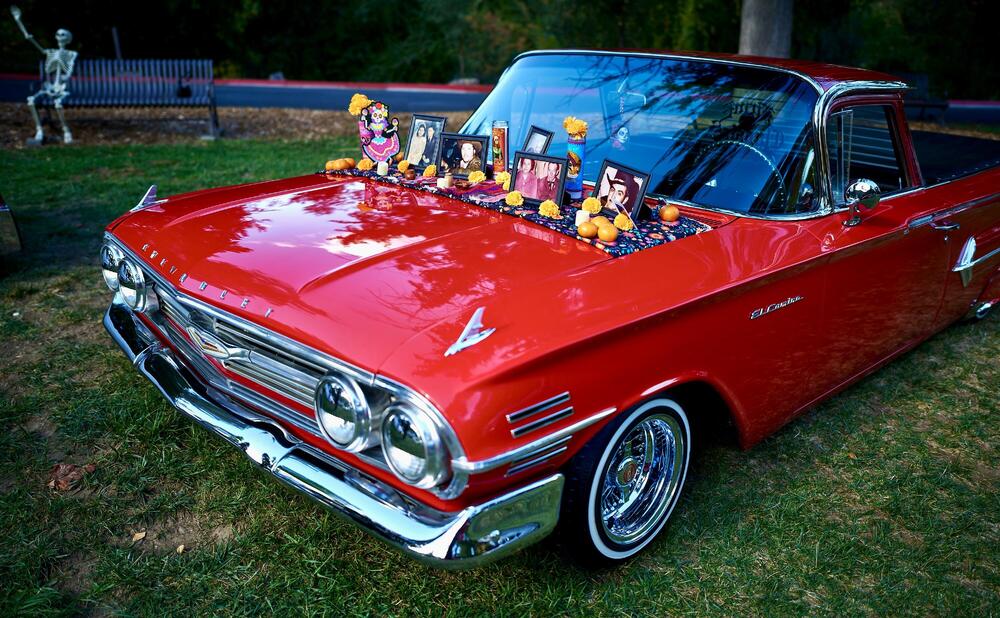
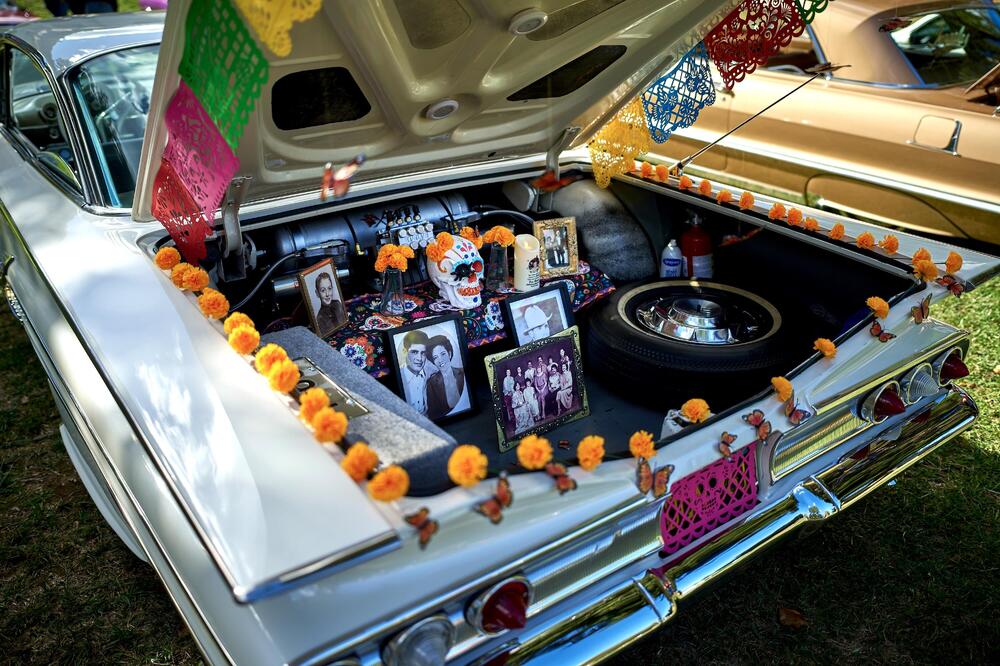
Last lowrider show of the season, this time Día de los Muertos themed. Went with one camera, one lens/focal length, one aperture - Leica SL2-S, Zeiss Otus APO 28mm, f/1.4.
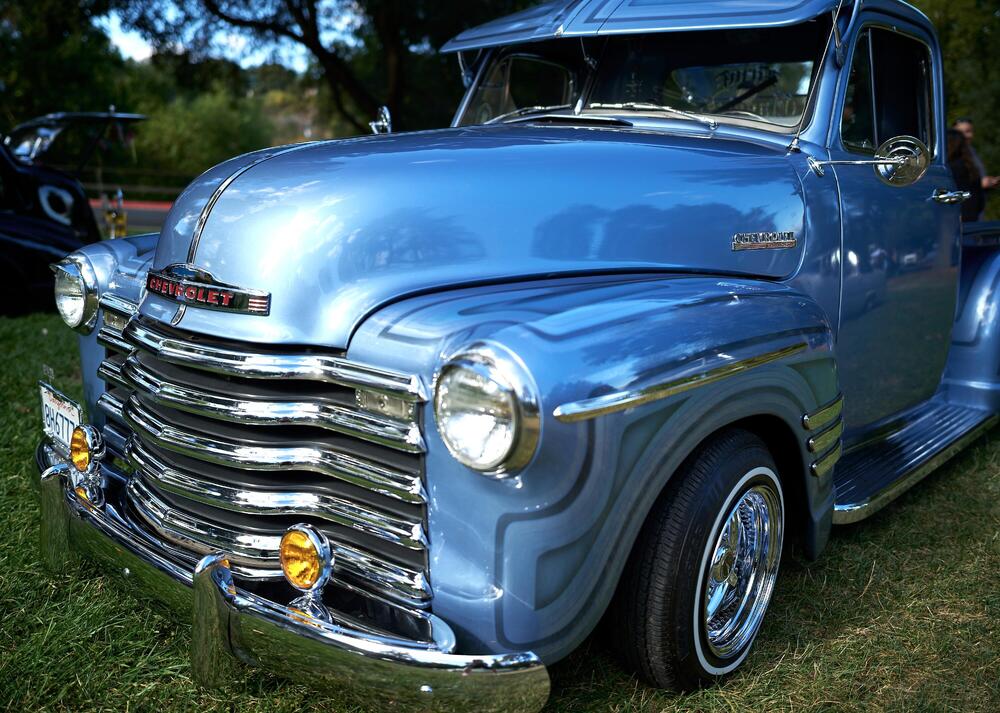
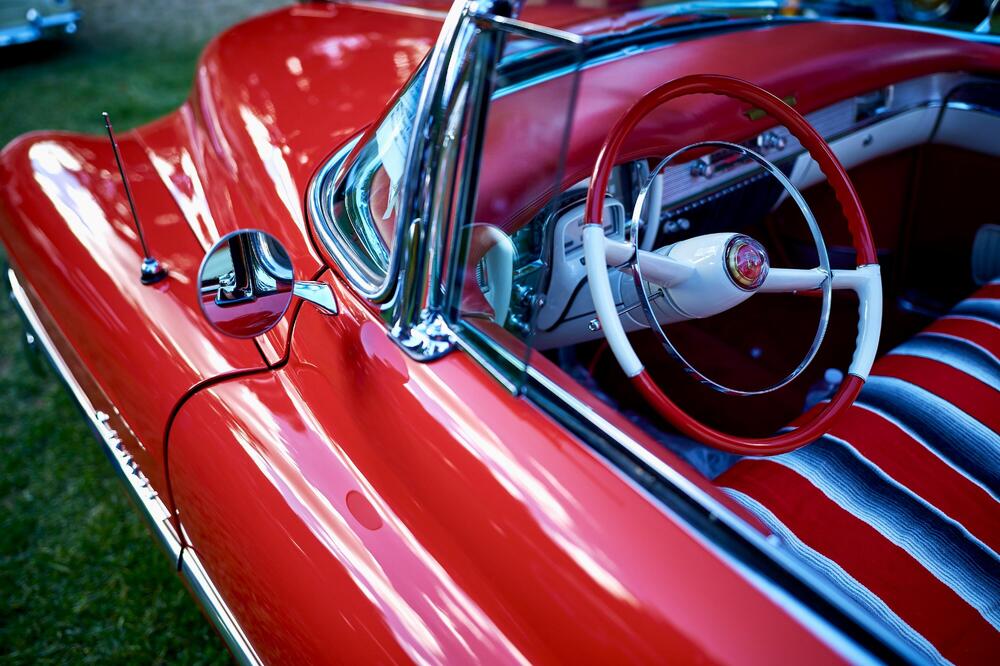
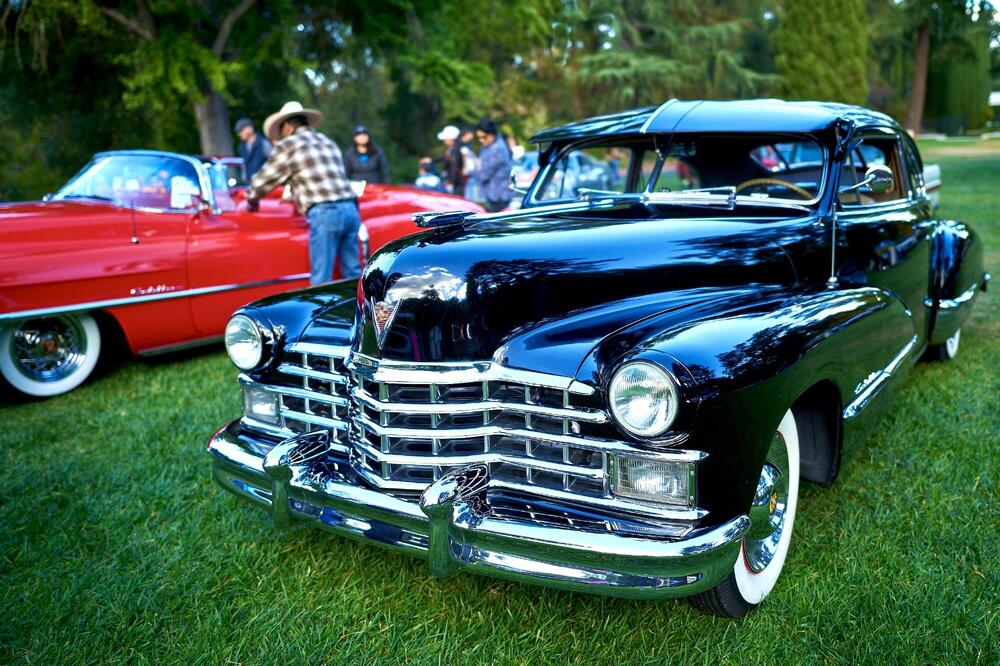
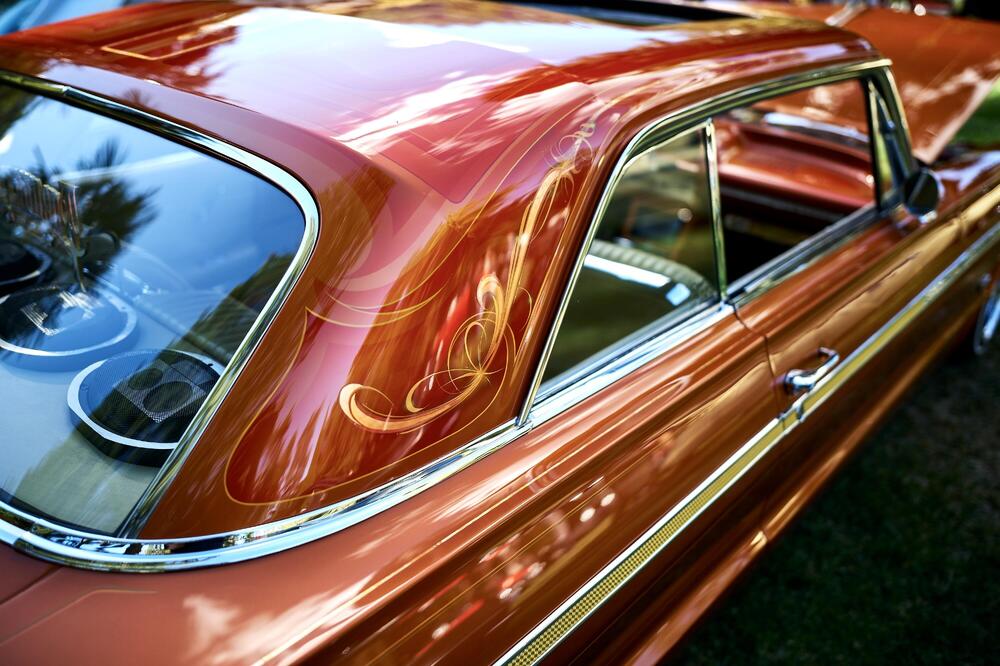
 1 point
 -
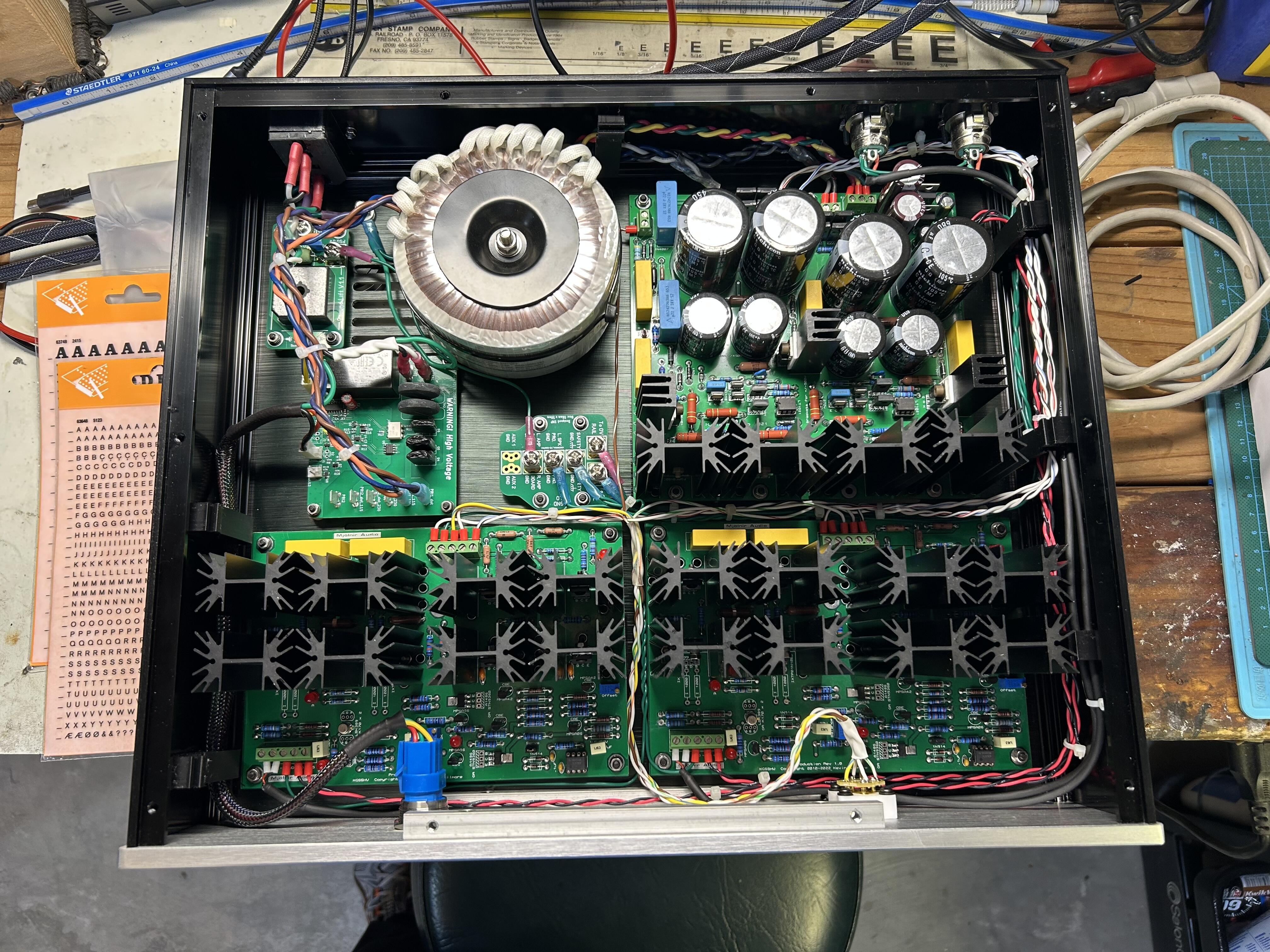
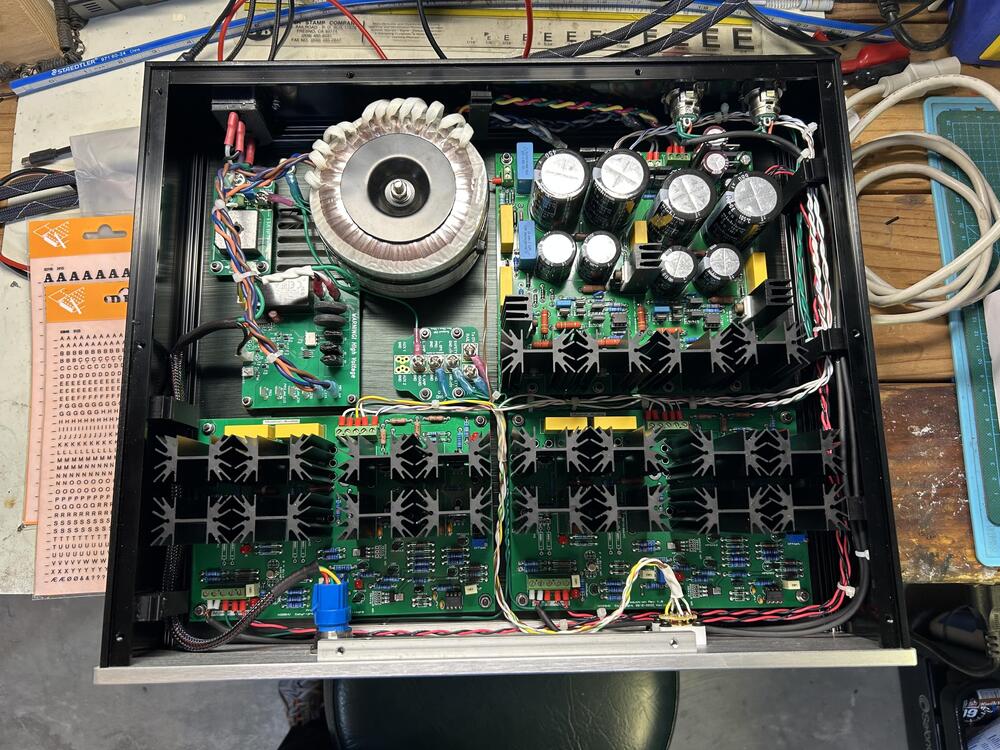
1 pointNot to many of these being built anymore, I built this from Mjorin kit, parts are getting difficult to find. Works and sounds great . Bill
 1 point
 -
https://www.facebook.com/reel/844095039115471 Driving home, missing exit. Chaos ensues0 points