Leaderboard
-
JoaMat
High Rollers4Points1558Posts -
Augsburger
High Rollers2Points13165Posts -
spritzer
High Rollers2Points14709Posts -
mikeymad
High Rollers2Points13850Posts




Popular Content
Showing content with the highest reputation on 08/28/18 in Posts
-
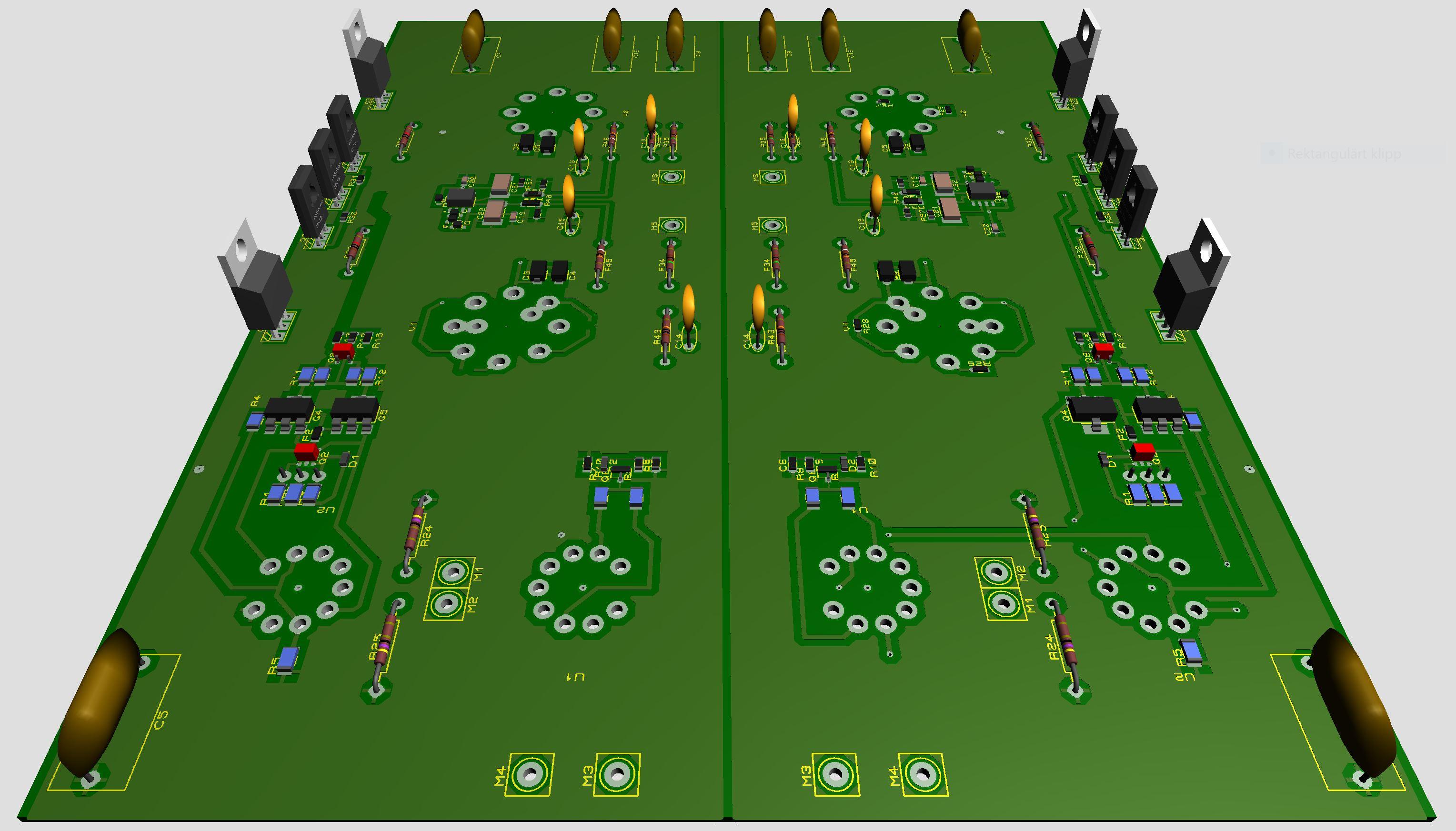
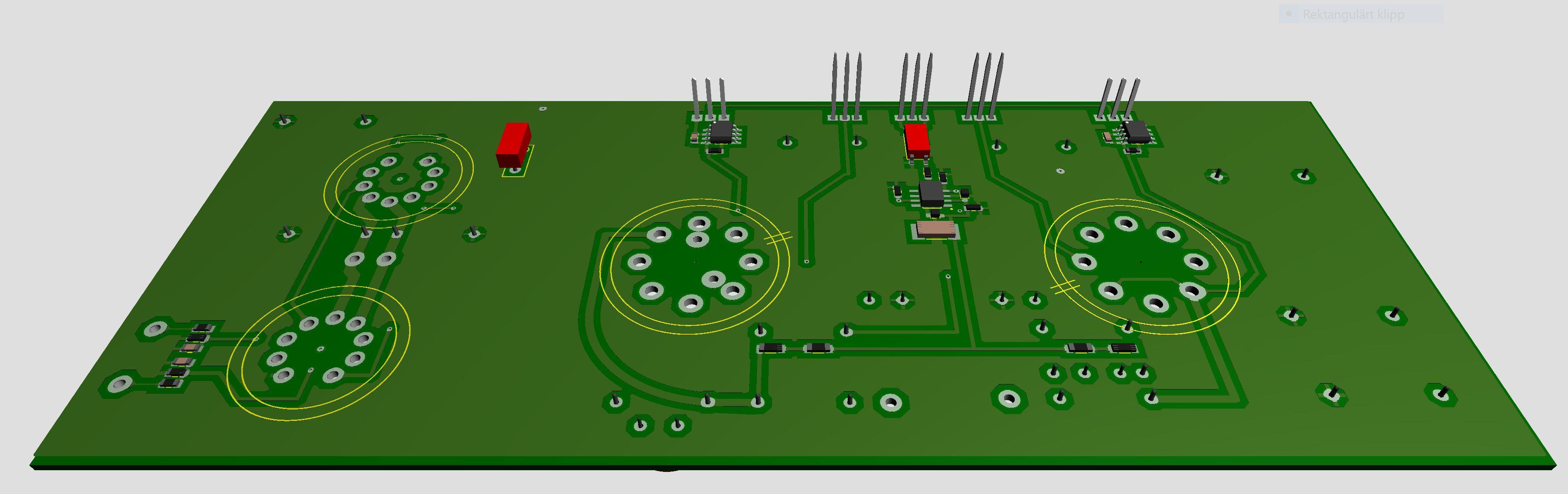
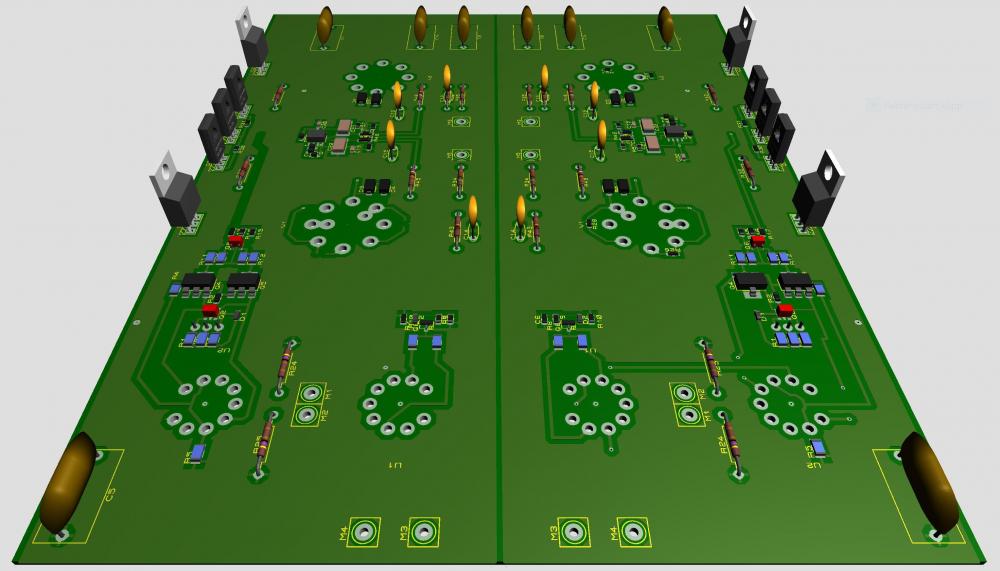
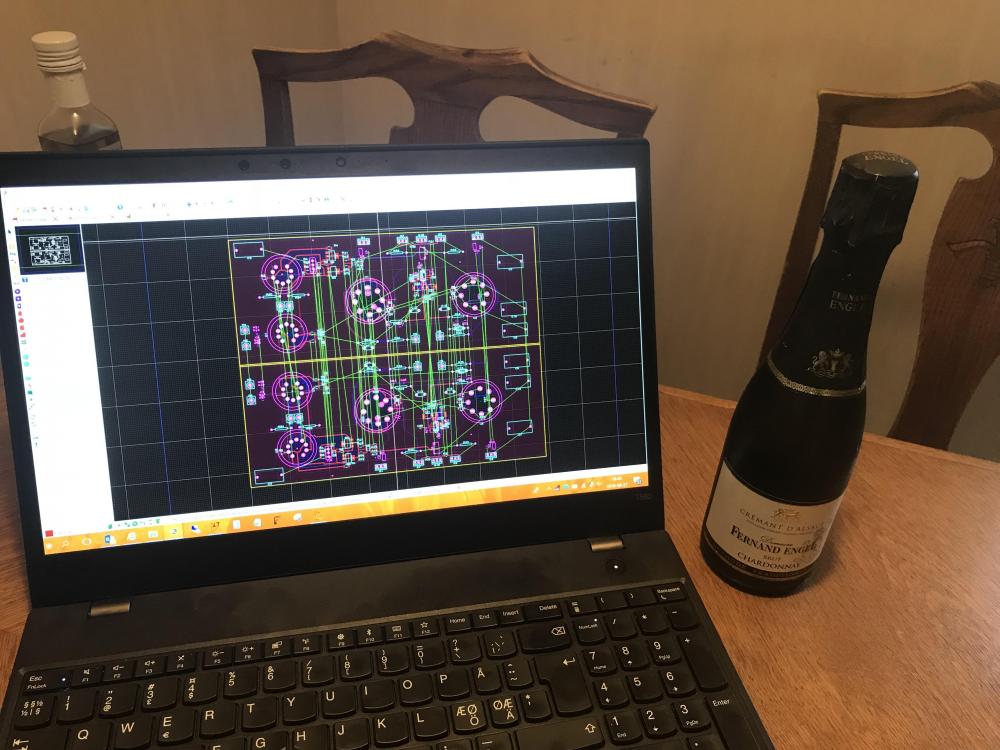
3 pointsLeft and right sides ready? Seems to be some errors to fix. And wife got a new assignment - to be celebrated…
 3 points
 -
1 point
-
1 pointCan you try: formatting a card for the Sony first, then put the DSD files on it? Sony tends to like its stuff proprietary.1 point
-
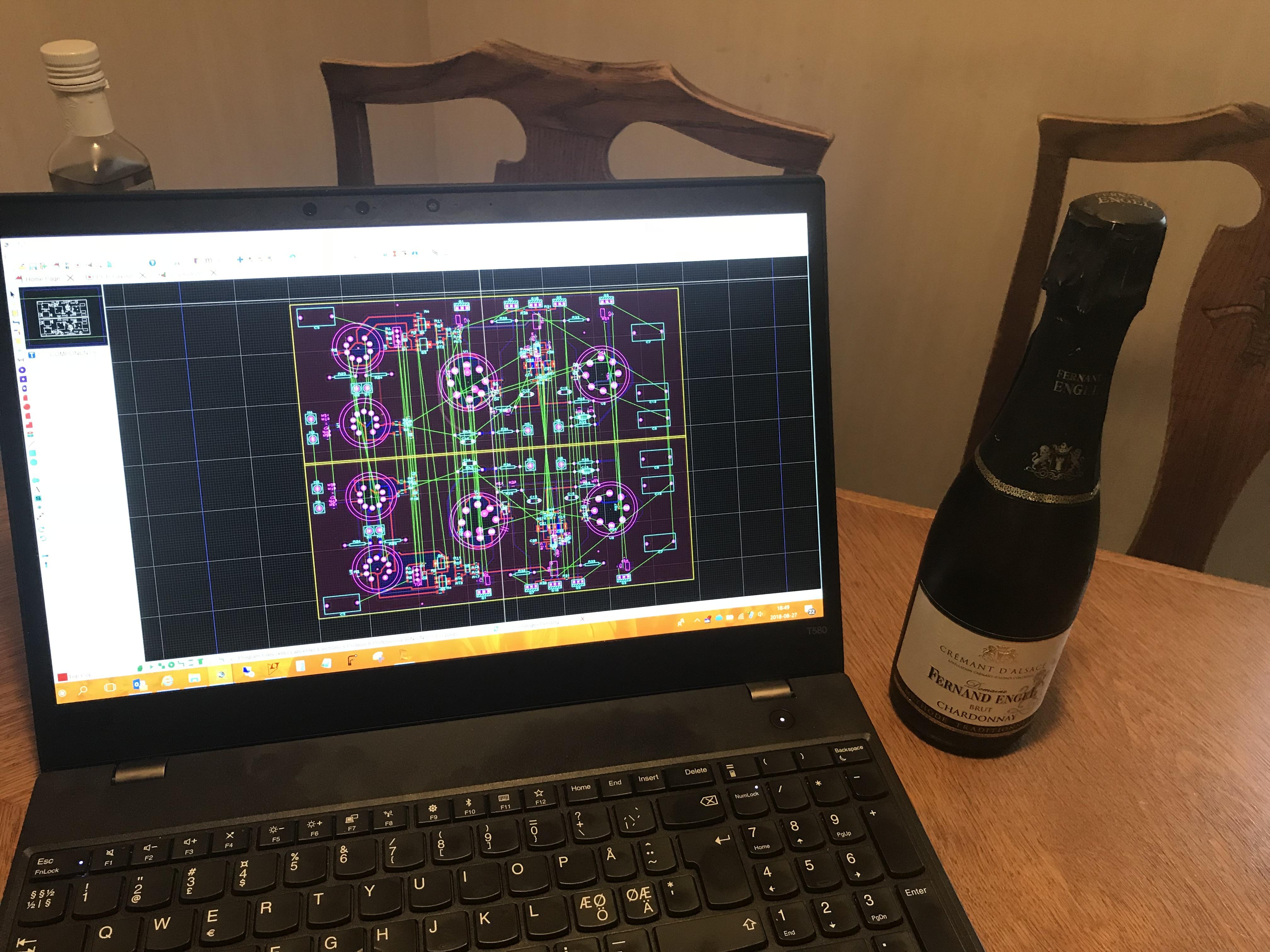
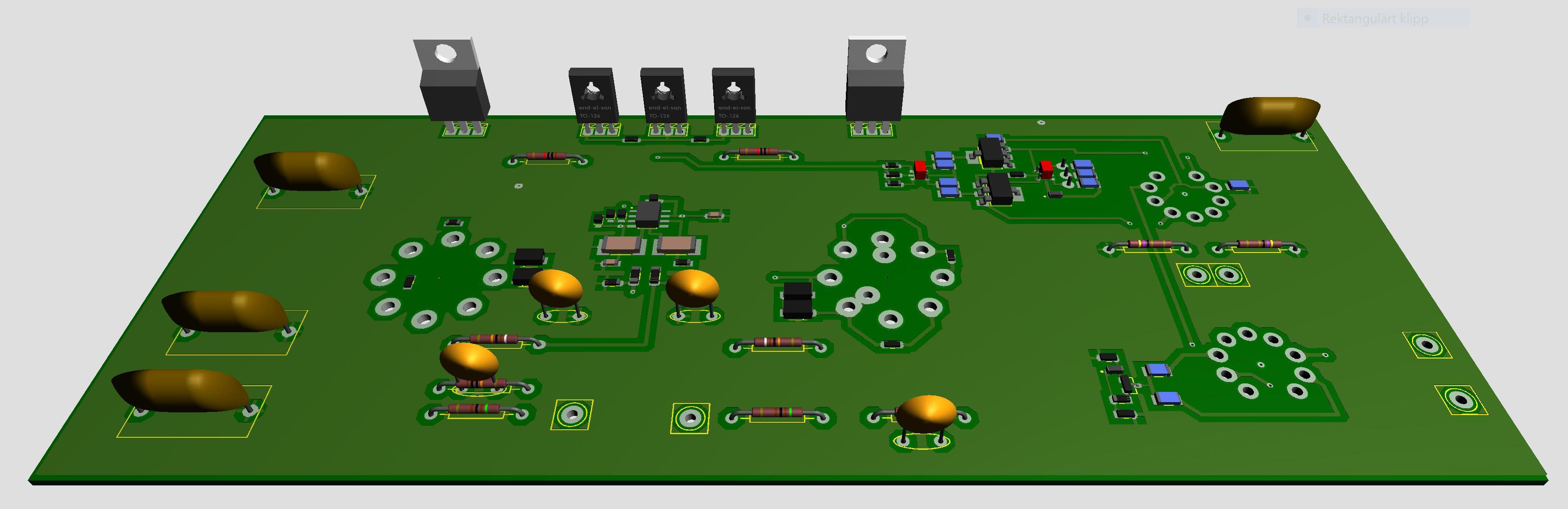
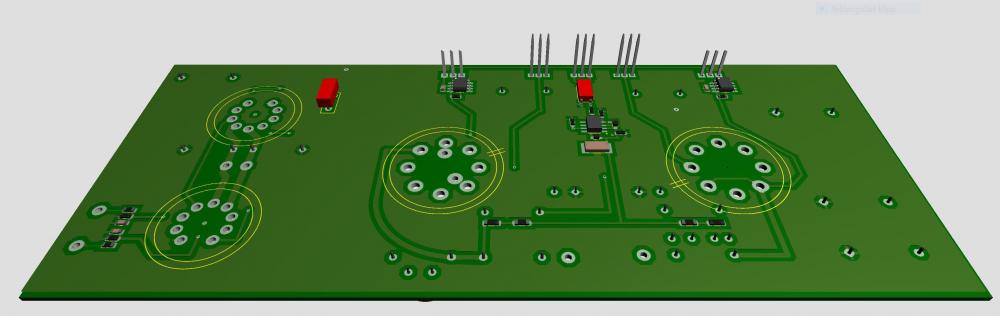
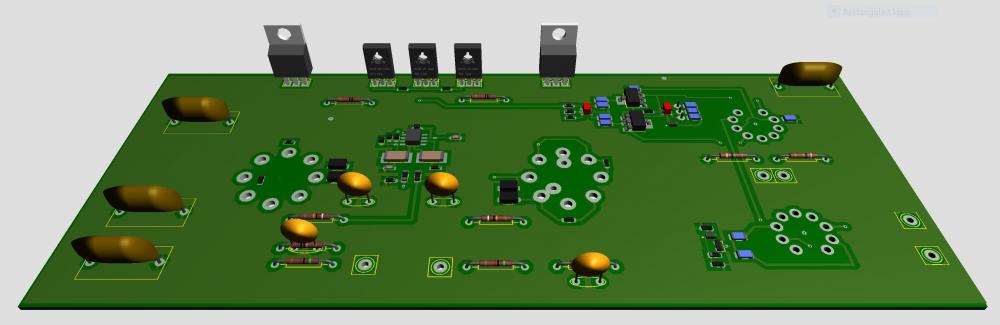
1 pointAll components are now on the right channel board. More work is to be done but so far it has gone quite nice. By the way, I think I've learned netlisting and I love it - tells me when I'm out of track.
 1 point
 -
1 pointHmmmm they do ship to Iceland for some reason. Perhaps I should get one for the living room and display the collection of amps. It's not that the GF isn't bothered enough by the large display case there with all the headphones...1 point
-
1 point
-
1 pointI haven't spent any time with it recently as I constantly have new toys to play with but I'll get back to it at some point. For the price it walks all over the Massdrop and Monoprice garbage. It's also far more useful, a dac (with a variable output too), a preamp and a headphone amp.1 point
-
0 pointsWell, my incision seems to be infected, but I'm finally starting to lose the steroid + IV weight. Opiates not helping with bone pain and then opiates not helping much with vasectomy pain is what diagnosed it. I was on opiates for months, with my leg. I'm not taking any more for my neck, now, and I have about a month's supply left. That is what I think creates addiction, here in the USA.0 points