Leaderboard




Popular Content
Showing content with the highest reputation on 01/31/19 in Posts
-
3 pointsOn the plus side you could leave audio gear outside overnight and have it “cryo’ed” by morning.3 points
-
3 points
-
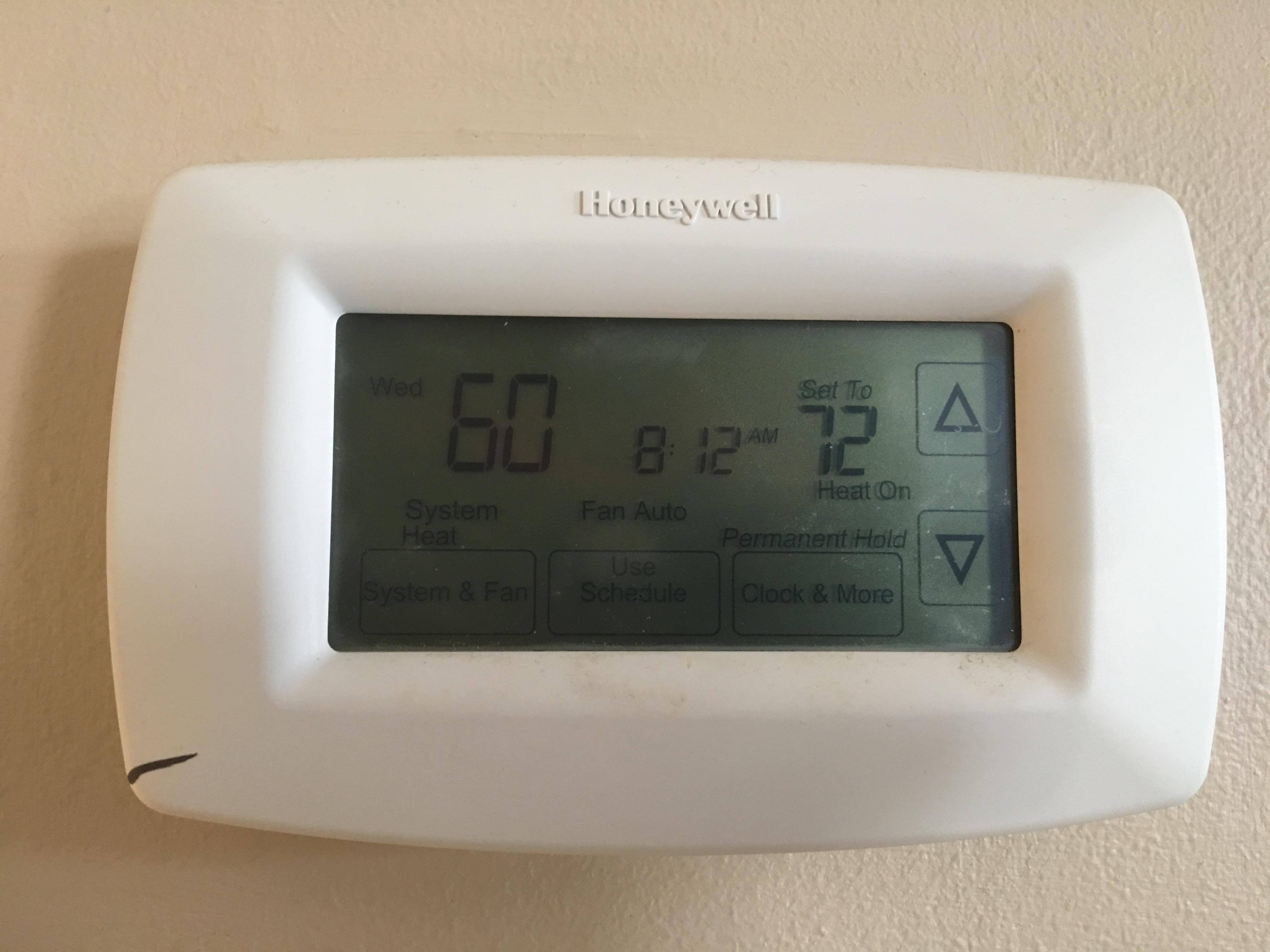
3 pointsNot an easy fix for my 1930s vintage insulation in the house. Heater works great, right through the sparsely insulated attic. Getting down to -27 tonight so I might just burn down all the neighbors homes for some heat.
 3 points
 -
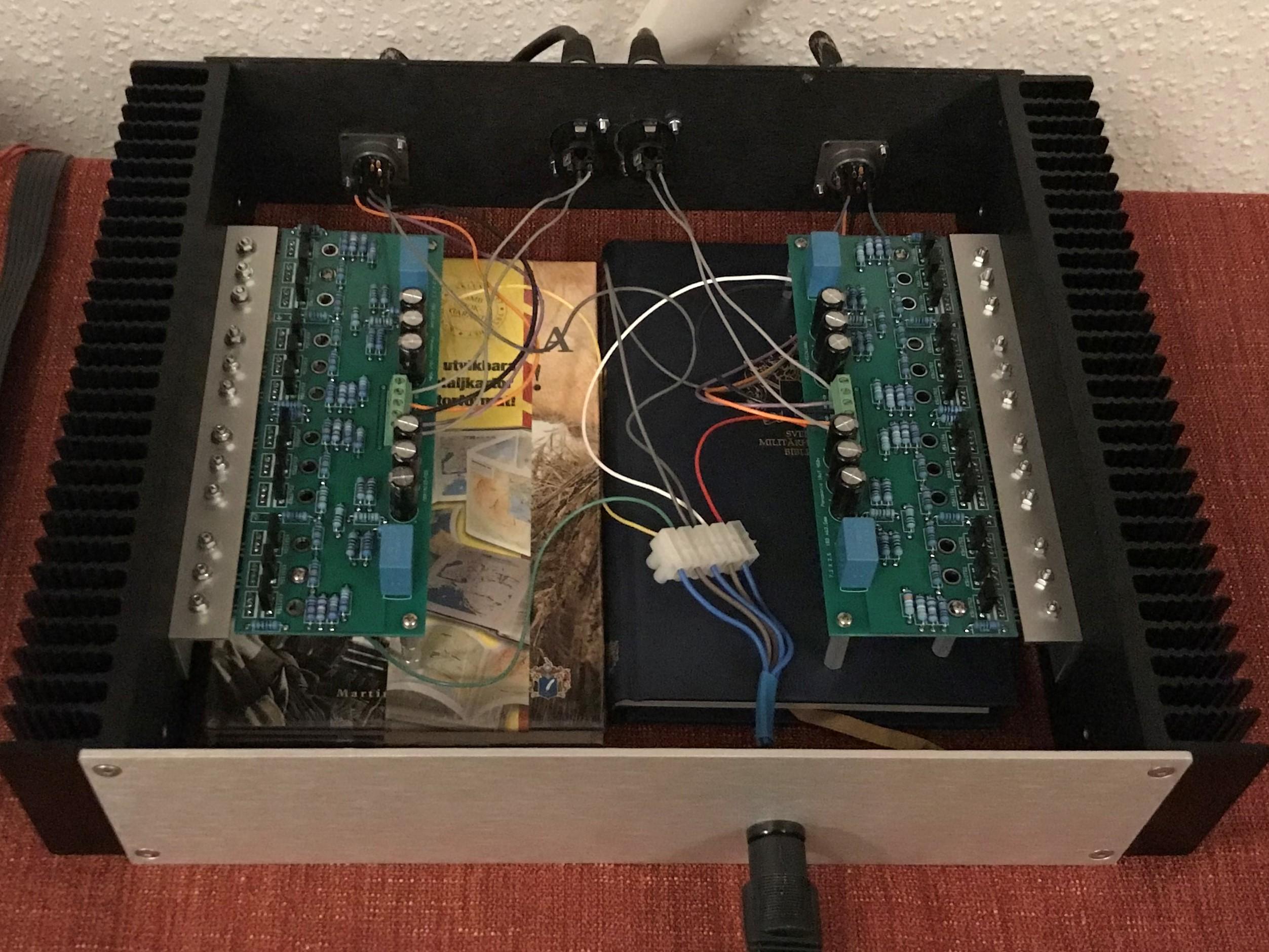
3 pointsAmplifier built on Gary’s (congo5) boards. I really like this one . Cheap and easy to build - and it sounds really good.
 3 points
 -
2 pointsWe have record breaking cold today! It's like a high of -20 lol - they cancelled my school and kids school today and TOMORROW preemptively with an announcement Tuesday afternoon - the last time we had cold like this was 5 years ago and not even then did they cancel two days of school ahead of time. Woke up today with the furnace working but blowing no heat had to restart pilot light, turn off and restart furnace, but was getting an error code that the intake/outtake pipes outside may be clogged. Fuck - bundled up and told the kids if I don;t get back inside within 10 minutes to send for help. intake into the furnace from outside was clogged with snow, so unclogged it and we are back in action. House has warmed up to 58 from the 50 it was this morning lol. Have the fireplace going and starting up the oven for lunch.2 points