Leaderboard
-
n_maher
Administrators6Points27522Posts -
Hopstretch
High Rollers5Points16821Posts -
blessingx
High Rollers4Points17838Posts -
Grahame
High Rollers3Points16859Posts




Popular Content
Showing content with the highest reputation on 07/13/25 in Posts
-
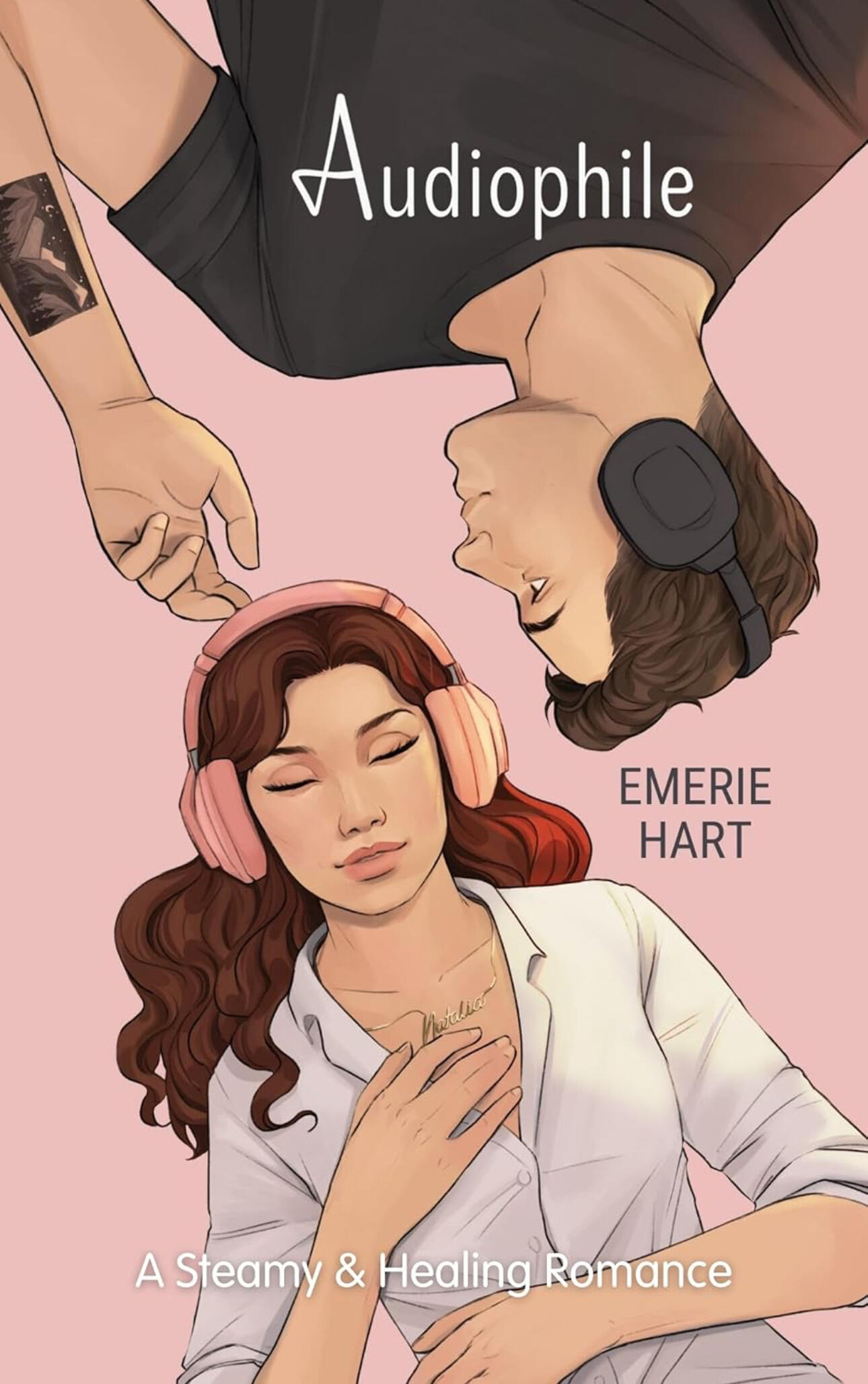
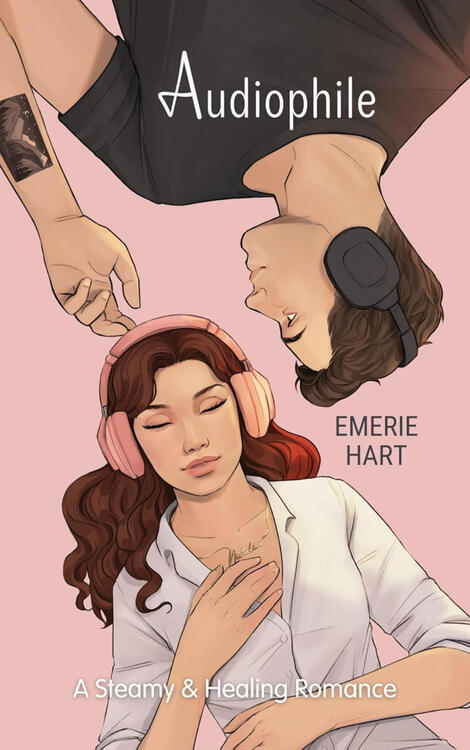
Just in case someone can make use of this one way or another. https://www.goodreads.com/book/show/215798863-audiophile
 1 point
 -
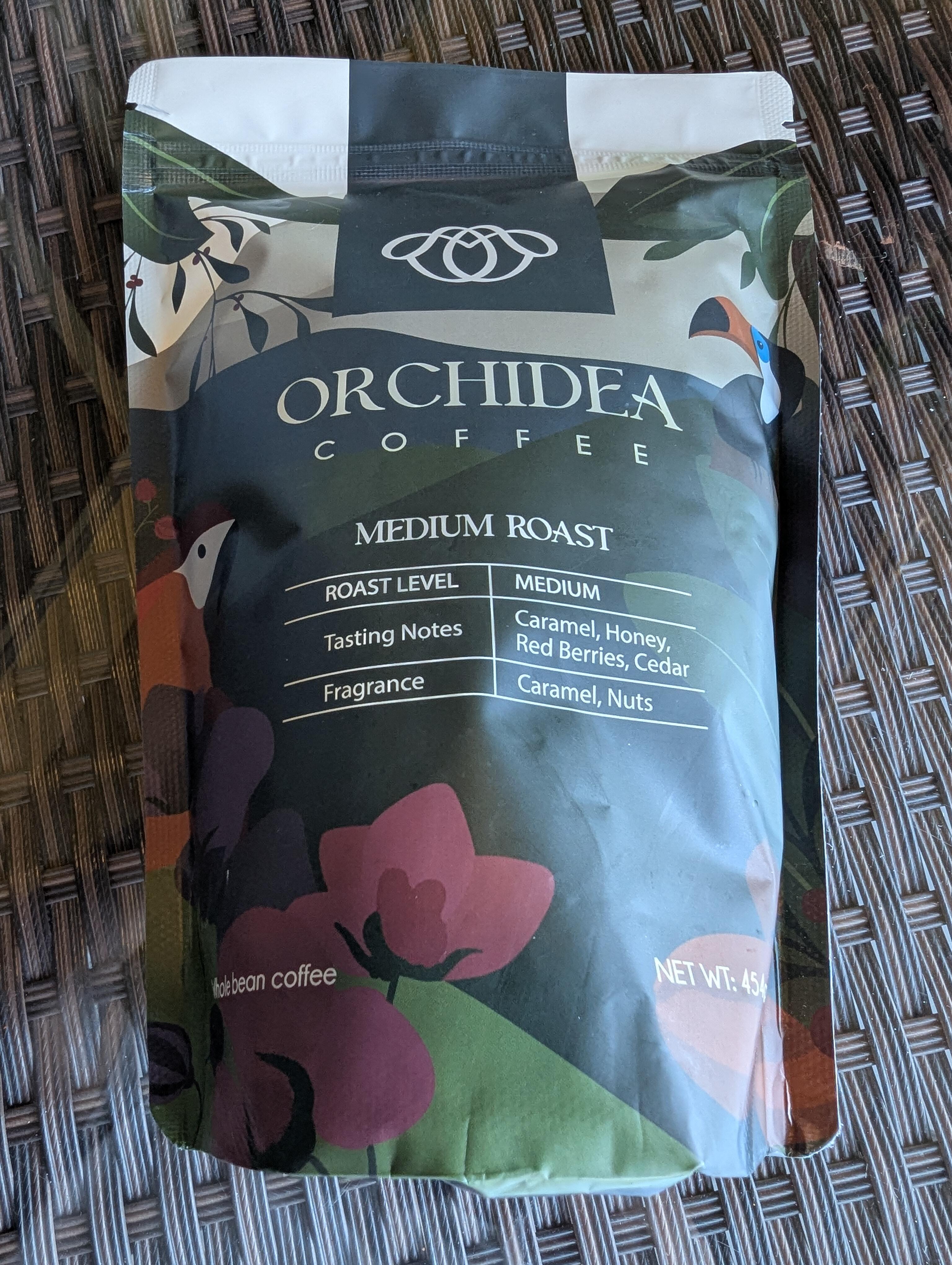
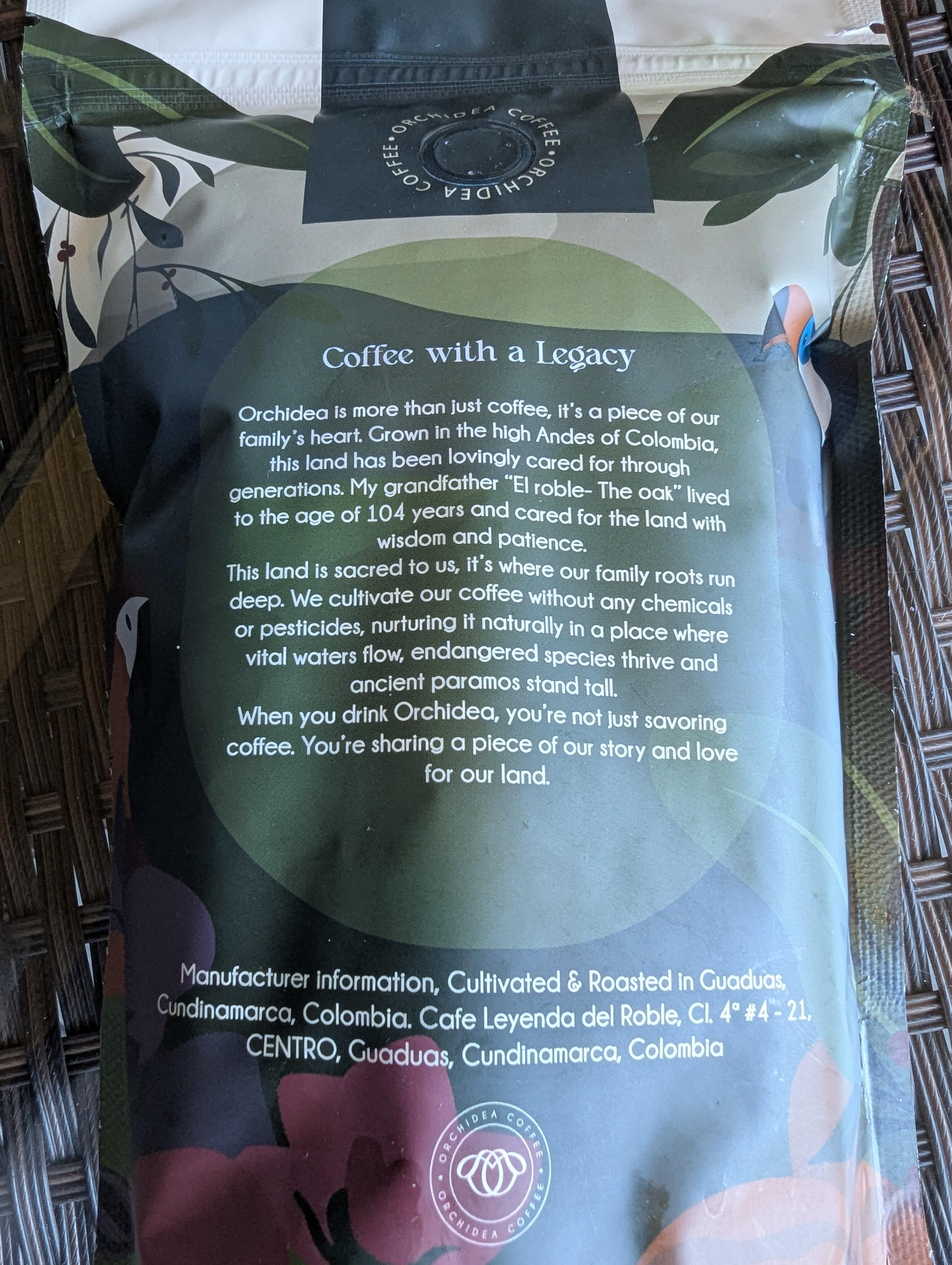
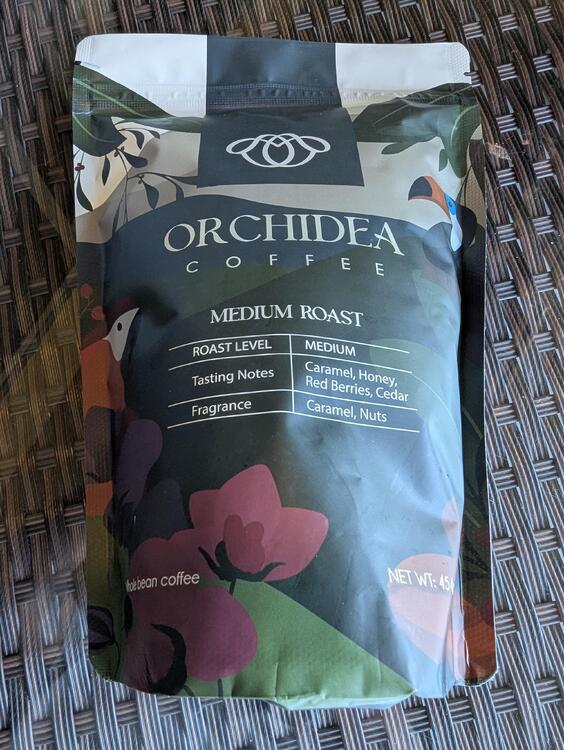
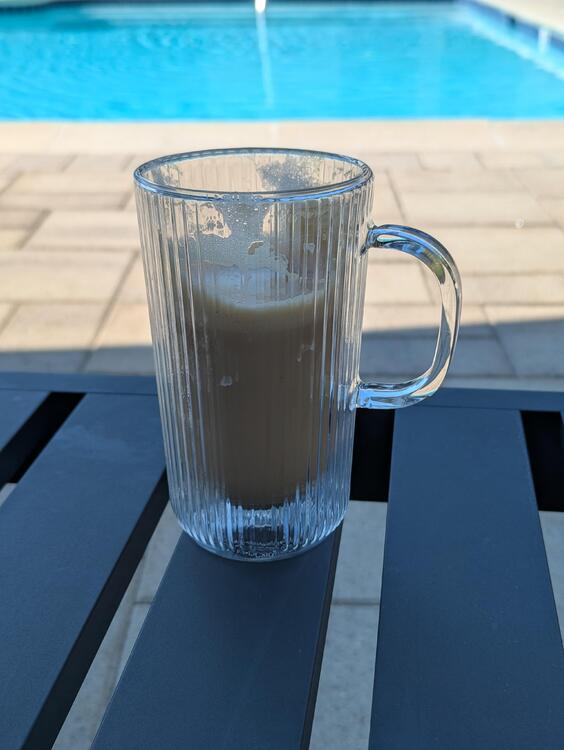
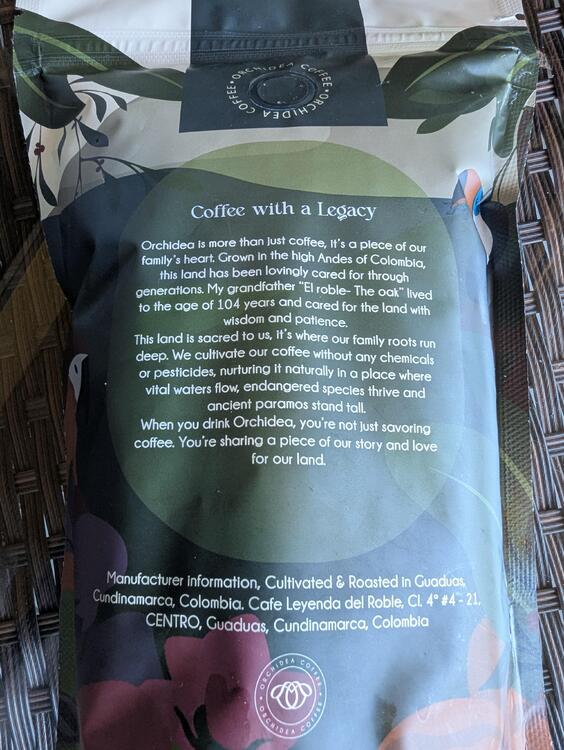
One of our neighbors has a Columbian wife, and has started a coffee company using her family's farm. https://www.orchideacoffee.com/ So we said put us down for a bag when you get started. This week one was hand delivered to our door. Joanne said we should reserve it as a weekend treat. Not too shabby.
 1 point
 -
1 point
-
1 point
-
Heather Nova - Breath and Air. Been a huge fan for years, she has an inner passion that I just love. Even though I don't think all her newer music is as strong as much of her earlier work, she still has that passion I love. I FINALLY got to see her live in a small setting, a semi-acoustic set with her brother (who goes by Misha); this was maybe 2-3 years ago, after having 2 different shows cancelled before that. A wonderful experience, got to chat a tiny bit after the show, she is very nice and gracious, really appreciates her fans. Example:1 point
-
1 point
-
1 point