Skip to content
View in the app

A better way to browse. Learn more.

www.Head-Case.org

A full-screen app on your home screen with push notifications, badges and more.

To install this app on iOS and iPadOS
  1. Tap the Share icon in Safari
  2. Scroll the menu and tap Add to Home Screen.
  3. Tap Add in the top-right corner.
To install this app on Android
  1. Tap the 3-dot menu (⋮) in the top-right corner of the browser.
  2. Tap Add to Home screen or Install app.
  3. Confirm by tapping Install.

Leaderboard

Popular Content

Showing content with the highest reputation on 03/12/26 in Posts

  1. Once again Tiny Desk inspiration. Several years ago Madi did a Tiny Desk At Home that led me to her Album at the time - "History Of A Feeling" which I really liked. And then I lost track of her and she has put out 4 albums since. oops. So... Fatal Optimist by Madi Diaz (2025) https://open.qobuz.com/album/nsfpkr7hq7ric Example: Good album. I will have to check out the others she has released.
  2. 1 point
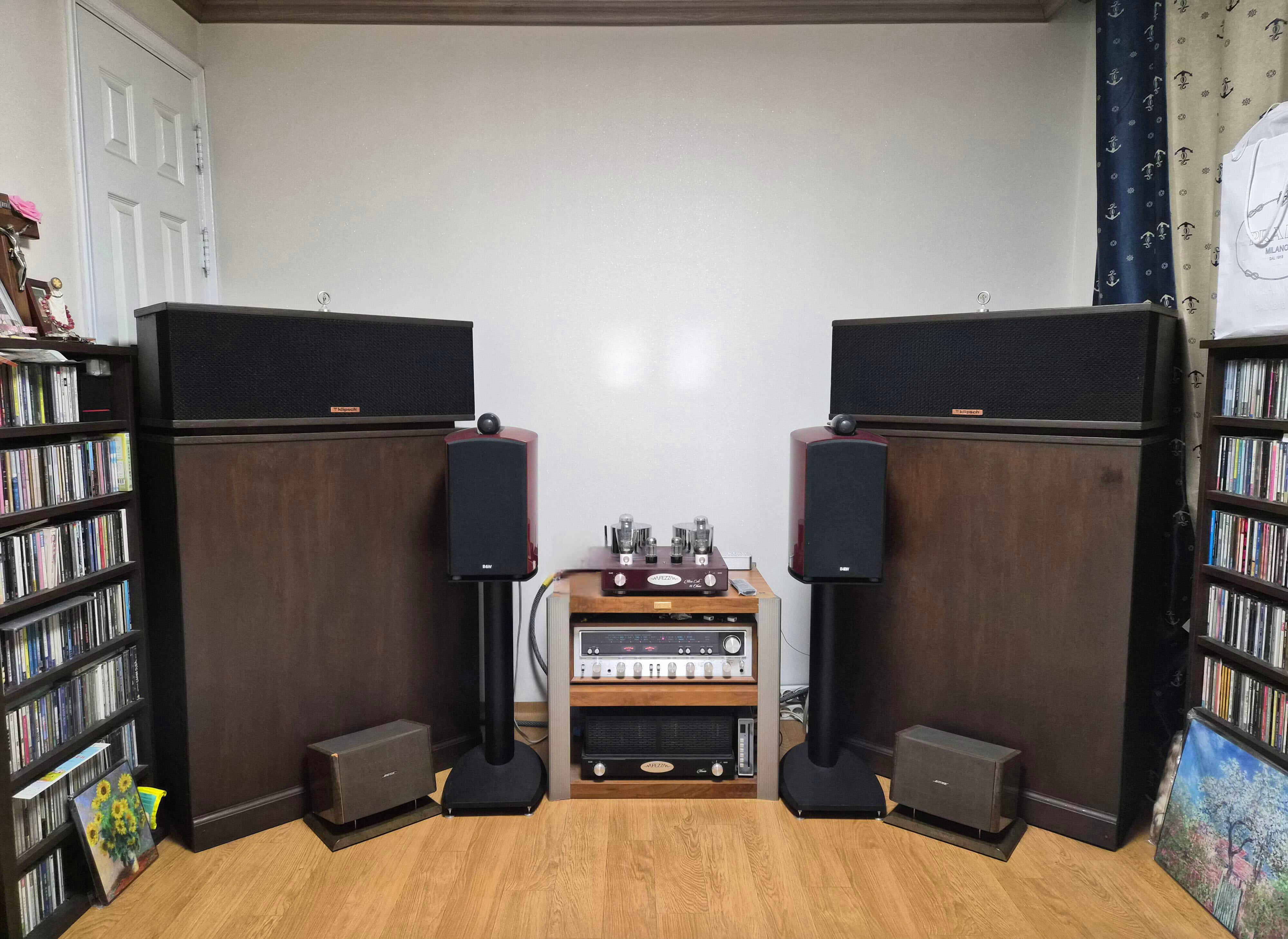
    "The speakers ARE the room treatment."
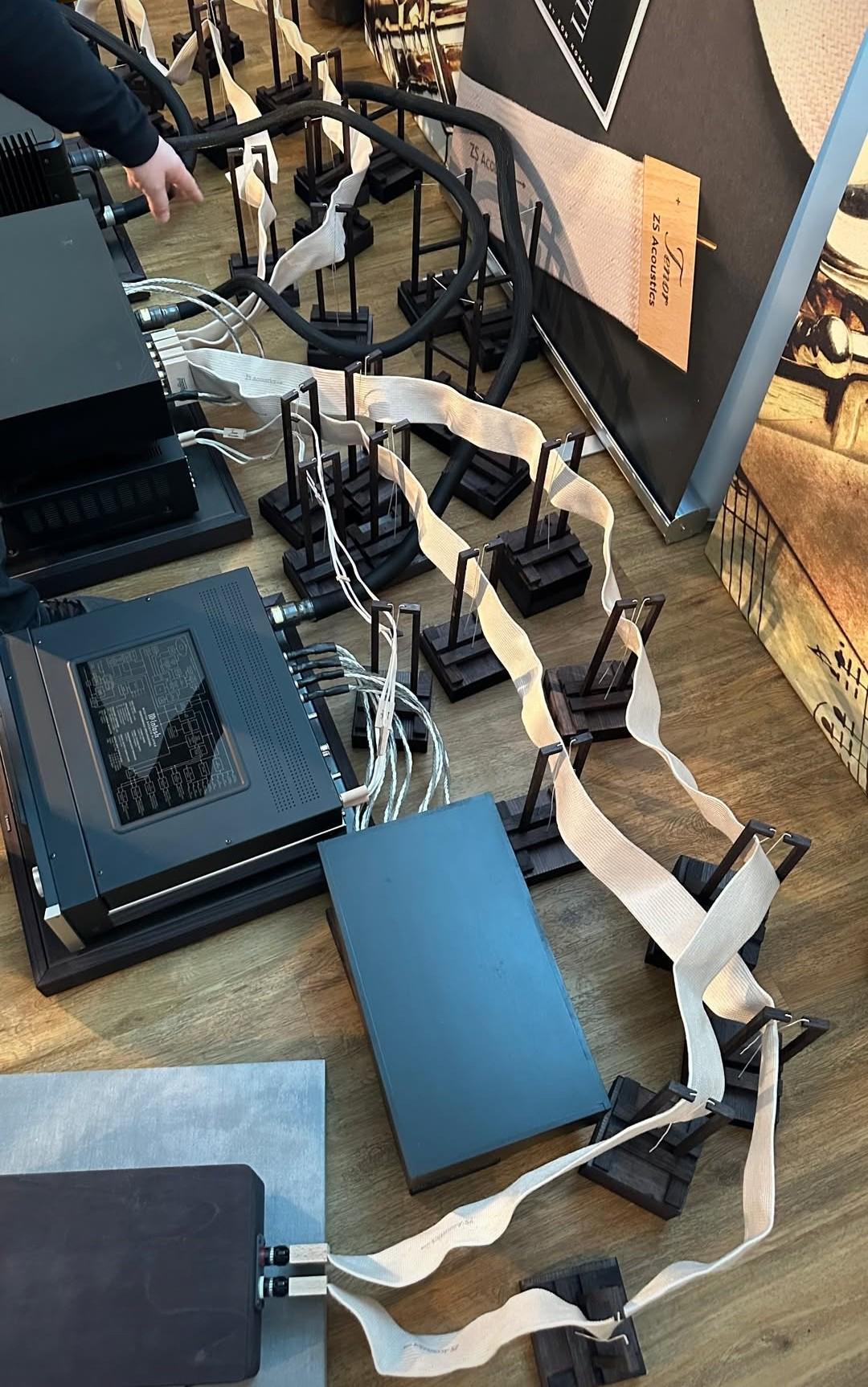
  3. "I think I found a market for these old SCSI cables."
Important Information

By using this site, you agree to our Terms of Use.

Account

Navigation

Search

Search

Configure browser push notifications

Chrome (Android)
  1. Tap the lock icon next to the address bar.
  2. Tap Permissions → Notifications.
  3. Adjust your preference.
Chrome (Desktop)
  1. Click the padlock icon in the address bar.
  2. Select Site settings.
  3. Find Notifications and adjust your preference.