


DigiPete
High Rollers
-
Joined
-
Last visited
-
Happy Birthday Todd! 🥂
-
LOL.... yeah just busy, been into astrophotography last few years, so I hang out in that world mostly..... https://www.astrobin.com/users/Readerp/
-
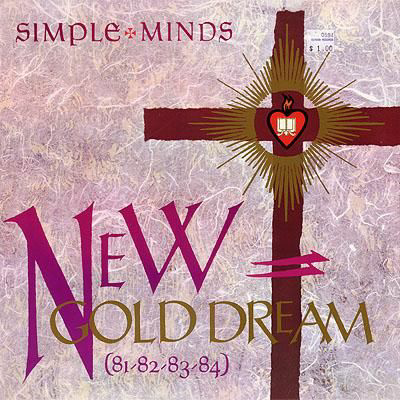
Simple Minds
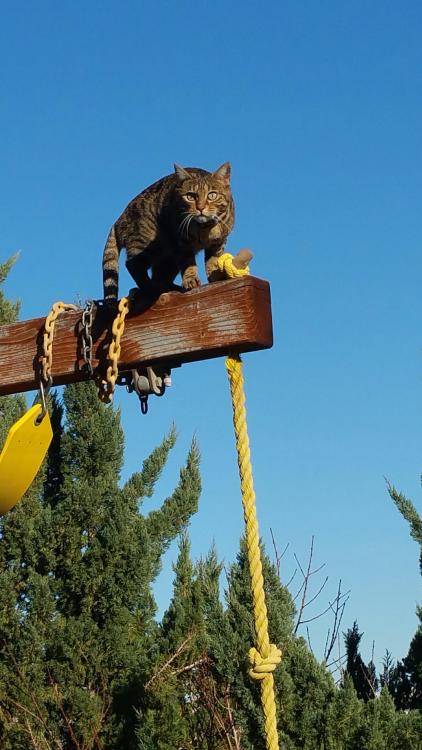
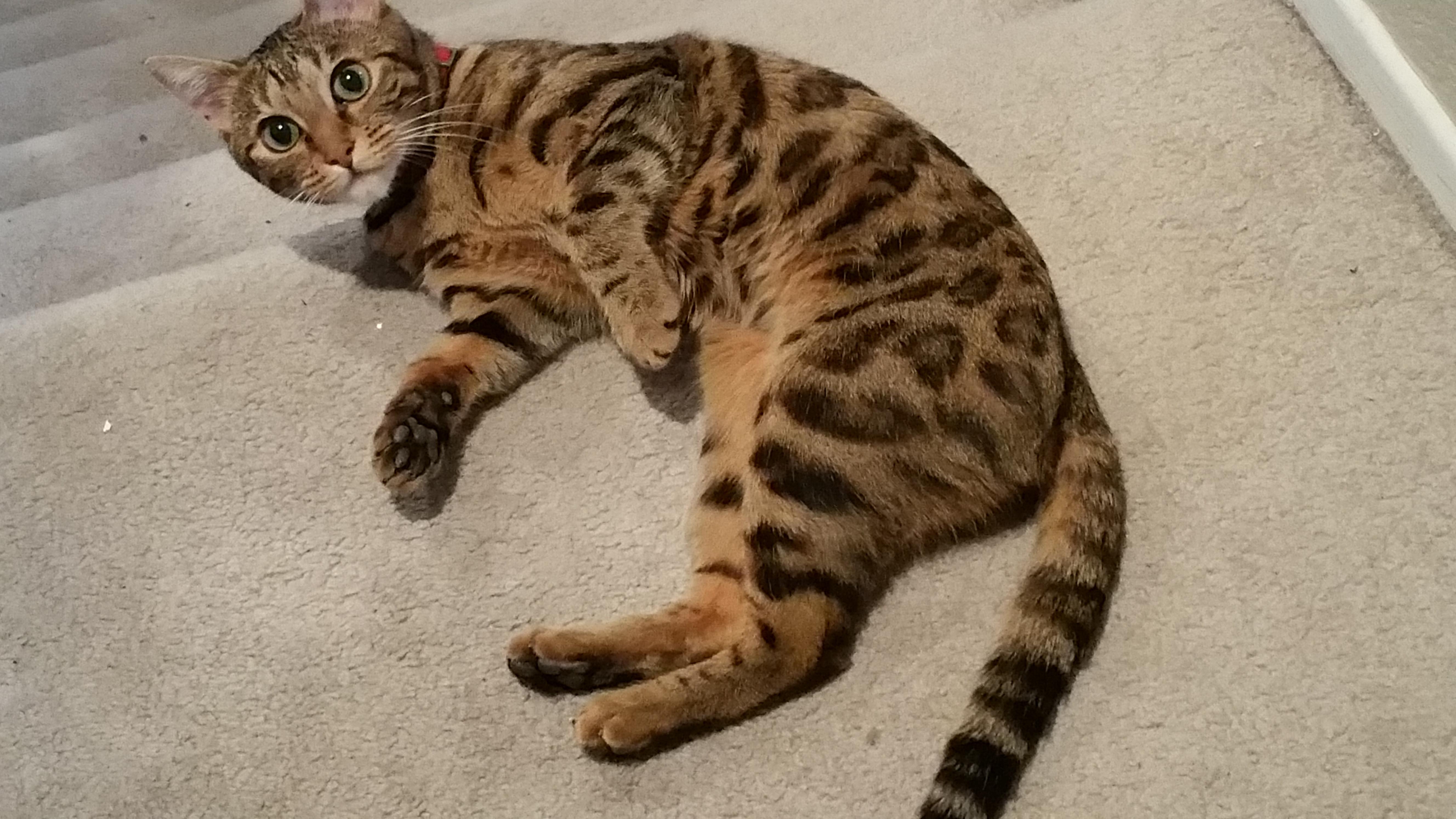
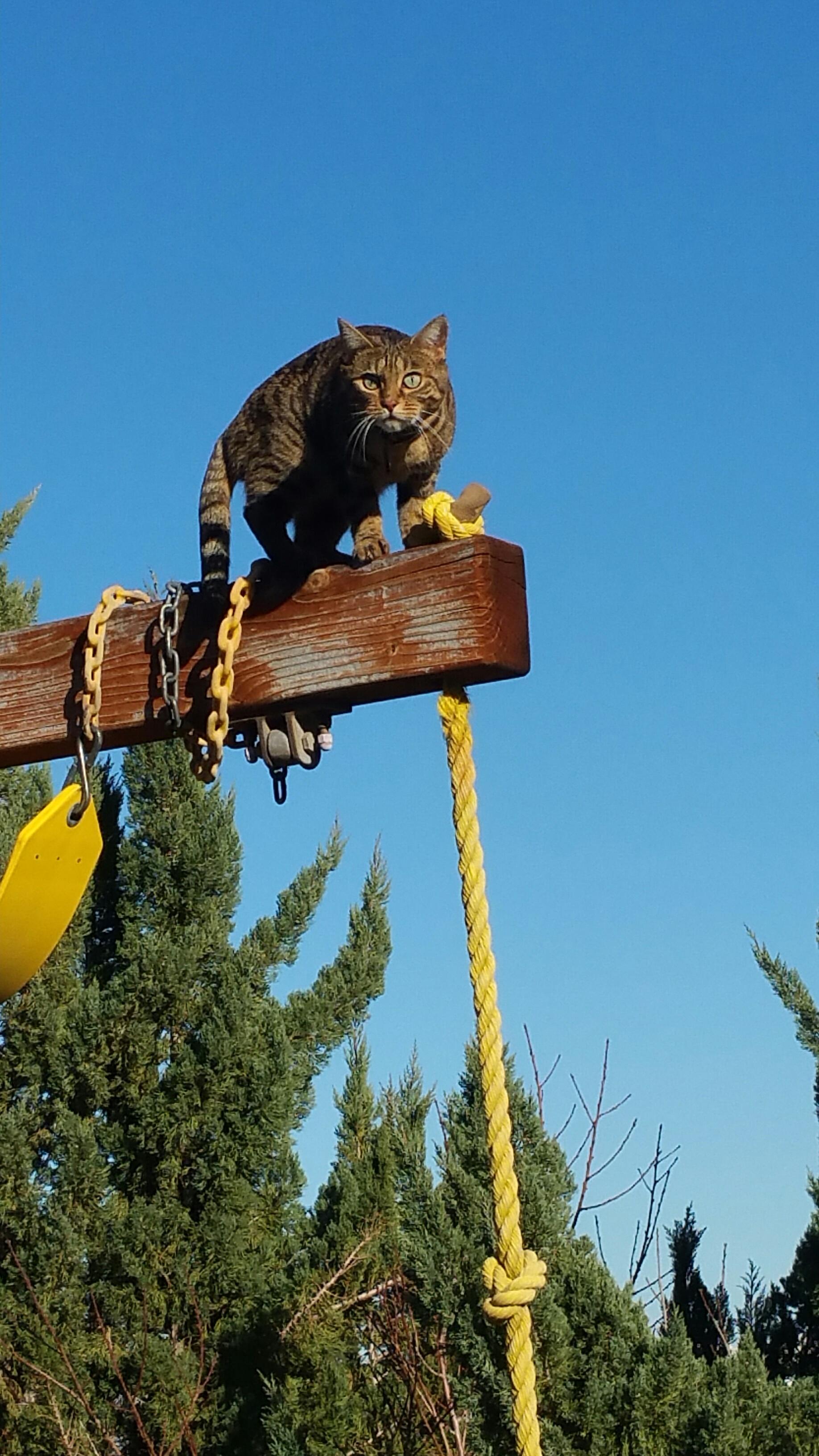
 OOH-AY-OOHDahlia, my bengal cat She likes to climb I think she is also going blind..... sad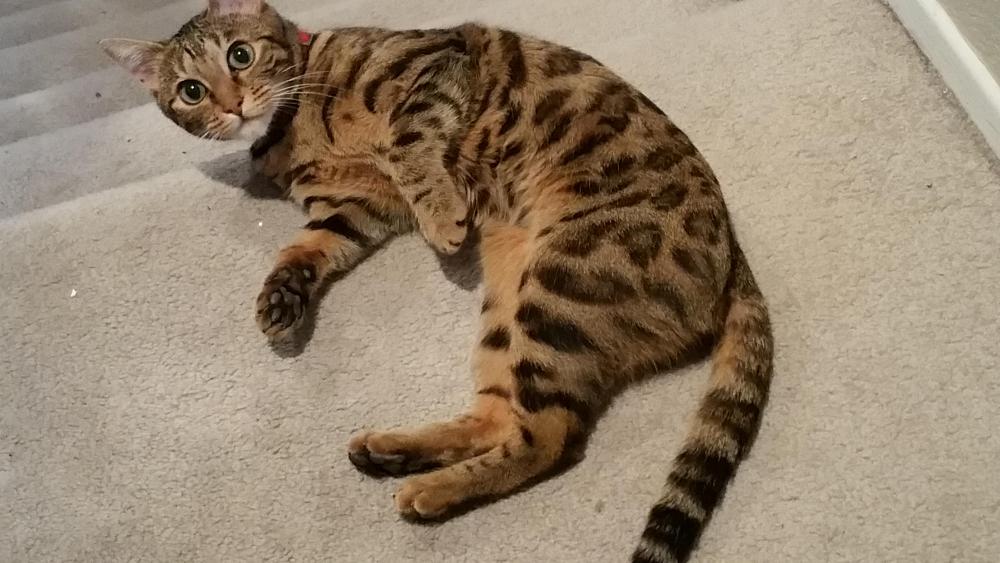
 Supposed to be putting new heads and camshafts on my Mustang, but at 100° it's too bloody hot in the garage.... So... listening to vinyl!On Vinyl:The MOFI one, to boot!



Important Information
By using this site, you agree to our Terms of Use.
Account
Navigation
Search
Configure browser push notifications
Chrome (Android)
- Tap the lock icon next to the address bar.
- Tap Permissions → Notifications.
- Adjust your preference.
Chrome (Desktop)
- Click the padlock icon in the address bar.
- Select Site settings.
- Find Notifications and adjust your preference.
Safari (iOS 16.4+)
- Ensure the site is installed via Add to Home Screen.
- Open Settings App → Notifications.
- Find your app name and adjust your preference.
Safari (macOS)
- Go to Safari → Preferences.
- Click the Websites tab.
- Select Notifications in the sidebar.
- Find this website and adjust your preference.
Edge (Android)
- Tap the lock icon next to the address bar.
- Tap Permissions.
- Find Notifications and adjust your preference.
Edge (Desktop)
- Click the padlock icon in the address bar.
- Click Permissions for this site.
- Find Notifications and adjust your preference.
Firefox (Android)
- Go to Settings → Site permissions.
- Tap Notifications.
- Find this site in the list and adjust your preference.
Firefox (Desktop)
- Open Firefox Settings.
- Search for Notifications.
- Find this site in the list and adjust your preference.