


15lyl
Returning Member
-
Joined
-
Last visited
Everything posted by 15lyl
-
-
-
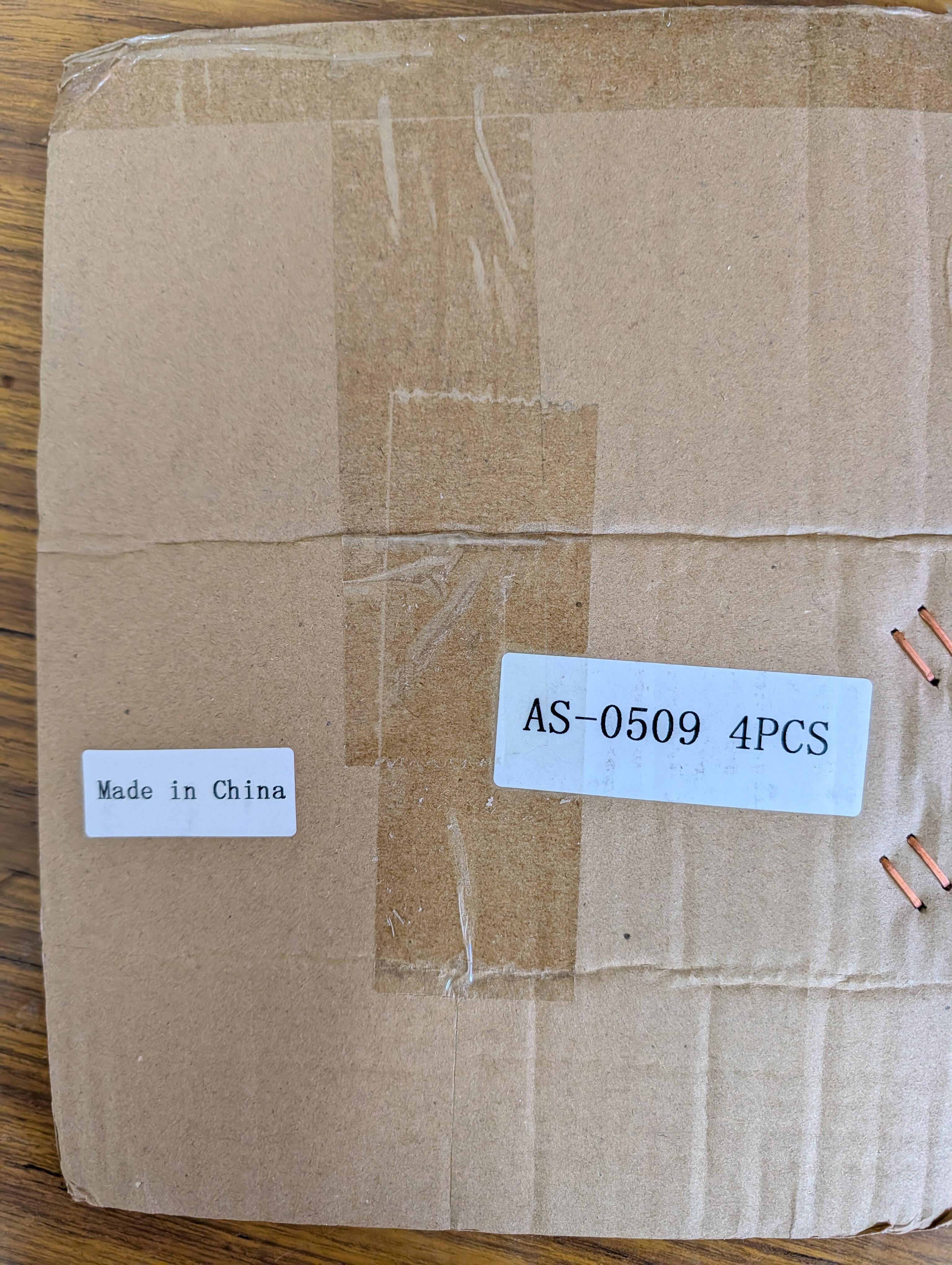
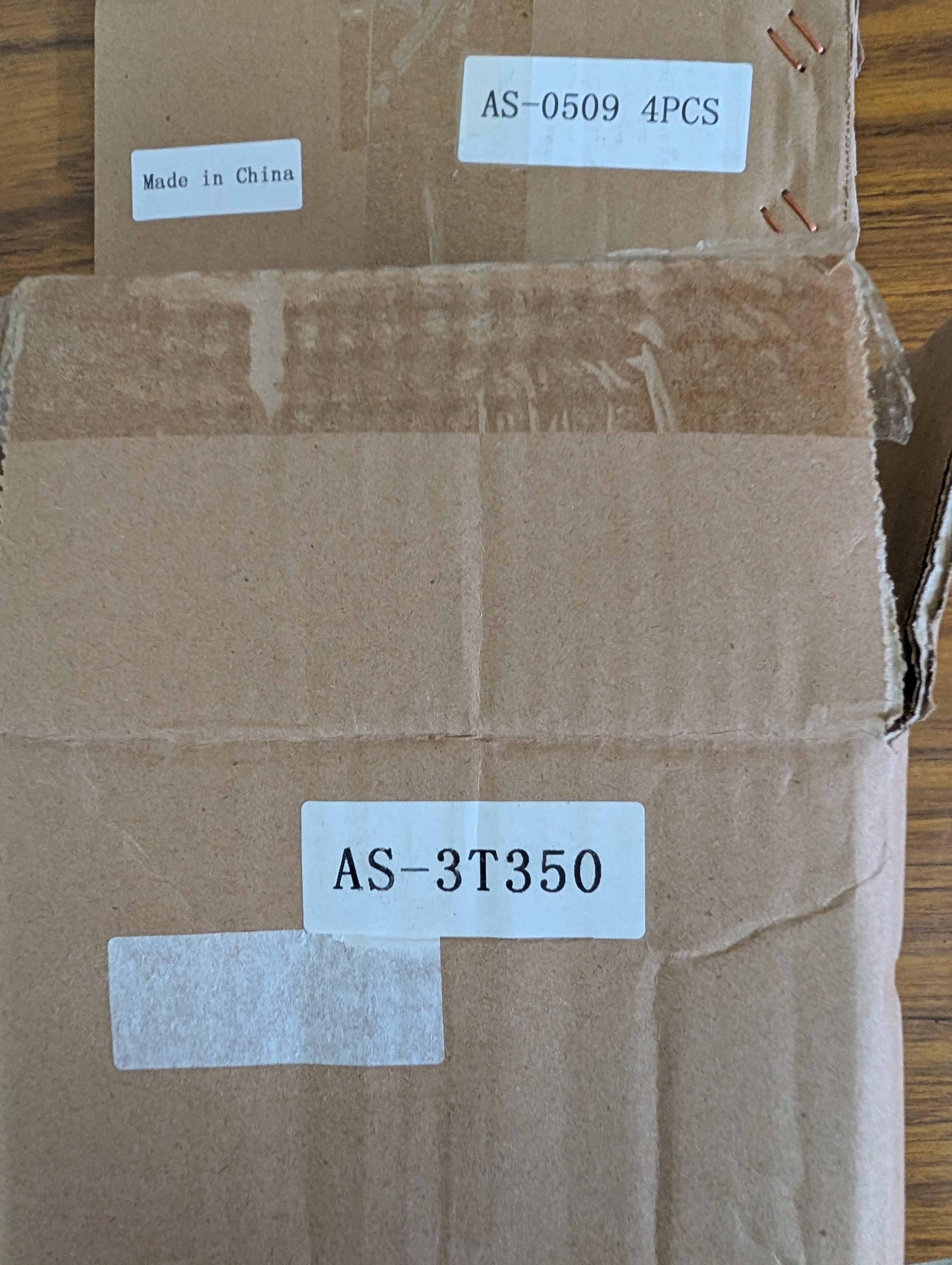
AnTek transformers are made in China. I purchased the AS‑4T400 (400VA, 400V) transformer and the AS‑3T350 (300VA, 350V) tube transformer to build the Blue Hawaii and Carbon amps. The cardboard packaging had “Made in China” labels, and some of them were partially peeled off. If I had known they were made in China, I might have bought them directly from Taobao.
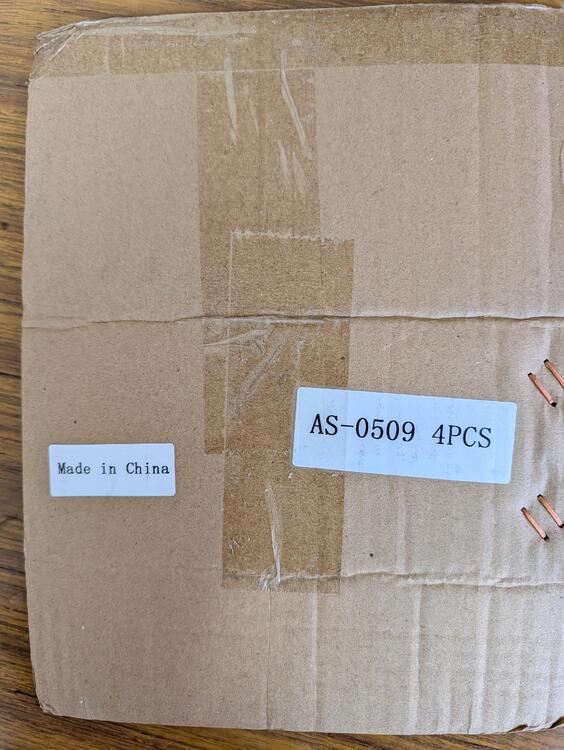
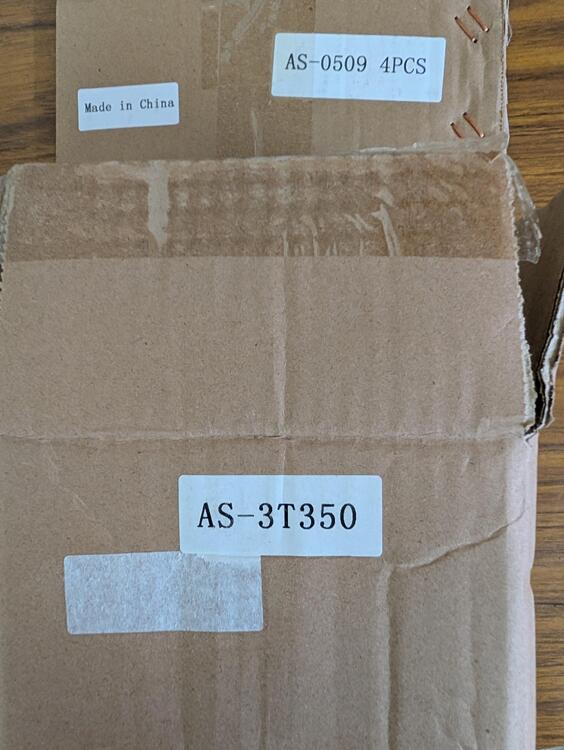
-
You may use the Epoxy Glue to fix it.
-
Thank you for your explanation, Spritzer.
-
Such high voltage is too close to the head, will it affect the brain? say cancer.
-
Thank you Dr.Kevin.
-
Hope Kevin will explain the circuit detail.
-
So complicated !
-
https://drive.google.com/drive/folders/1r3g2TAtBUaBdiMorTWX7yYgeJ7maQbYW https://drive.google.com/drive/folders/0B7egryukiT7_TFlEQlBRejdVdDQ?resourcekey=0-nGWwBYQ_Uivj-ciBLYMeaA
-
https://www.richardsonrfpd.com/Products/Product/C2M1000170D
-
They are in China. 86 is China, Hong Kong is 852.
-
We cannot get these 2SK109 and 2SK389 anymore, they are obsolete for a long time, all of them are fake from AliExpress.Hi Kevin, Thank you for your message about the bias of the cfa3 amp, I am running the ZF, by disconnecting the 4 600p, I could adjust the bias smoothly to 200mA, no squeak or oscillation any more. What are those 600P for?I etched the board myself, am running the ZF. I can only stop the oscillation by connecting a 500P to the B, C of the output transistors, smaller than 500P can’t stop the oscillation. I may try to run the SS later to see the negative feedback will help the oscillation.Thanks, I did so.Hi Kevin, the 4 transistors around THAT340 are in different orientation, the THAT340 pnp C is to the following Tr E, while the npn is to C. which one is correct? All ON brand MJE15030, 15031 that I used in the power output had oscillation, some Motorola were stable. Is the fT30 too high?
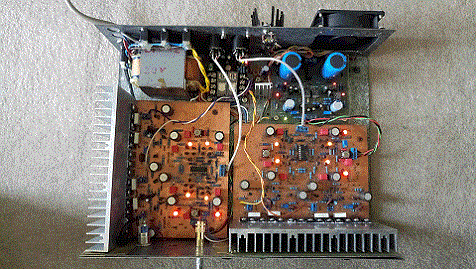 ALL my problems are from my very old EI transformer, which produced a big voltage transient surges when switched on and killed 4 of 2sa 1968, now I need to put 2 metal-oxide-type varistors in the secondary. I think I need a toroid transformer to rewire the power supply.Thank you for your quick response Kevin. 2sa1486 is not available in Australia too. The noise was from the bias voltage. When my probe touched the bias, the noise disappeared, then I put a 5uf cap. after the 4.7M ohm, it has been fixed. Now I need to adjust and listening. Where can I read your KGSSHV the whole article? It is not in the HeadWIze site now?It takes me almost 8 years to complete the KGSS, because due to the lack of 2sa1968, now I use a 2sa1413 instead and reduce the supply voltage to 345v. When I test the amp with a CRO, there is an about 100 KHz sawtooth wave oscillation, I connect two 560pf caps. between B E of 2sc3675 in the third stage, the sawtooth gone. But when I listen with my Stax SRX mark3, there is still small squall oscillation; even I increase the caps.to 2nf. If I connect the caps. between 2sc2705 base and 2sc3675 collector, all high frequency gone. Will anyone help?


Important Information
By using this site, you agree to our Terms of Use.
Account
Navigation
Search
Configure browser push notifications
Chrome (Android)
- Tap the lock icon next to the address bar.
- Tap Permissions → Notifications.
- Adjust your preference.
Chrome (Desktop)
- Click the padlock icon in the address bar.
- Select Site settings.
- Find Notifications and adjust your preference.
Safari (iOS 16.4+)
- Ensure the site is installed via Add to Home Screen.
- Open Settings App → Notifications.
- Find your app name and adjust your preference.
Safari (macOS)
- Go to Safari → Preferences.
- Click the Websites tab.
- Select Notifications in the sidebar.
- Find this website and adjust your preference.
Edge (Android)
- Tap the lock icon next to the address bar.
- Tap Permissions.
- Find Notifications and adjust your preference.
Edge (Desktop)
- Click the padlock icon in the address bar.
- Click Permissions for this site.
- Find Notifications and adjust your preference.
Firefox (Android)
- Go to Settings → Site permissions.
- Tap Notifications.
- Find this site in the list and adjust your preference.
Firefox (Desktop)
- Open Firefox Settings.
- Search for Notifications.
- Find this site in the list and adjust your preference.