b0bb
Returning Member
-
Joined
-
Last visited
Everything posted by b0bb
-
Other things to try... Check the ground pin on the regulators to see if they truly at 0V, best done directly on the section coming out of the package, the will account for any unseen PCB trace breaks, dry joints etc. A 1/2W 500R-1K resistor on the output will pull a load current from the regulator, see if that gets it going.
-
-
I did it myself . This works for the Gen 6 and Gen5.5 aka ipod video This is similar to the one I used, can't find the exact one as it was 2.5 years ago. Just be sure the seller includes the ZIF cable, the original ipod ZIF cable is too short. http://www.microsatacables.com/msata-ssd-to-40-pin-zif-adapter-card-as-toshiba-or-hitachi-zif-hdd I am currently using the Samsung 840 msata http://www.samsung.com/global/business/semiconductor/minisite/SSD/global/html/ssd840evo/overview_mSATA.html Iphone opening tools https://www.ifixit.com/Store/Tools/Plastic-Opening-Tools/IF145-000
-
I have the 6th gen ipod classic, removed the mechanical HDD and replaced it with a 250GB flash msata drive, upgrading it to a 500GB unit in the next couple of months as it is starting to fill. The msata to ZIF interface bridge board is the key to the whole thing and it fits nicely in the space vacated by the HDD. This setup is capable of supporting 2TB flash cards, in theory. This is talked about at great length at the other site.
-
-
-
-
-
-
-
-
Very cool, much appreciated. Thanks!
-
Very nice, any possibility of adding thru hole pads for the output stage emitter resistors ? I am thinking about using Vishay TX2575 Z-Foil resistors (0.15"/3.81mm leadspacing) Texas Components lists the ASM2575 SMD version but they seem to have trouble getting the substrates for the small (0805, 1206) sizes. Happened to me the last couple of times when I tried to place an order for them.
-
Yes, please!
-
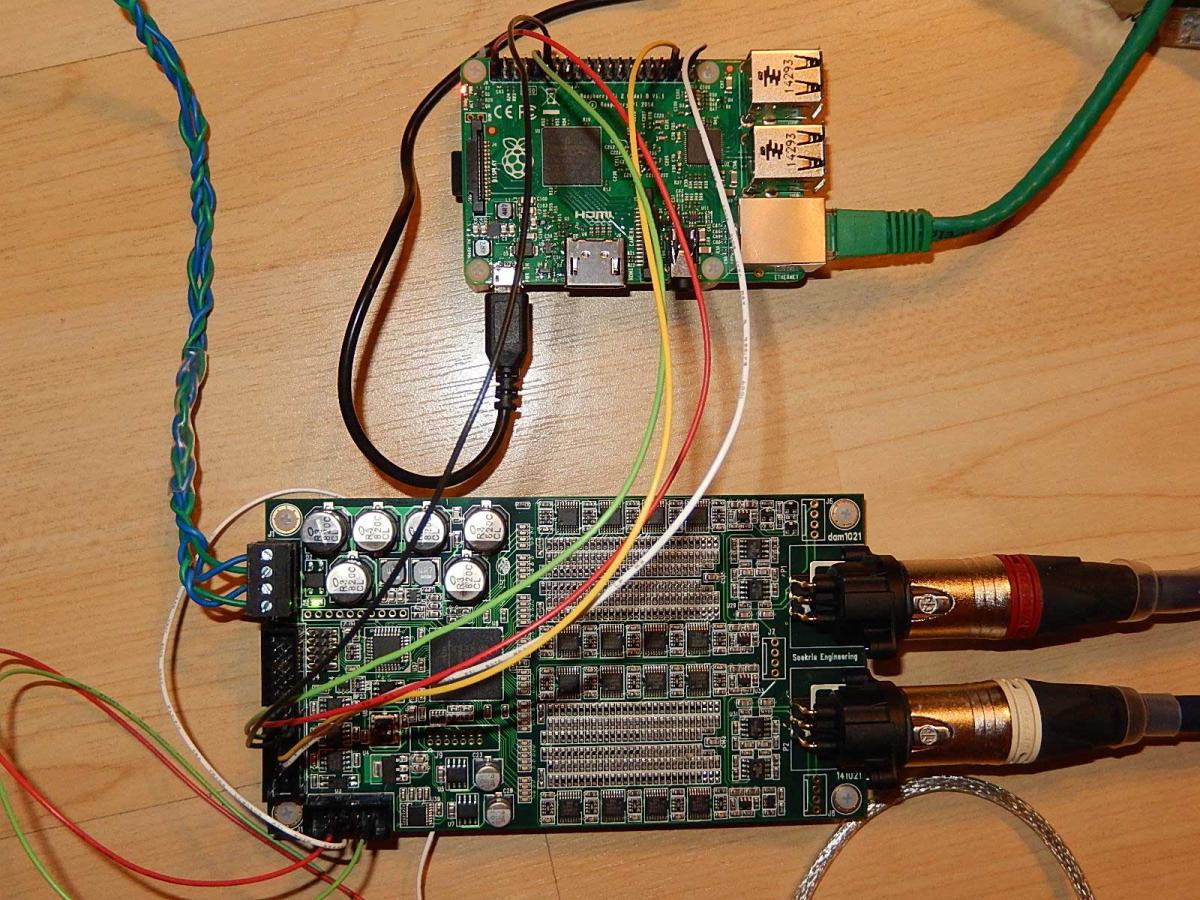
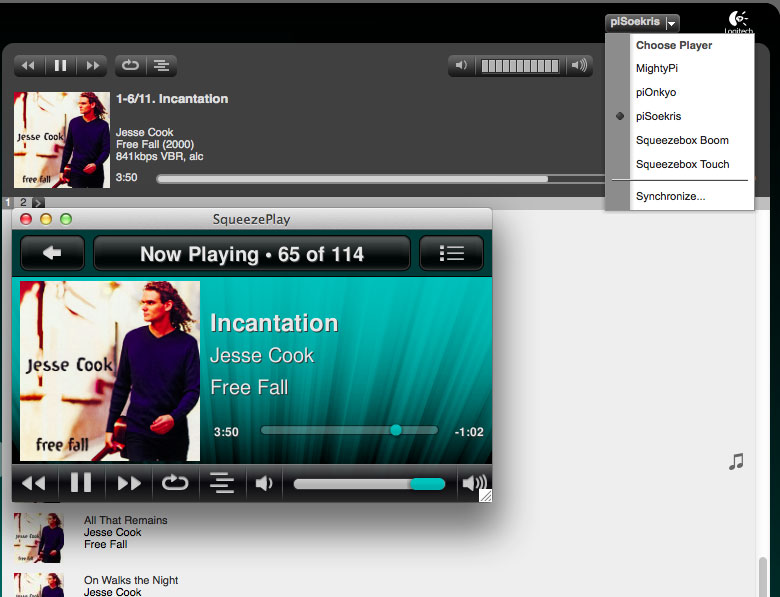
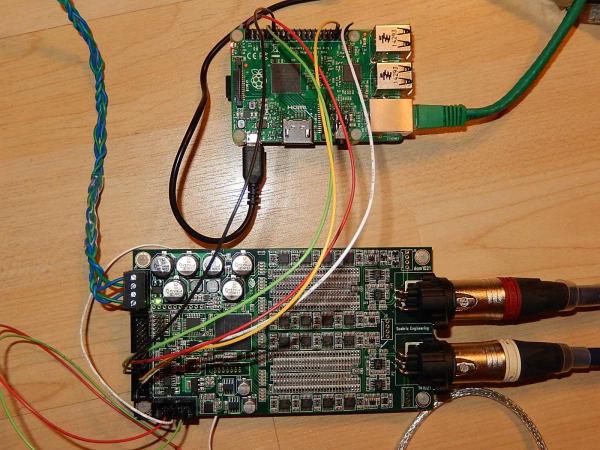
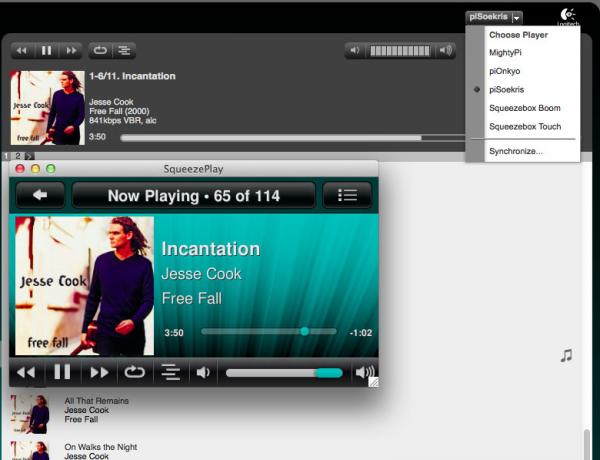
Soekris R2R connected to the Raspberry Pi2 (RPI2) Soekris integrated in to existing Logitech Media Server setup with 2 existing RPI2s and 2 squeezeboxes. I In the background is the LMS playlist manager, in the foreground is the player control app.
-
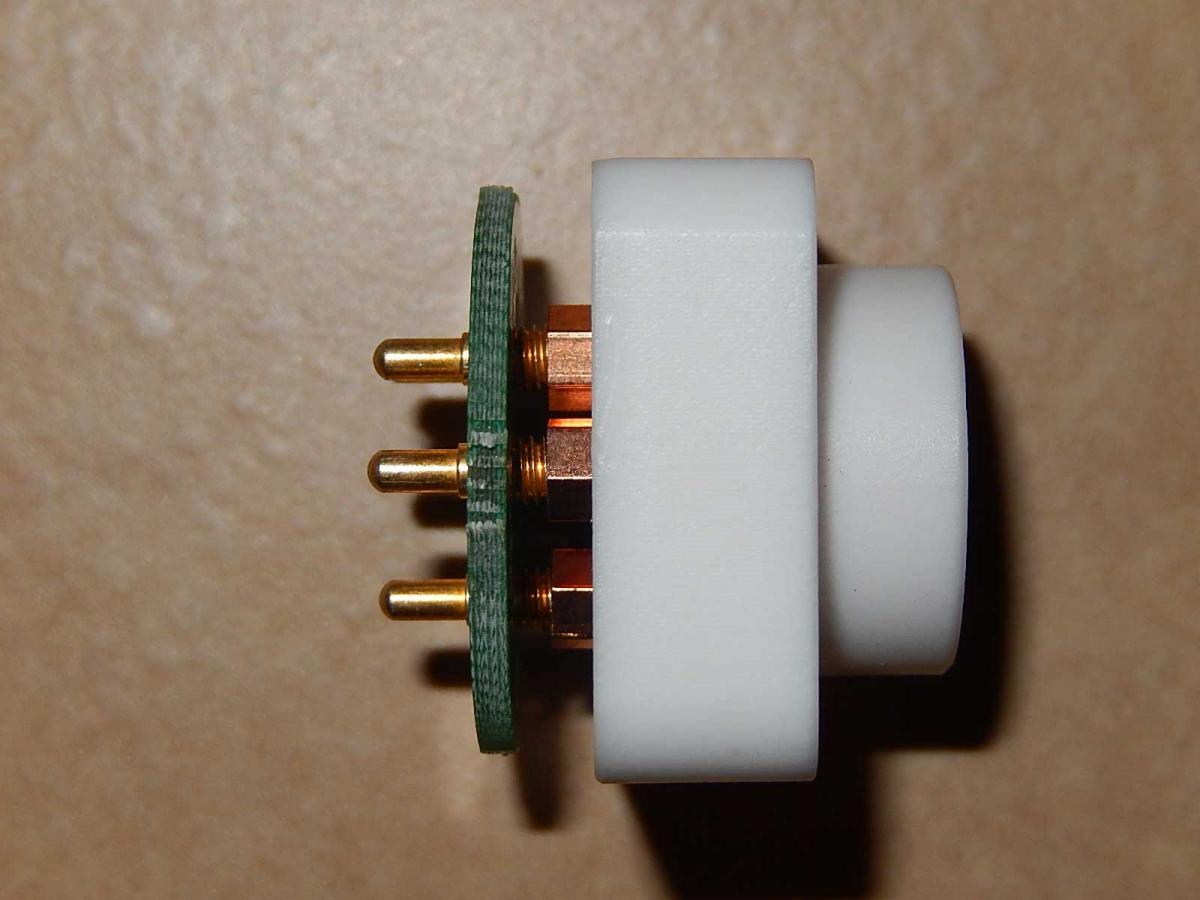
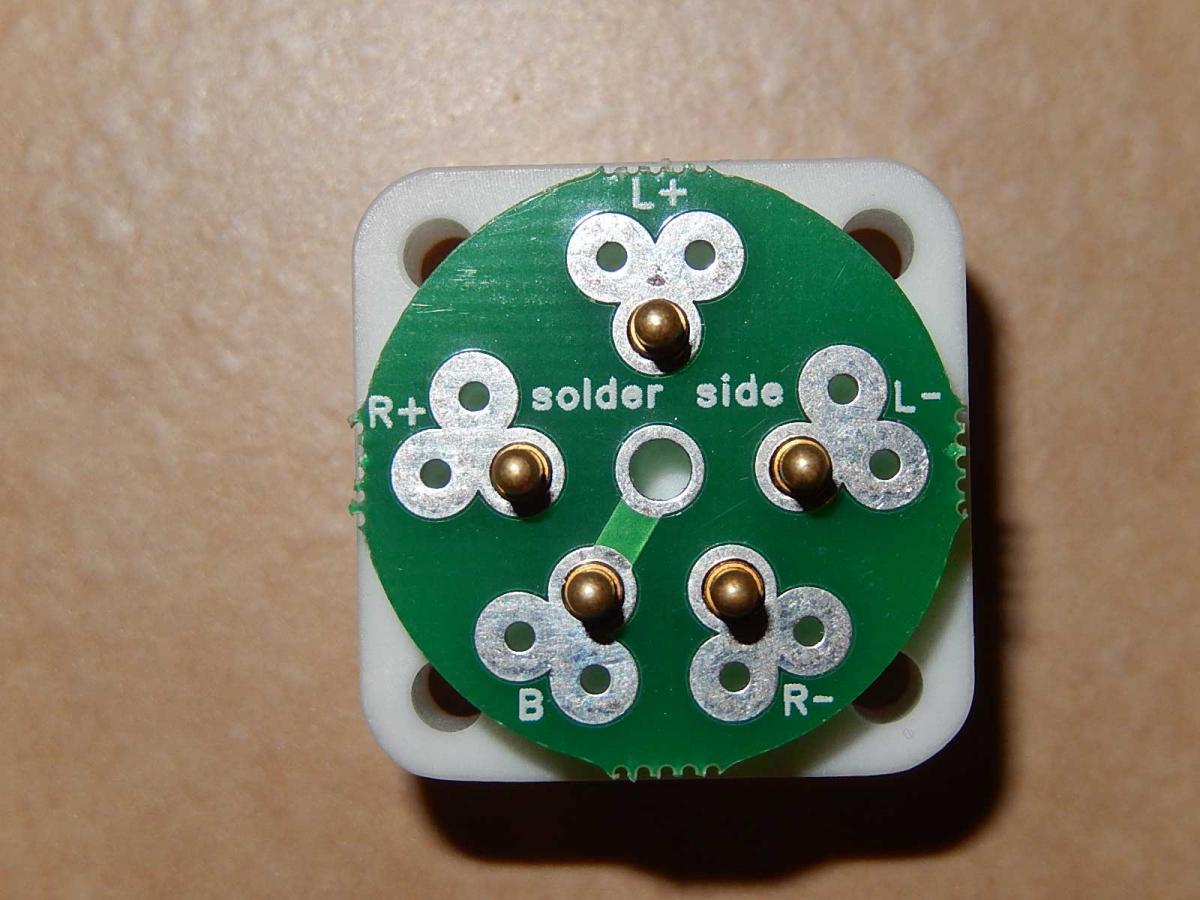
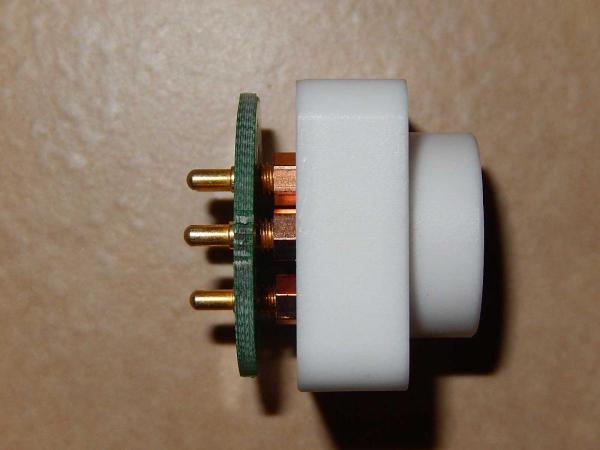
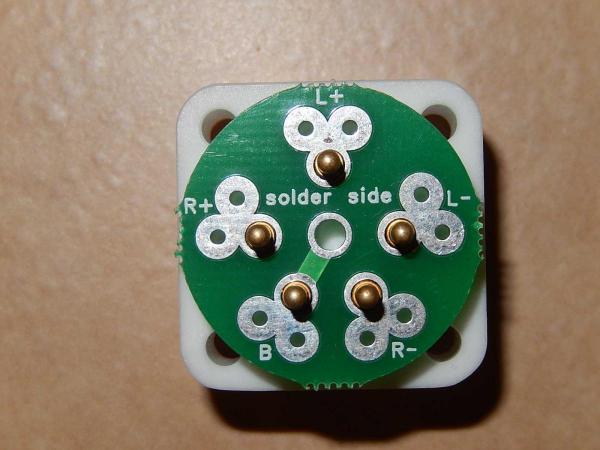
Just received the STAX socket PCB from luvdunhill, perfect fit for Justin's teflon sockets
-
Beautiful! True work of art.
-
-
-
I am interested in 2 amp boards and 1 PSU board depending on the price. Thanks