


mikeymad
High Rollers
-
Joined
-
Last visited
Everything posted by mikeymad
-
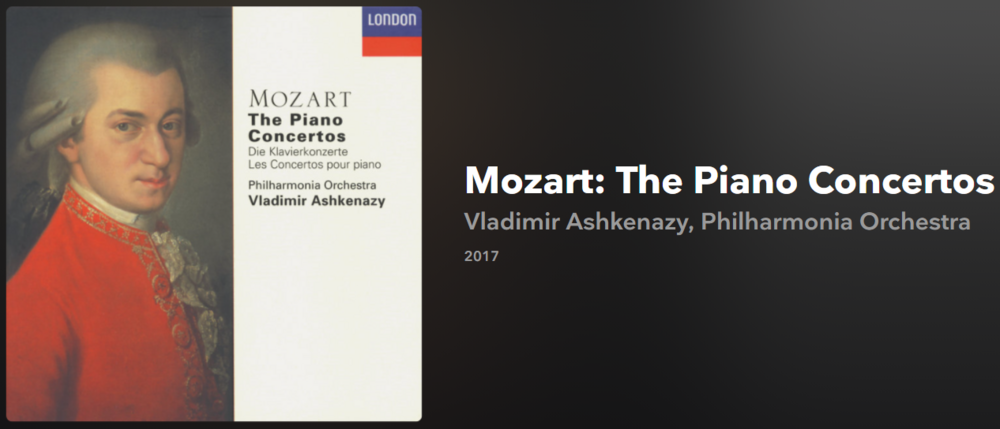
^^ one of the great albums The Mozart / Nyman Concert Sebastian Knauer 2021 Example - Promo vid - and why all the mirroring? no idea (DP likes kaleidoscopes?): Ha.. (meaning one) sad, I would have given it a listen. I will poke around YouTube.
-
Un Canto por México, Vol. II Natalia Lafourcade 2021 Example:
-
Word Jazz Ken Nordine, The Fred Katz Group 1957 Example: And Fun with Fred:
-
Berlioz: Symphonie Fantastique; Love Scene from Romeo & Juliet Charles Munch 1955 Example:
-
They're Calling Me Home Rhiannon Giddens, Francesco Turrisi 2021 Example:
-
^ nice - I remember schizophrenic moon well. Listening to Dr. D in the 80s. Wagner: Götterdämmerung, WWV 86d & Tristan und Isolde, WWV 90 (Excerpts) Charles Munch 2016 Just 2 tracks - here is one of them: (how can people still record things so badly when they could do this in 1958?)Beethoven: Triple Concerto & Symphony No. 7 (Live) Anne-Sophie Mutter, Yo-Yo MaDaniel Barenboim, West-Eastern Divan Orchestra 2020 Example:Thanks Ric. Blue Joni Mitchell 1971 & Blue 50 (Demos & Outtakes) Joni Mitchell 2021 Example - of the entire EP posted to her YouTube page:Inside (The Songs) Bo Burnham 2021 Example:Feels So Good Chuck Mangione 1977 Non-title track example:Bangtan Boys? yup - Sorry not sorry... Almost perfect pop. BTS, THE BEST BTS 2021 Mostly Japanese versions of tracks. Example:Wary + Strange Amythyst Kiah 2021 Example (live):Mozart: Violin Sonatas on Oboe Olivier Stankiewicz, Jonathan Ware 2021 Example:The Source Ayreon 2017 Example:Cheers Kerry - Happy BirthdayBent Creek Julian Pinelli 2019 Example (poorly shot):World On The Ground Sarah Jarosz 2020 Example:Just Like Leaving Bella White 2021 Example:Skeletons Brothers Osborne 2020Lully: Ballet royal de la Naissance de Vénus Chœur de Chambre de Namur, Christophe Rousset, Les Talens Lyriques 2021Volume 1 (of 10!) Edit: Add Volume 2 to that. Good stuff.
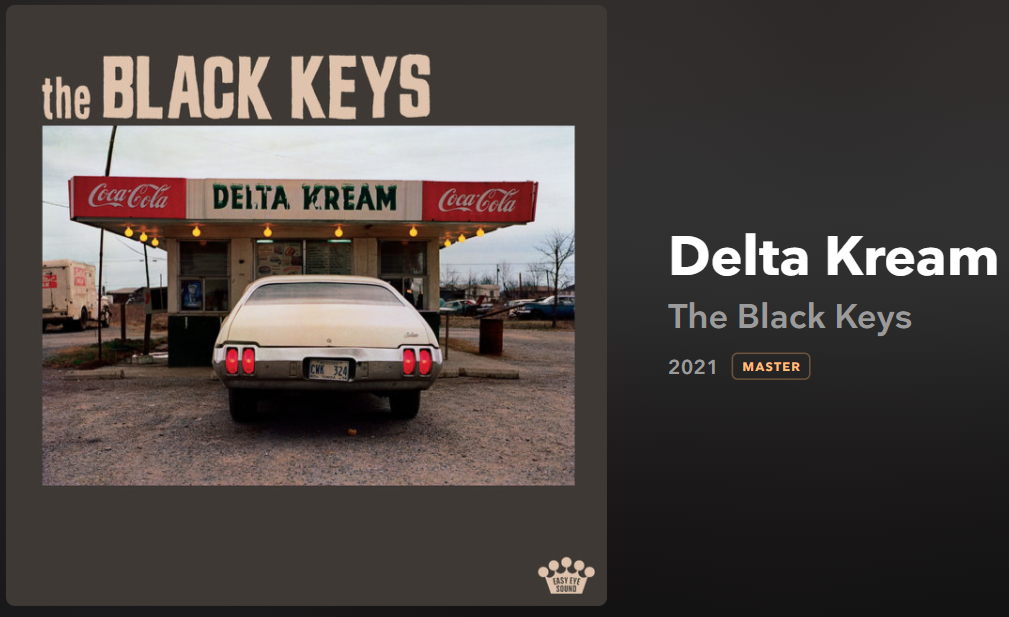
 As I was listening, it sounded like a live recording of a jam session to me. Then I saw this - "Recorded with no rehearsal over a sweaty ten-hour session." - ah But, if you ever need an hour of chill mississippi blues covers, it fits that bill to a T.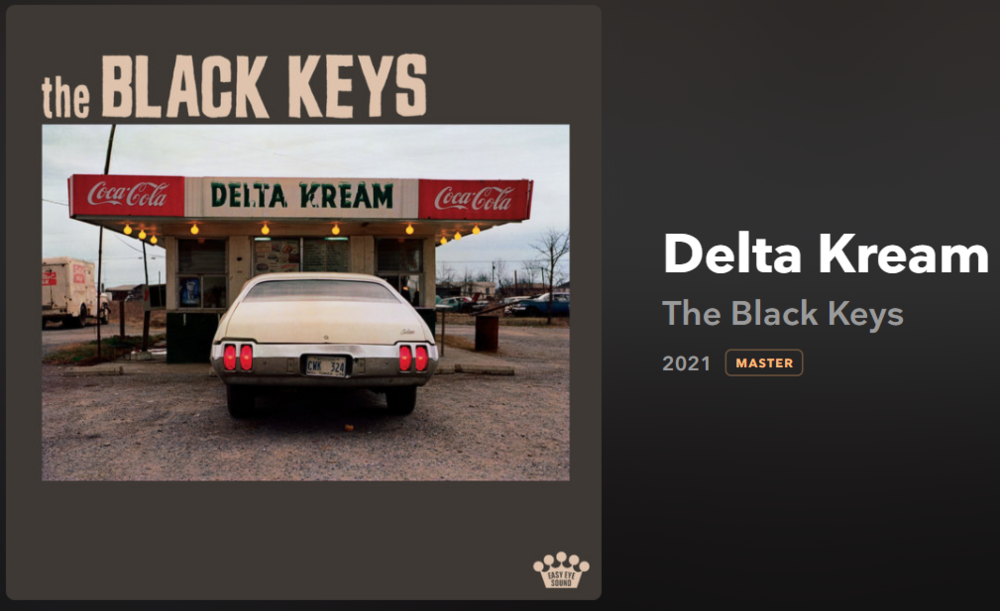




Important Information
By using this site, you agree to our Terms of Use.
Account
Navigation
Search
Configure browser push notifications
Chrome (Android)
- Tap the lock icon next to the address bar.
- Tap Permissions → Notifications.
- Adjust your preference.
Chrome (Desktop)
- Click the padlock icon in the address bar.
- Select Site settings.
- Find Notifications and adjust your preference.
Safari (iOS 16.4+)
- Ensure the site is installed via Add to Home Screen.
- Open Settings App → Notifications.
- Find your app name and adjust your preference.
Safari (macOS)
- Go to Safari → Preferences.
- Click the Websites tab.
- Select Notifications in the sidebar.
- Find this website and adjust your preference.
Edge (Android)
- Tap the lock icon next to the address bar.
- Tap Permissions.
- Find Notifications and adjust your preference.
Edge (Desktop)
- Click the padlock icon in the address bar.
- Click Permissions for this site.
- Find Notifications and adjust your preference.
Firefox (Android)
- Go to Settings → Site permissions.
- Tap Notifications.
- Find this site in the list and adjust your preference.
Firefox (Desktop)
- Open Firefox Settings.
- Search for Notifications.
- Find this site in the list and adjust your preference.