
Skip to content
View in the app

A better way to browse. Learn more.

www.Head-Case.org

A full-screen app on your home screen with push notifications, badges and more.

To install this app on iOS and iPadOS
  1. Tap the Share icon in Safari
  2. Scroll the menu and tap Add to Home Screen.
  3. Tap Add in the top-right corner.
To install this app on Android
  1. Tap the 3-dot menu (⋮) in the top-right corner of the browser.
  2. Tap Add to Home screen or Install app.
  3. Confirm by tapping Install.

Leaderboard

Popular Content

Showing content with the highest reputation on 09/10/12 in Posts

  1. The Pro Photog that covered the event uploaded some stuff late last night. Here's me, Marc and Tom at the start of Day 2.
  2. The next installment should premier at CannesJam.
  3. Yep. Why no one else tried the Sauber strategy used for Perez is beyond me, but the results helped increase Fernando's championship lead. But he'd better watch his back as Hamilton appears hungry...
  4. Sea Bass do it in the rain...dig it...
  5. I will be there, never miss a Virgil's meal. The Dynamic Duo
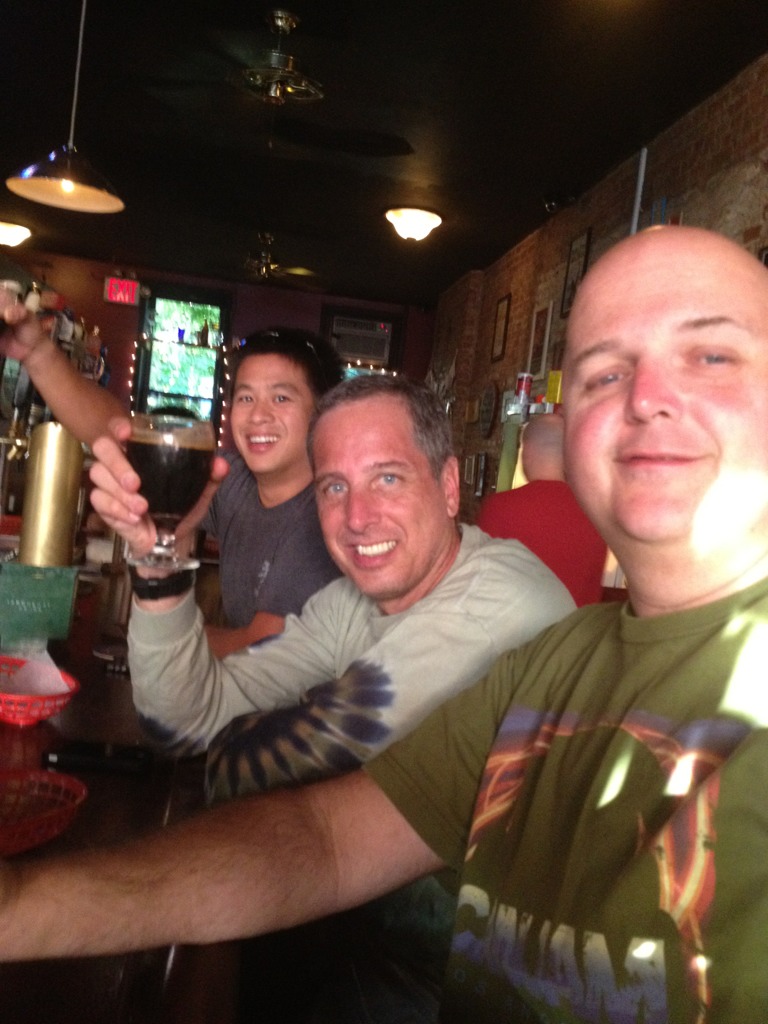
  6. I is! Thanks Vicki. Super relaxed day was a good thing for me. Heres the cycling crew having some liquid carbs after 79 miles:
  7. honestly, you need to see denali in the first 2 weeks of the season, in the middle, and at the very end. It's like 3 different parks. Then there's "bus tours in denali" "camp in denali" and "brass up and climb denali"

Important Information

By using this site, you agree to our Terms of Use.

Account

Navigation

Search

Search

Configure browser push notifications

Chrome (Android)
  1. Tap the lock icon next to the address bar.
  2. Tap Permissions → Notifications.
  3. Adjust your preference.
Chrome (Desktop)
  1. Click the padlock icon in the address bar.
  2. Select Site settings.
  3. Find Notifications and adjust your preference.