

Leaderboard
-
n_maher
Administrators3Points27513Posts -
The Monkey
Moderators2Points13456Posts -
MexicanDragon
High Rollers1Points8373Posts -
Voltron
High Rollers1Points34606Posts




Popular Content
Showing content with the highest reputation on 06/08/13 in all areas
-
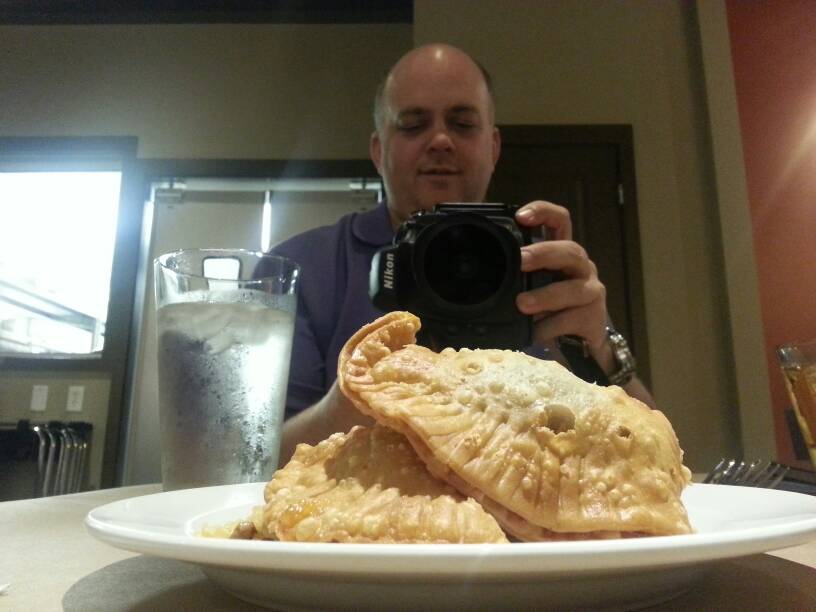
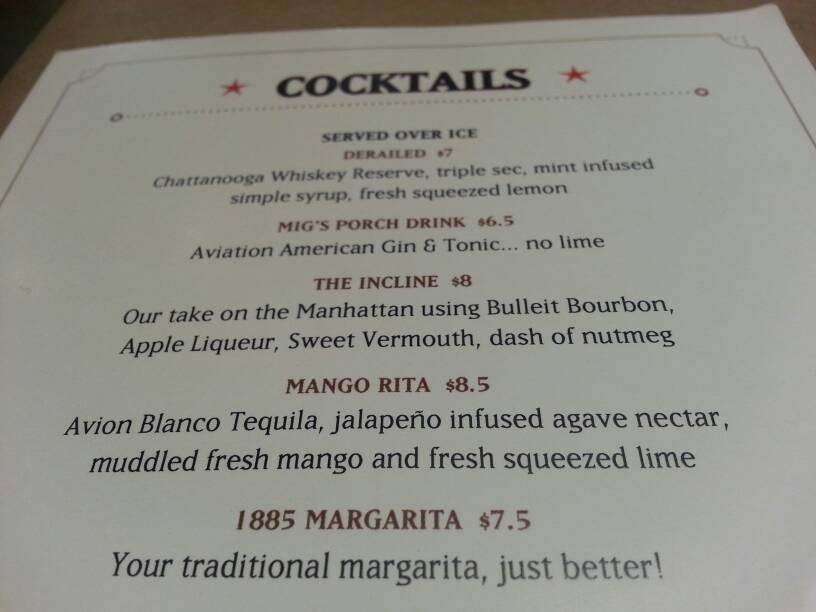
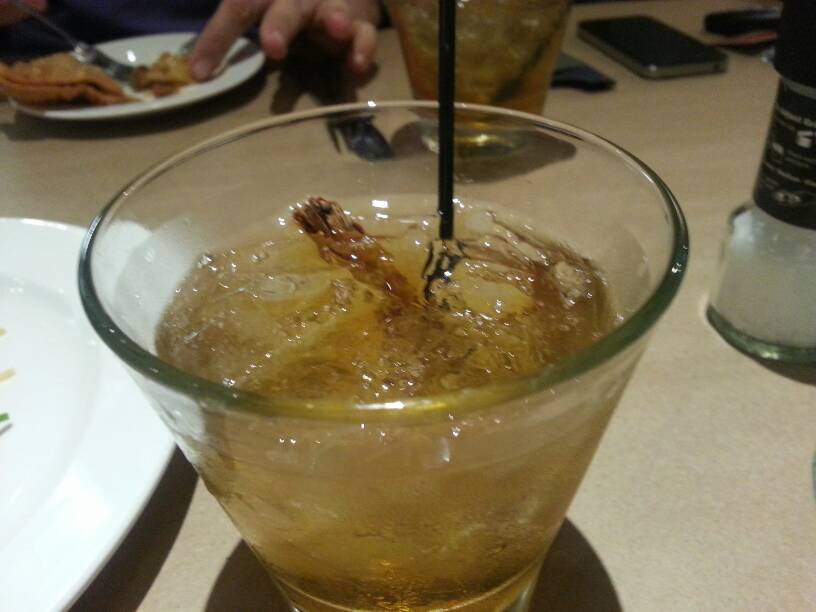
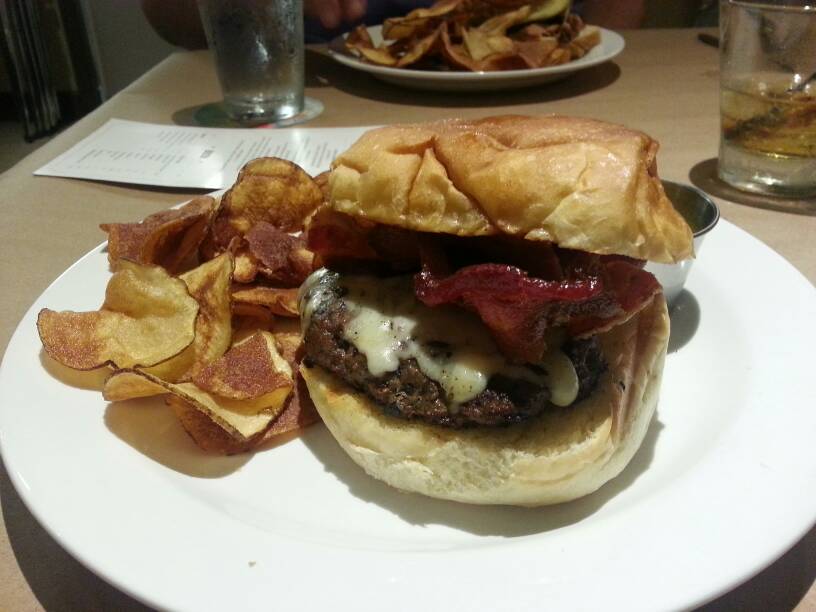
1 pointWent out to lunch. Beef empanadas The Incline 1885Grill.com 1885 Burger with white cheddar and bacon. So good! **BRENT**
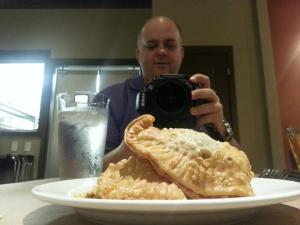
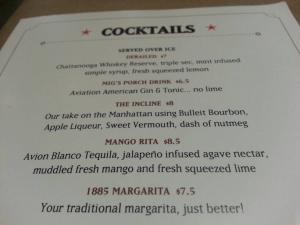
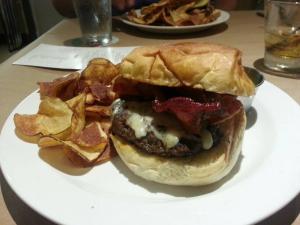 1 point
 -
1 pointGot a nice 25 miler in this afternoon. And here's one more clip from Fort Rock earlier in the week.1 point
-
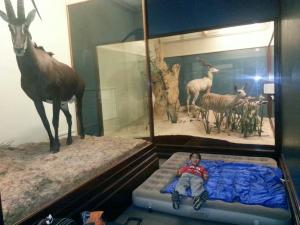
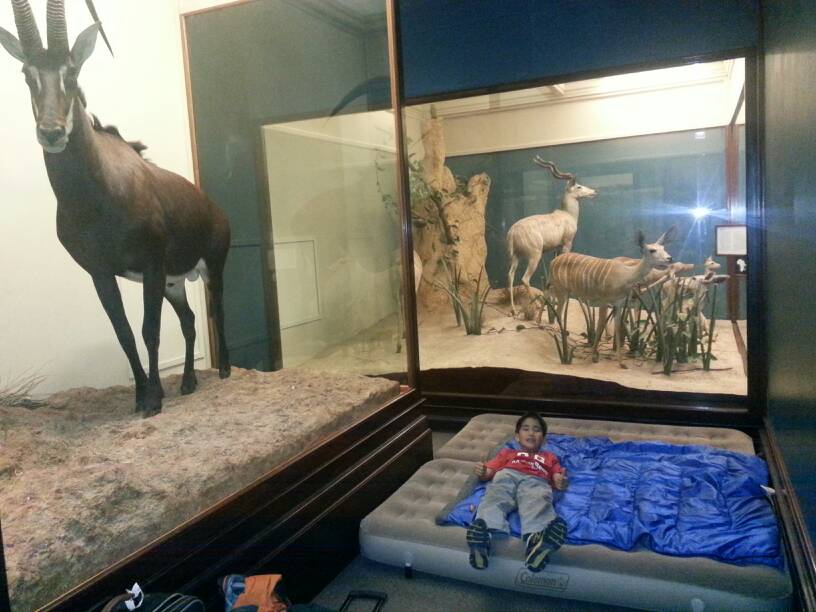
1 point1 point1 point1 pointSpent the night at the Field Museum 'Dozin' with the Dinos' along with our Boy Scout Troup and about 500 other kids.
 1 pointI was adamant that my child would never have a screaming fit... Ha! My daughter whined through the entire plane trip (when she wasn't sleeping) then as soon as we got off she wanted to get back on again! Your story reminds me of the time she wanted to eat one of the black-pepper rice crackers I'd bought. She ate one, looked up at me and shouted "WATER! WATER!" Likewise she loves me telling the story about it and still loves eating them. Vaguely on topic, my son loves going to sleep listening to Three Guitars/Friday Night in San Francisco.1 point




Important Information
By using this site, you agree to our Terms of Use.