Skip to content
View in the app

A better way to browse. Learn more.

www.Head-Case.org

A full-screen app on your home screen with push notifications, badges and more.

To install this app on iOS and iPadOS
  1. Tap the Share icon in Safari
  2. Scroll the menu and tap Add to Home Screen.
  3. Tap Add in the top-right corner.
To install this app on Android
  1. Tap the 3-dot menu (⋮) in the top-right corner of the browser.
  2. Tap Add to Home screen or Install app.
  3. Confirm by tapping Install.

Leaderboard

Popular Content

Showing content with the highest reputation on 01/08/15 in Posts

  1. Really thinking about going with DXO Optics first before sticking with PS. Not really a fan of Adobe. Quick 12,800 ISO shot in a darkish room.
  2. 'Cause I stupidly didn't get to it last month.
  3. 1 point
    Weird. I think you should regard it as a sign to get a Reverso instead!
  4. 1 point
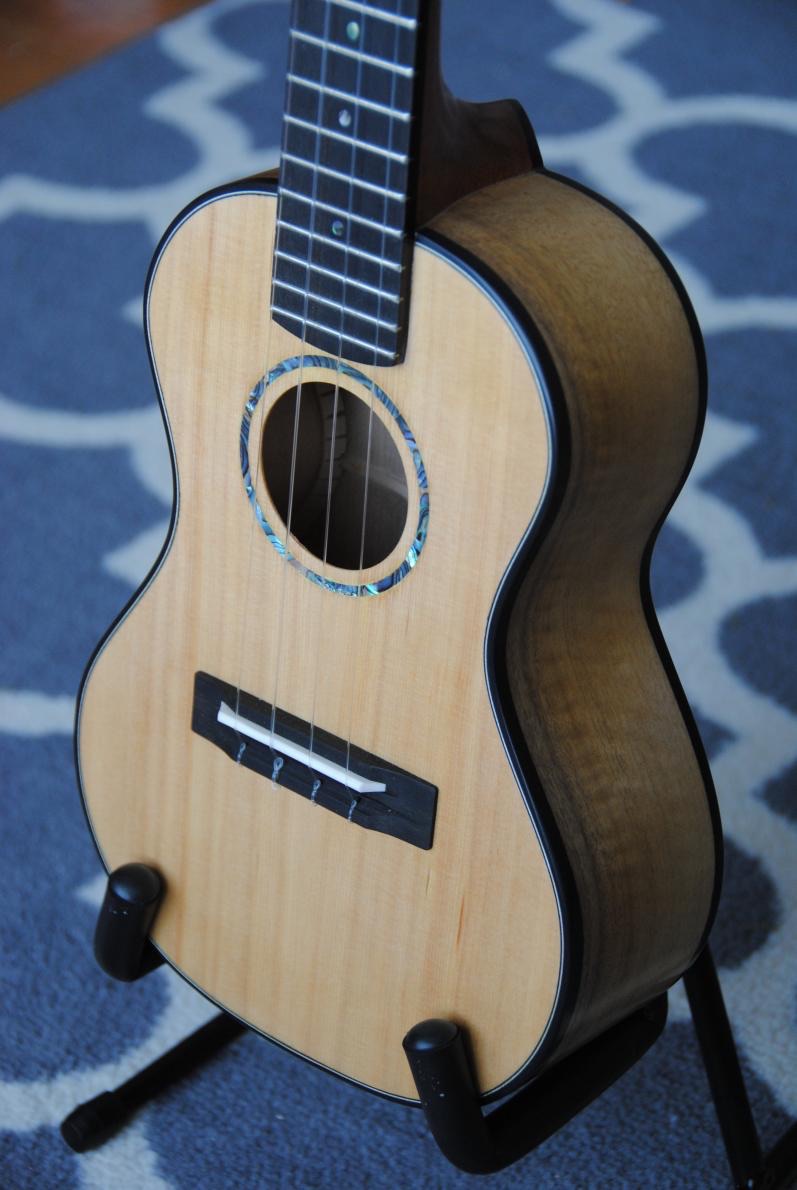
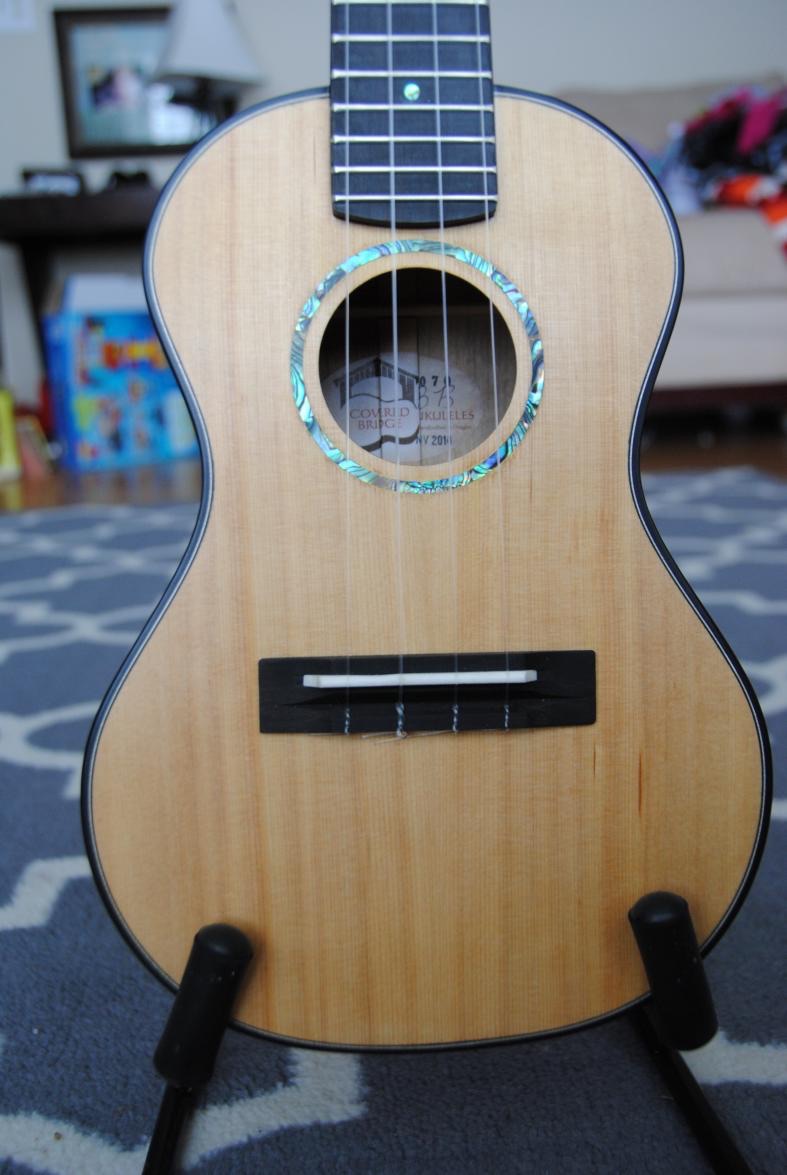
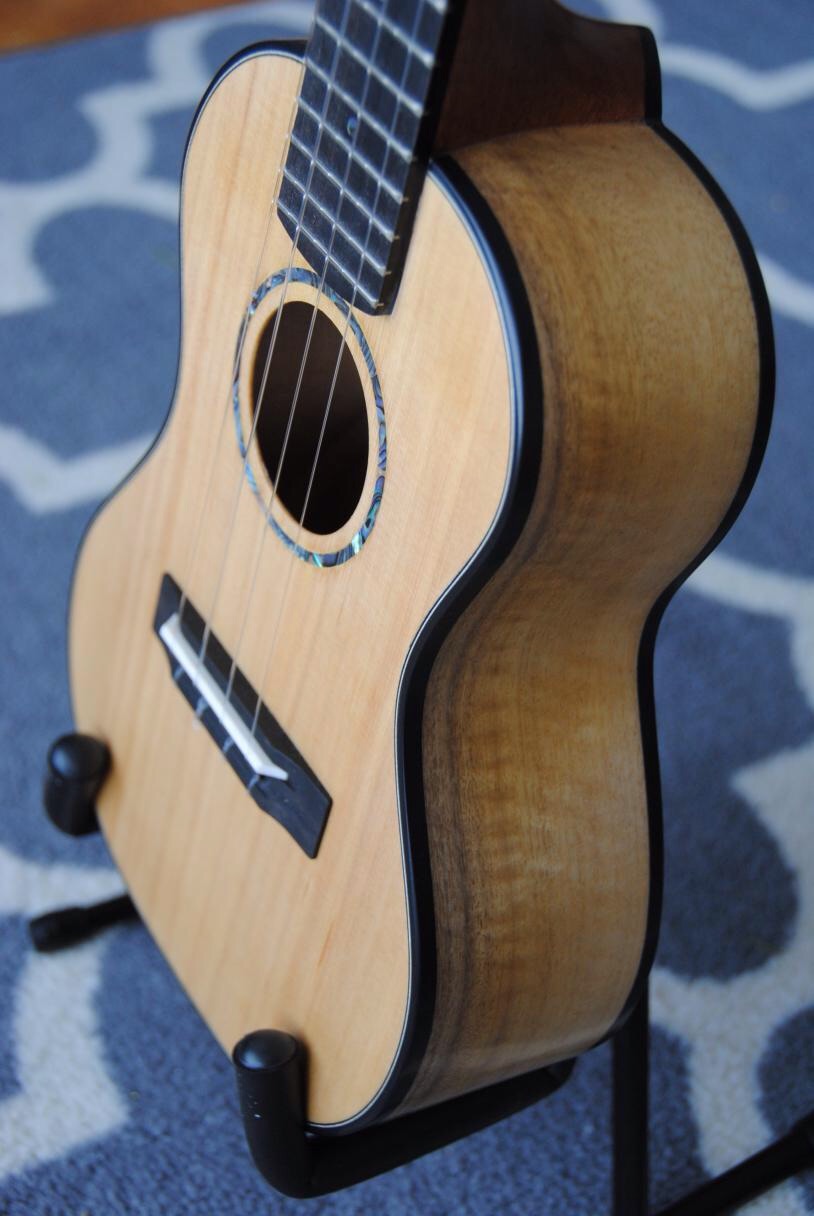
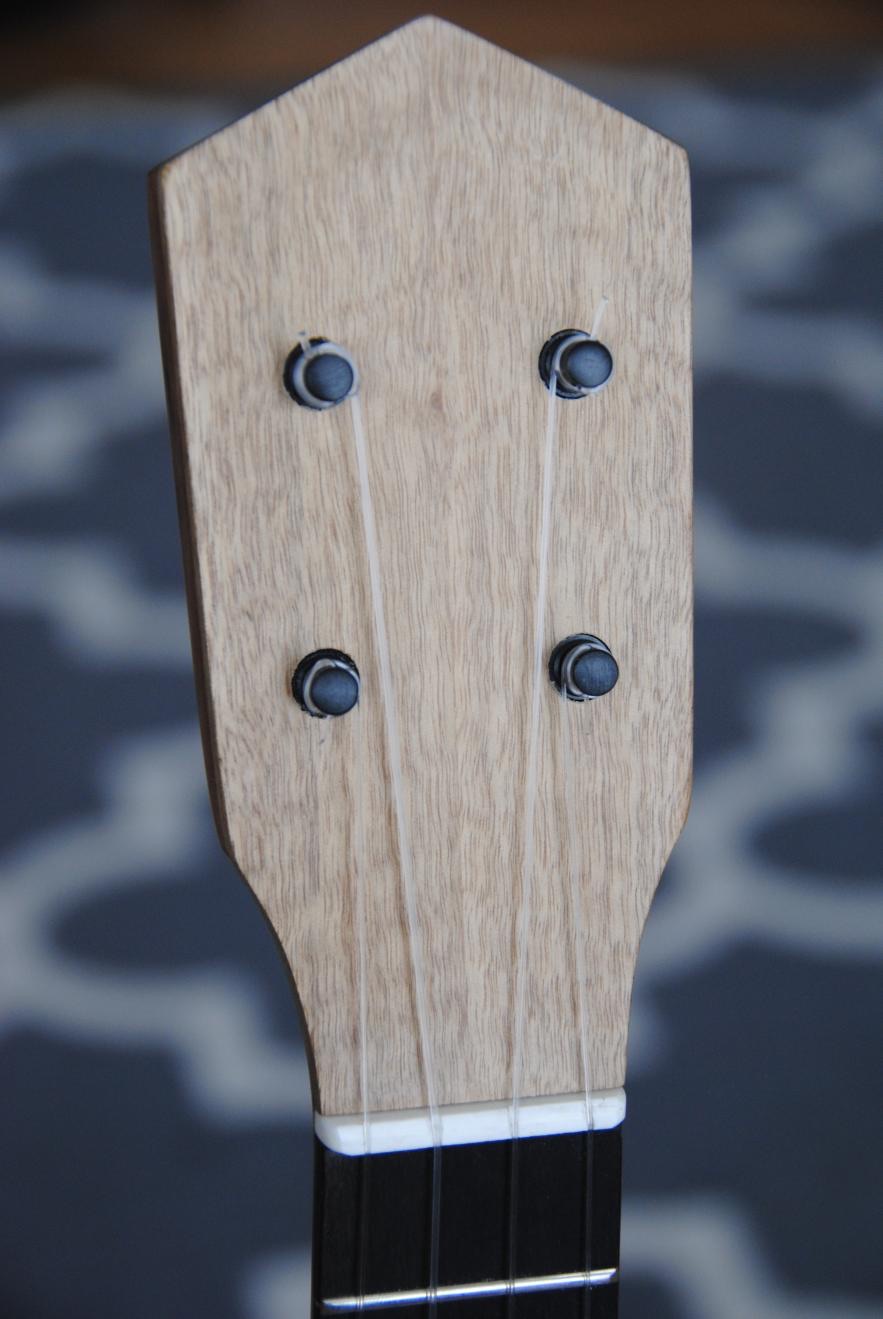
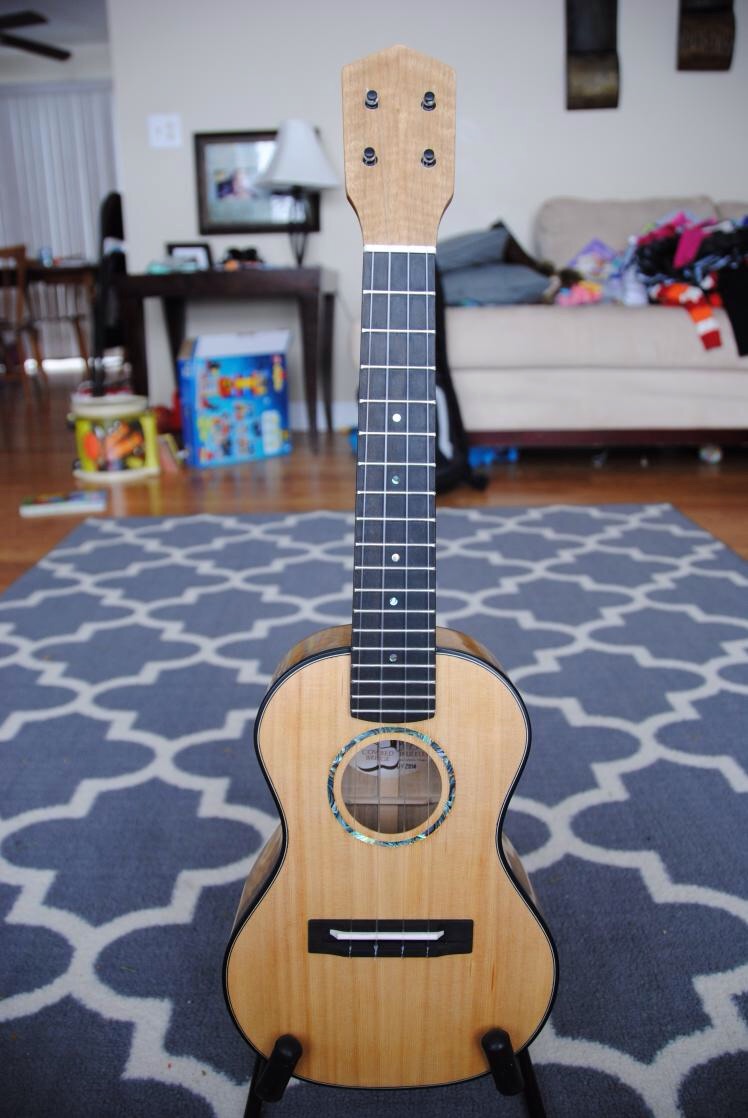
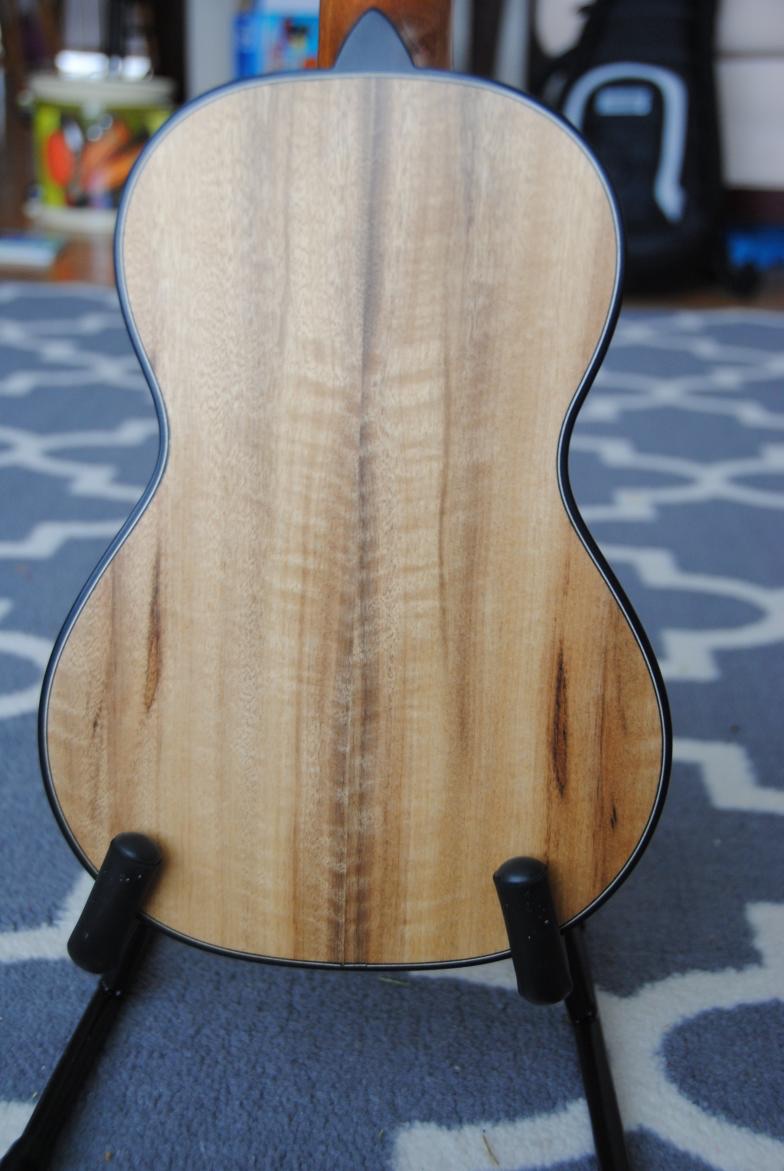
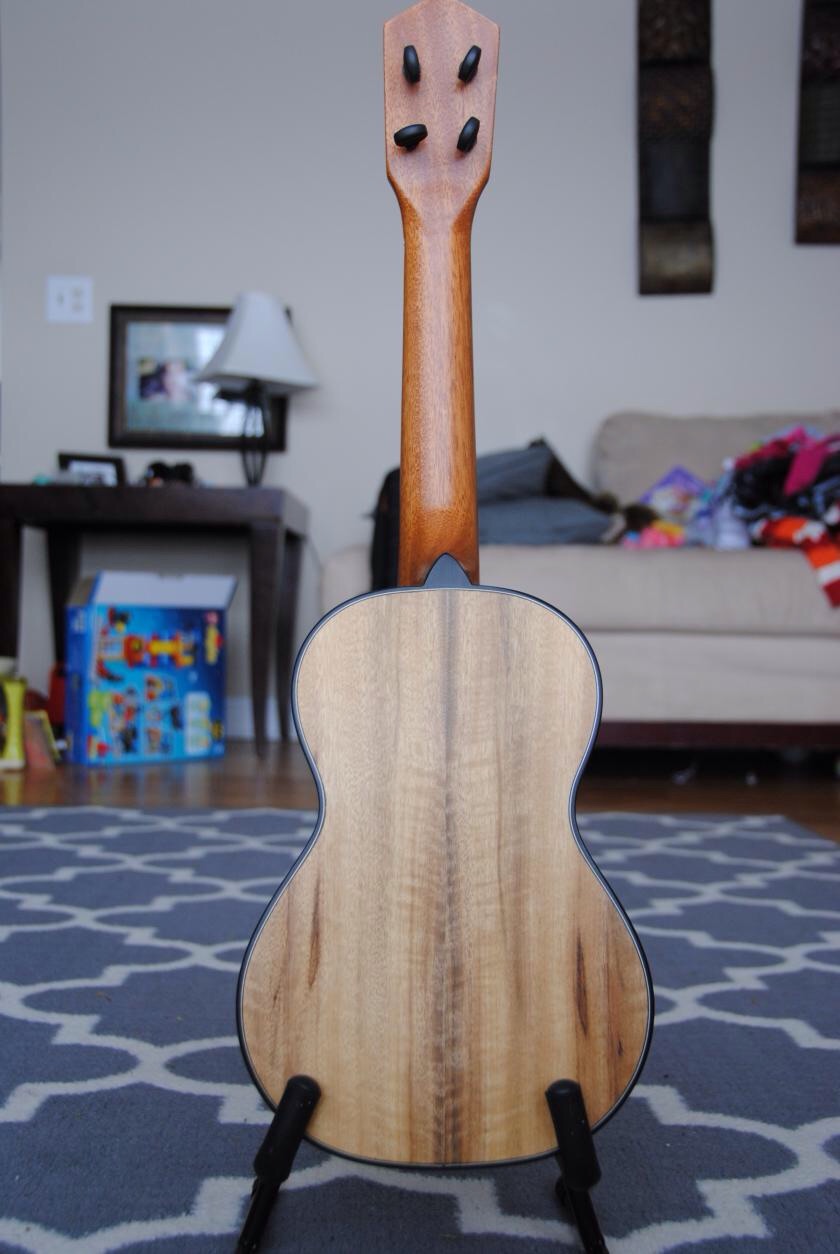
    New uke day! Ukes are like the step children of guitars, yes?
  5. 1 point
    Nope, busy building these... Finishing up the last of my old BH stuff. The black one is running in now.
  6. Bacon wrapped quail Chicken fried beef rib

Important Information

By using this site, you agree to our Terms of Use.

Account

Navigation

Search

Search

Configure browser push notifications

Chrome (Android)
  1. Tap the lock icon next to the address bar.
  2. Tap Permissions → Notifications.
  3. Adjust your preference.
Chrome (Desktop)
  1. Click the padlock icon in the address bar.
  2. Select Site settings.
  3. Find Notifications and adjust your preference.