Leaderboard
-
Absorbine_Sr
High Rollers18Points8097Posts -
Voltron
High Rollers12Points34606Posts -
shellylh
High Rollers12Points18863Posts -
n_maher
Administrators7Points27513Posts




Popular Content
Showing content with the highest reputation on 04/03/15 in Posts
-
4 pointsEscargot, duck confit, and apple pie with bourbon vanilla ice cream. Really delicious.4 points
-
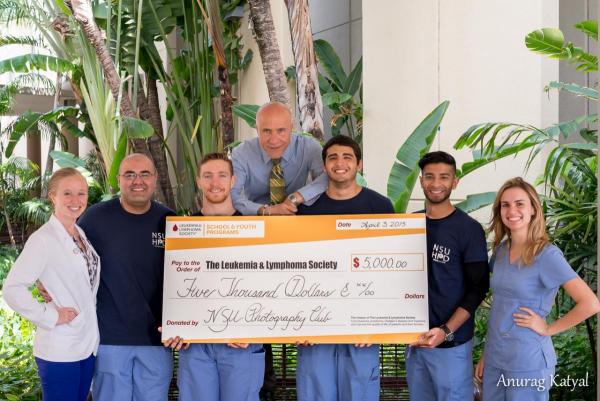
3 pointsThe lady from the LLS came over with a big fake check so we could take a picture with it
 3 points
 -
2 pointsYeah, definitely the Goldeneye, just not sure how long it was sold. Seems like I would have bought this in 1998 or 99 in grad school. Doesn't really matter, mine never shot the fucking lasers anyway.2 points
-
1 point
-
1 point
-
Blasting Hi Res Hot for Teacher in the office. Does it get any better?1 point
-
1 point
-
1 point