

Leaderboard
-
mikeymad
High Rollers10Points13850Posts -
VPI
High Rollers6Points9103Posts -
Hopstretch
High Rollers6Points16809Posts -
Knuckledragger
High Rollers4Points16498Posts




Popular Content
Showing content with the highest reputation on 10/12/18 in Posts
-
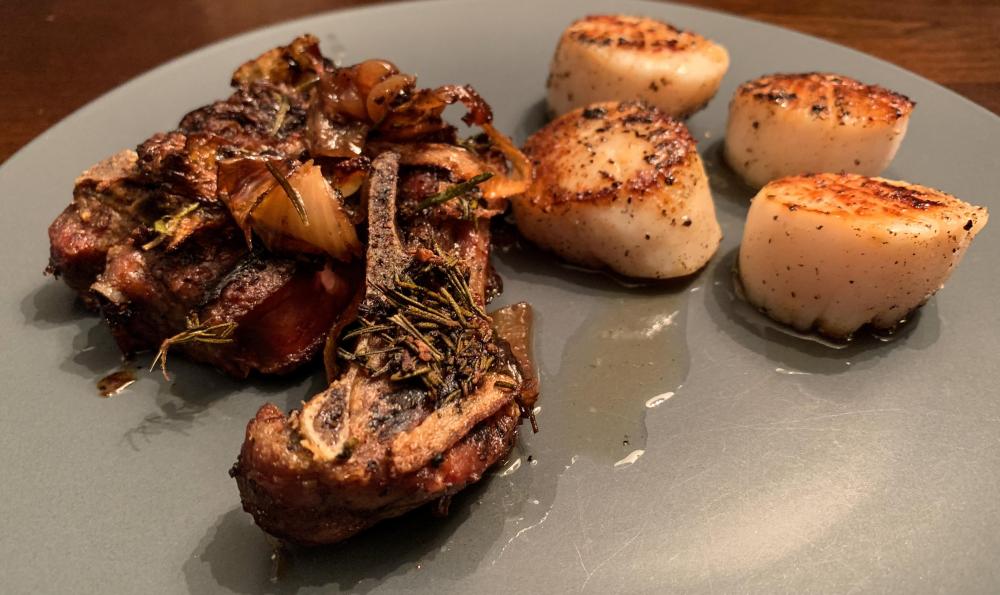
5 pointsMy version of surf and turf this evening. Braised New Zealand lamb shoulder chop with scallops.
 5 points
 -
2 points
-
1 pointbeen rocking these guys for a while - they are hitting a groove for me more approachable1 point1 pointI had one of those for my old Android phone. It doesn't work with my iPhone though, so now it's a dust collector. The handset that is, not the Jesus piece.1 point1 pointWhen you want to keep up with technology but are still feeling the old school vibes.
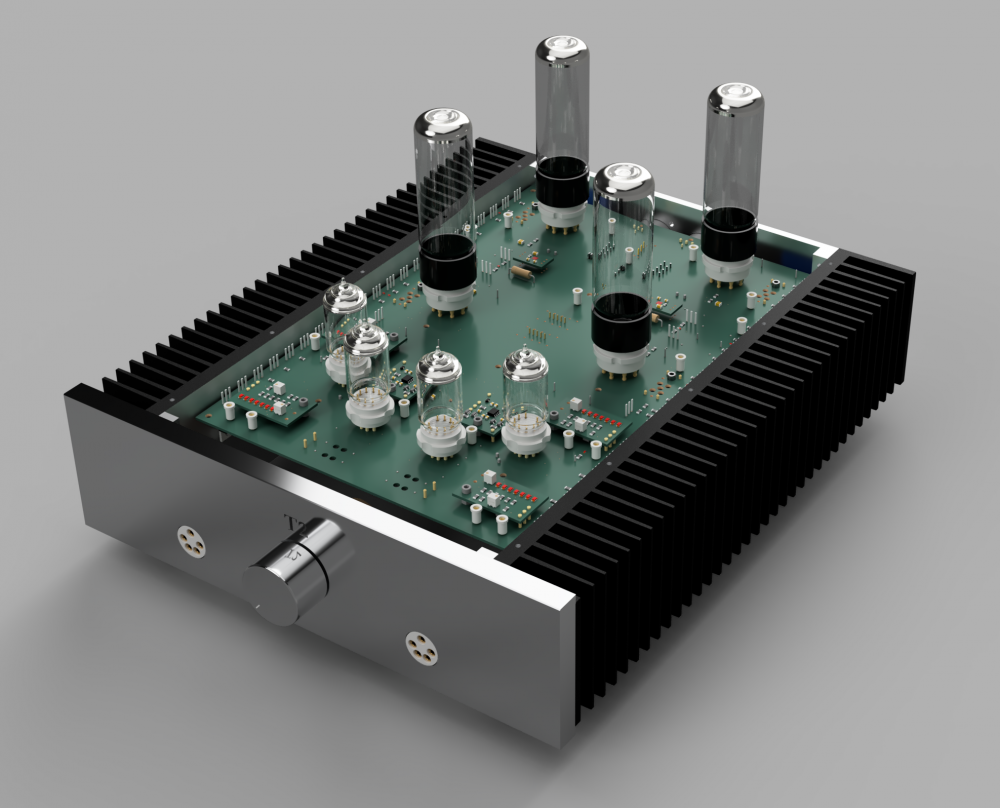
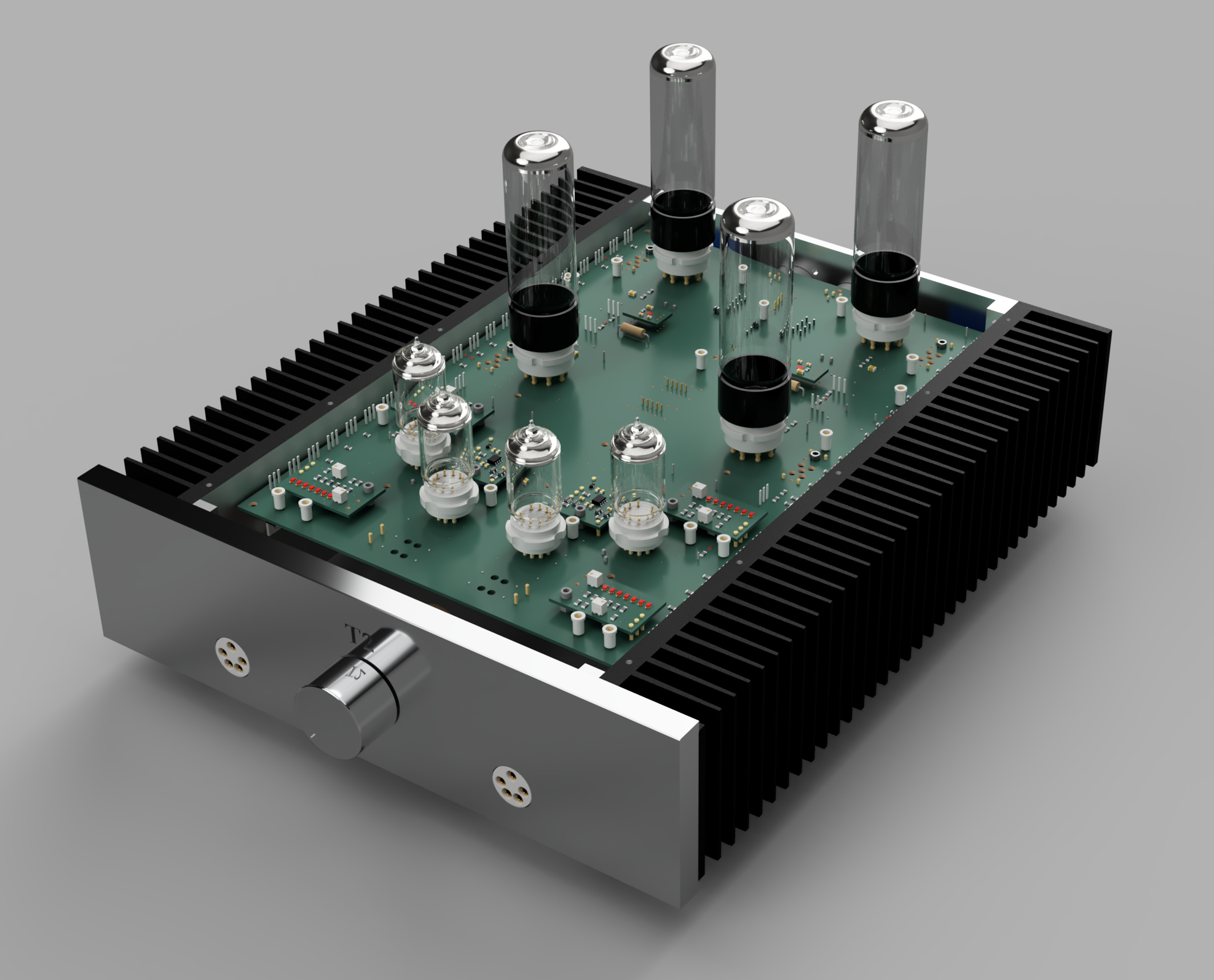
 1 point1 point1 pointNew Stax product for the 80th anniversary.... a black SR-009... https://stax.co.jp/products/sr-009bk/1 point1 pointBeen busy at work, but managed to pull a new version of the T2 amp board together. I've added separate modules for the active batteries, balance servo, pre-CCS feeding the output CCS and the opto coupled output servo. I should be able to plug and play with a few options on these modules. Here's a rendering (Eagle / Fusion 360)... I still have to test, but so far I'm happy with the layout.
 1 point"If you want a free country, there's always going to be horrible twats."0 pointsReminds me of Ryan Adams. There's some real emotional weight in the alt-country?0 points








Important Information
By using this site, you agree to our Terms of Use.