

Leaderboard
-
Voltron
High Rollers18Points34632Posts -
n_maher
Administrators6Points27522Posts -
Augsburger
High Rollers5Points13165Posts -
Pars
High Rollers4Points8608Posts




Popular Content
Showing content with the highest reputation on 10/06/19 in Posts
-
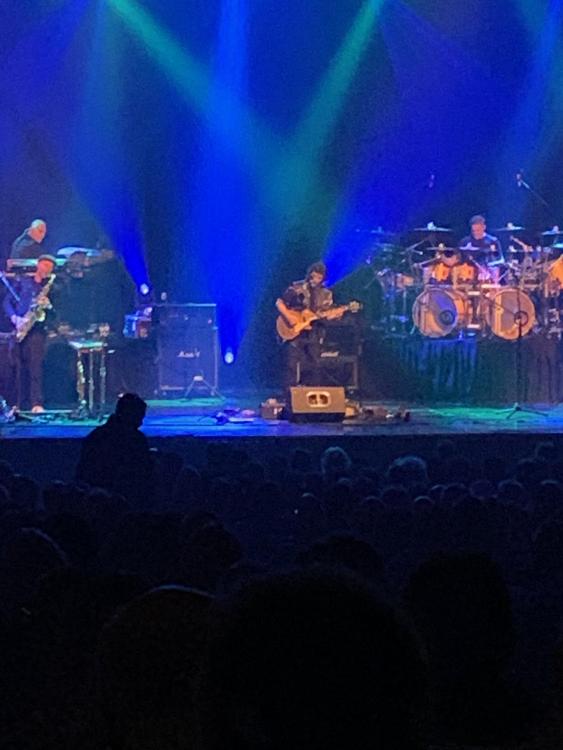
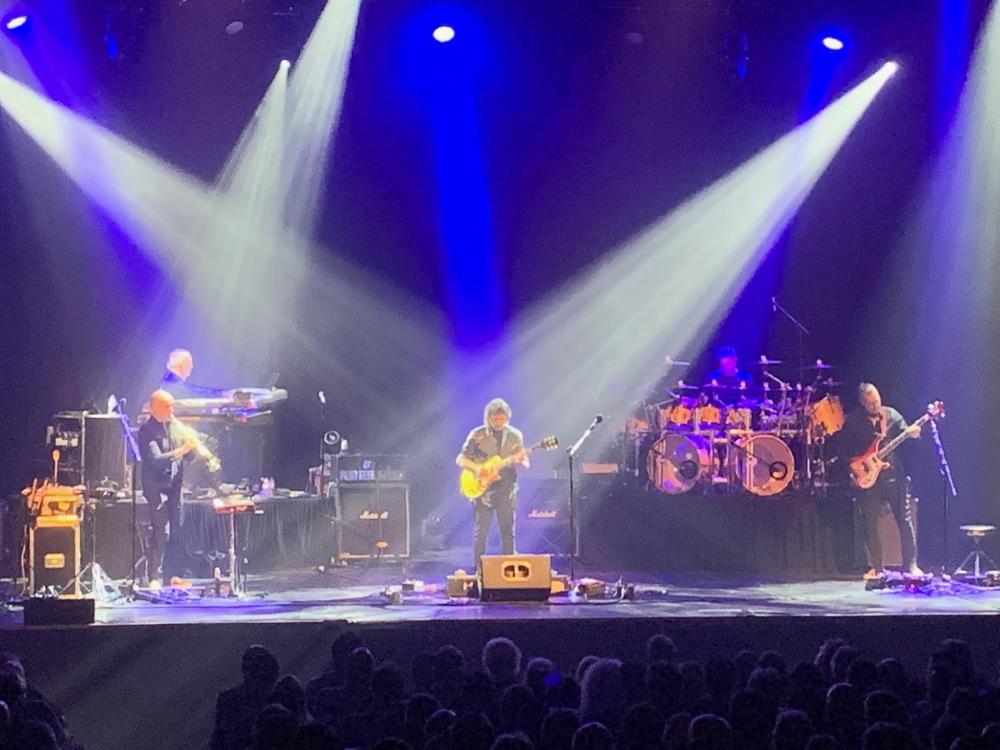
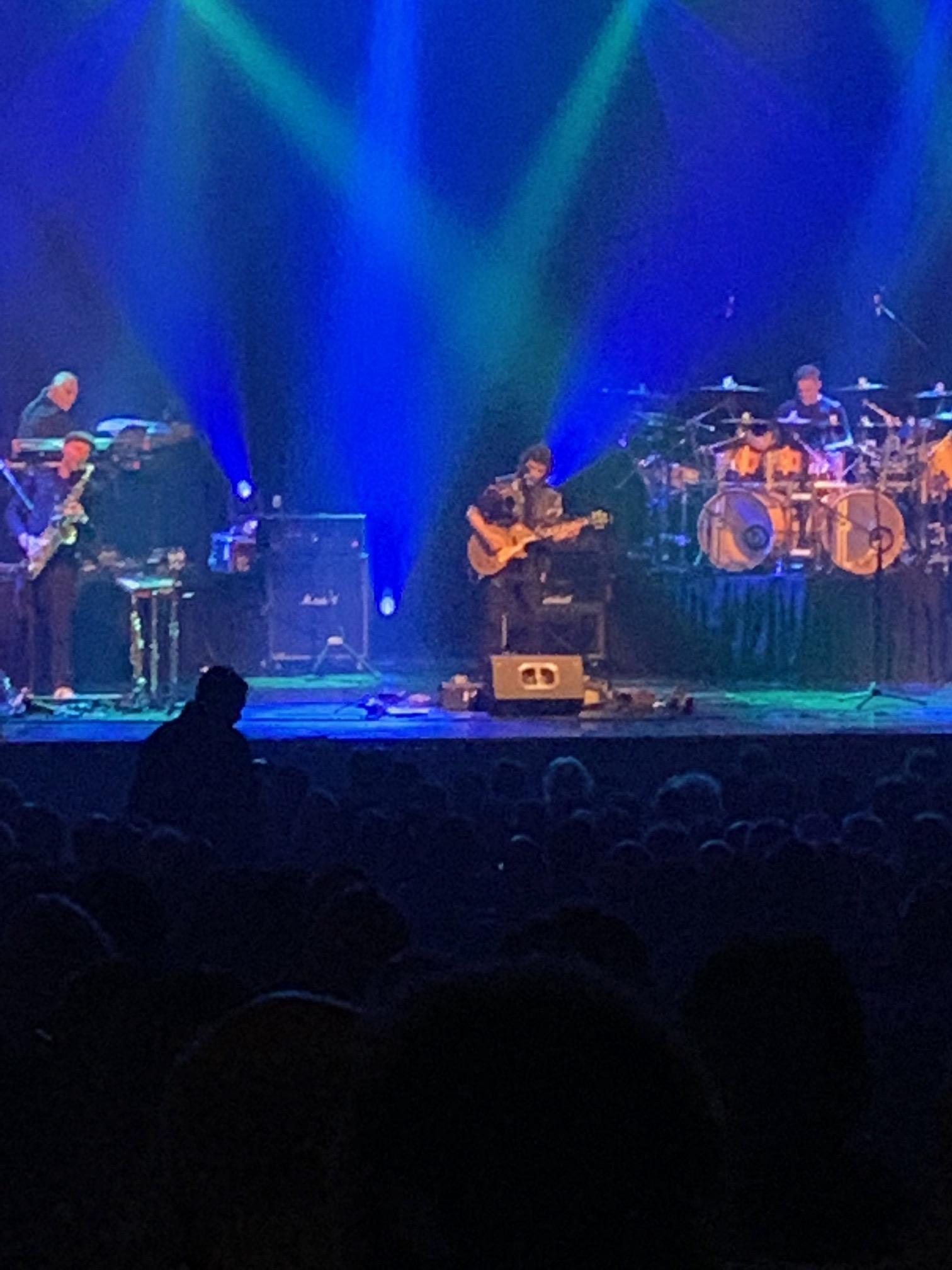
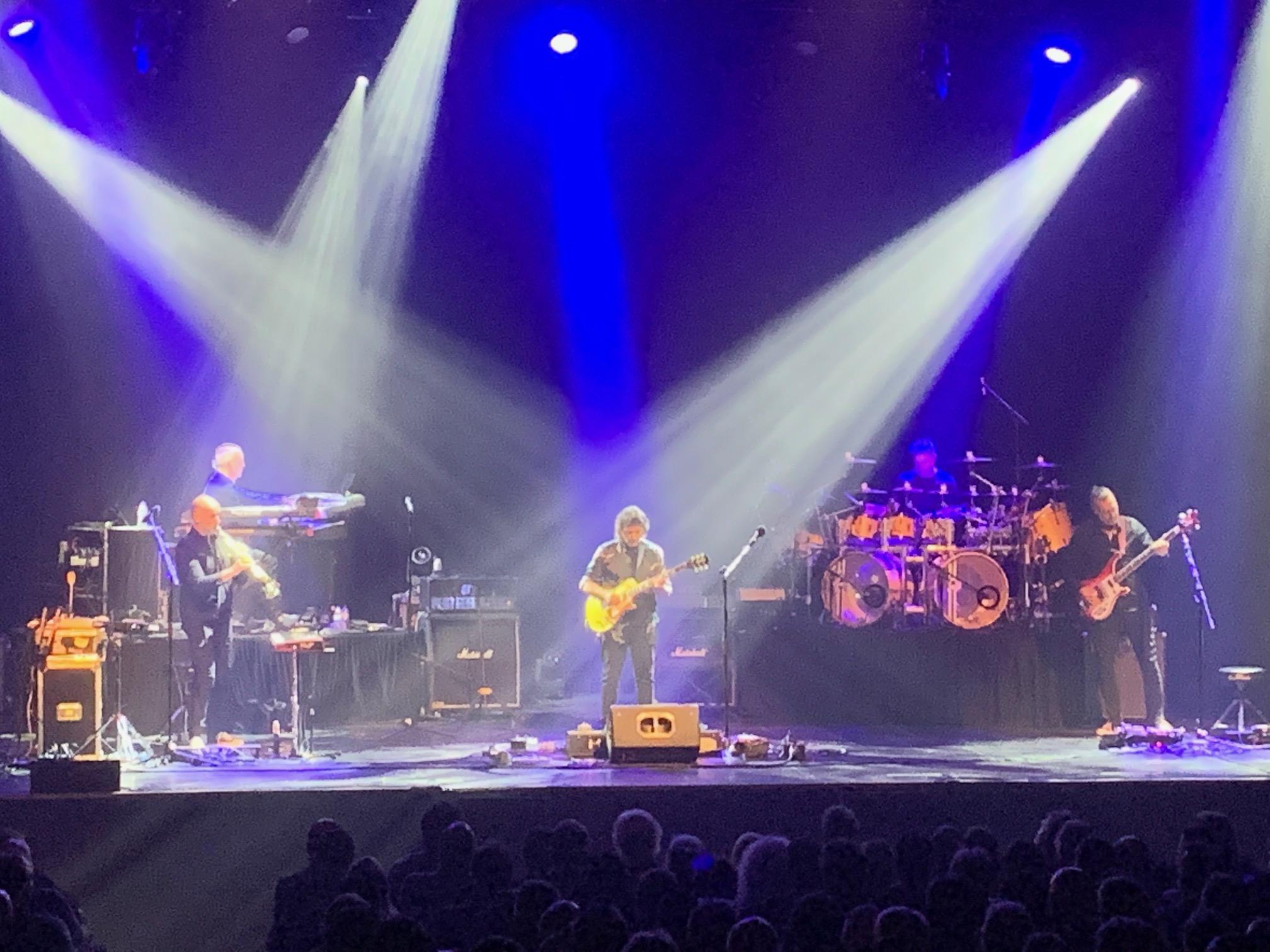
4 pointsSteve Hackett Genesis Revisited tour. Really good show, Selling England by the Pound done in entirety, plus some of his solo work from Spectral Mornings and At the Edge of Light, which I had never heard before, and for the most part really enjoyed. I wasn't feeling very well yesterday/last night, but I wasn't missing this. We were in the last row of the main floor, and I didn't wander down close to the stage. I did walk down the aisle a bit to get out from under the balcony, which improved the sound a bit, but it wasn't bad at all where we were at. Beth enjoyed it as well.
 4 points
 -
3 points1 point1 point1 pointNick Cave and the Bad Seeds: Ghosteen review – In the first album wholly written since the death of his son, Cave reaches an extraordinary, sad and beautiful artistic evolution1 point0 points



Important Information
By using this site, you agree to our Terms of Use.