Leaderboard
-
Voltron
High Rollers13Points34628Posts -
acidbasement
High Rollers9Points2988Posts -
n_maher
Administrators7Points27522Posts -
dsavitsk
High Rollers6Points4972Posts




Popular Content
Showing content with the highest reputation on 03/13/23 in Posts
-
3 points
-
3 points
-
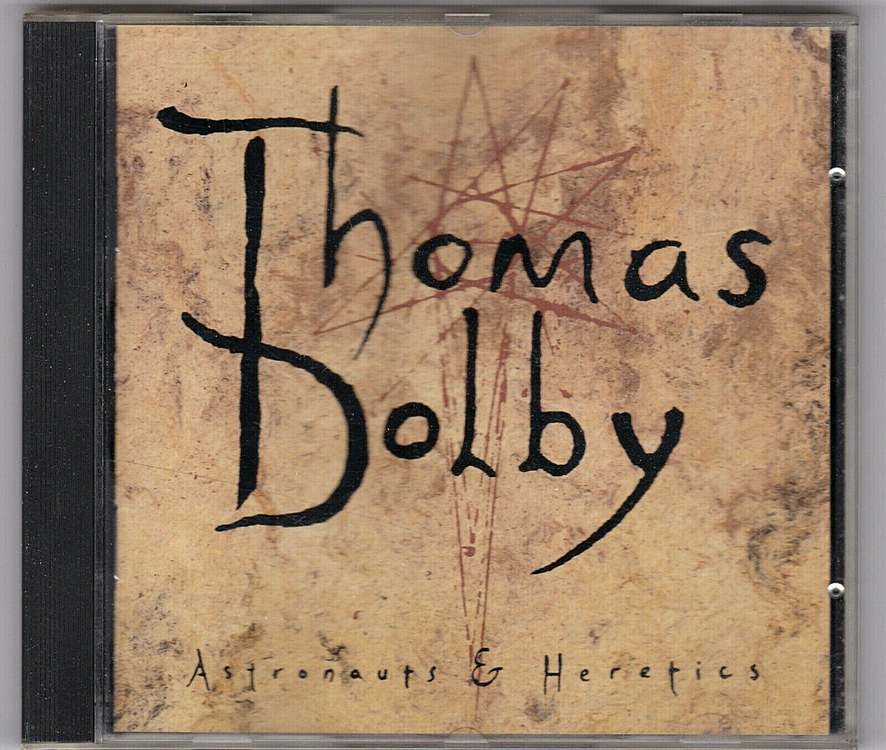
I guess this was before cultural appropriation was a thing?
 2 points
 -
1 point
-
1 point
-
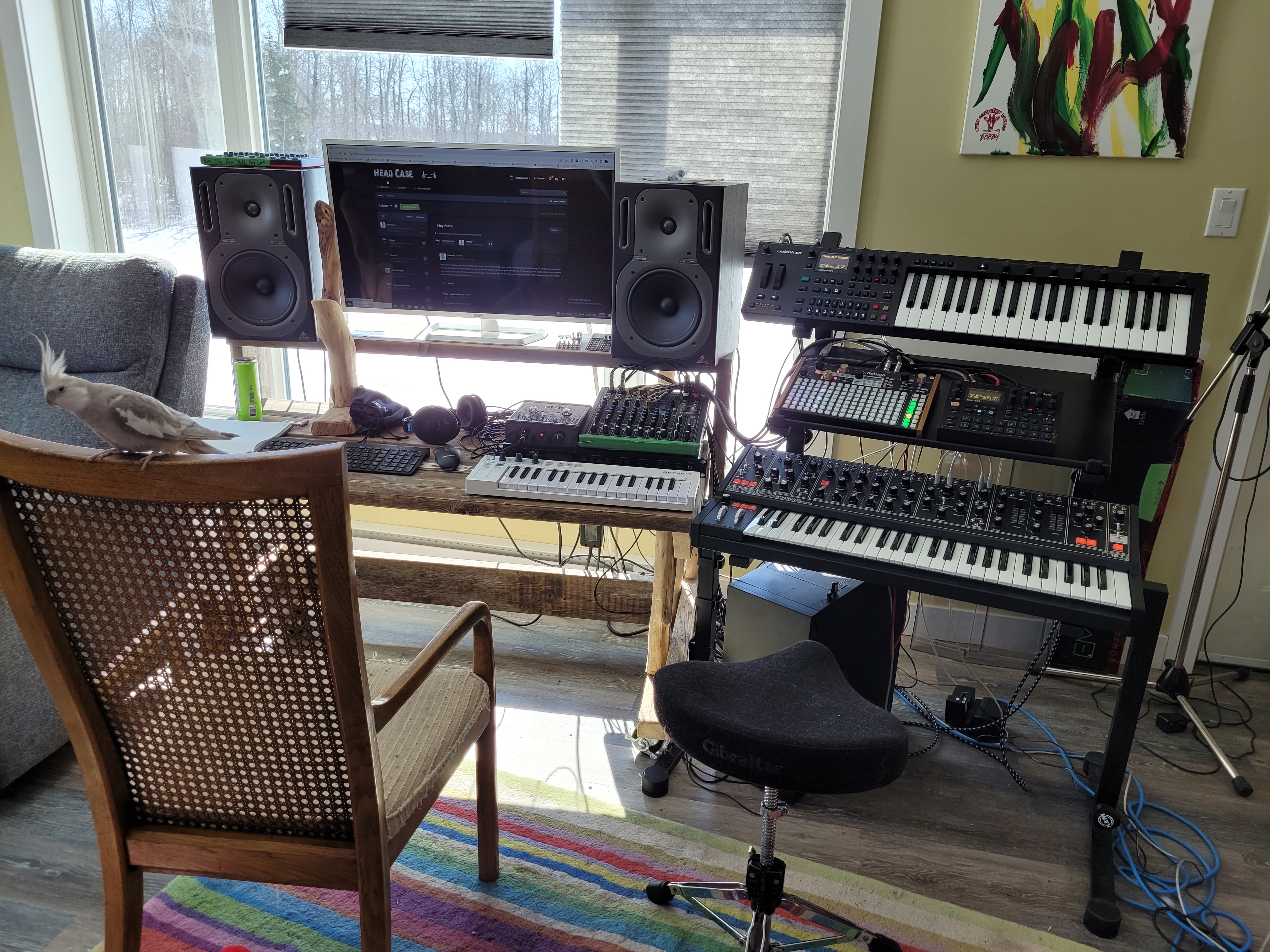
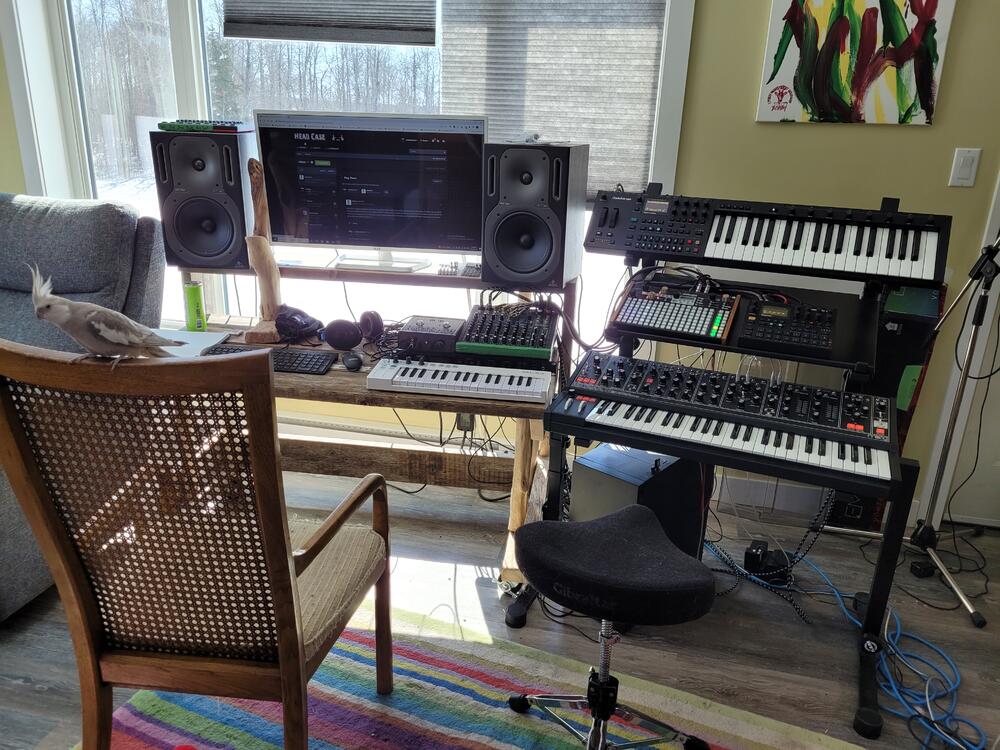
1 pointThis is what my living room looks like when Eleanor leaves home for 9 weeks to work. I got the K&M Omega 3-tier keyboard stand and it has improved my quality of life a lot. It's rock solid, very adjustable, and it stops me from buying more synths because I can't fit anything else on it. 😂 There's not much that a person can't do with this combination of synths and samplers. The Matriarch is a beast and I love it. I was able to get it last year after my cover band had a string of lucrative gigs.
 1 point
 -
The dual boiler has failed, so I guess I’ll be testing out Breville repair. I think they will just give me a factory refurb for $400, but packing this thing up is certainly a pain in the ass.0 points