

Leaderboard
-
morphsci
High Rollers13Points13355Posts -
Voltron
High Rollers6Points34628Posts -
Dusty Chalk
Moderators4Points49206Posts -
Grahame
High Rollers4Points16860Posts




Popular Content
Showing content with the highest reputation on 02/24/24 in Posts
-
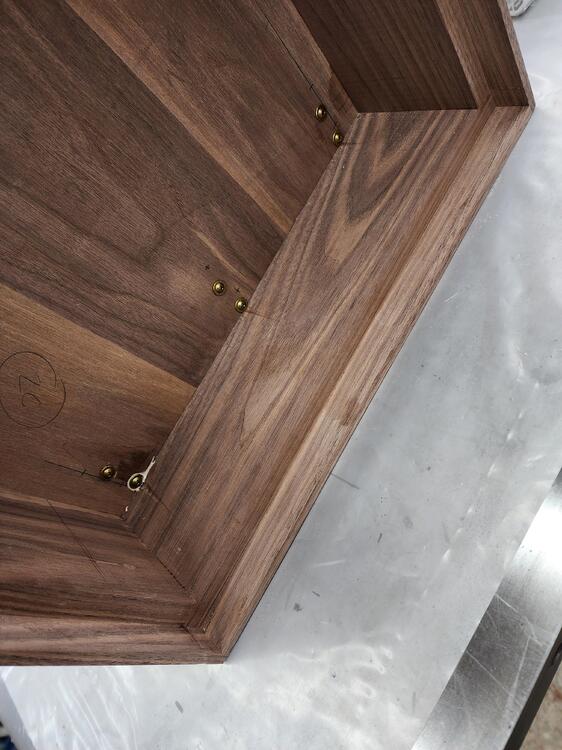
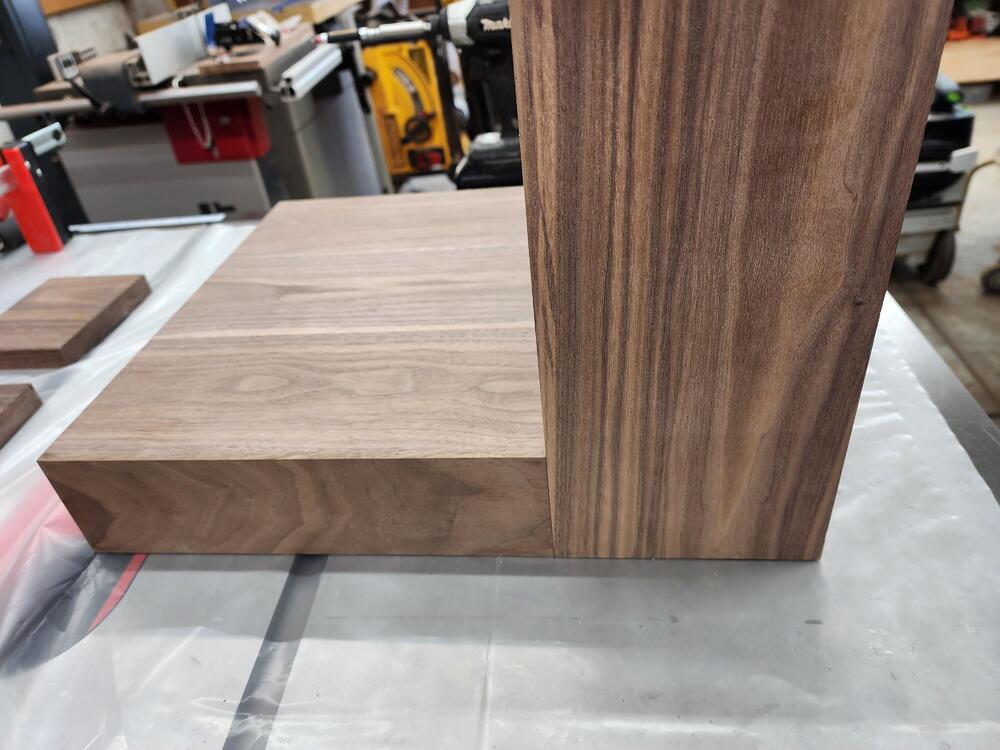
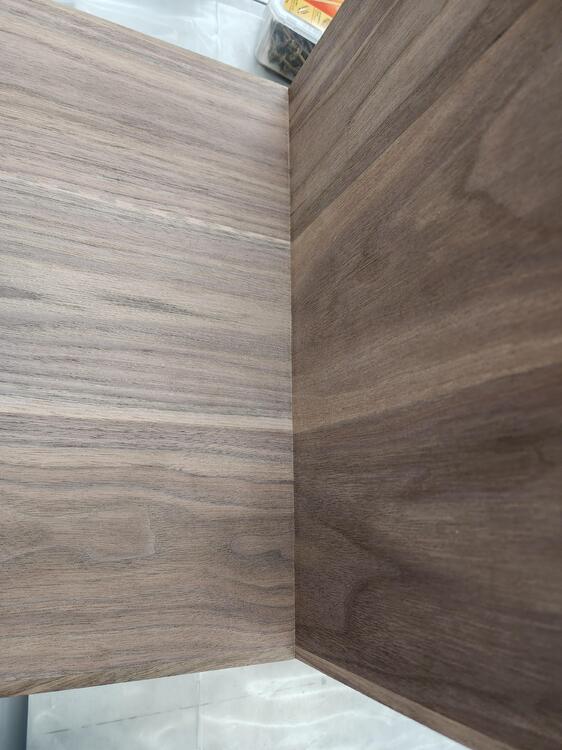
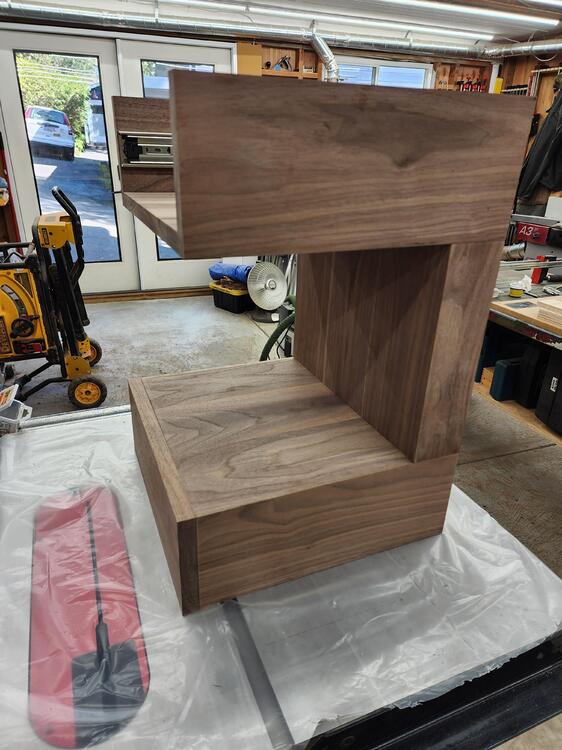
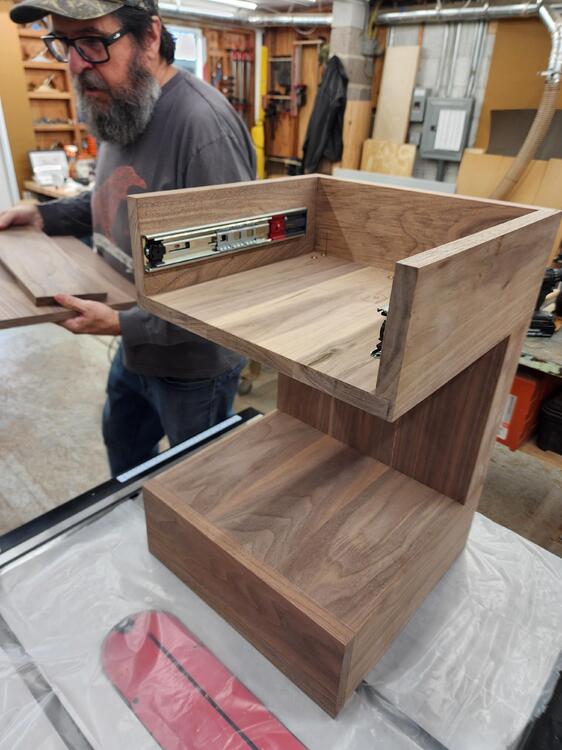
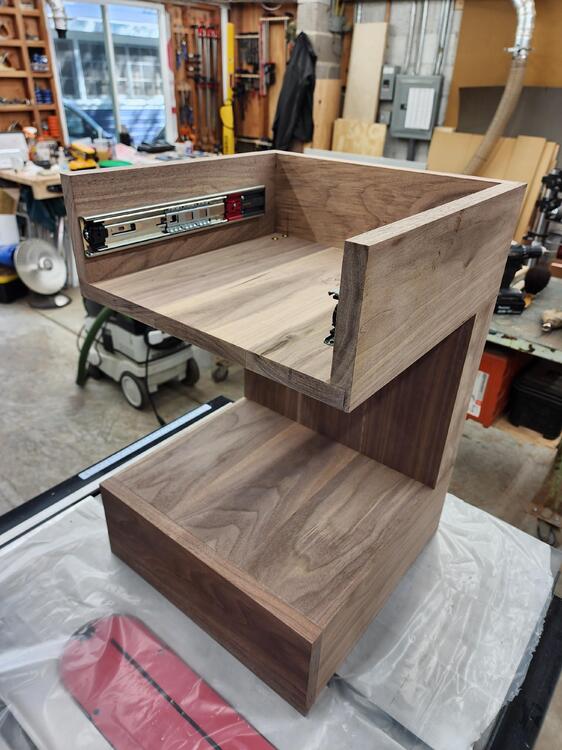
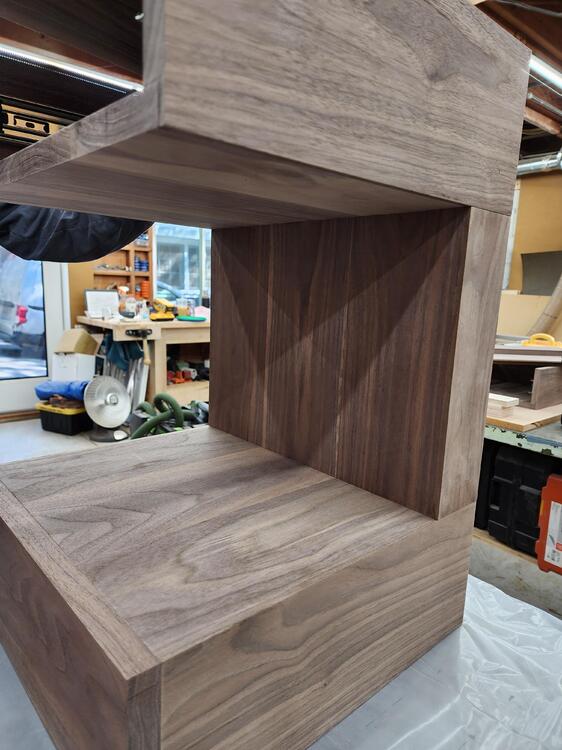
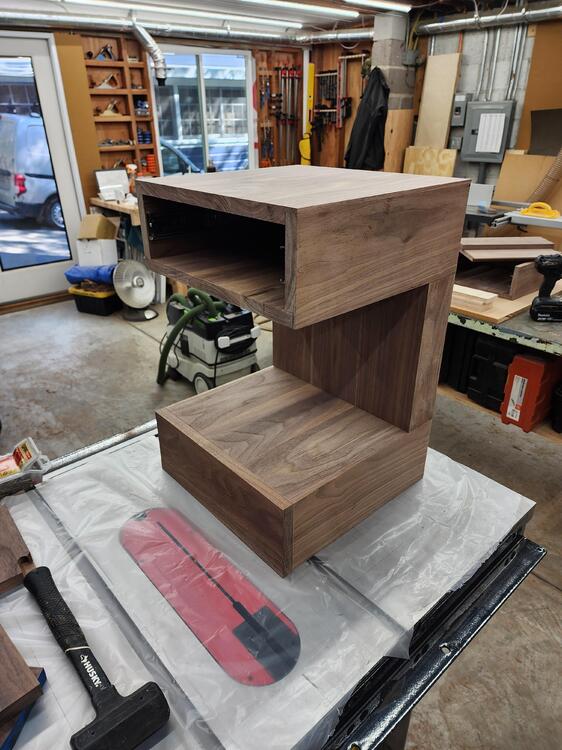
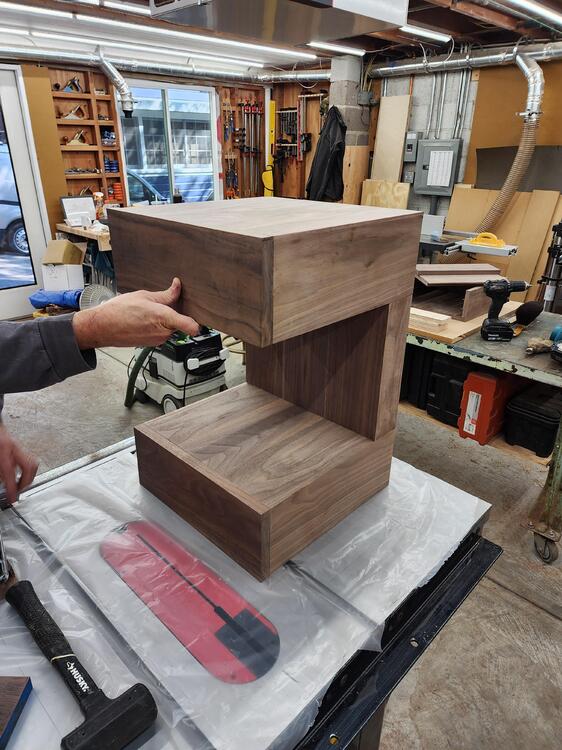
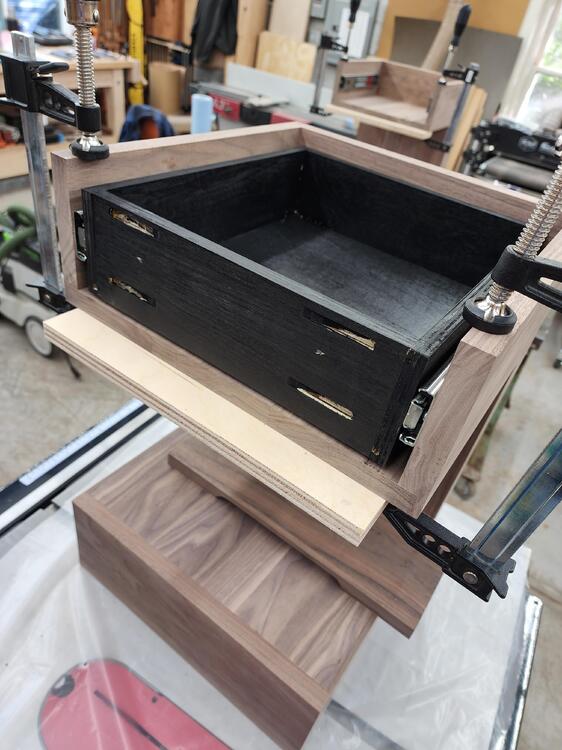
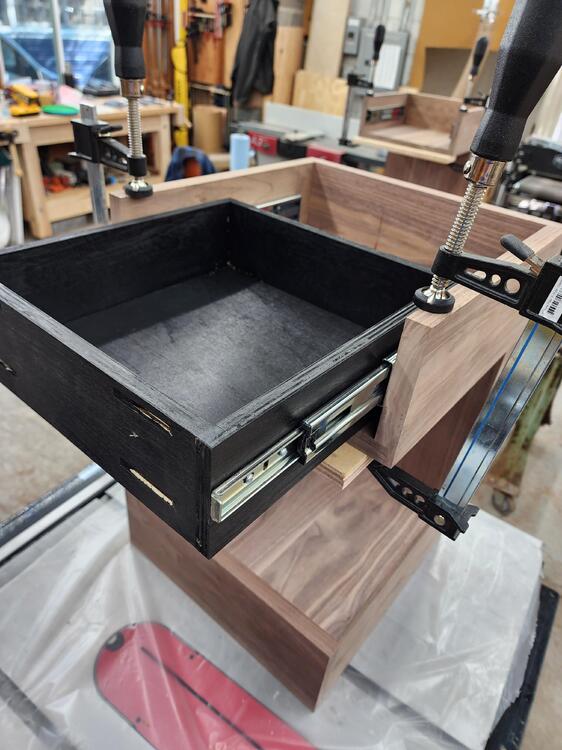
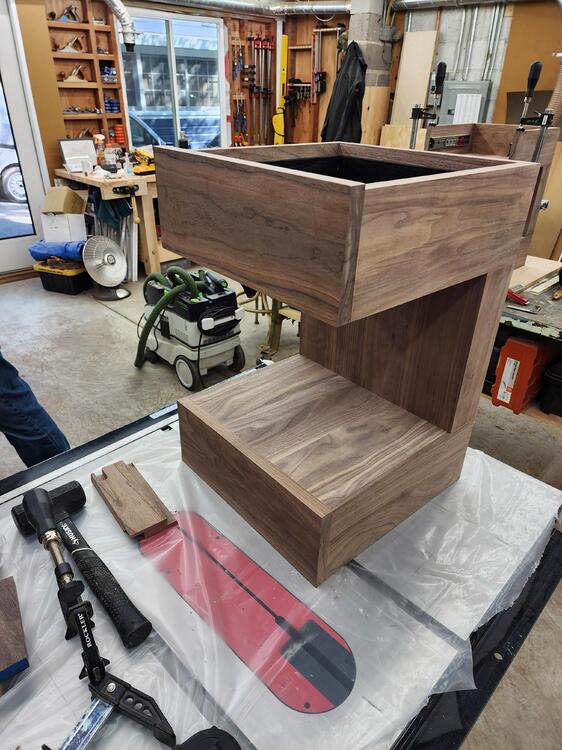
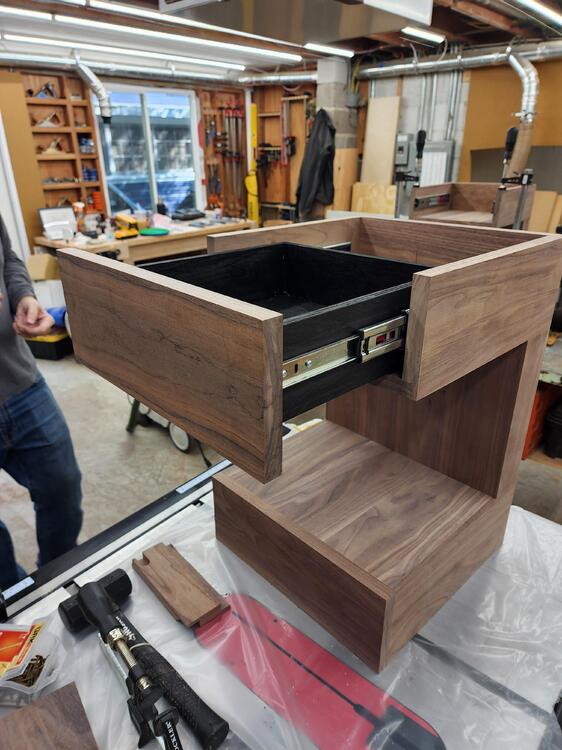
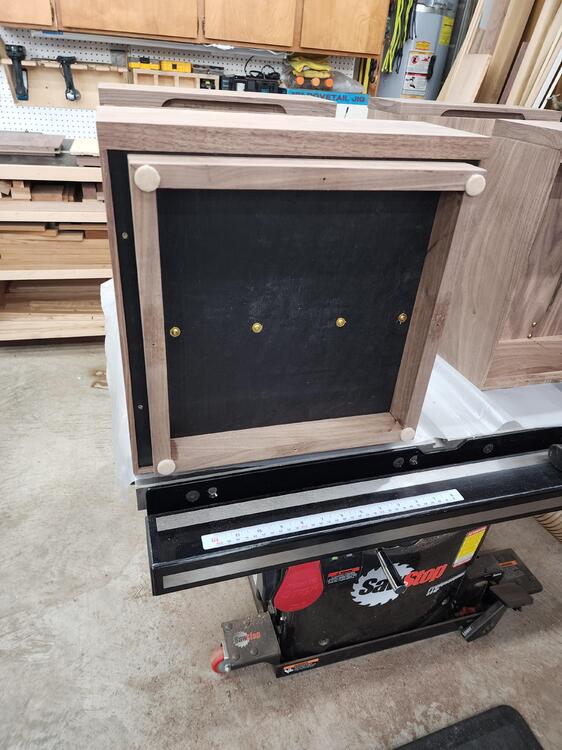
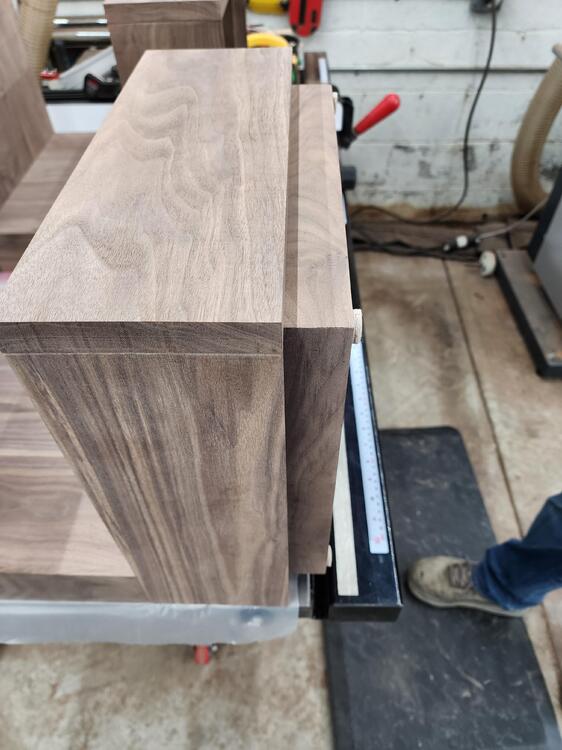
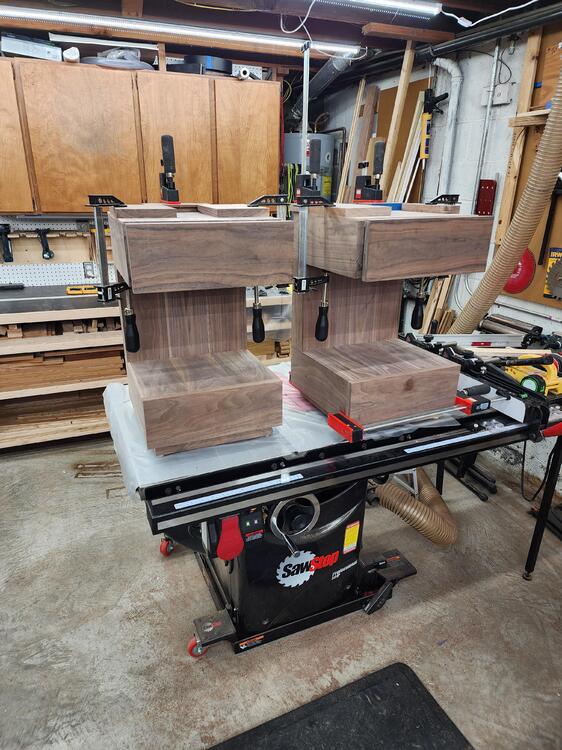
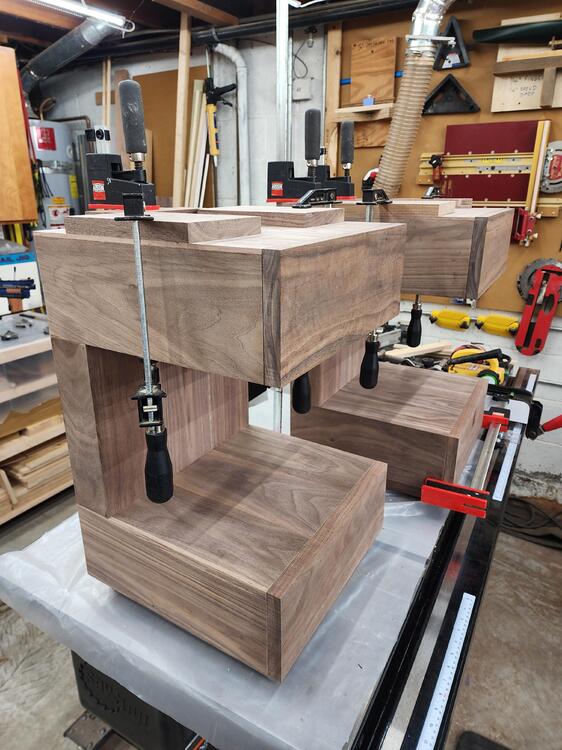
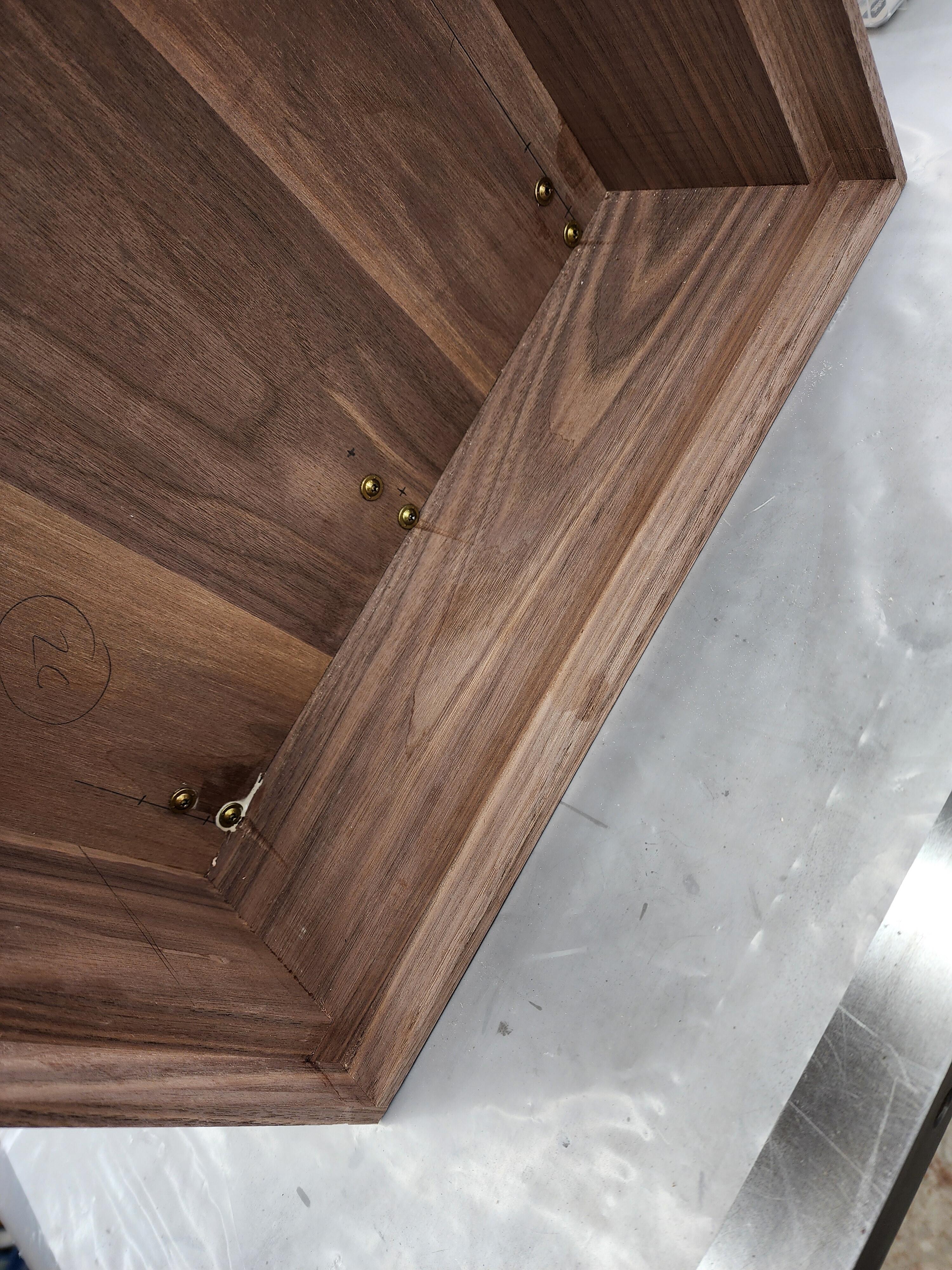
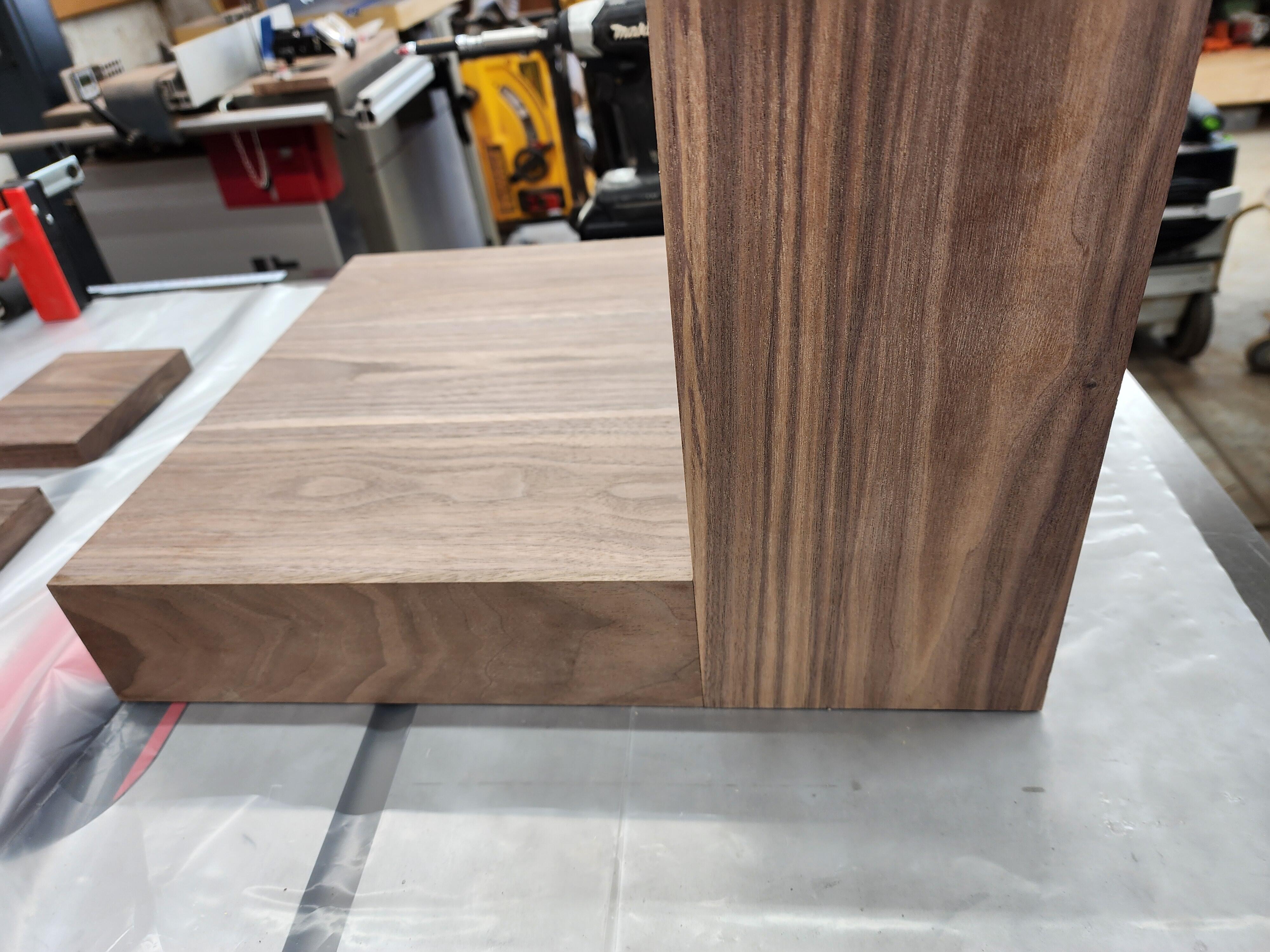
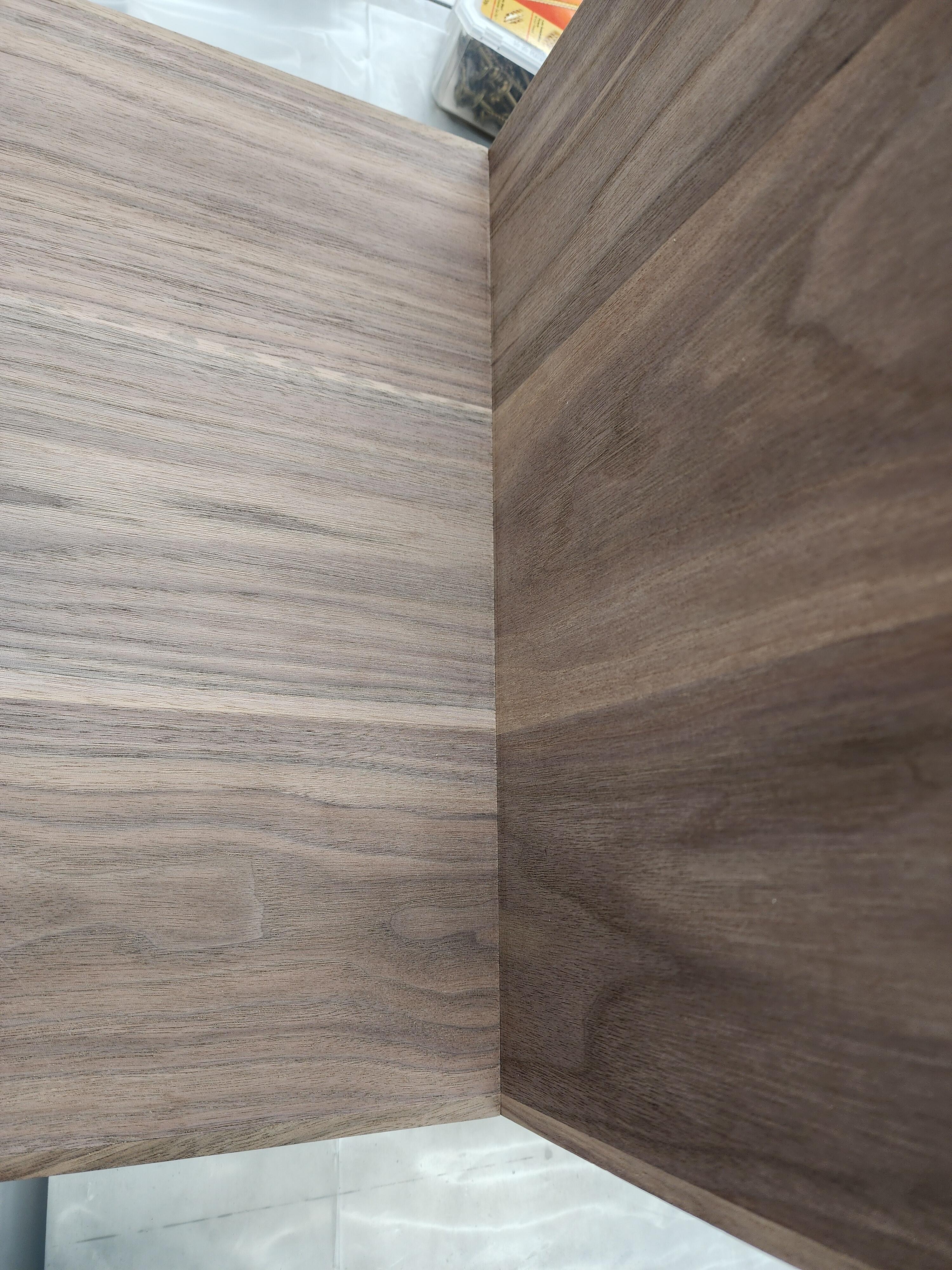
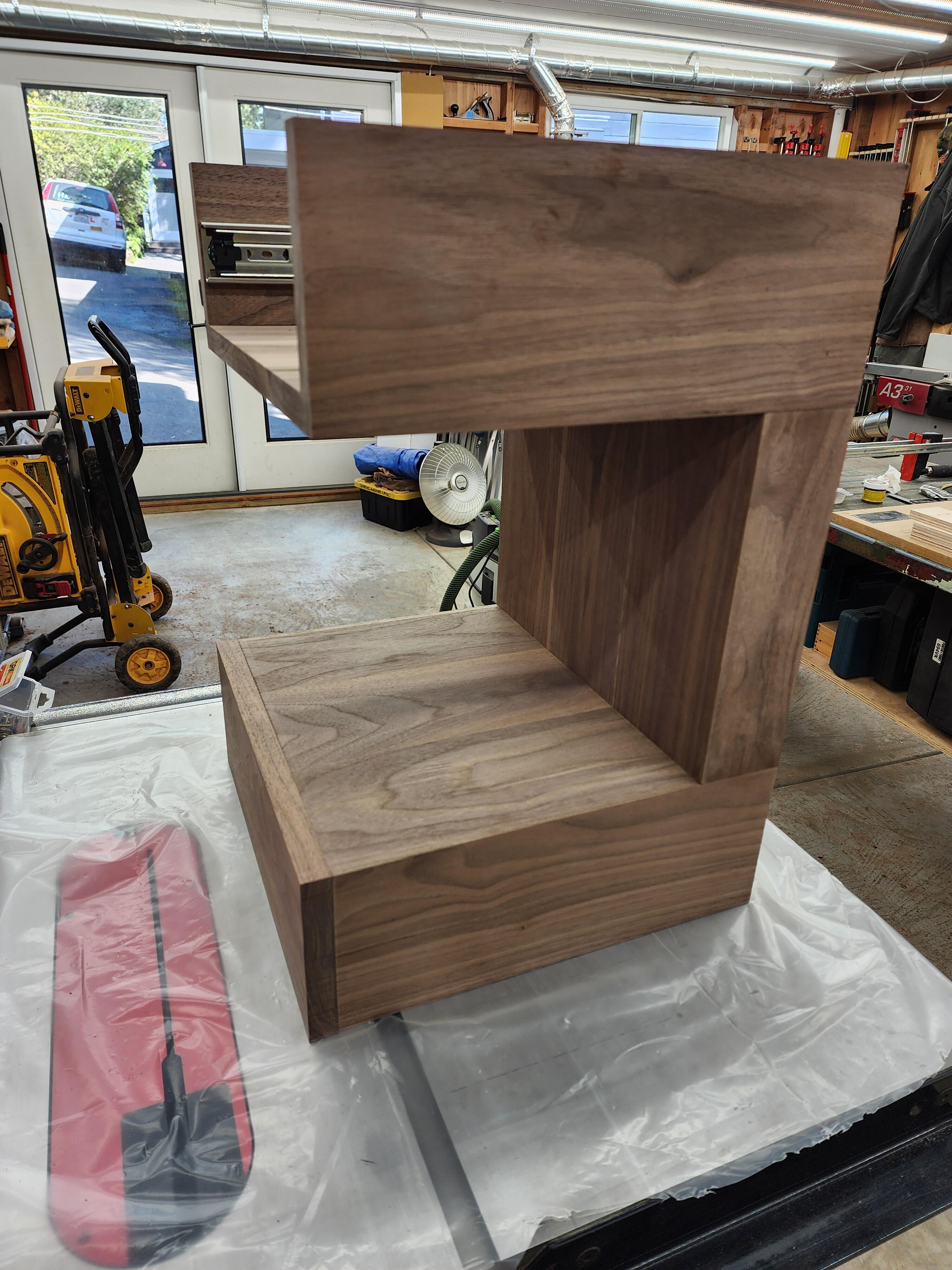
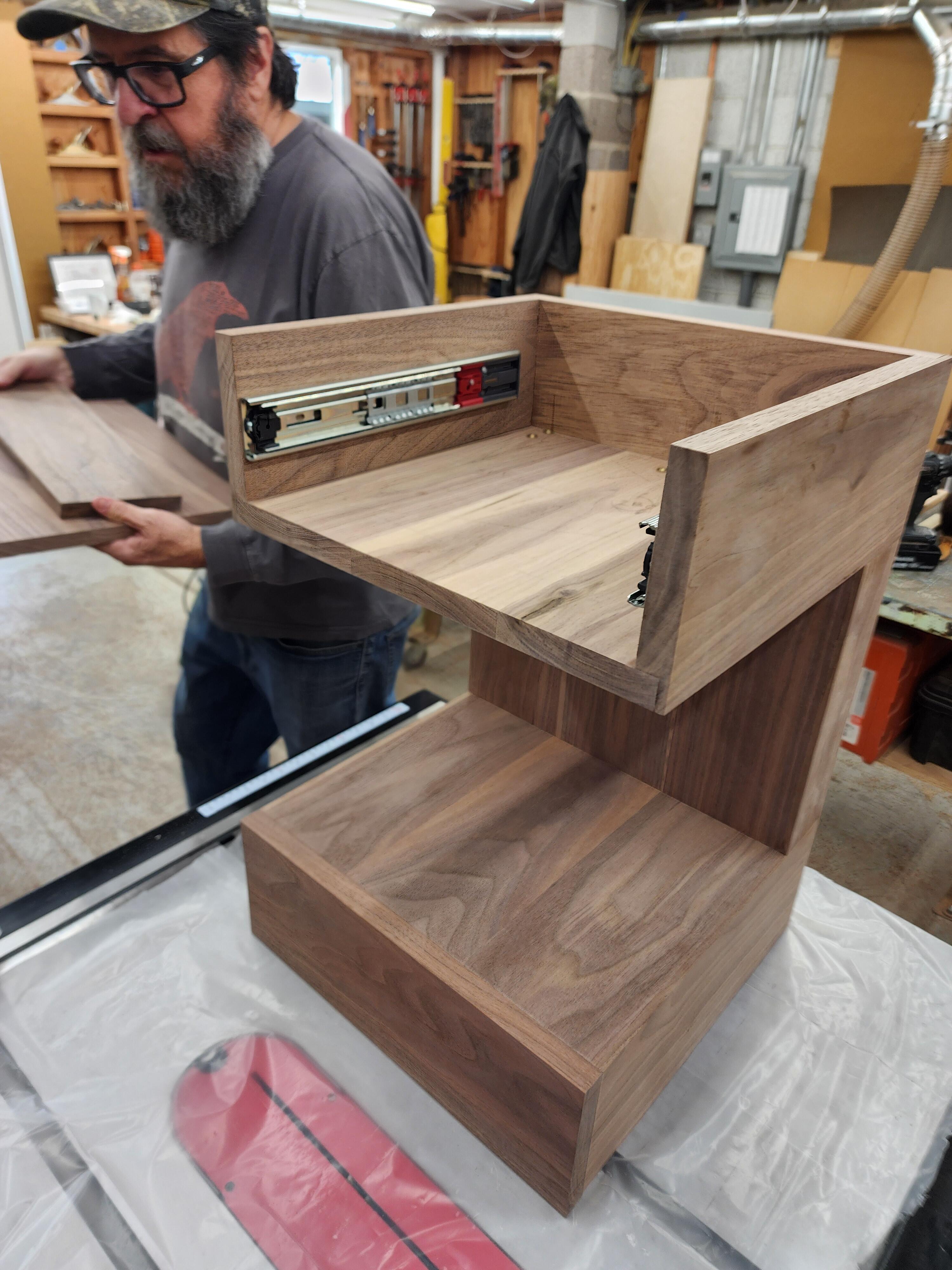
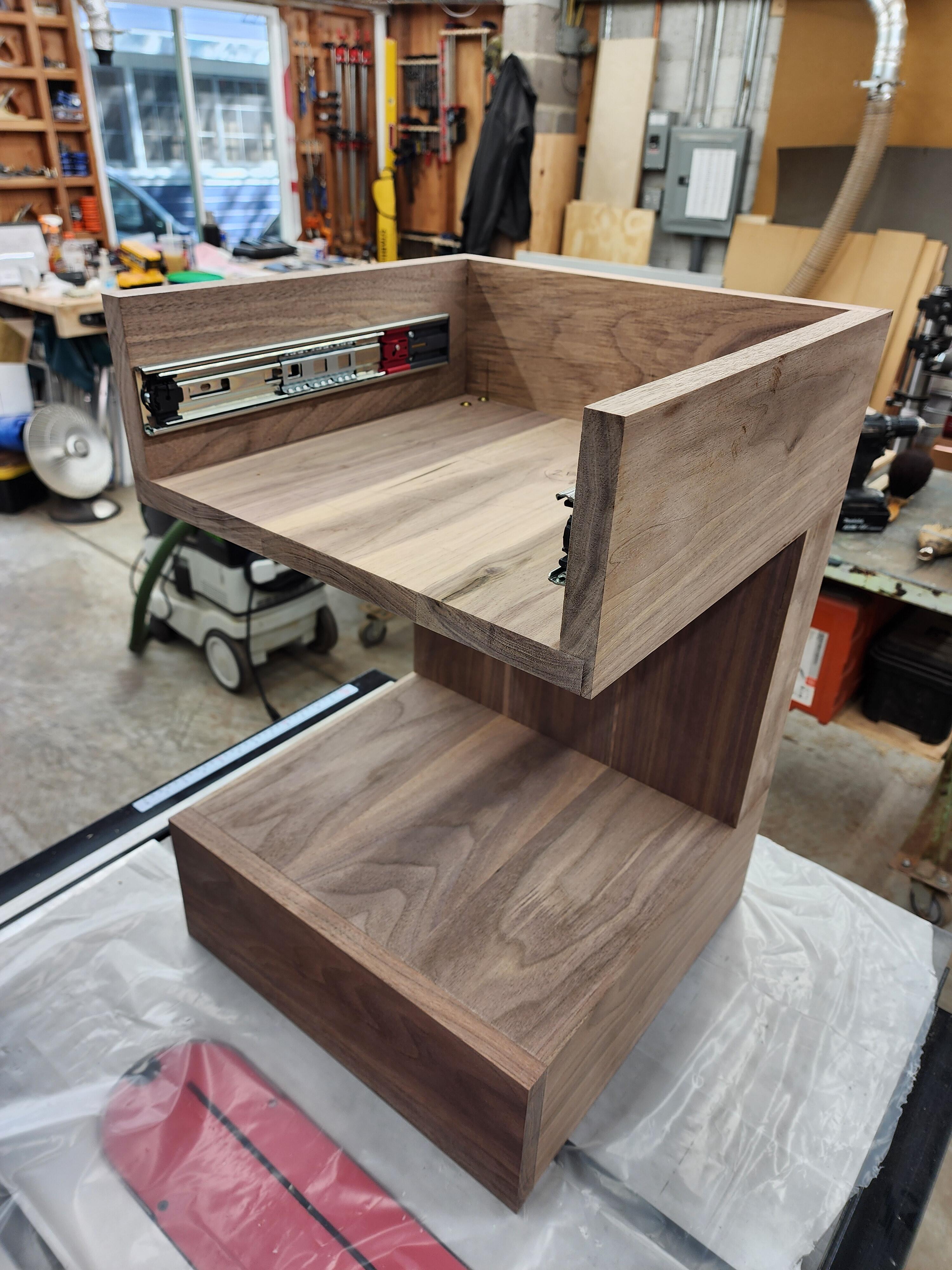
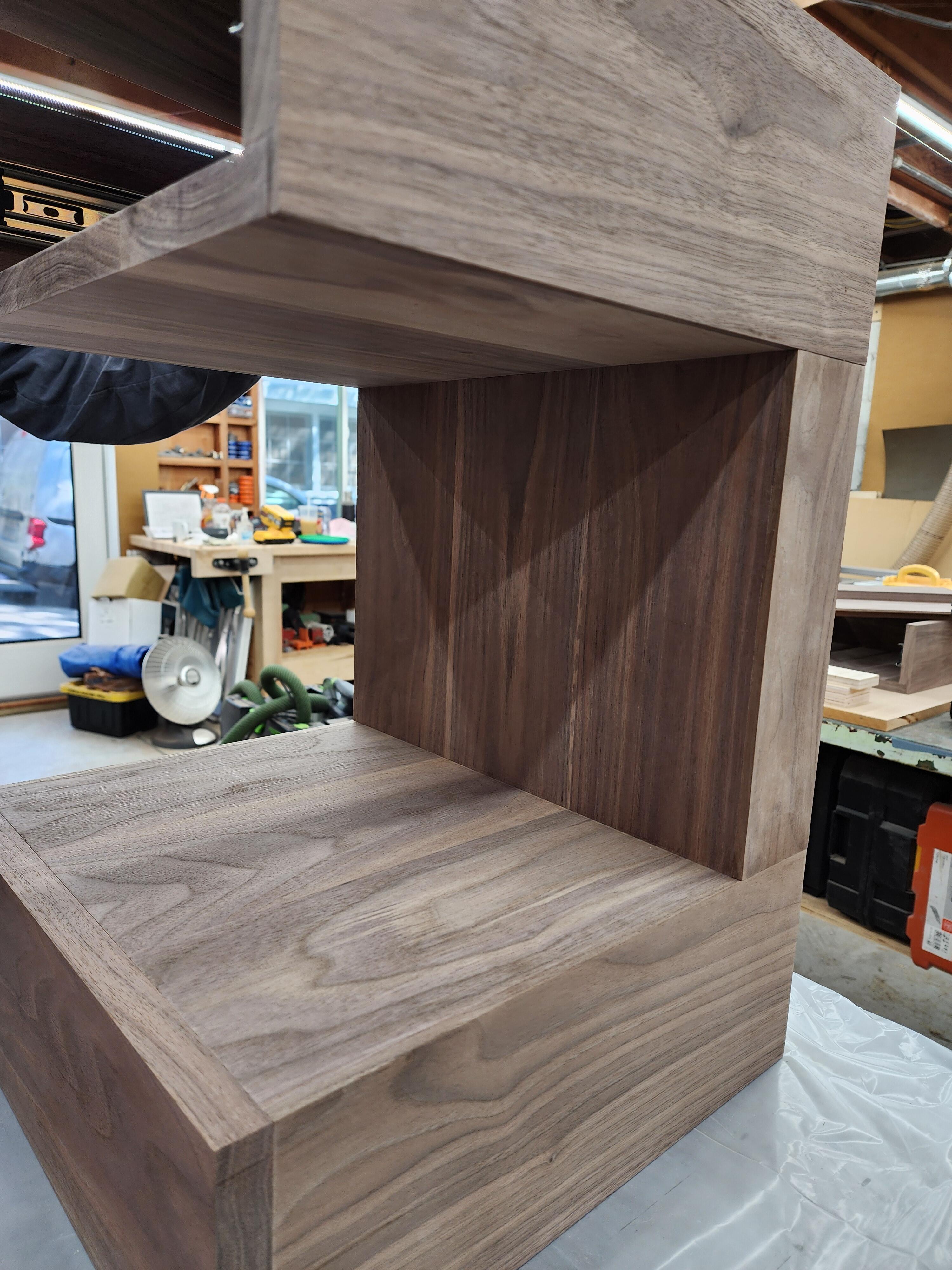
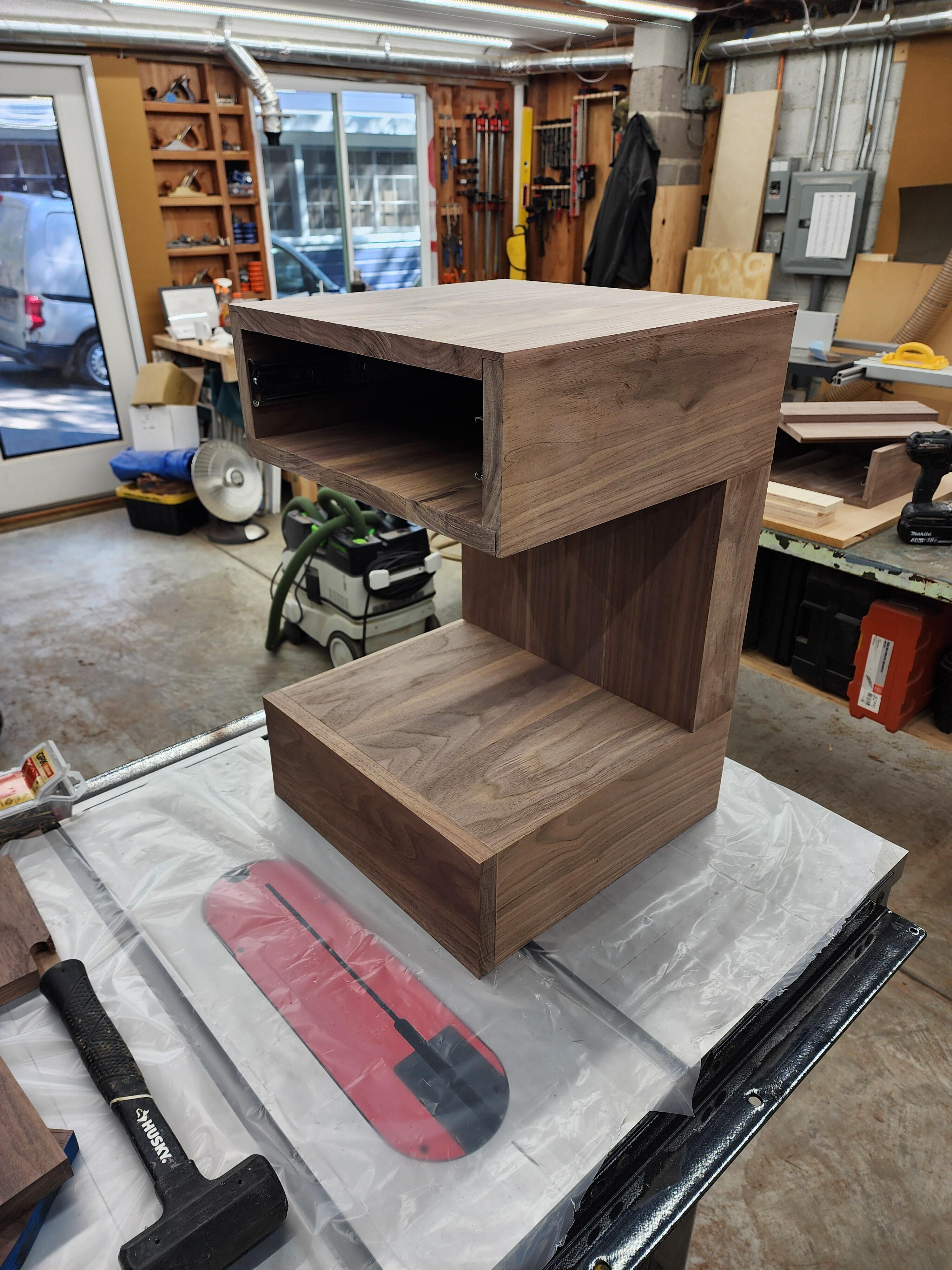
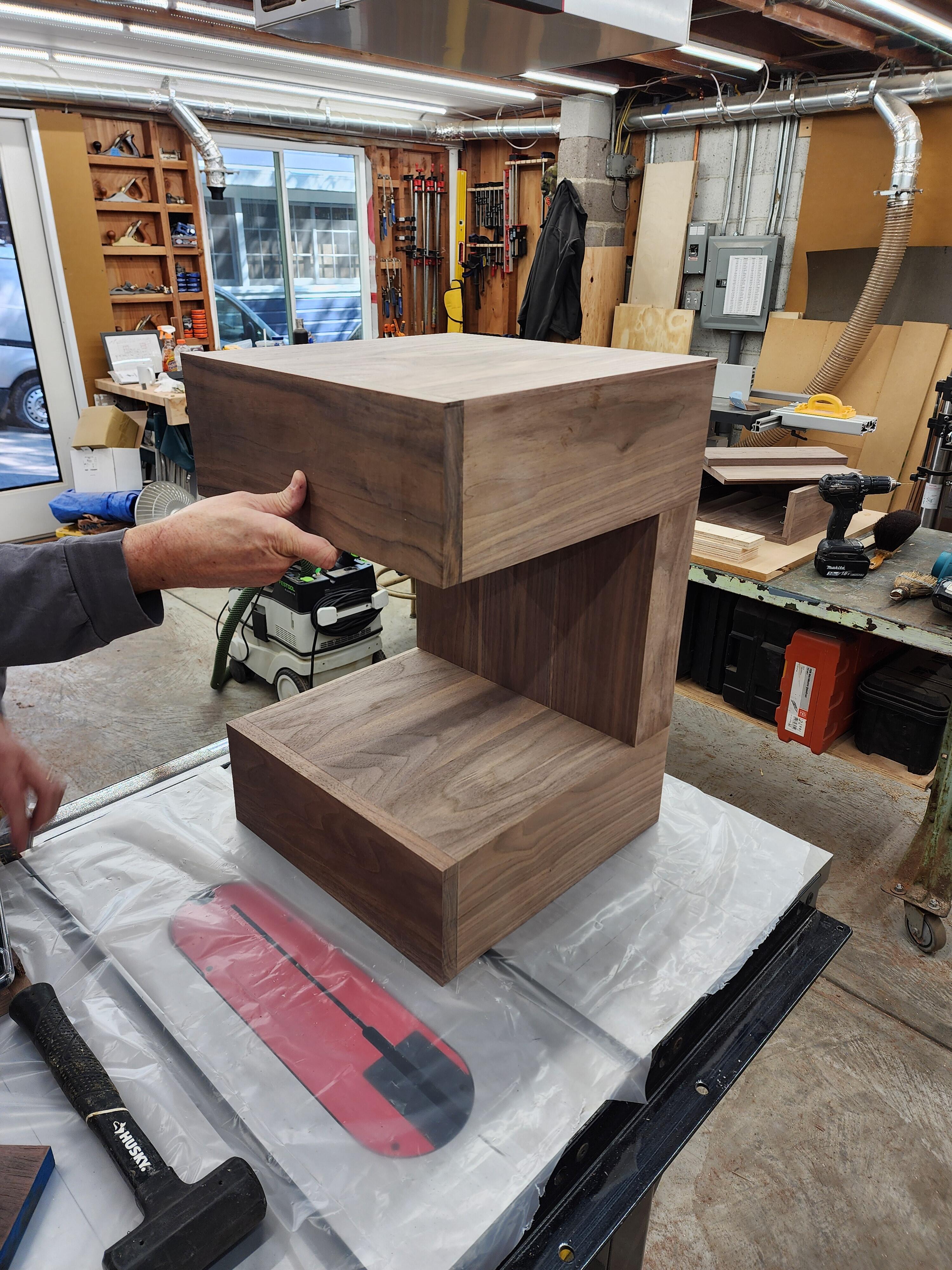
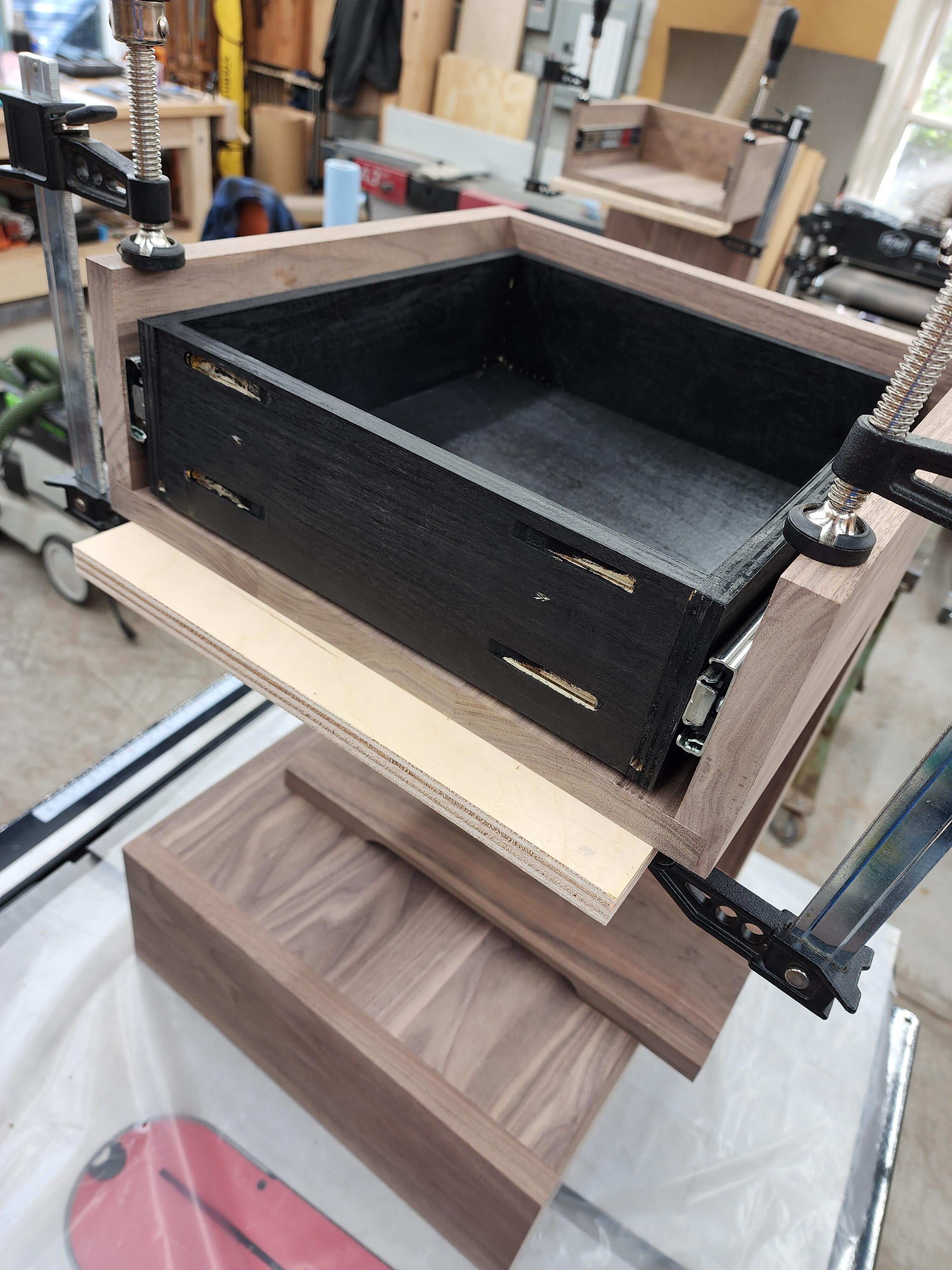
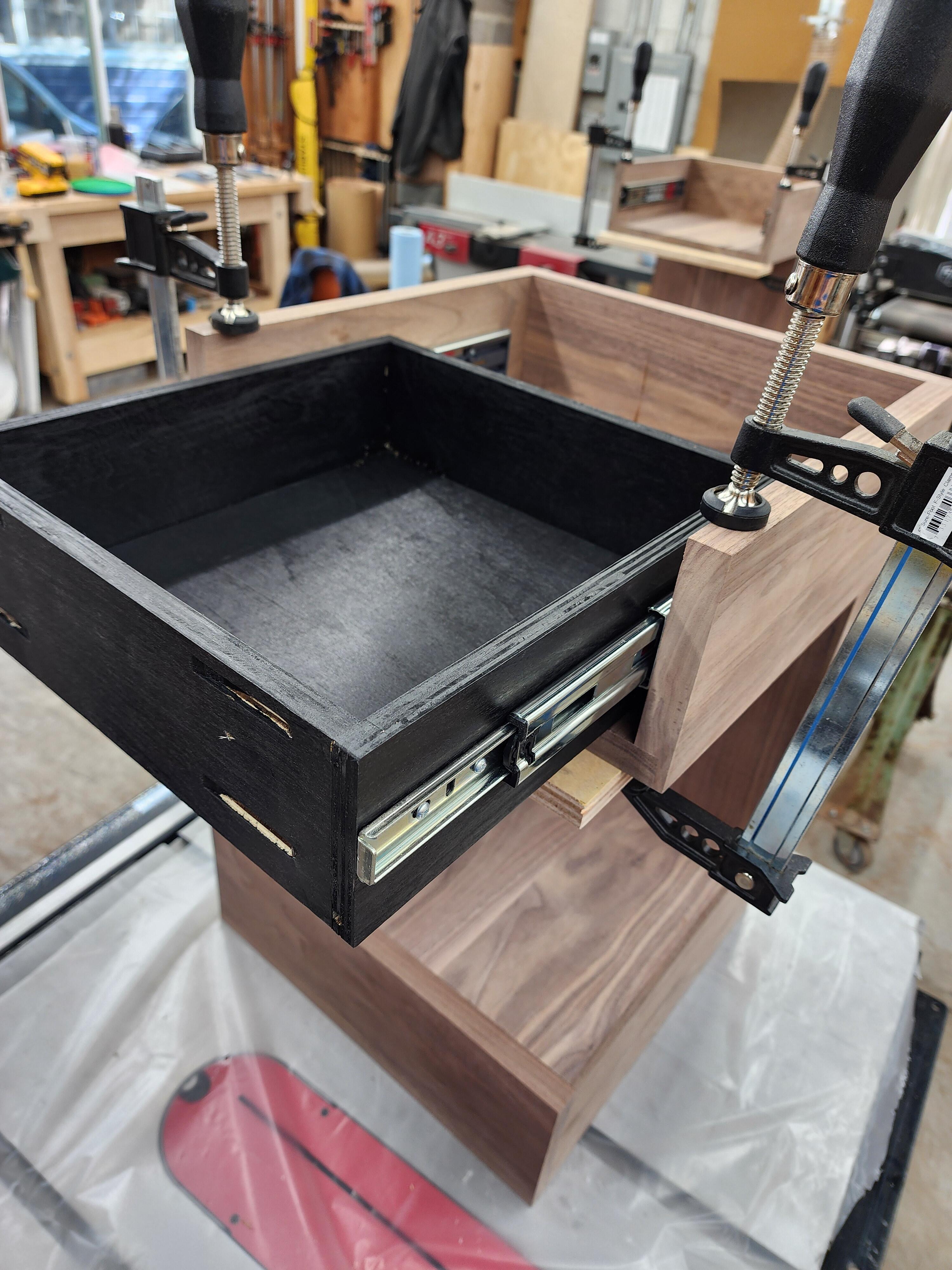
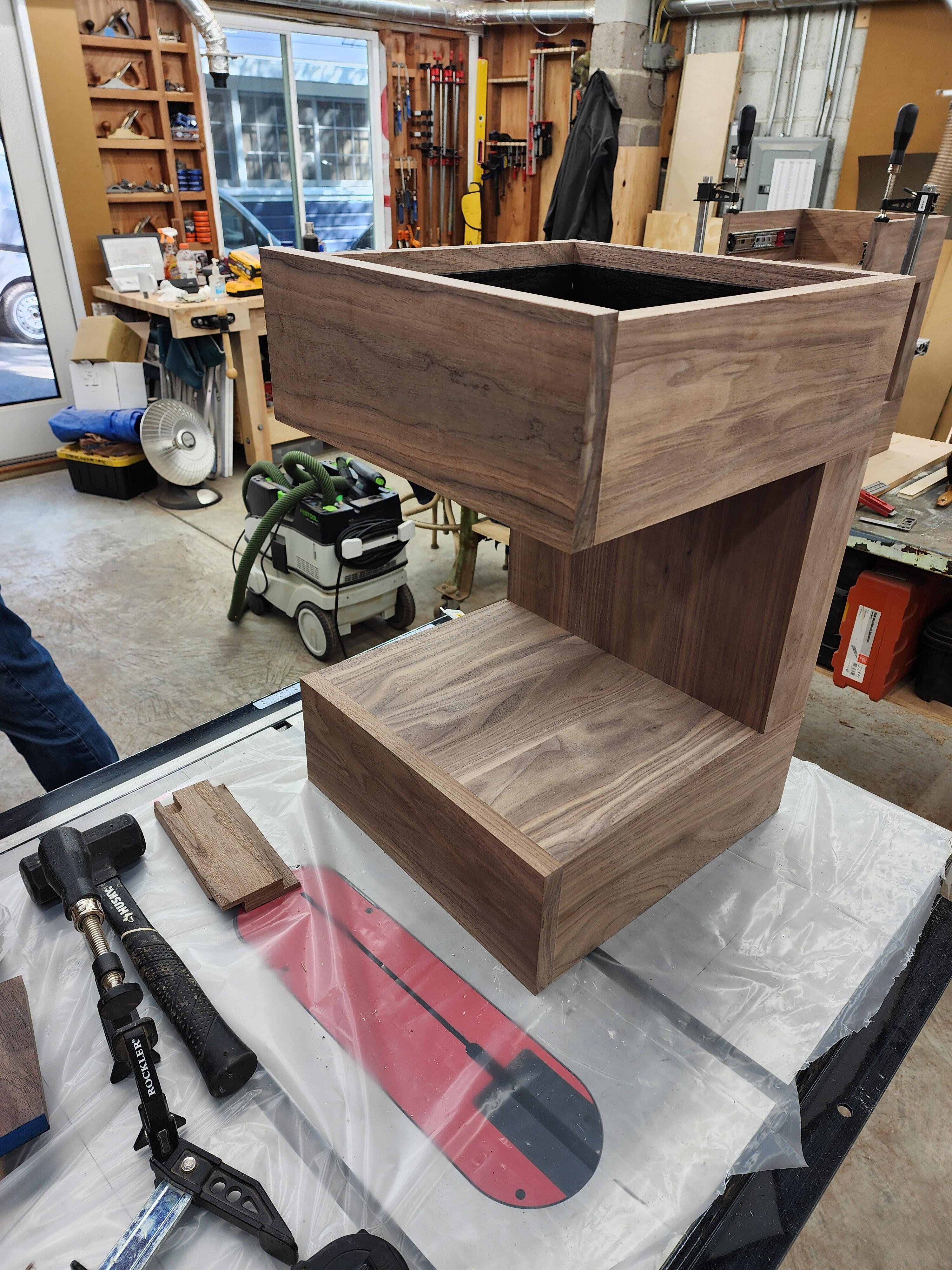
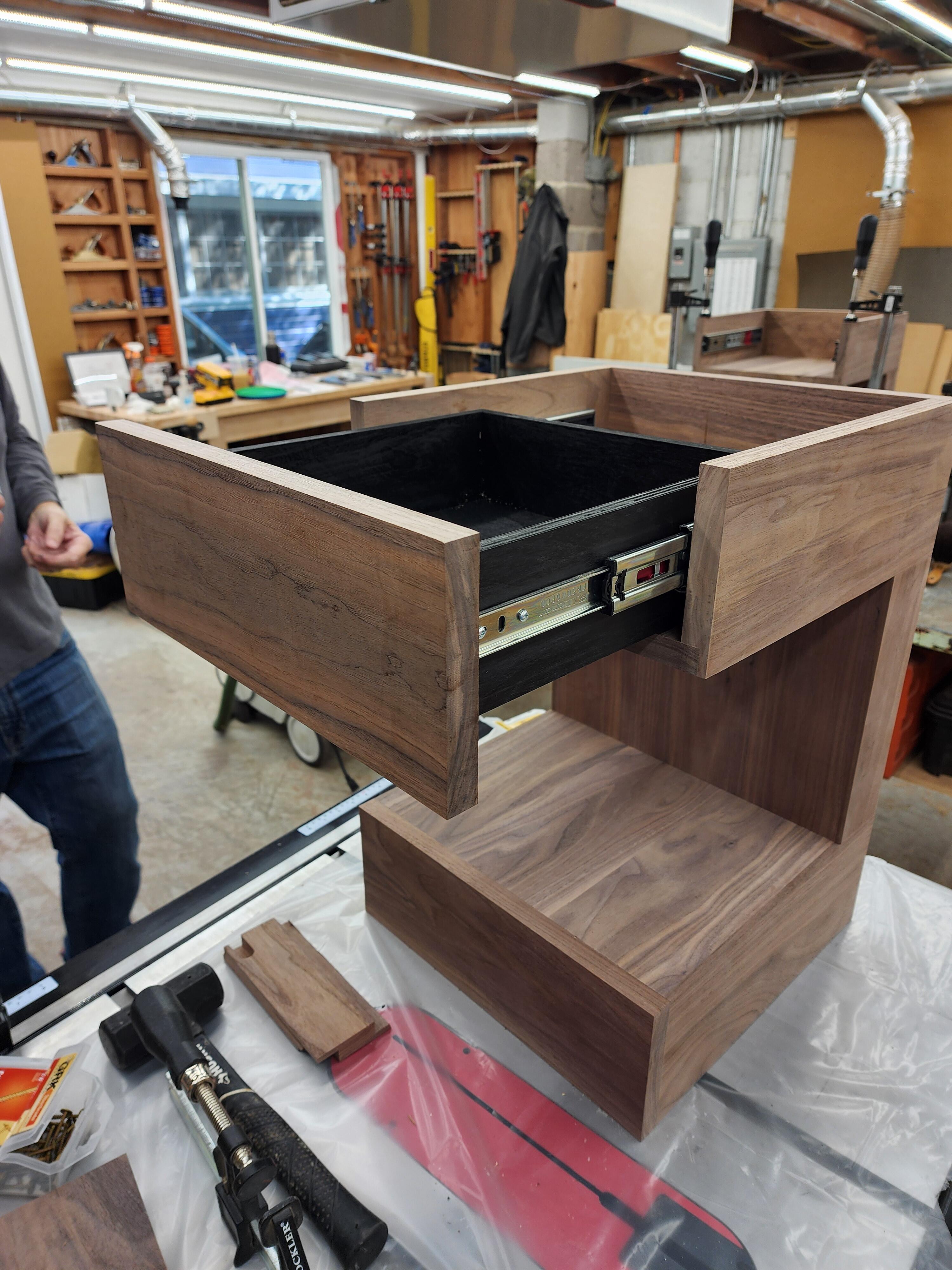
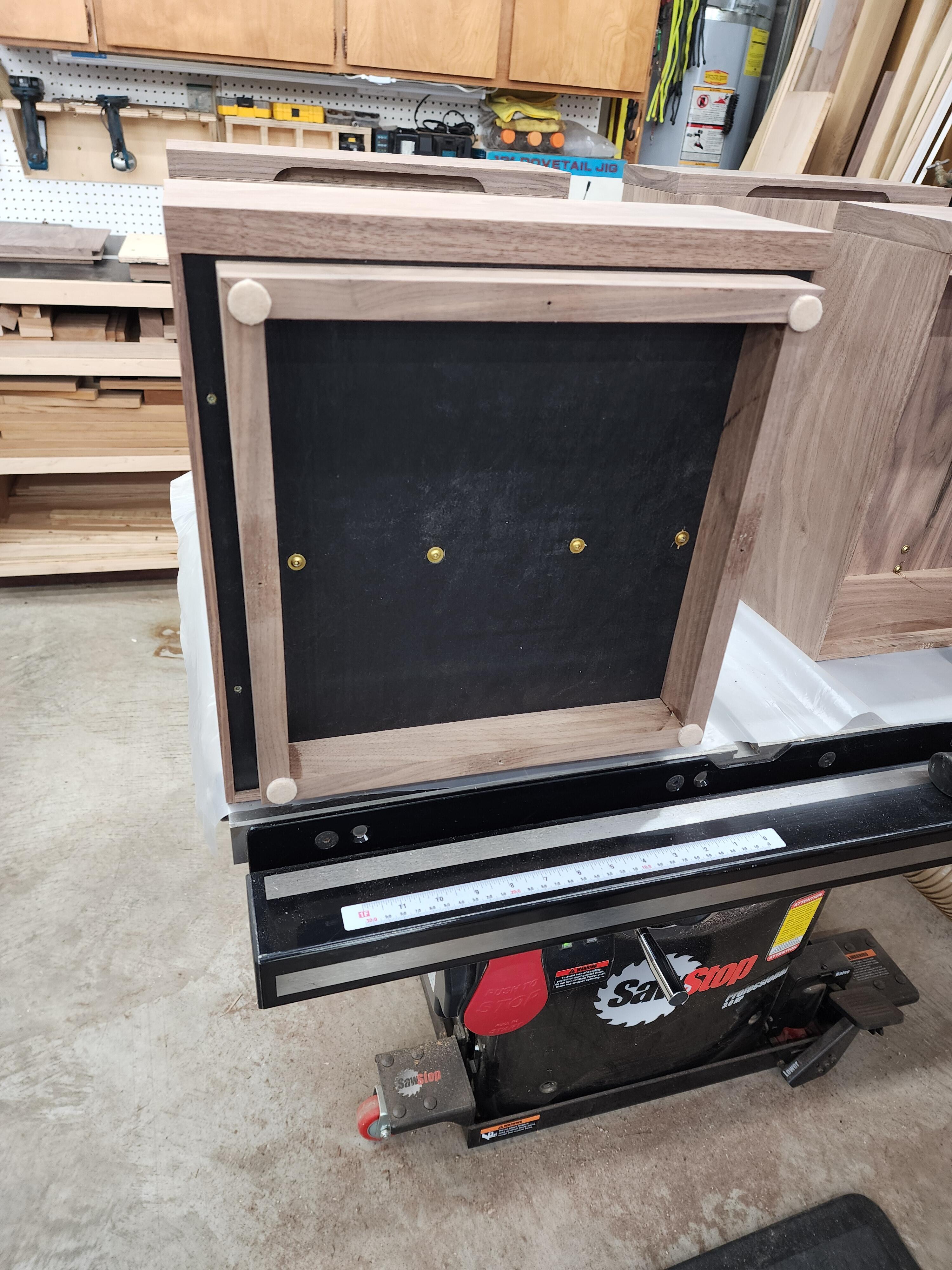
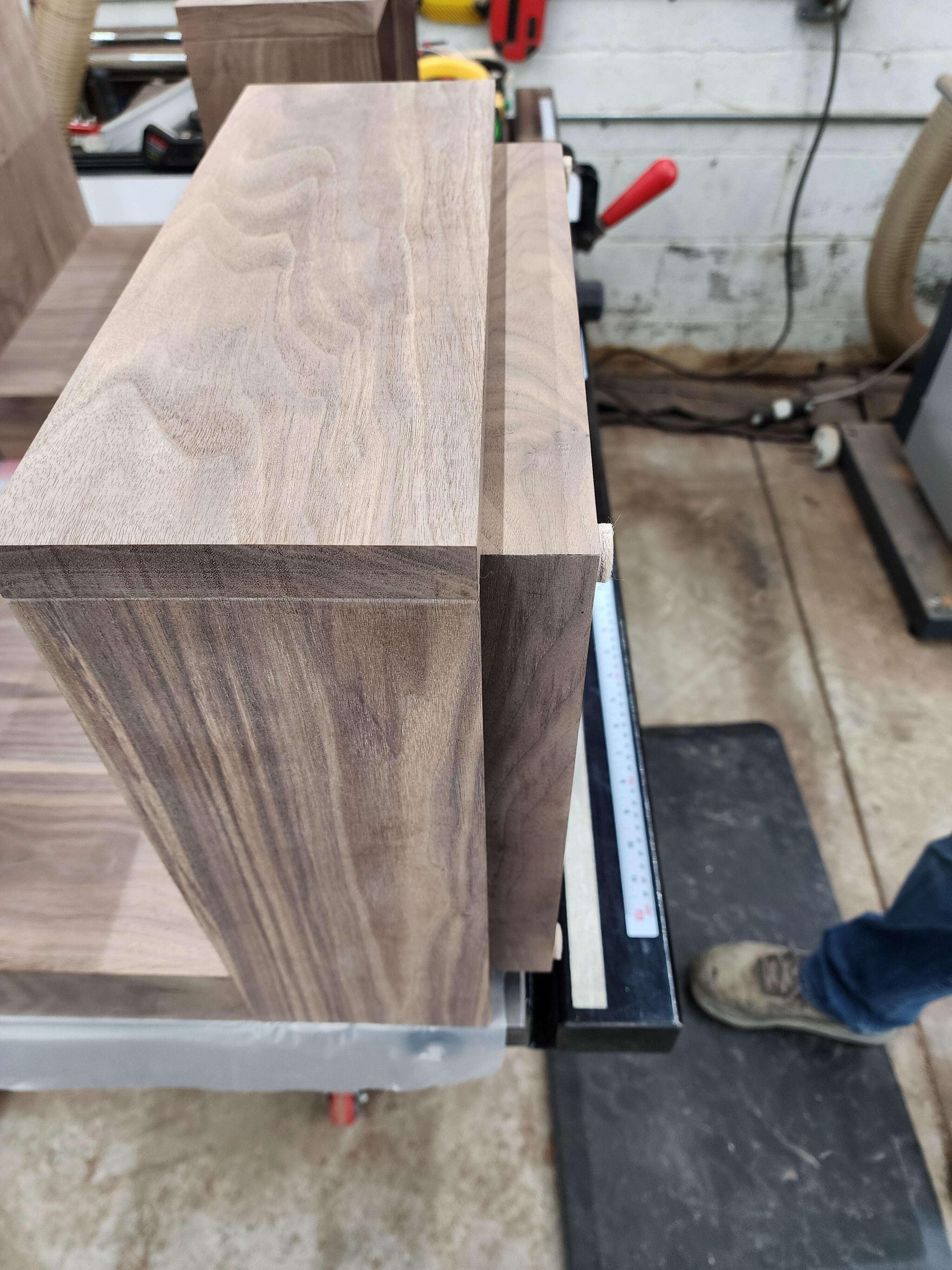
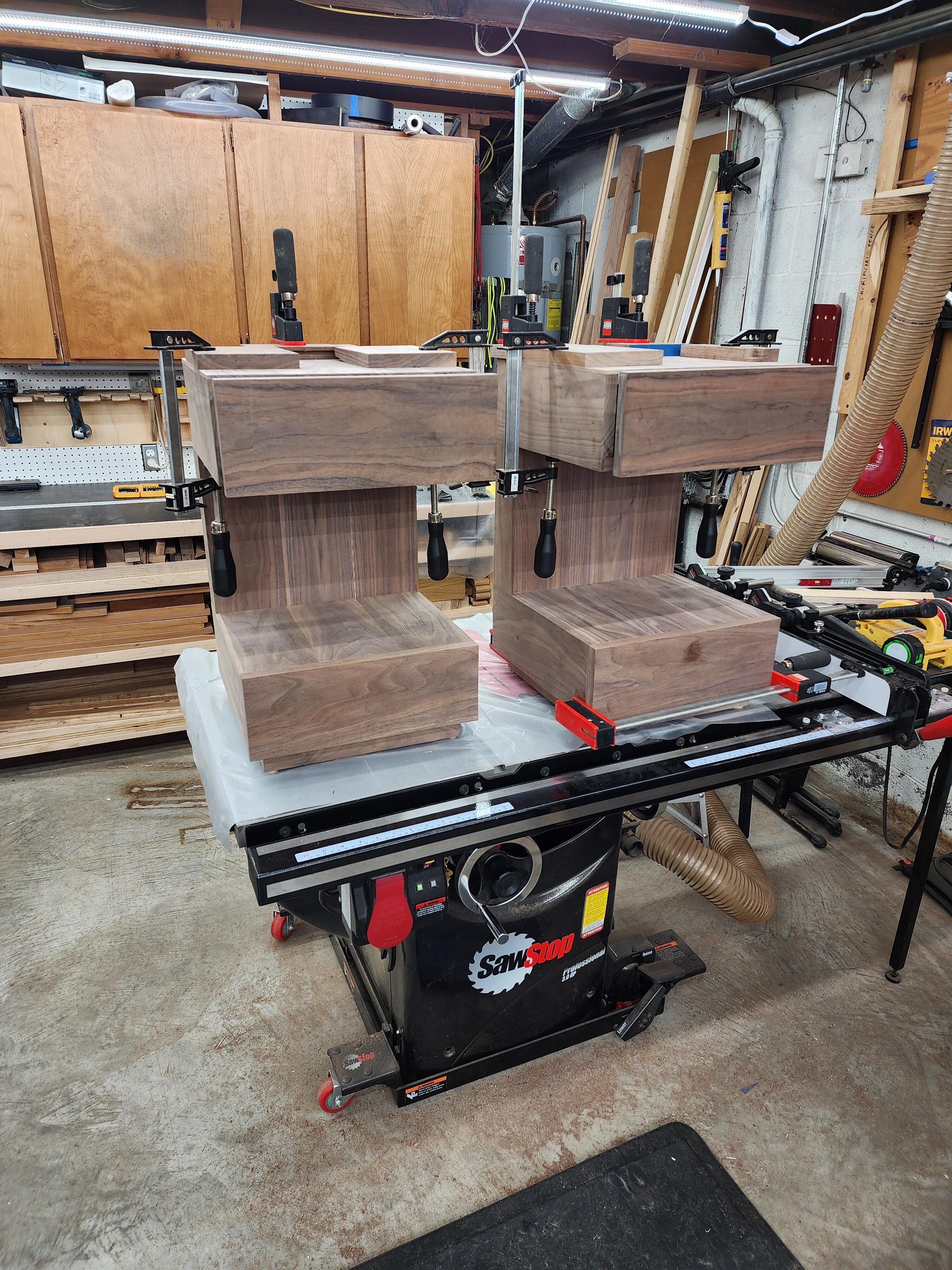
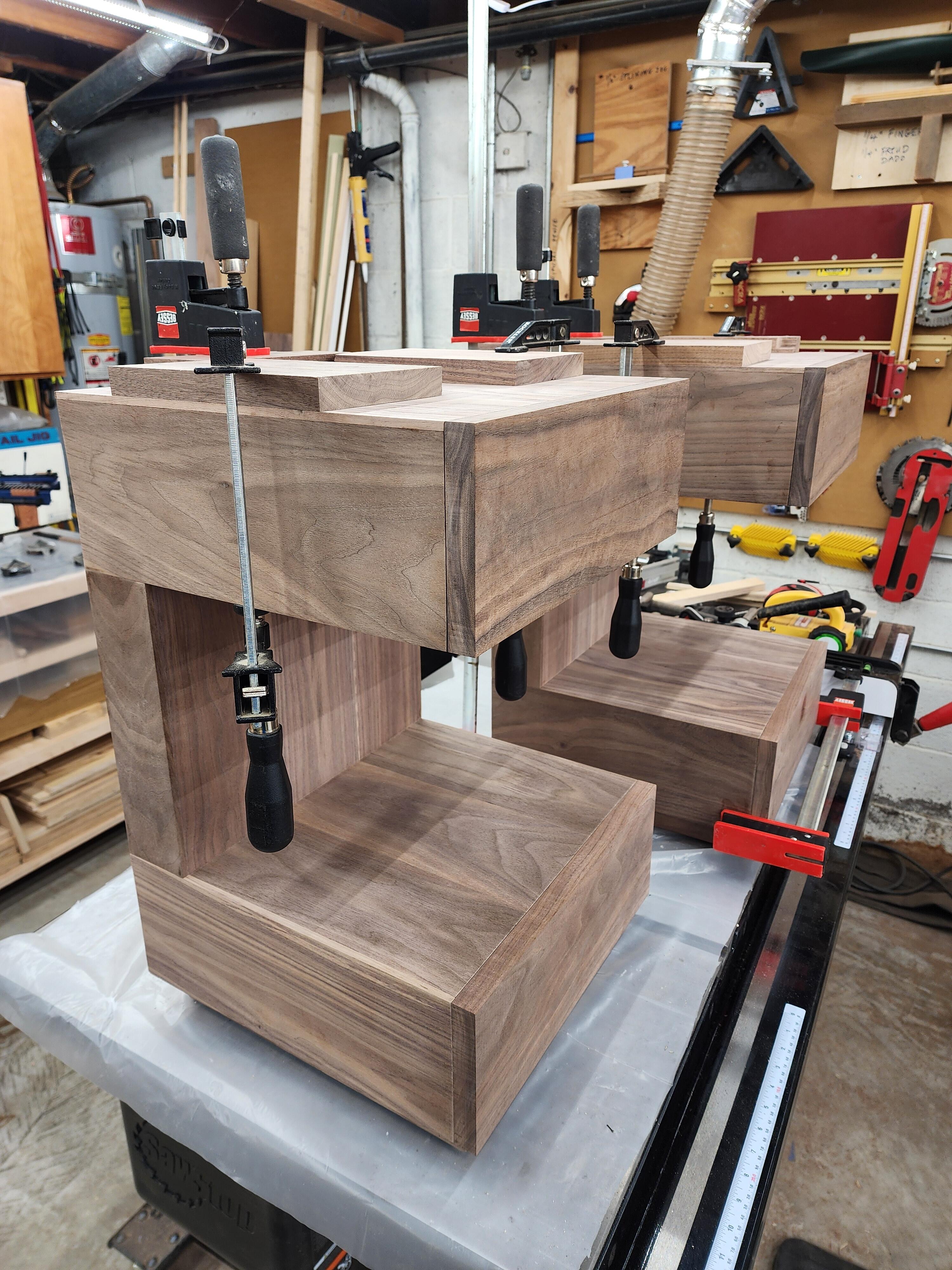
3 points3 points1 pointAssembled, glued and clamped. The fit is fantastic. No weight needed in the base boxes. Not at all top heavy, even with drawers fully extended. The glue needs to dry overnight, then tomorrow is final sand with 320 Grit and start applying the Rubio Monocoat, wax oil finish.
 1 point1 pointI did some big boy wood working today. (Please Tice, stop snickering.) My (sainted, octogenarian) bought a "computer desk" at the end of the 20th century. It's made of solid wood, so it's still in one piece. Unfortunately, it had some really crap plastic-on-plastic casters that just disintegrated. Today I cleared it off of all computer hardware, flipped it over and gave it new feet: The new casters have a different screw pattern than the old one, but I re-used one screw hole from each so I didn't have to attempt any fancy alignment. I exited the proceedings with no more loose screws than I started with.1 point





Important Information
By using this site, you agree to our Terms of Use.